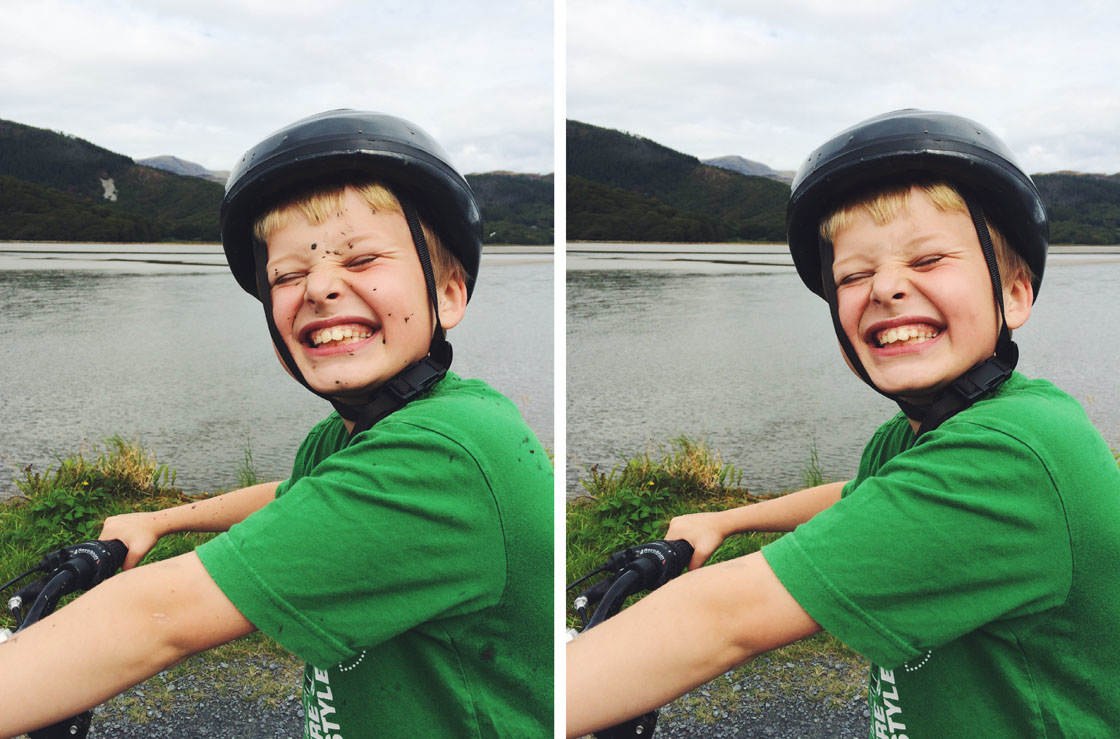
The TouchRetouch app offers a quick and easy way to remove unwanted objects from your iPhone photos. Within seconds you can erase power lines, dust spots, skin blemishes, or any other object that you feel is spoiling your composition. In this tutorial you’ll learn how to use the TouchRetouch app to remove unwanted objects from your iPhone photos, allowing you to create cleaner and more striking images. Read more...
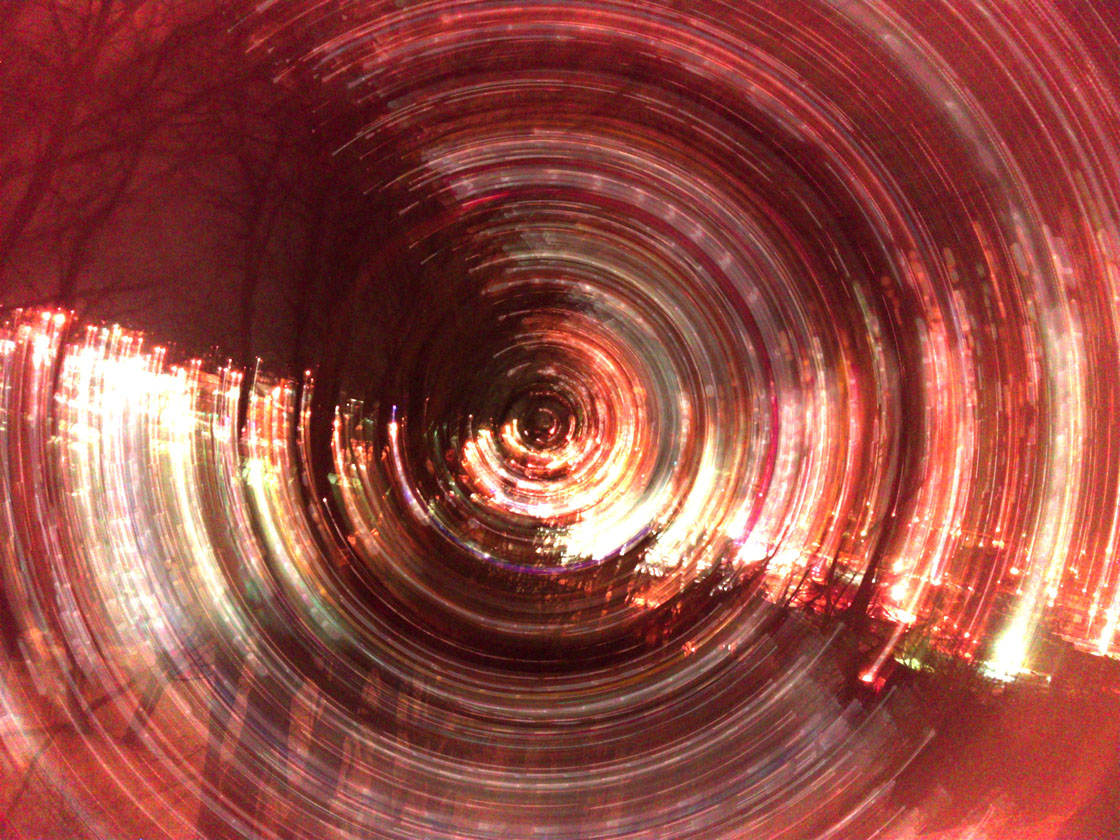
How To Use Slow Shutter Cam To Create Long Exposure iPhone Photos
The Slow Shutter Cam app is a fantastic tool for creating long exposure iPhone photos. It allows you to easily capture beautiful motion blur and light trails, as well as stunning low light photos. In this tutorial you’ll learn how to use Slow Shutter Cam to shoot different kinds of long exposure photos with your iPhone – including silky smooth waterfalls, light trails using car headlights, slow shutter abstracts, and high quality low light images. Read more...
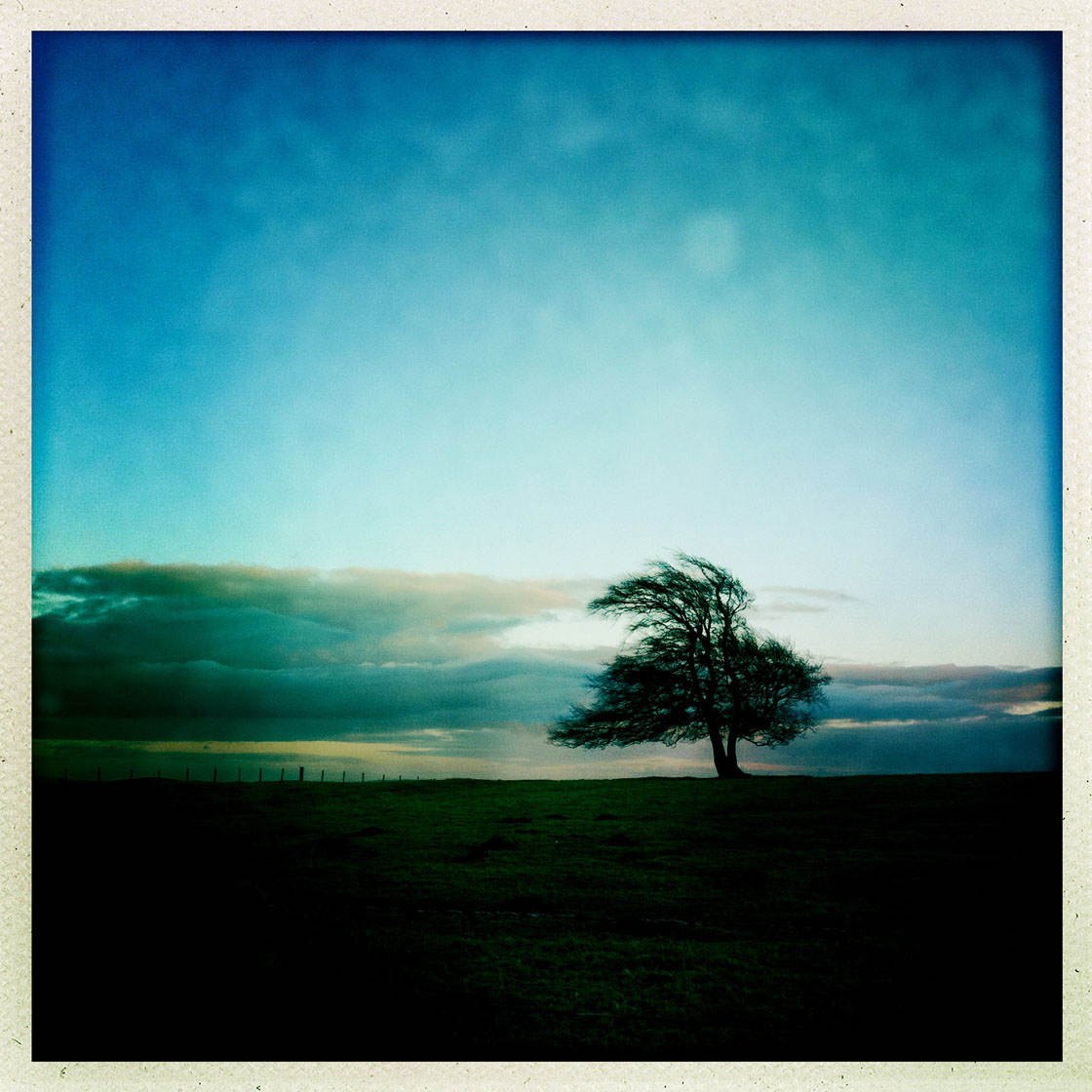
How To Use Hipstamatic App To Shoot Unique iPhone Photos
Hipstamatic is a stylish iPhone camera app for creating unique images with a retro or vintage look. It has a great selection of analog film, lens and flash effects which allow you to easily turn an ordinary scene into something far more interesting, beautiful or dramatic. It also has a handy editing suite for fine-tuning your images in post-processing. In this in-depth tutorial you’ll discover step-by-step instructions for shooting and editing stunning images using the Hipstamatic app. Read more...
The 100 Best iPhone Photos Of 2016
If you’re in need of inspiration for your iPhone photography, there’s nothing more inspiring than looking at other people’s beautiful images. When iPhone photographers from around the world submit their best work to our weekly photo contest, we’re always amazed by their wonderful creativity and we learn so much from their techniques. To celebrate the fantastic talent of our readers, we’ve compiled 100 of our favorite weekly contest submissions to create this gallery featuring some of the best iPhone photos of 2016. Enjoy these stunning images! Read more...

Top 10 Christmas Gifts For iPhone Photographers
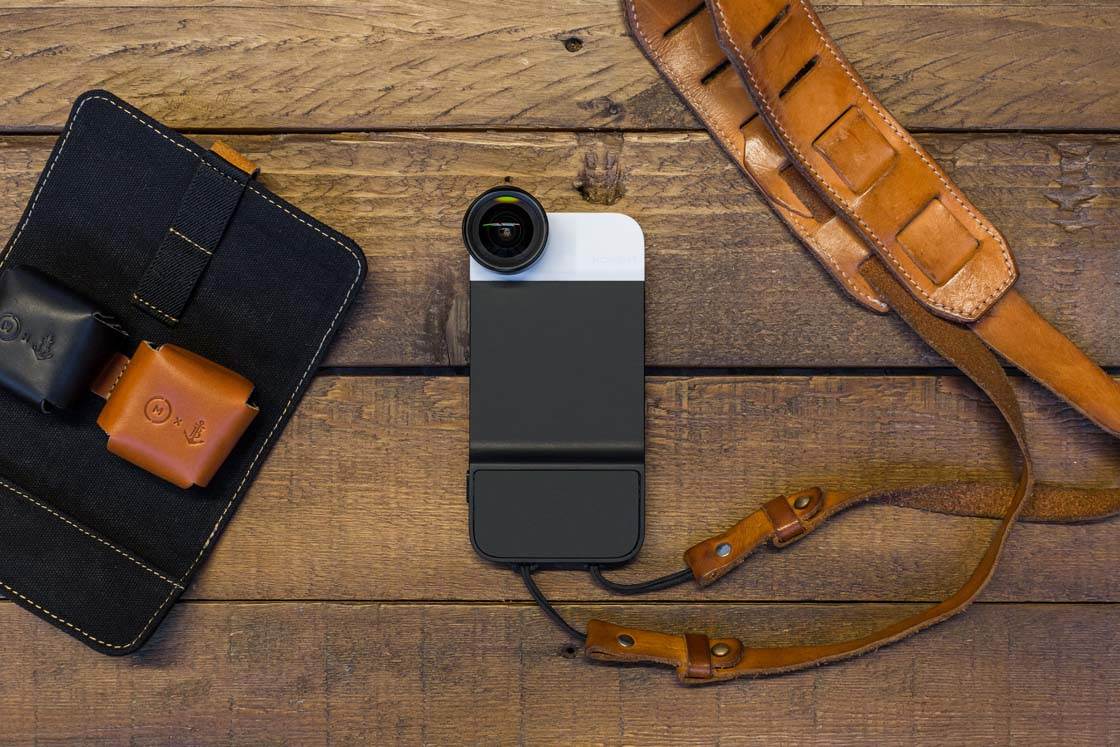
Are you looking for interesting Christmas gift ideas for the iPhone photographers in your life? Maybe you want to make your own “wish list” so that family and friends know exactly which iPhone camera accessories you’d love to receive. Whether you’re looking for gifts for yourself or others, this article explores ten great photography gift ideas that will make every iPhone photographer happy. Read more...
How To Use iCloud Photos To Sync Your iPhone Photos Across Devices
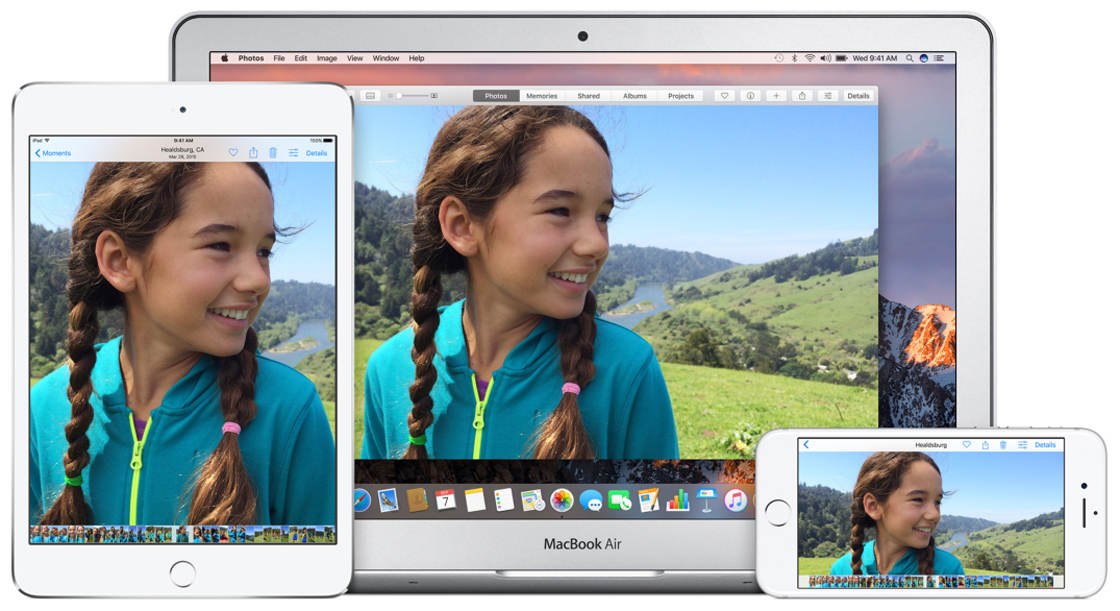
Apple’s iCloud Photos feature allows you to seamlessly sync and store your photos and videos across all of your devices. With iCloud Photos you’ll always have access to your entire and most recent iCloud Photo Library collection, no matter where you are or which device you’re using. iCloud Photos works with iPhone, iPad, iPod touch, Mac, and even Windows computers. In this tutorial you’ll learn how to set up and use iCloud Photos, so that you’ll have access to all of your photos on all of your devices. Read more...
How To Print iPhone Photos (And How Big You Can Print Them)
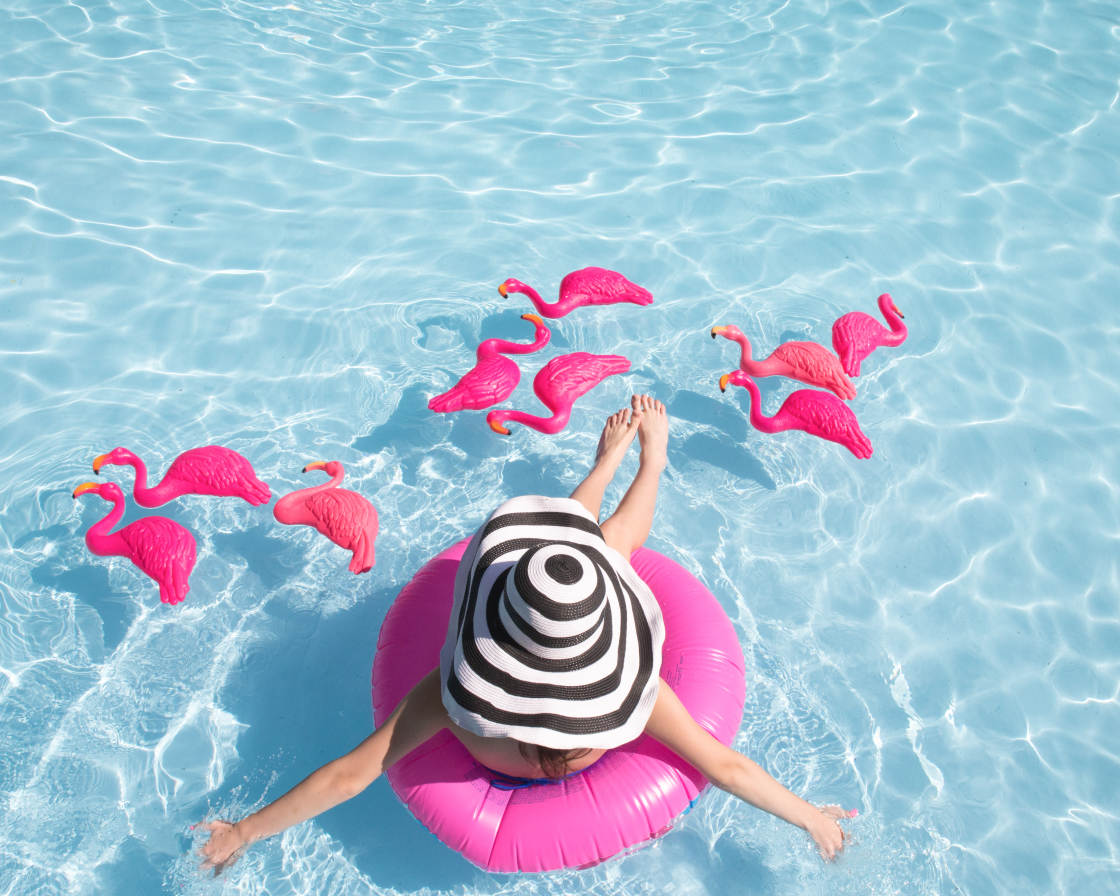
There’s nothing more satisfying than holding beautiful prints of your iPhone photos, or even seeing them displayed as artwork on your wall! But how do you print iPhone photos from your phone? How big can they be printed? And what quality prints will you get? In this article you’ll discover all you need to know about printing iPhone photos – from small prints, to beautiful photo books, to large canvas wall hangings. You’ll also find out exactly how large you can print your photos, depending on which iPhone model you shoot with. Read more...
How To Use iPhone AE/AF Lock For Perfect Focus & Exposure
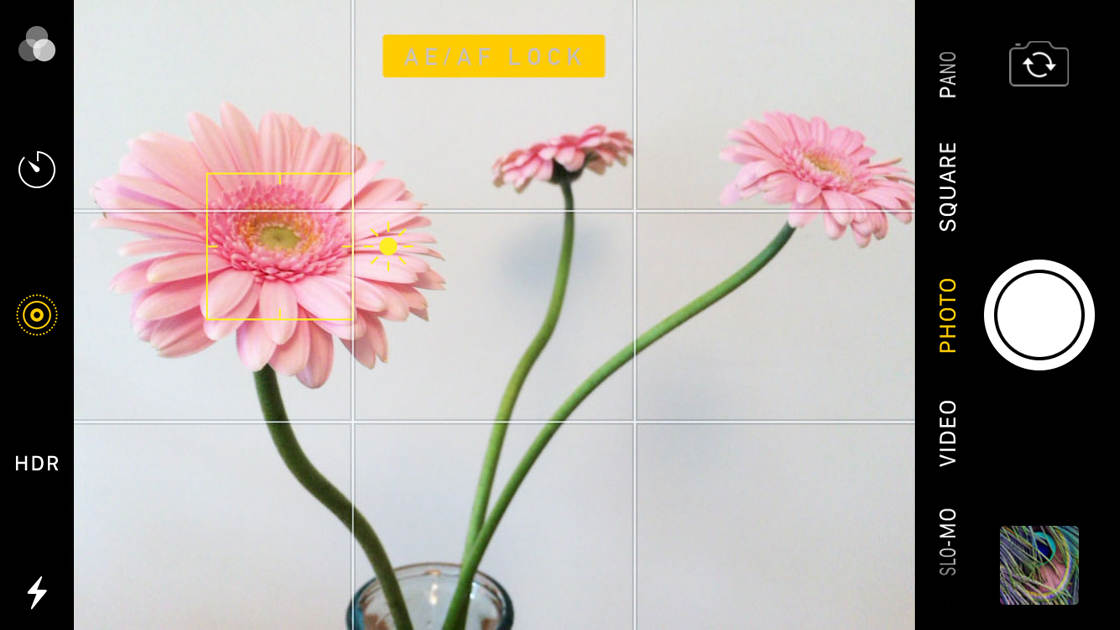
The AE/AF Lock feature is invaluable for achieving perfect iPhone focus and exposure in your photos. If you’re wondering how to access this feature, and why you would need to use it, this article has the answers! In this tutorial, you’ll learn how to activate AE/AF Lock on your iPhone camera, and how to use it in a variety of shooting situations. Once you master AE/AF Lock, you can be sure that your photos will always be sharply focused with perfect exposure. Read more...
How To Use Your iPhone 7 Plus Camera To Take Incredible Photos
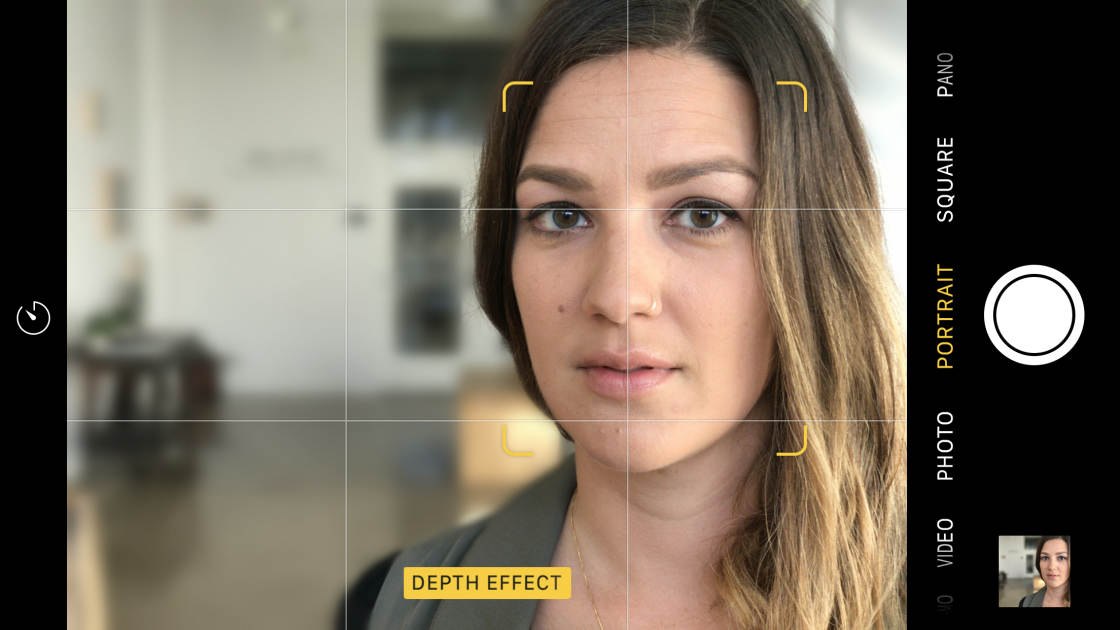
The iPhone 7 Plus camera is a real game-changer in the world of mobile photography. The additional built-in telephoto lens means that you can now take high quality “zoomed in” photos with the iPhone. And the camera’s new Portrait mode has an incredible Depth Effect which allows you to mimic the shallow depth of field that you could previously only achieve with a DSLR camera. In this tutorial, you’ll discover more about these new iPhone camera features, and how to use them to take your creativity to the next level. Read more...
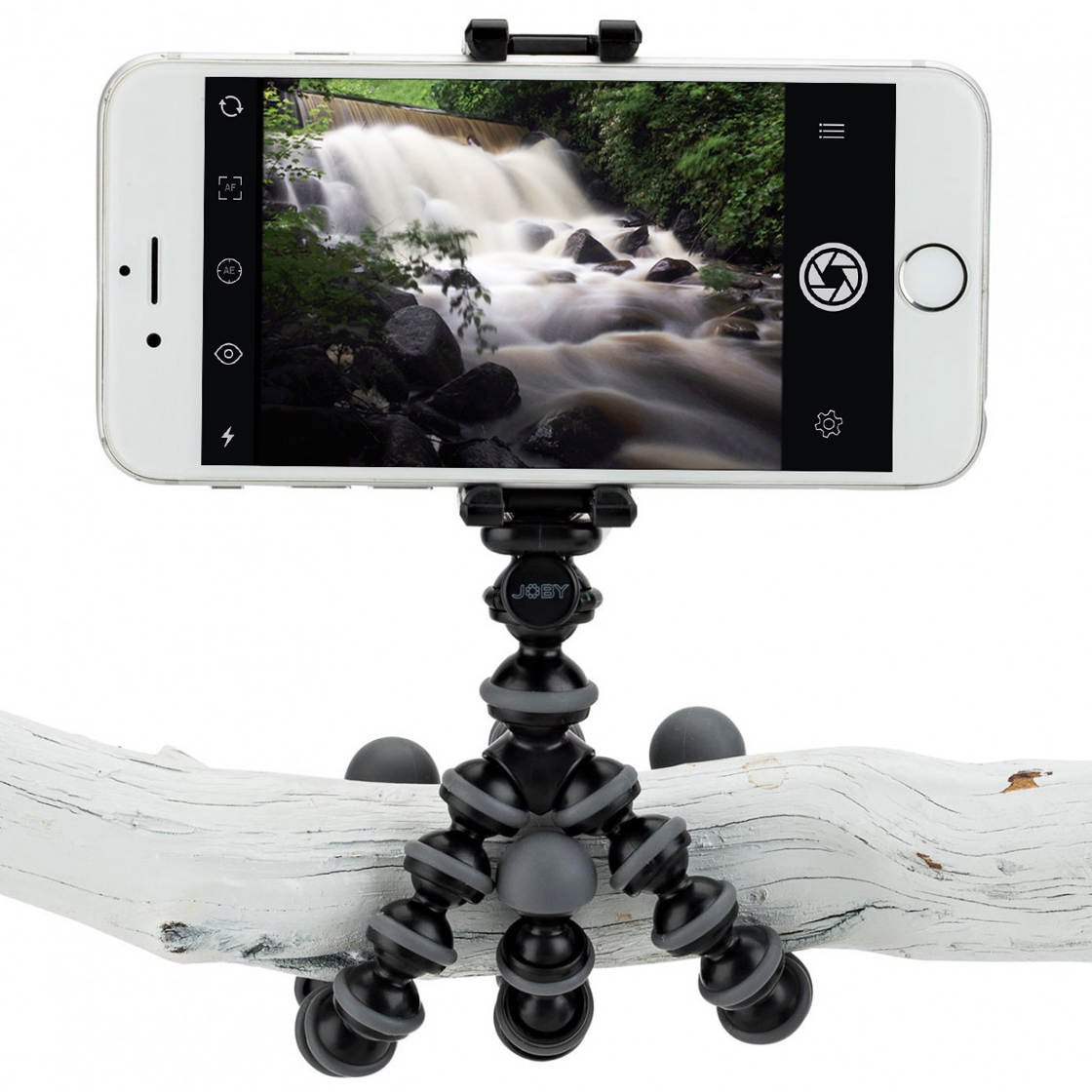
How To Use A Tripod For iPhone To Shoot Sharper & More Creative Images
Using a tripod for iPhone photography is guaranteed to give you sharper, shake-free images. But it also opens up new photographic opportunities that you wouldn’t be able to explore if you were hand-holding your iPhone. In this tutorial you’ll discover a range of different iPhone tripods, and how you can use them to take sharper and more creative iPhone photos and videos. Read more...