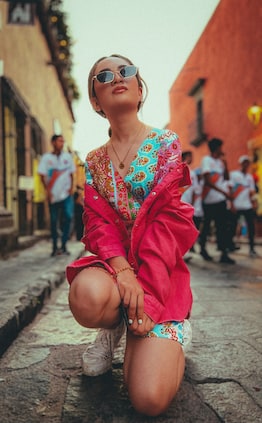

Thank you to everyone who took part in our weekly iPhone photography contest. The contest theme this week was “Angle” and any photos taken from an interesting angle or viewpoint could be submitted. We had a really great selection of images capturing scenes from unique and interesting points of view, including low angle shots, ariel views and photos taken from behind or to the side of the subject. Here are my favorite images from this contest.

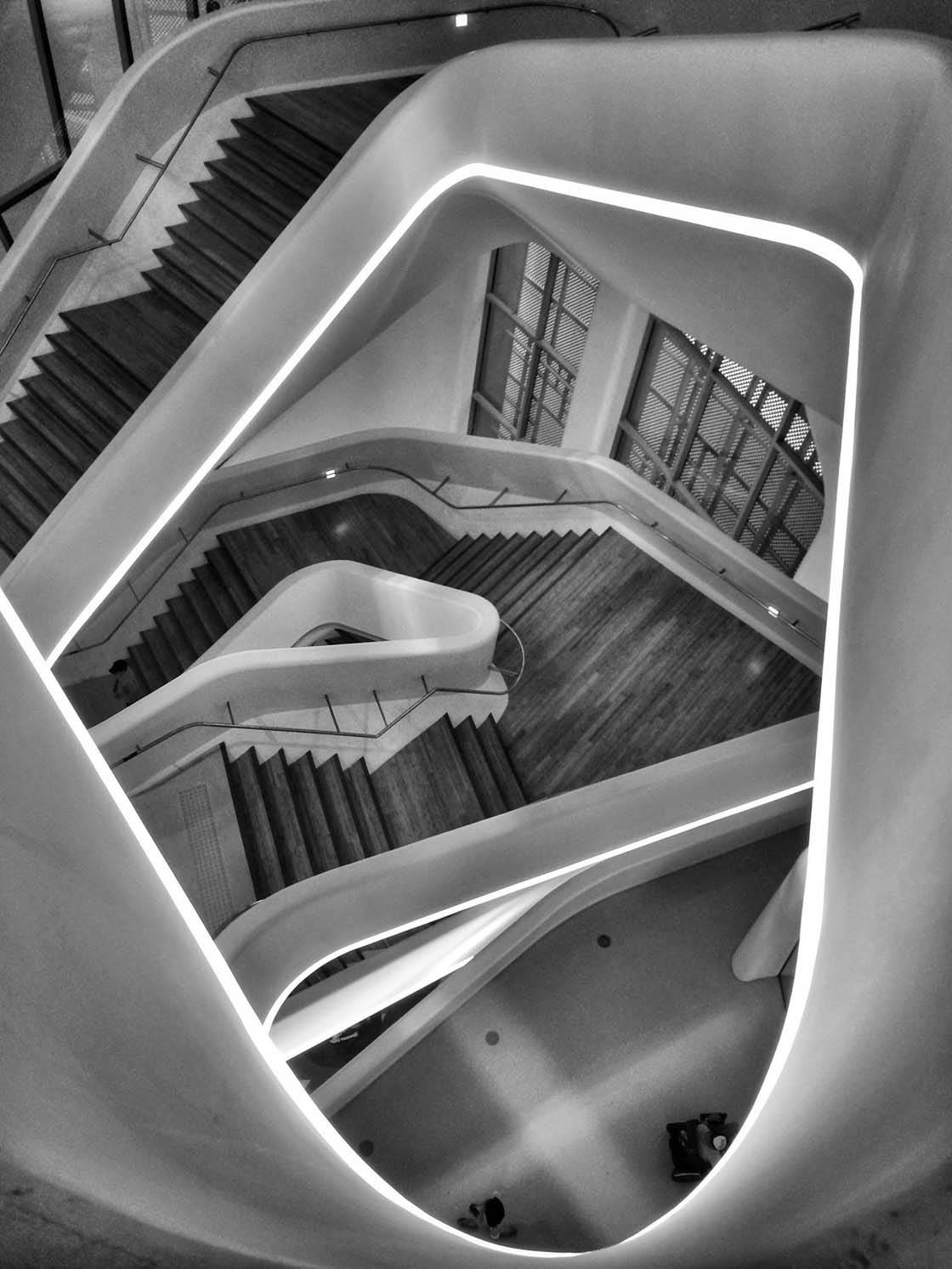
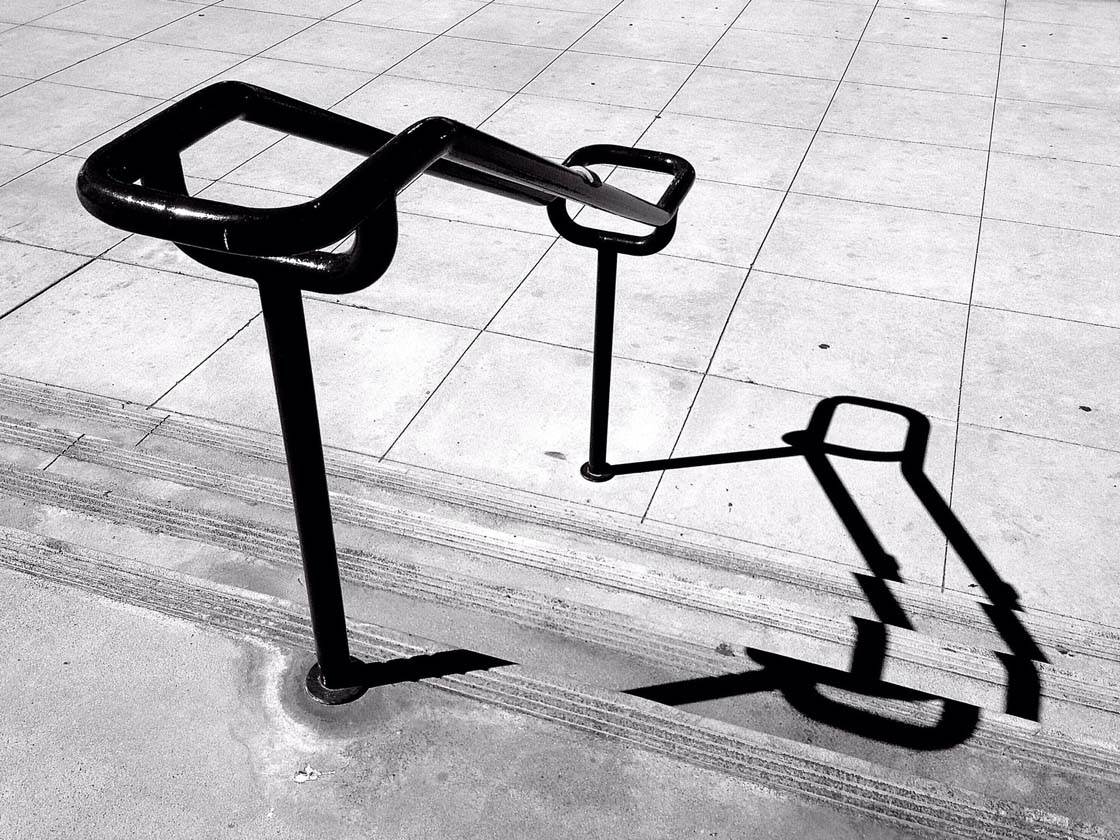
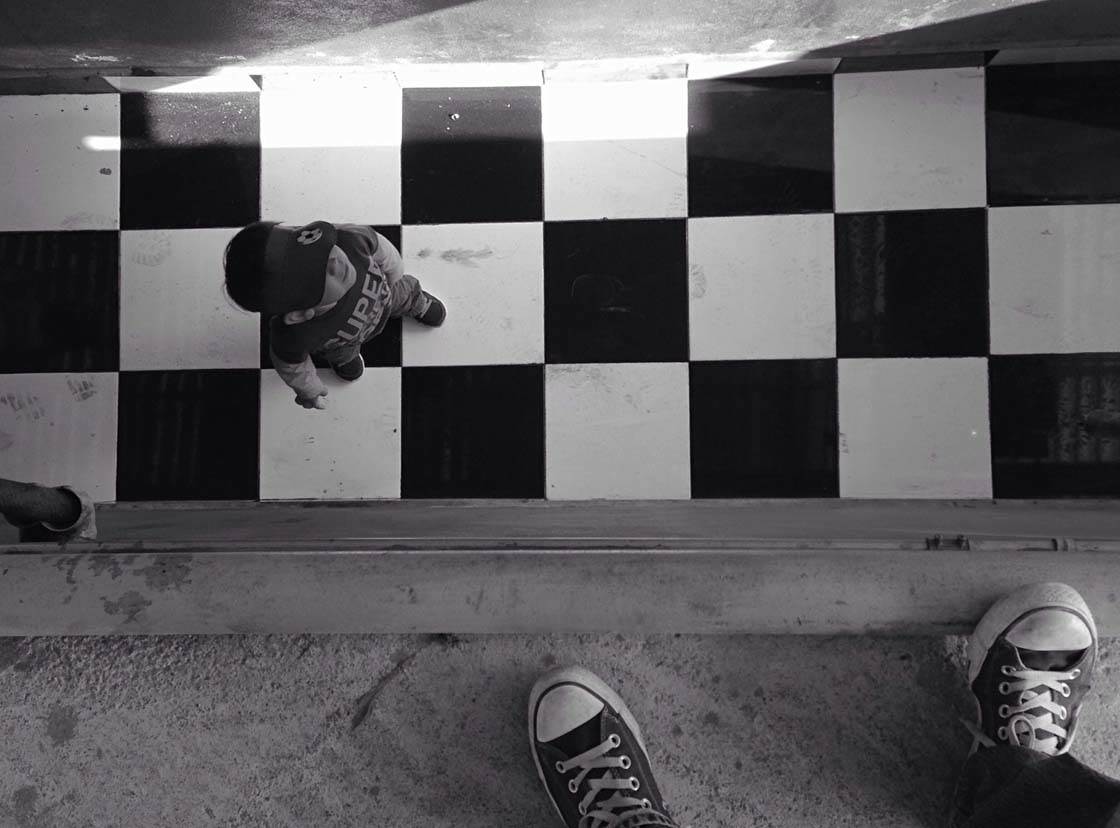

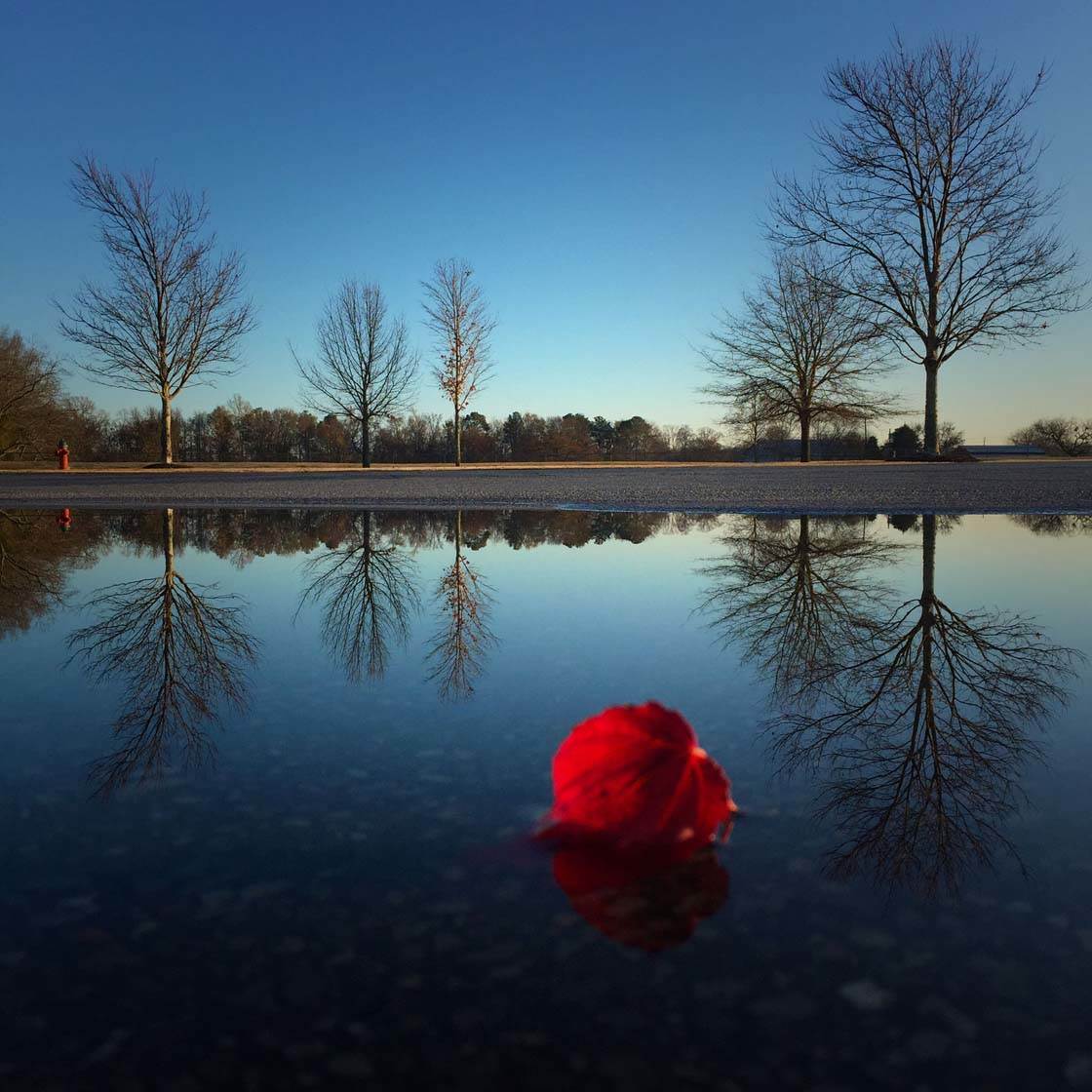
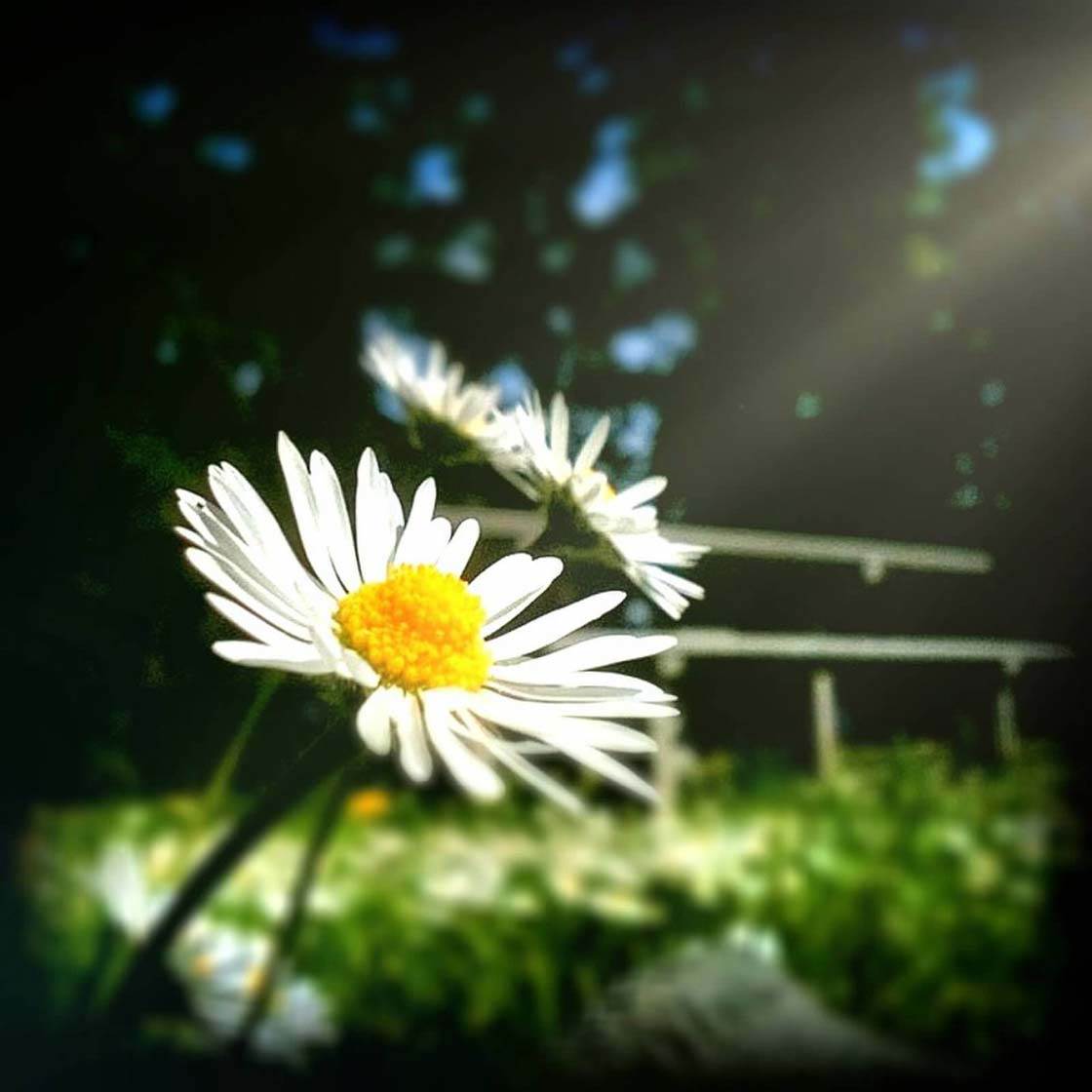
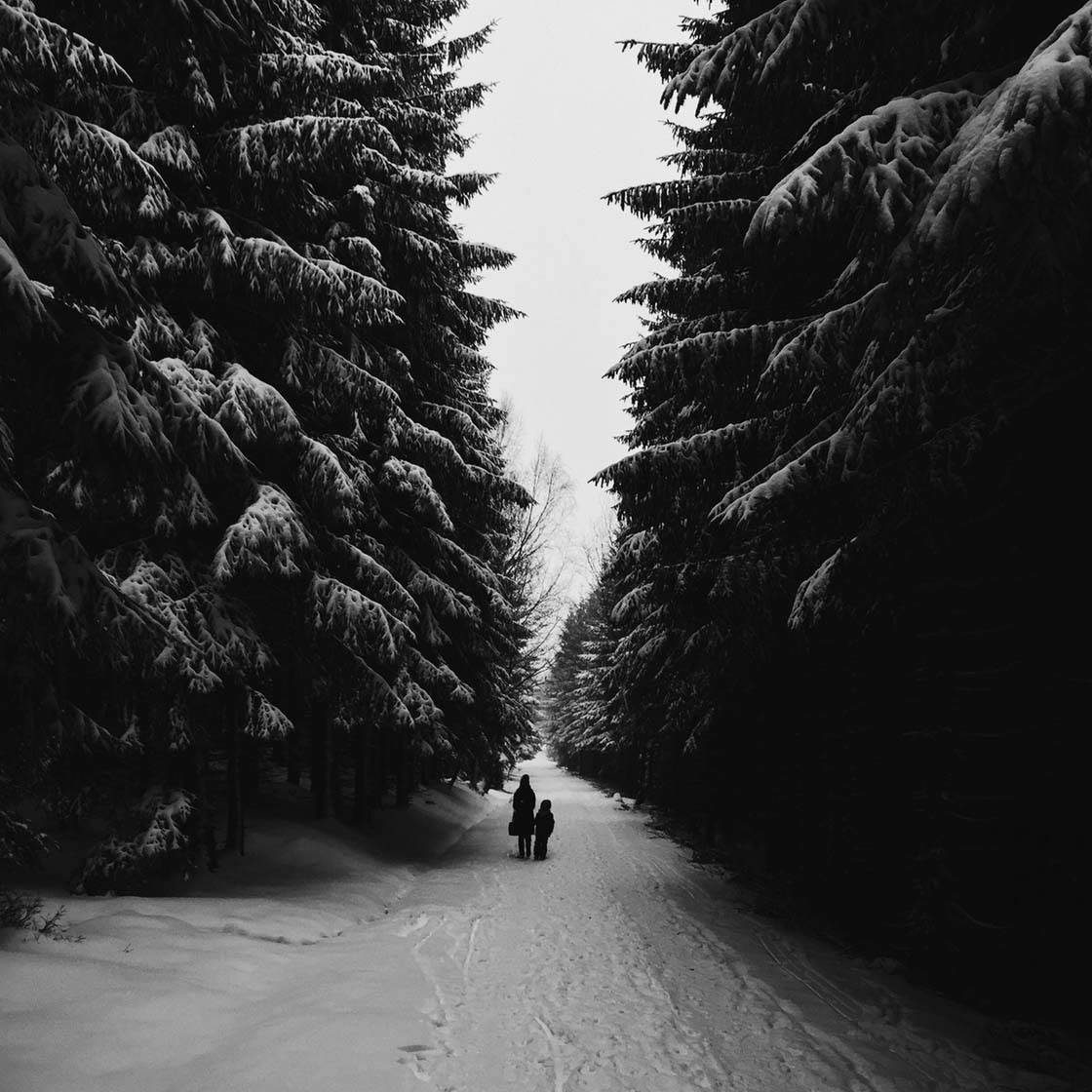

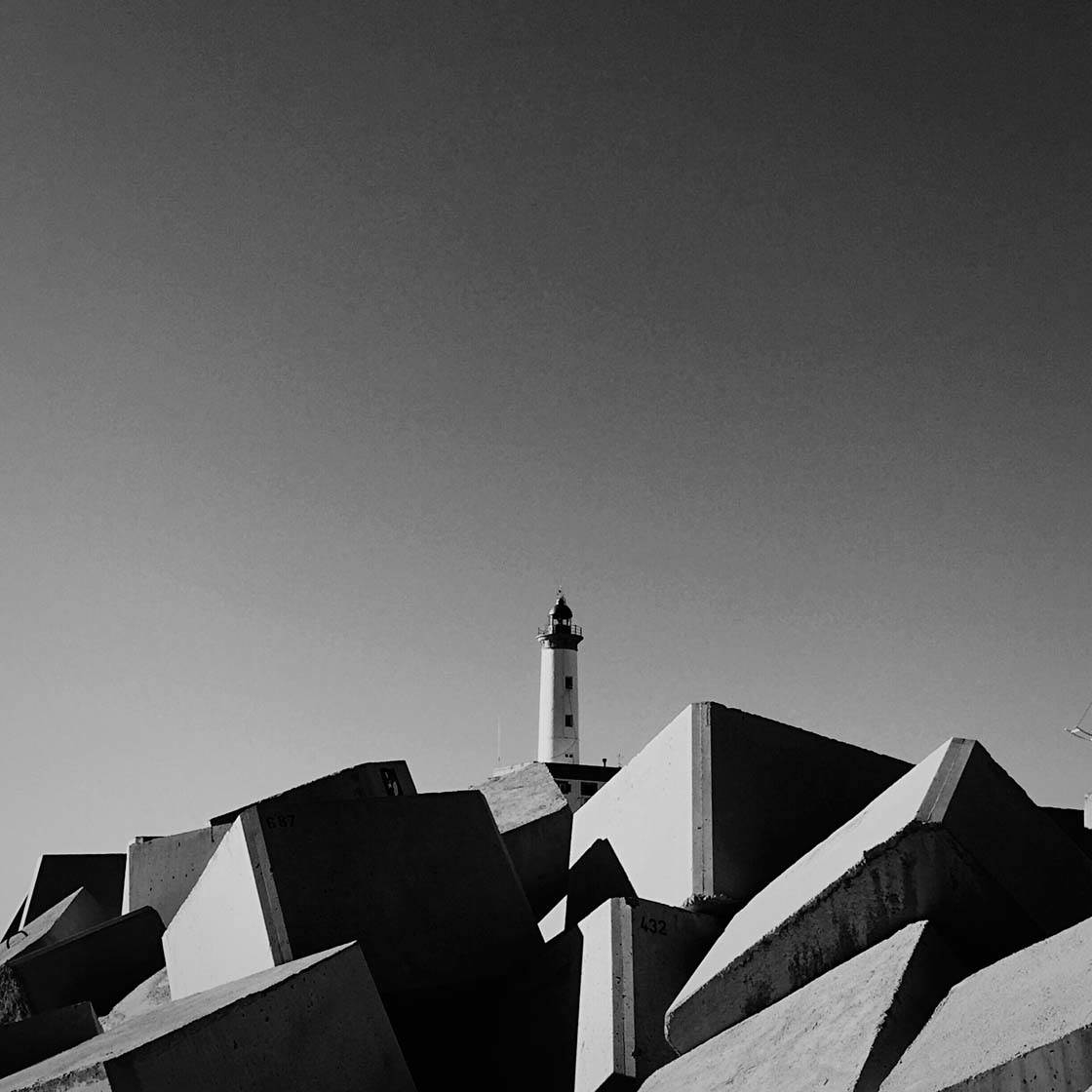
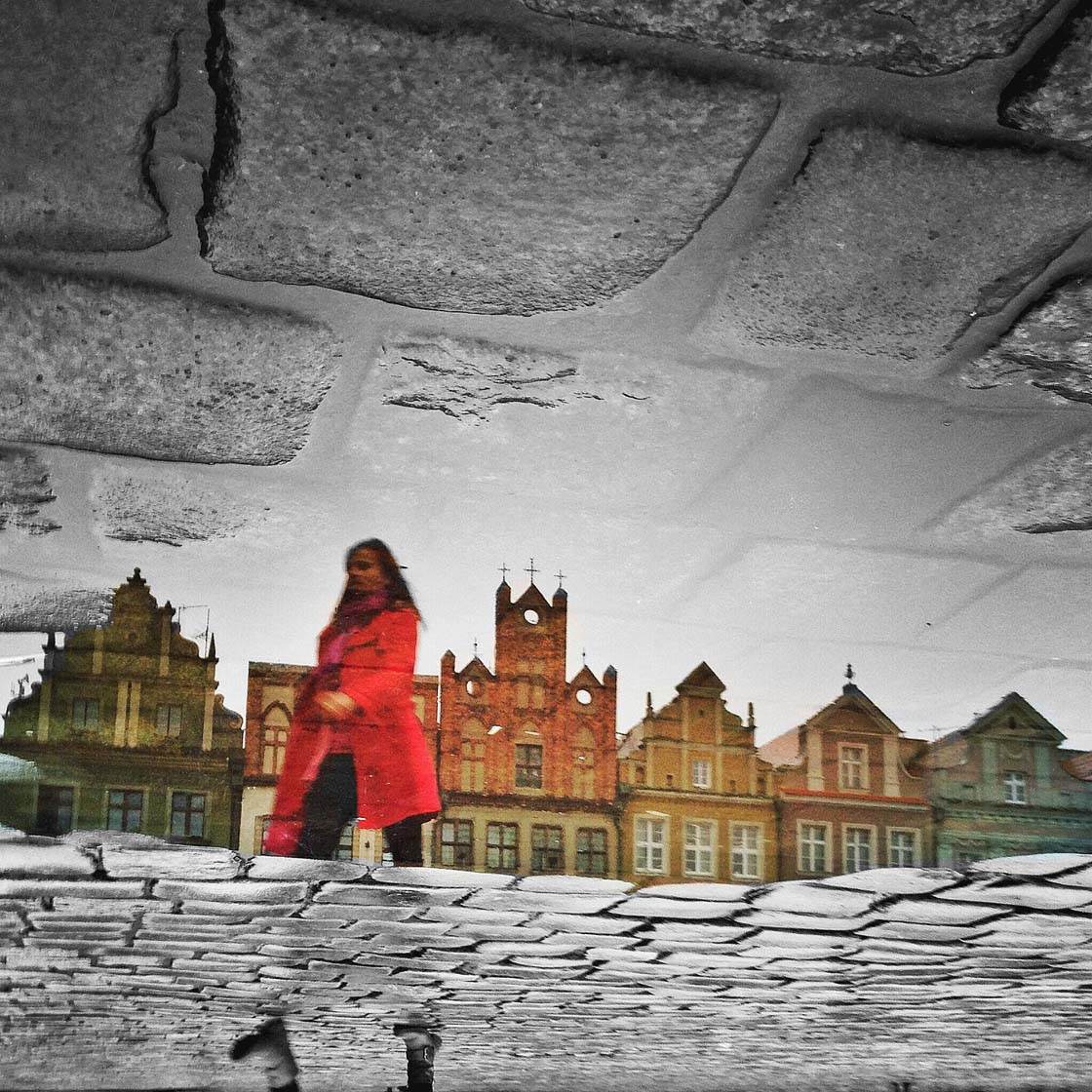

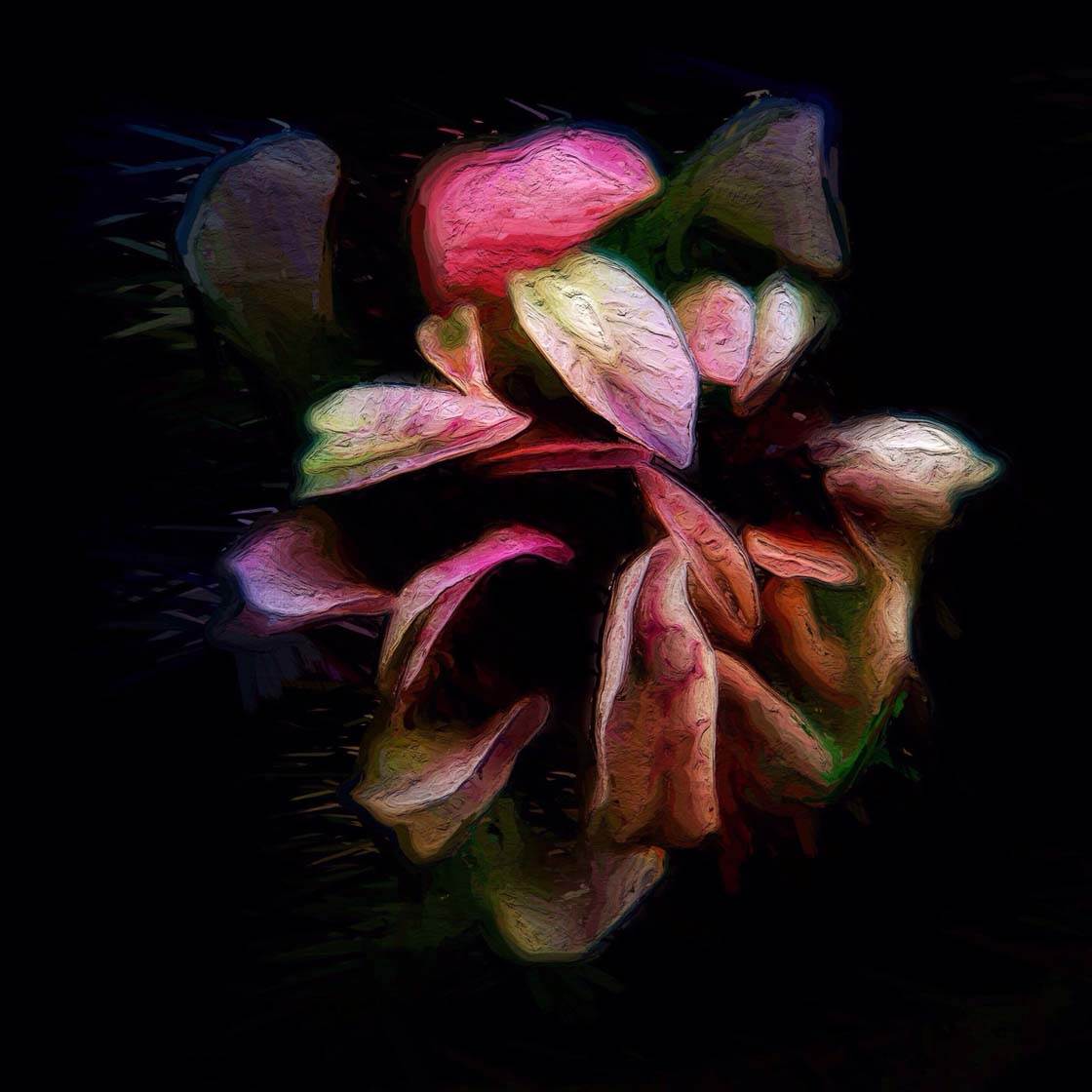
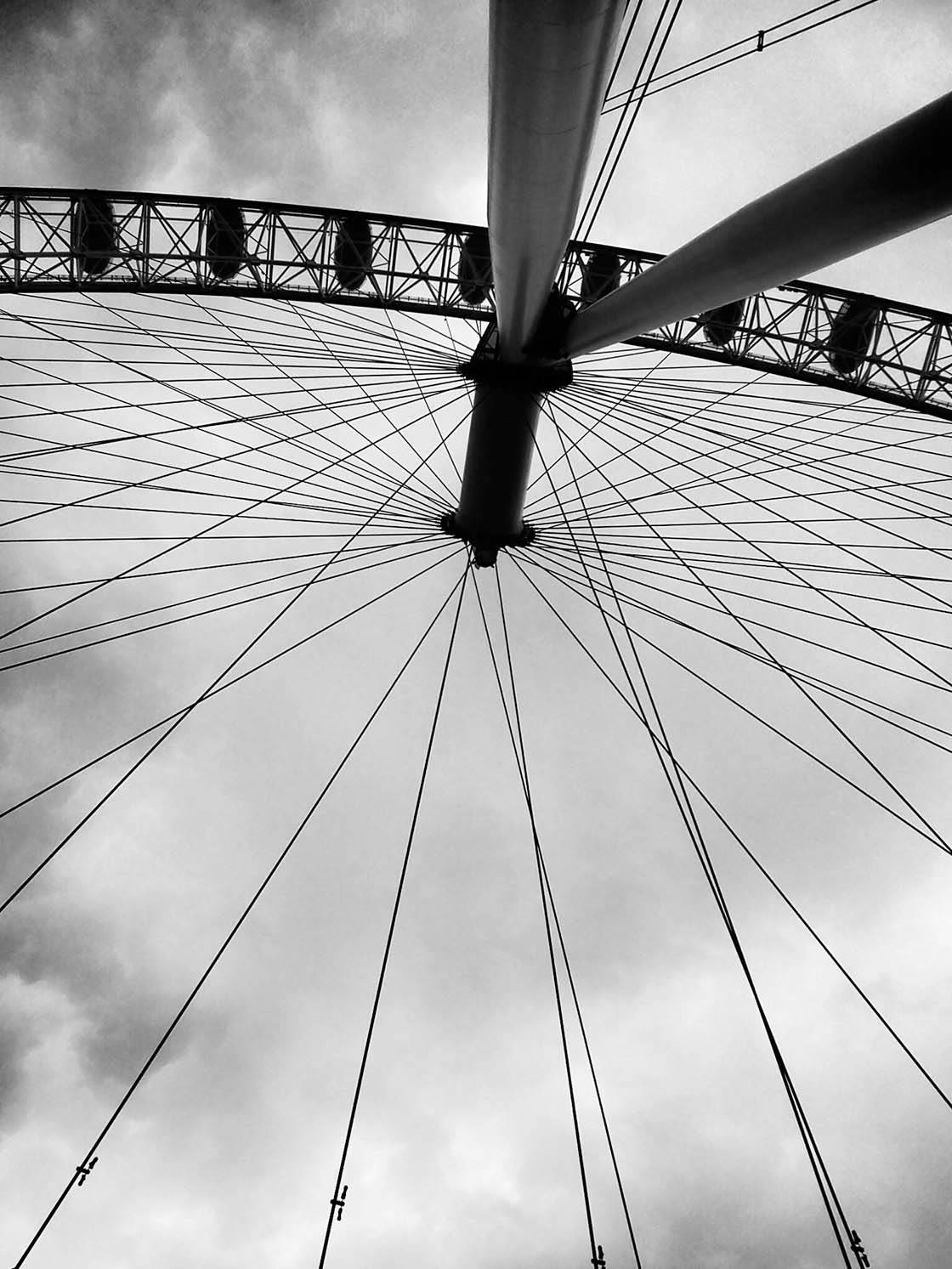
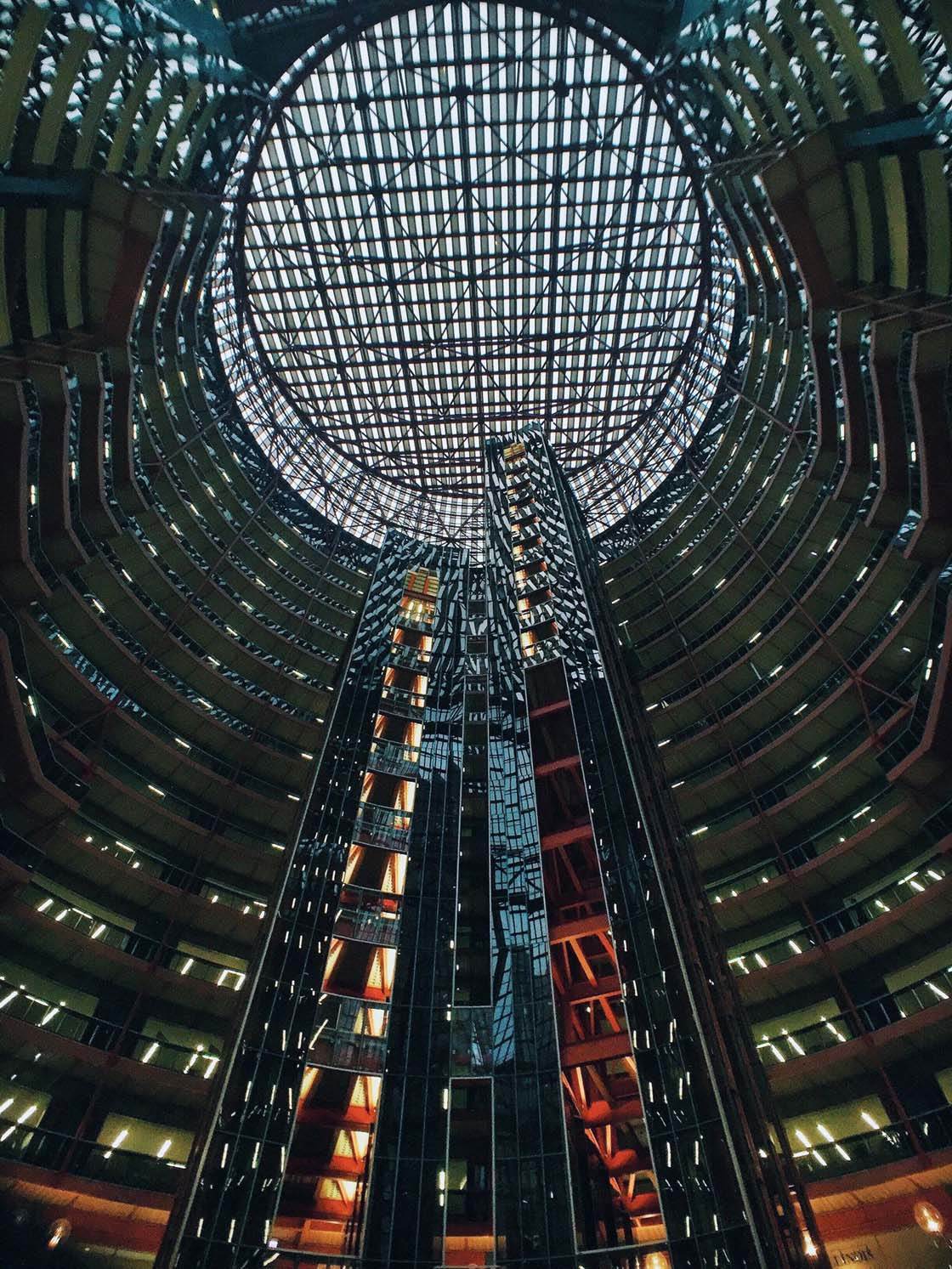

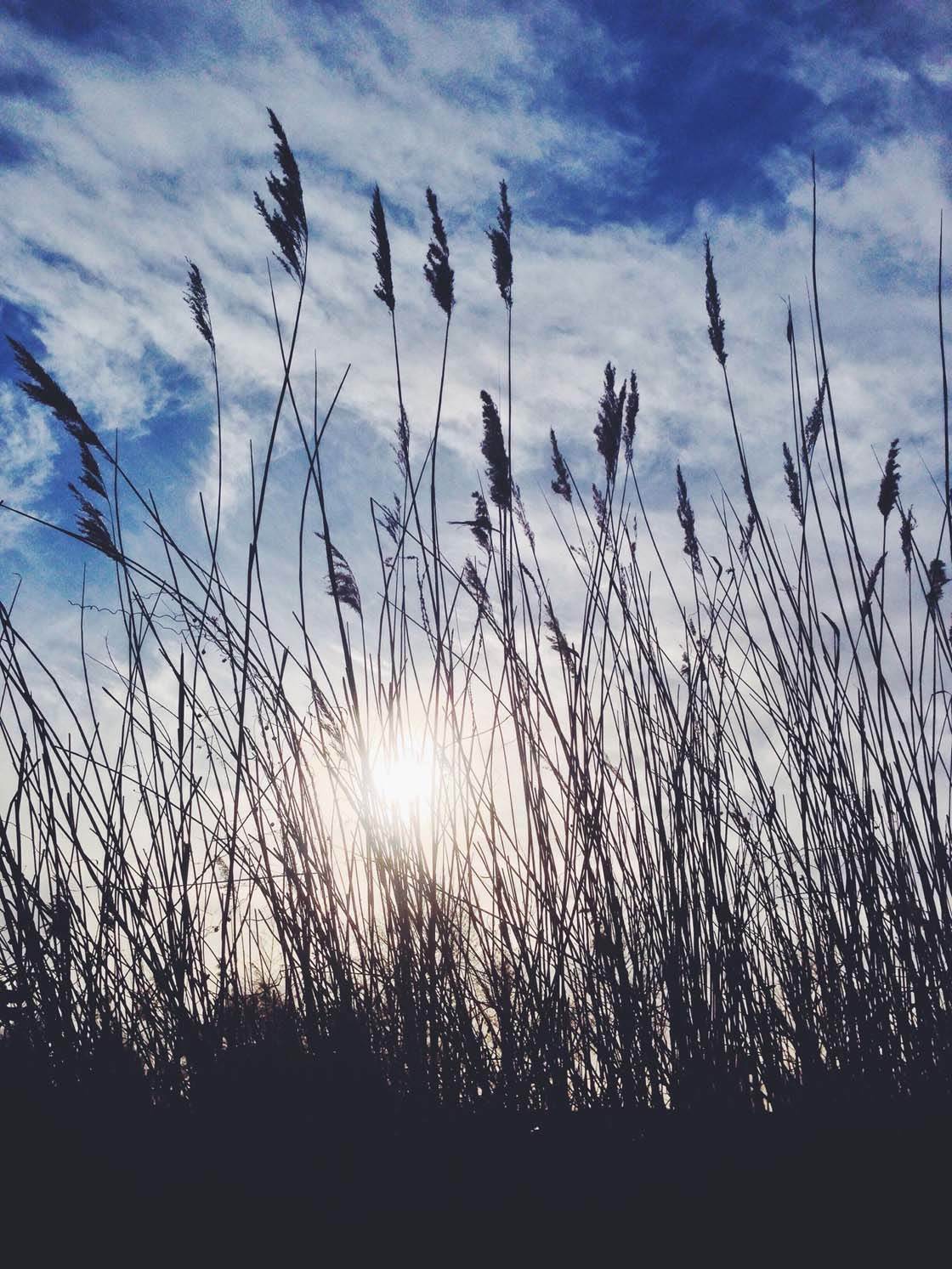


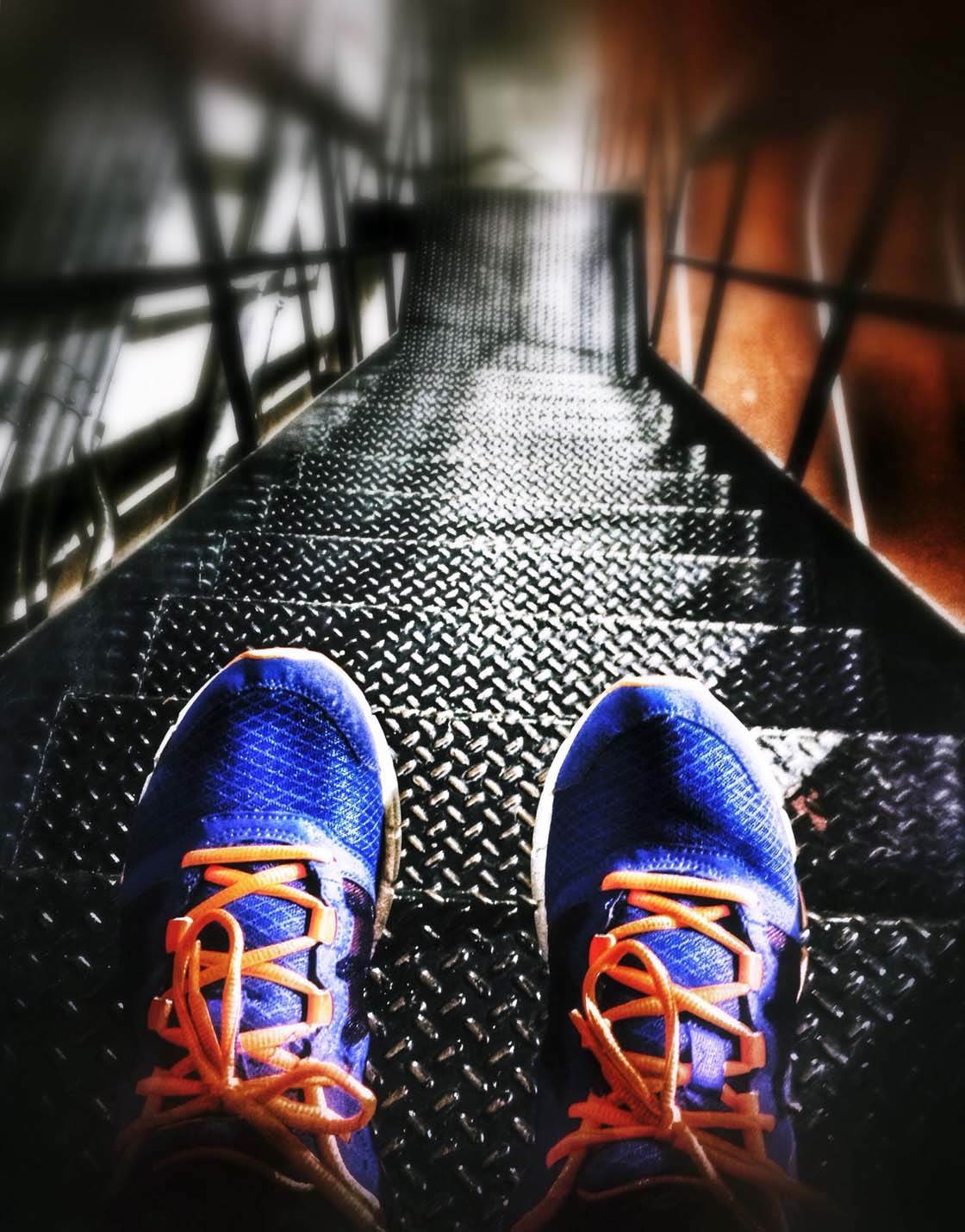
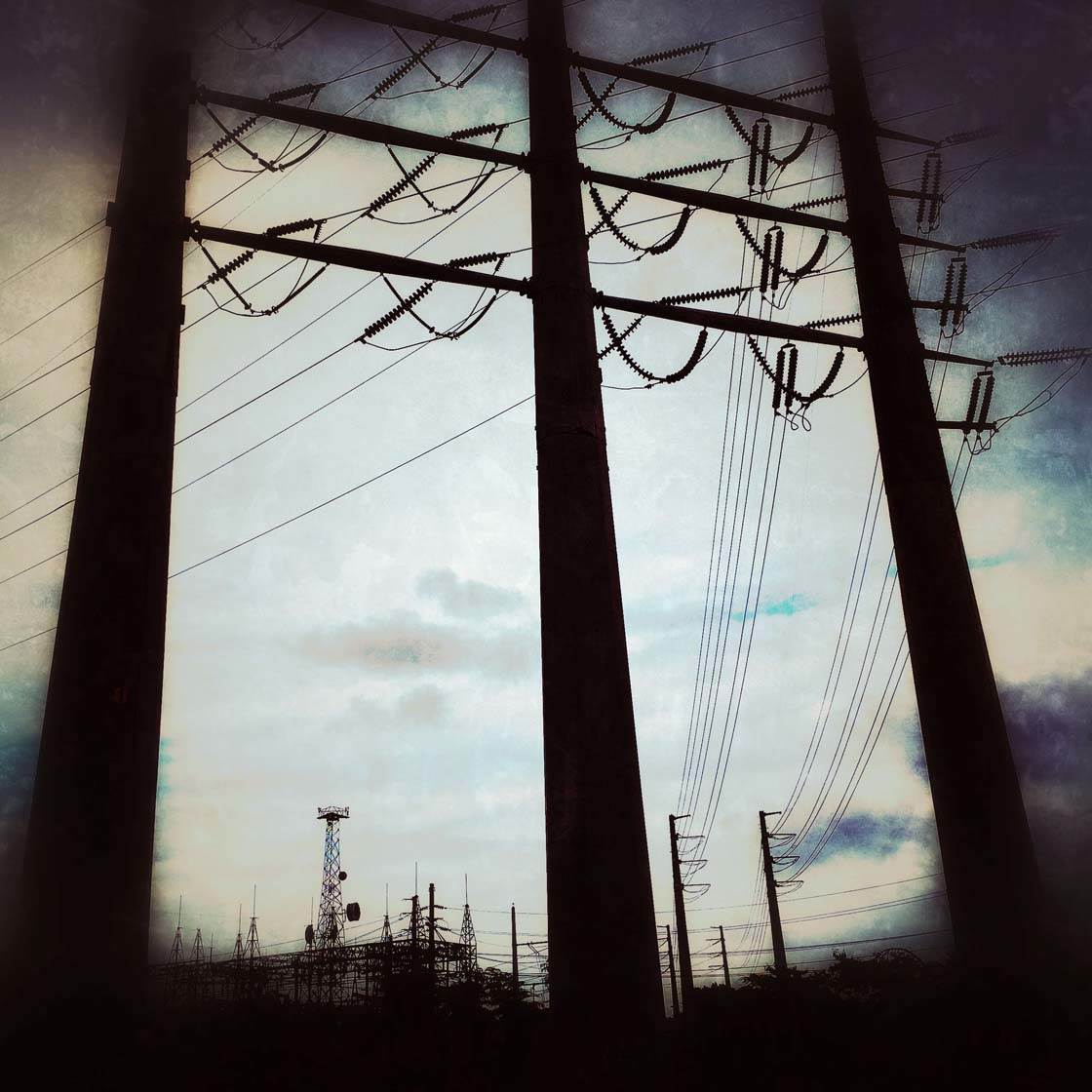
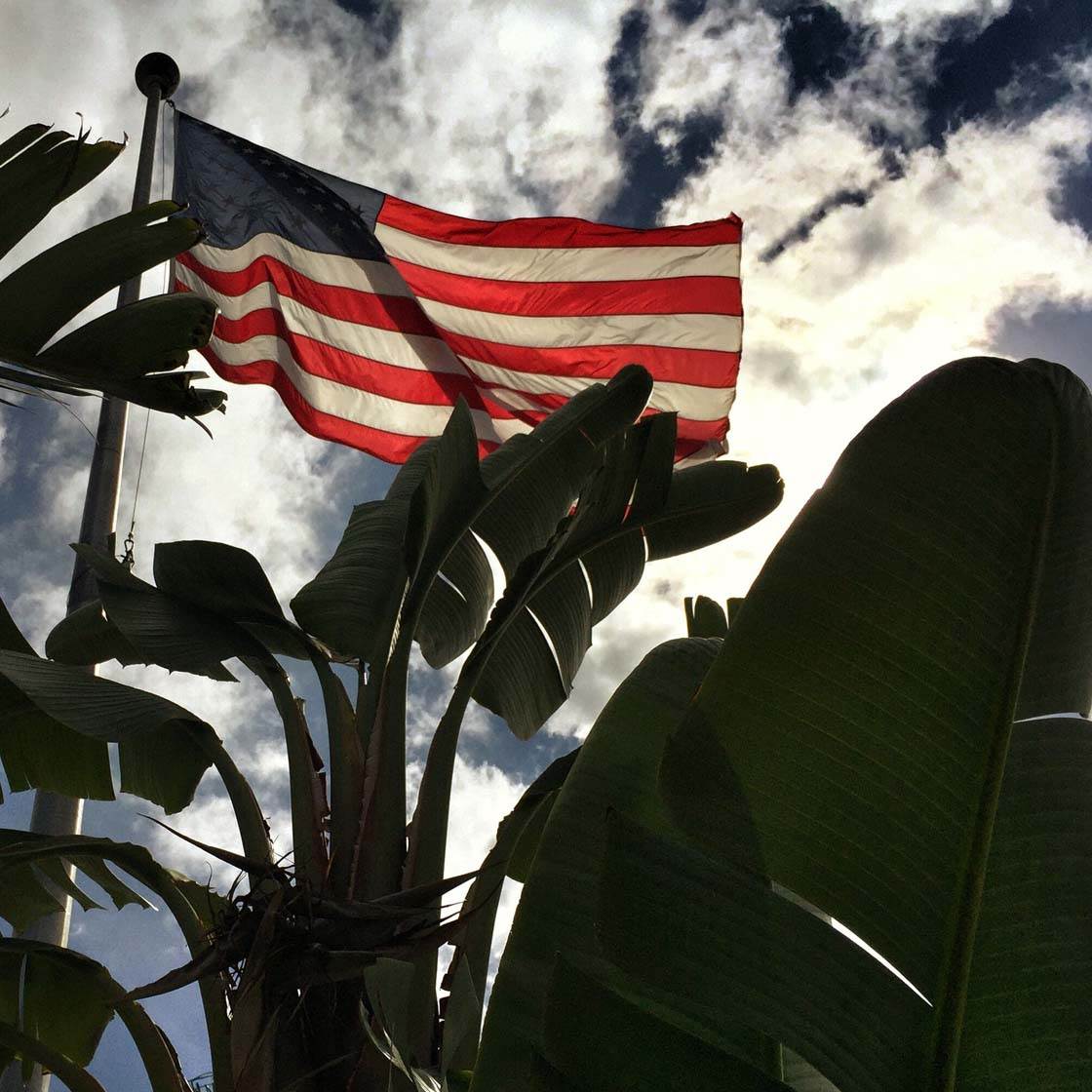
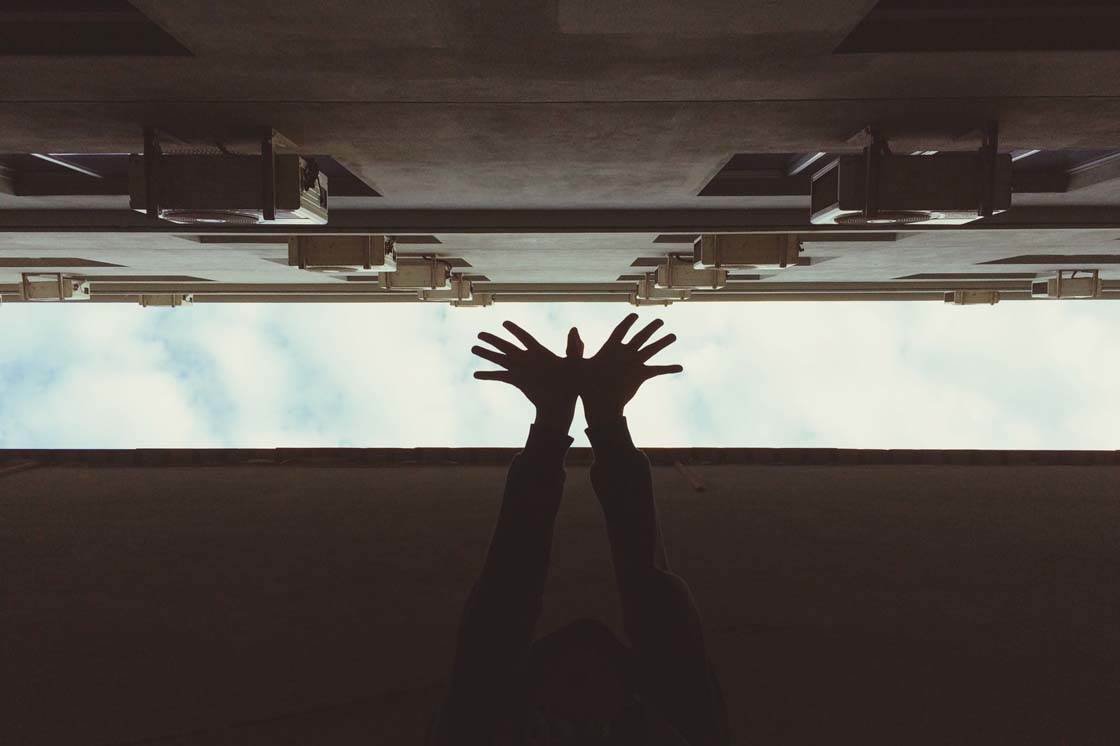
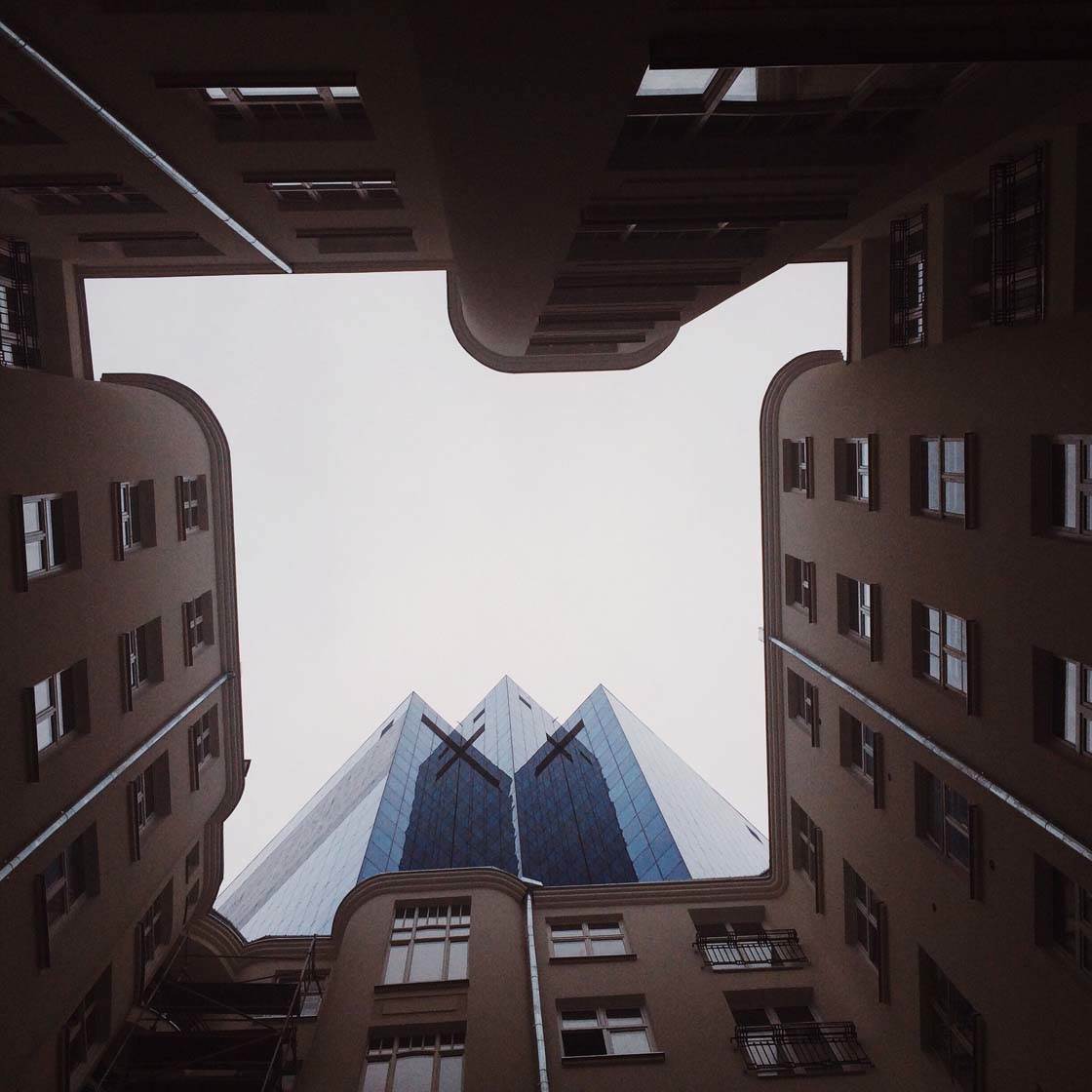
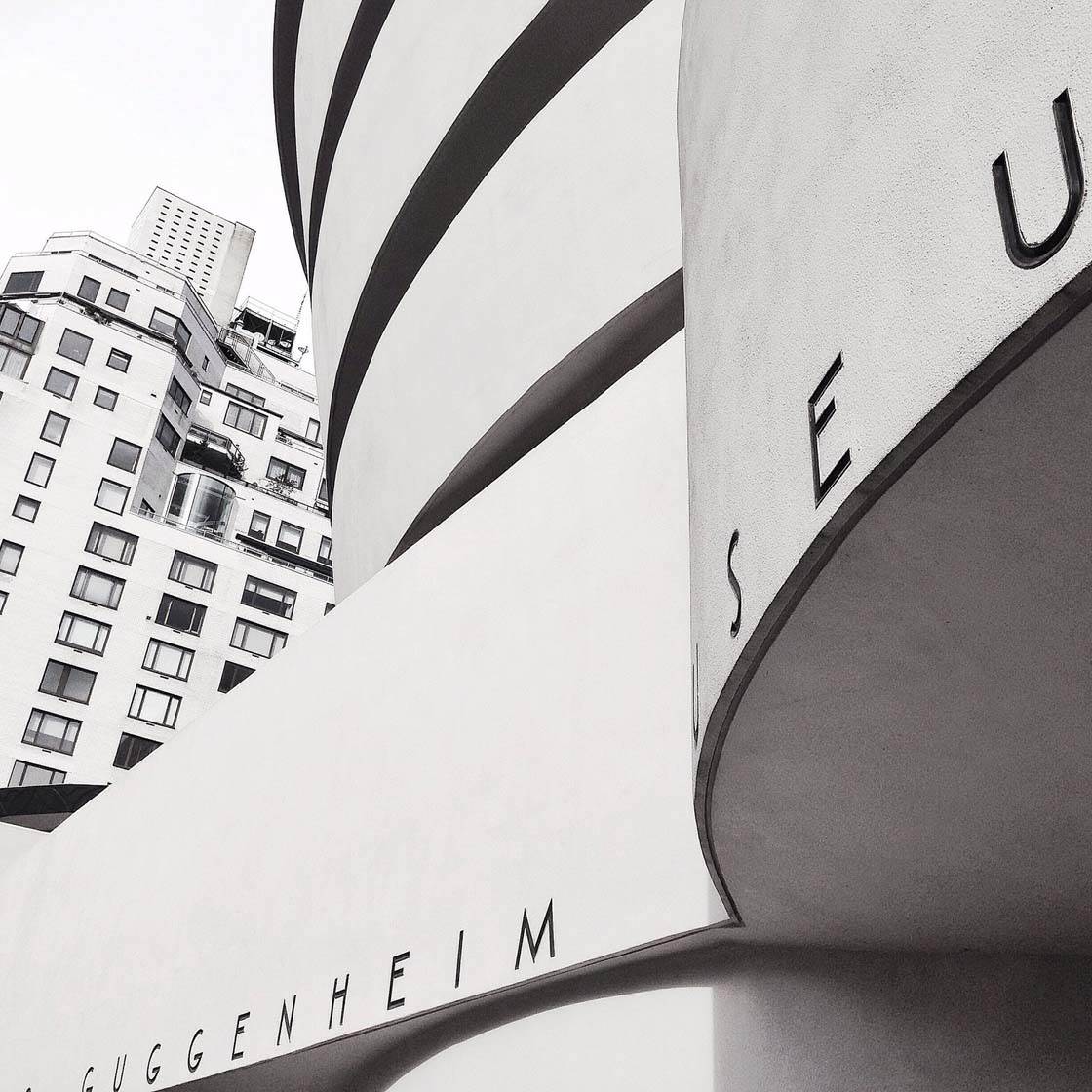
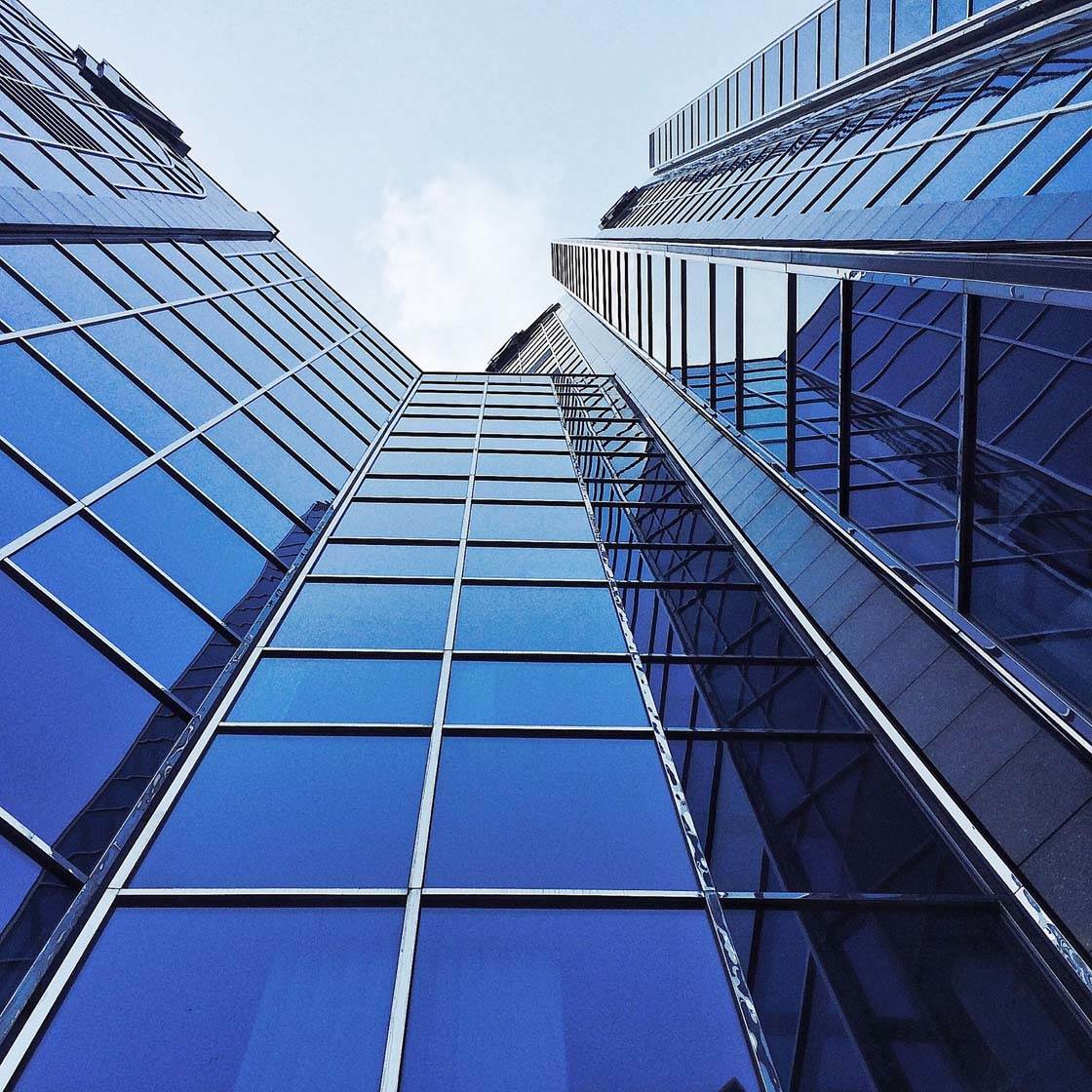
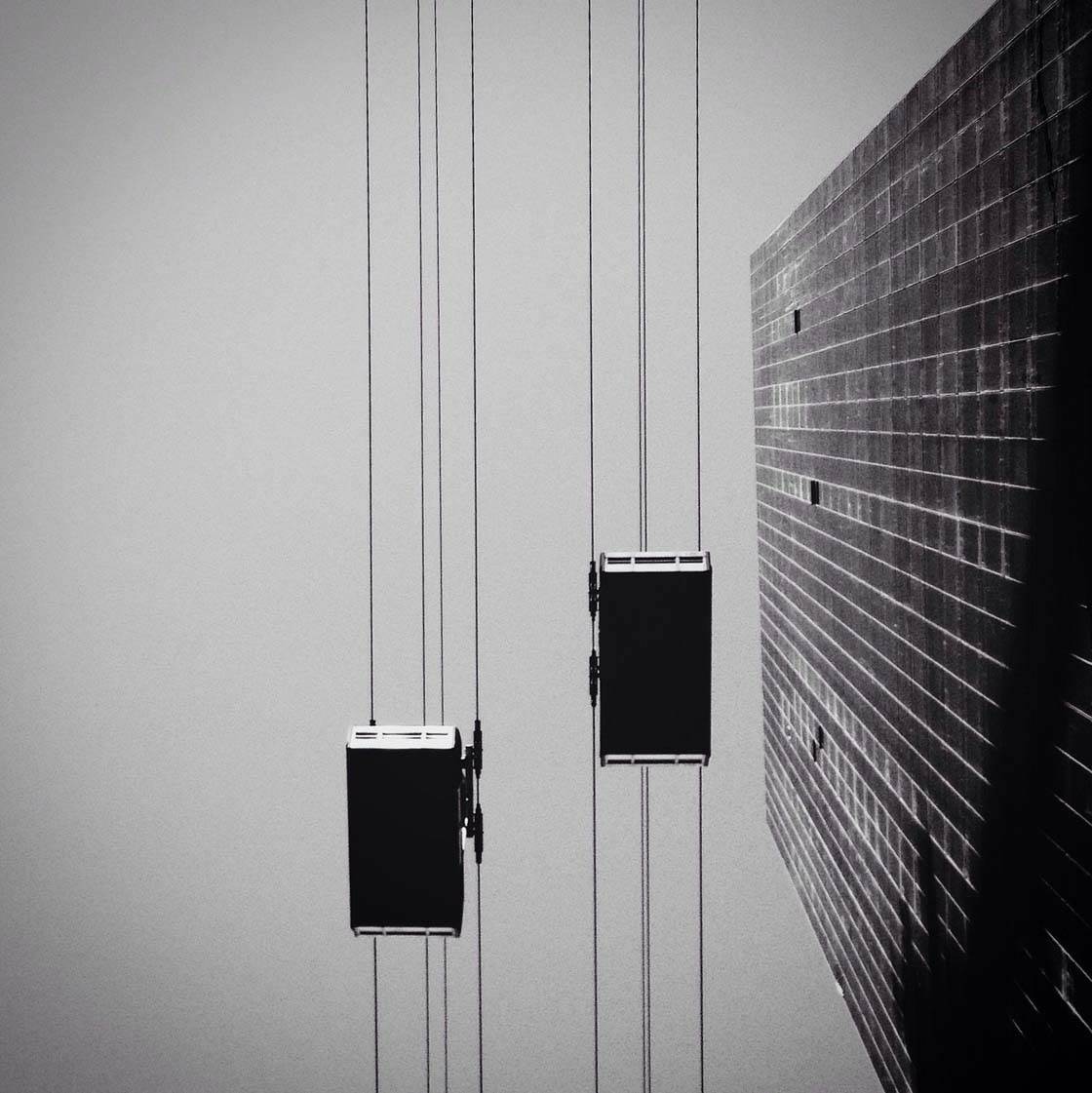
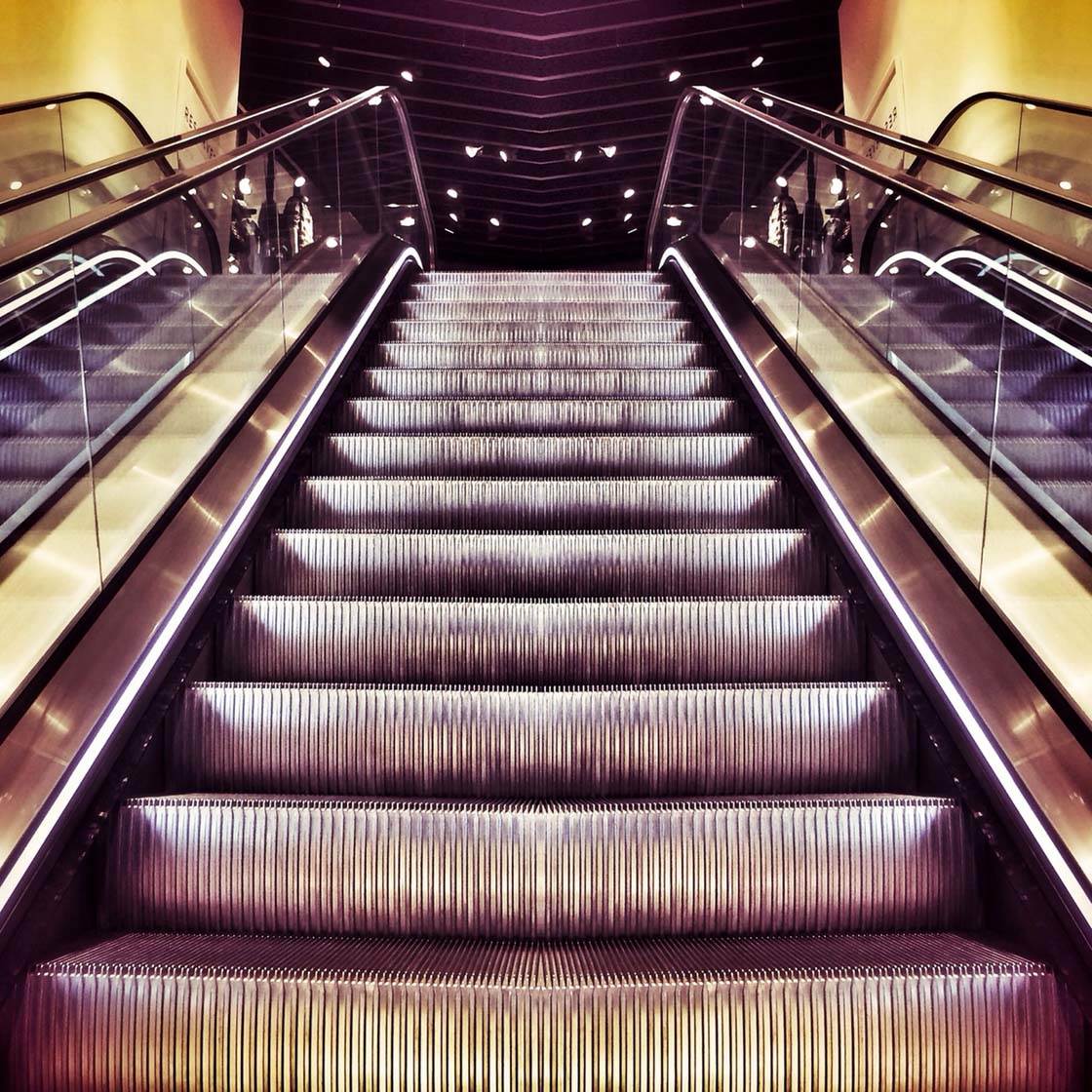
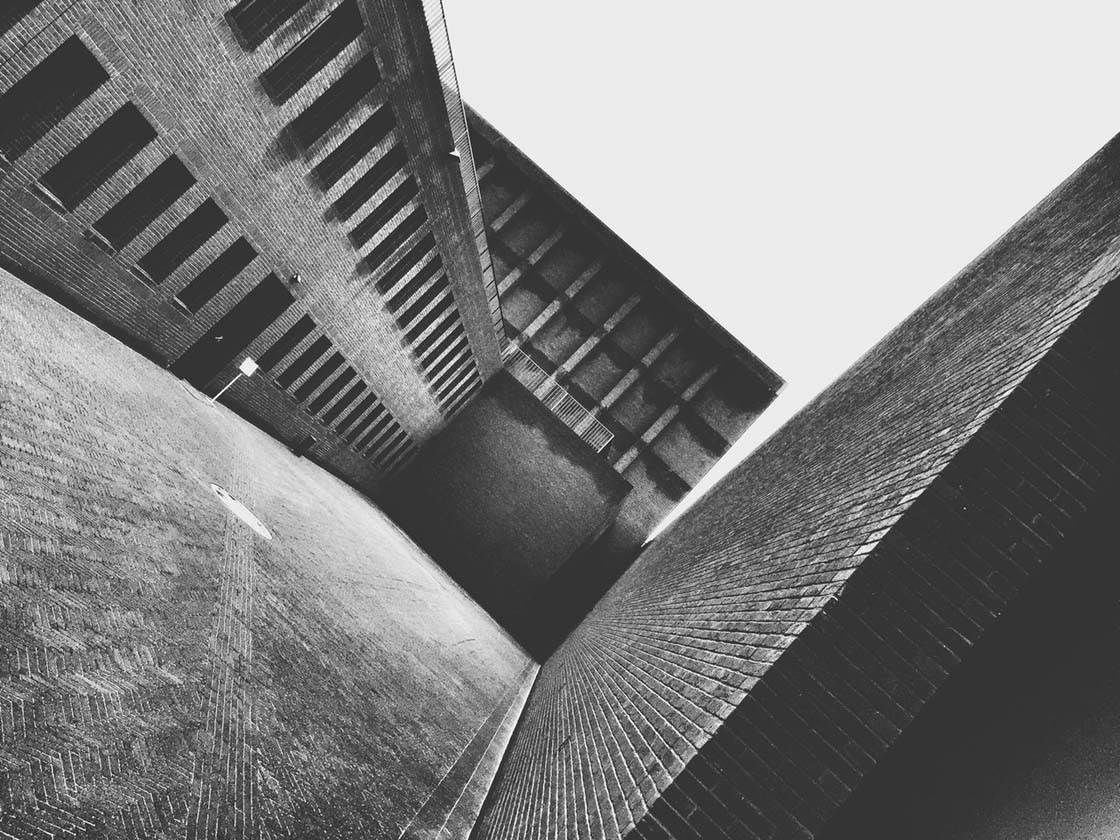
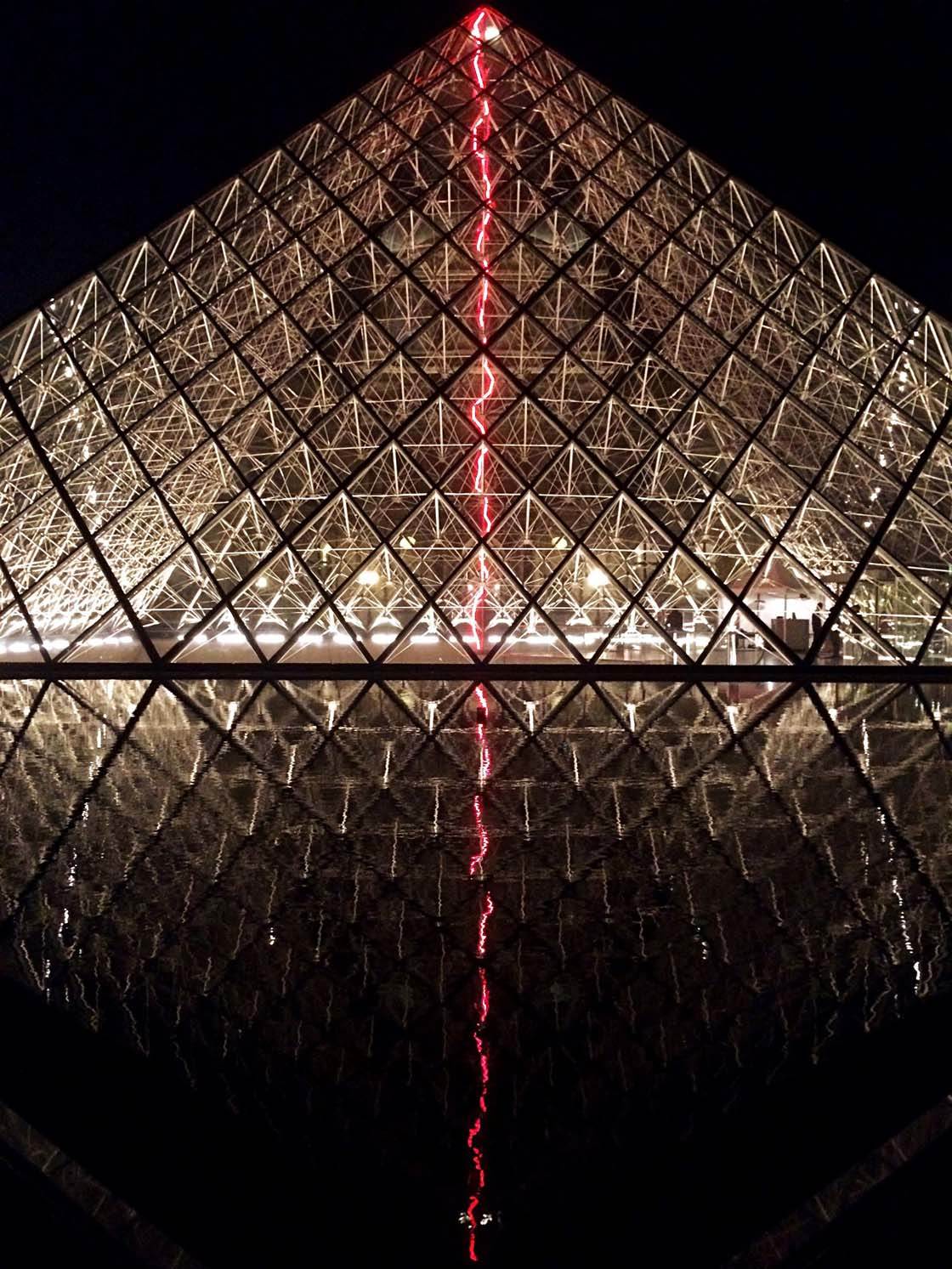
Which one of these photos is your favorite? Please let everyone know in the comments!
How to Enter the Next Photo Contest
Last week we published a tutorial on how to get your iPhone photos noticed on Instagram. Photos posted to Instagram must be in square format, and it’s important to take this into consideration when composing your shot.
Here are 10 composition tips for taking stunning square photos for Instagram. This article includes tips such as placing your subject in the center, filling the entire frame, using symmetry, placing your subject close to the edge of the frame, using diagonal balance, using leading lines and including negative (empty) space.

So the new contest theme is Square, and any square format iPhone photos can be submitted.
To participate, simply tag your photos using IPSSquare tag on EyeEm. You can tag photos in the description field when you upload them, or when you edit the description of a photo that has already been uploaded (tap the three dots icon to edit a photo).
All photos must be shot and edited on iPhone, iPad or iPod touch. Please upload photos to EyeEm in full resolution and without any watermarks to make sure we can feature them on the website. Please do not submit more than 10 photos each week.
The submission deadline is Sunday, January 25.