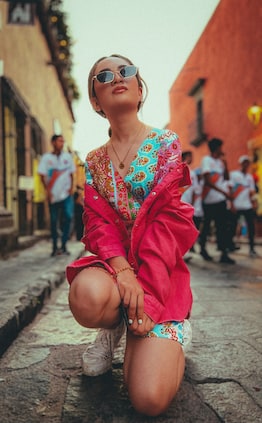

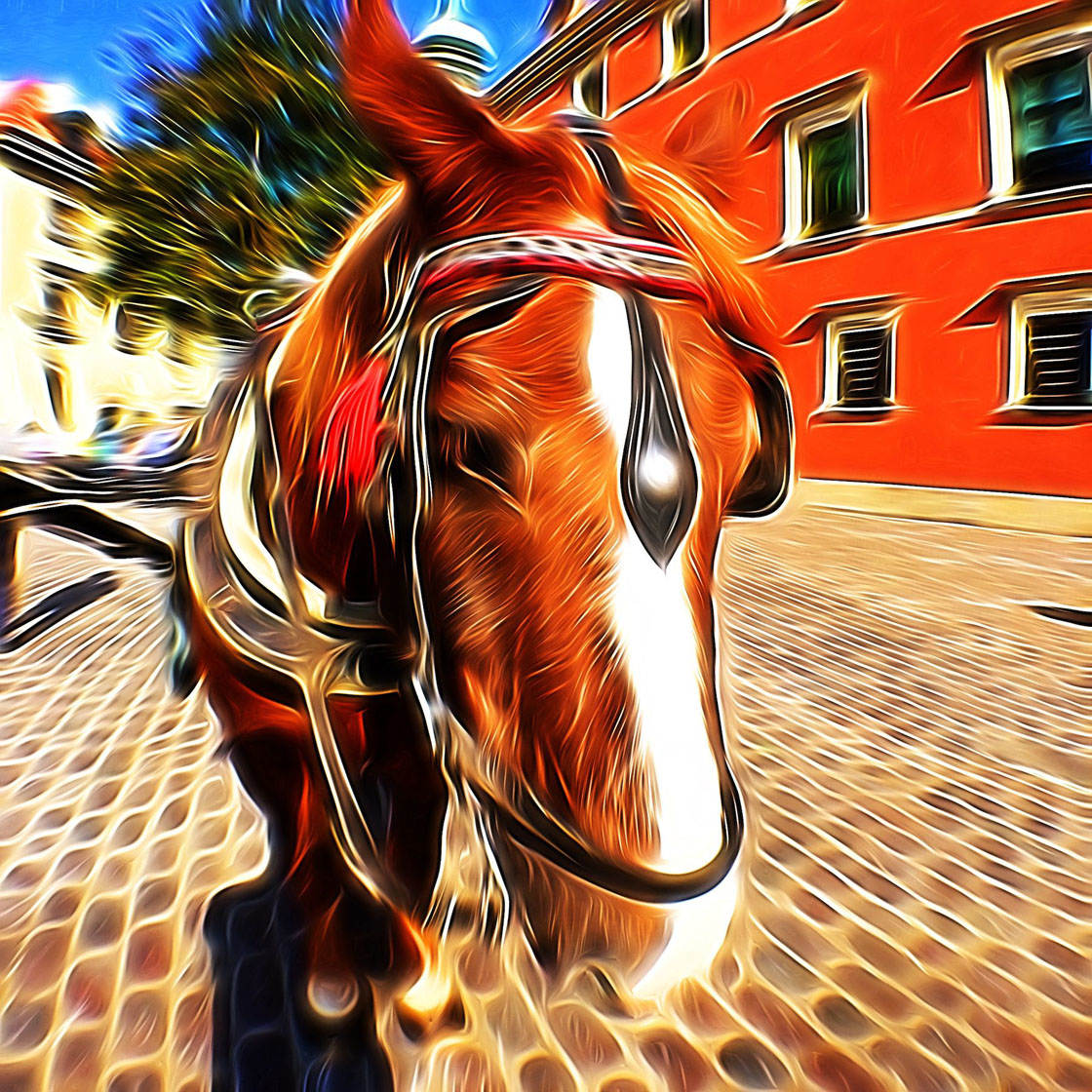
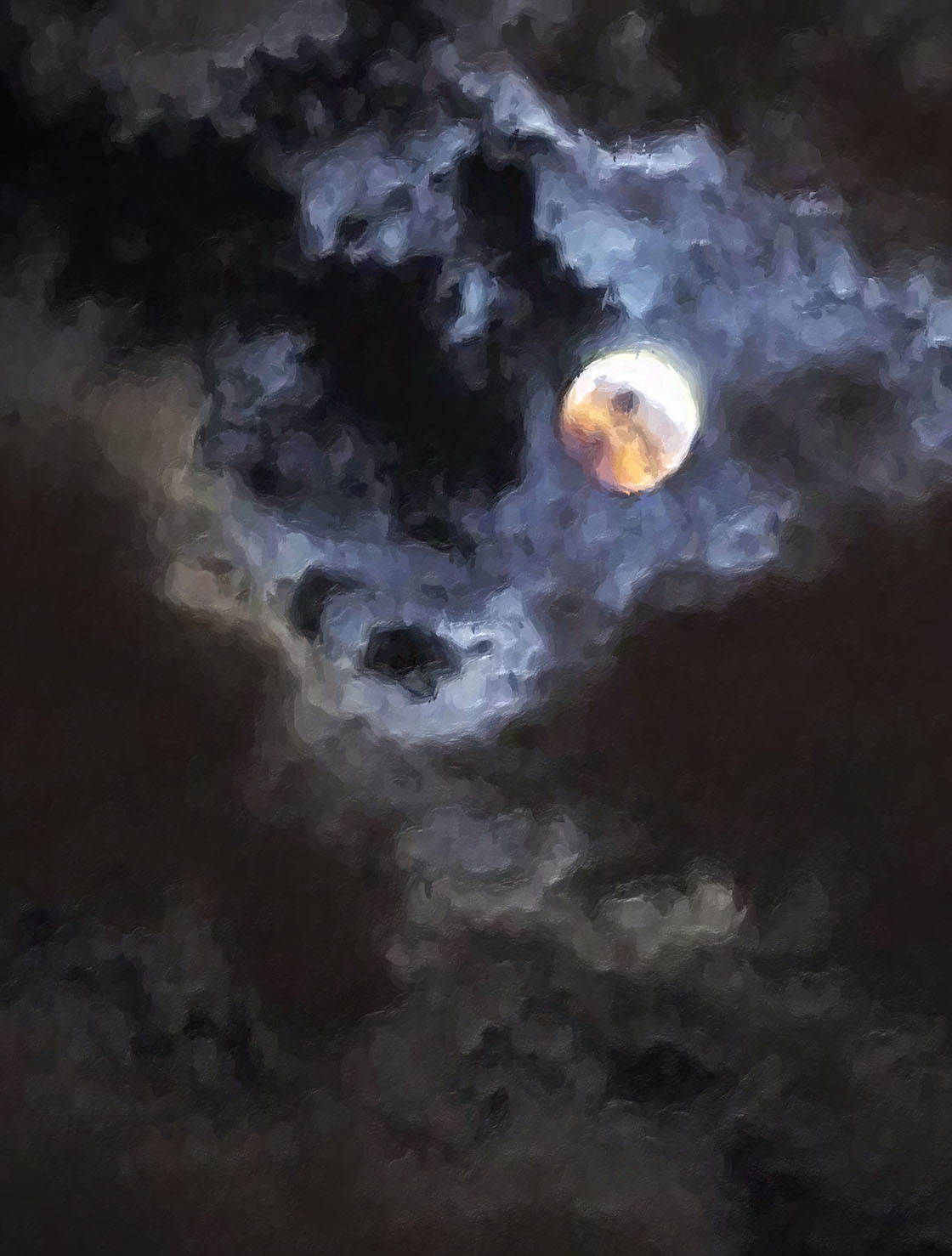
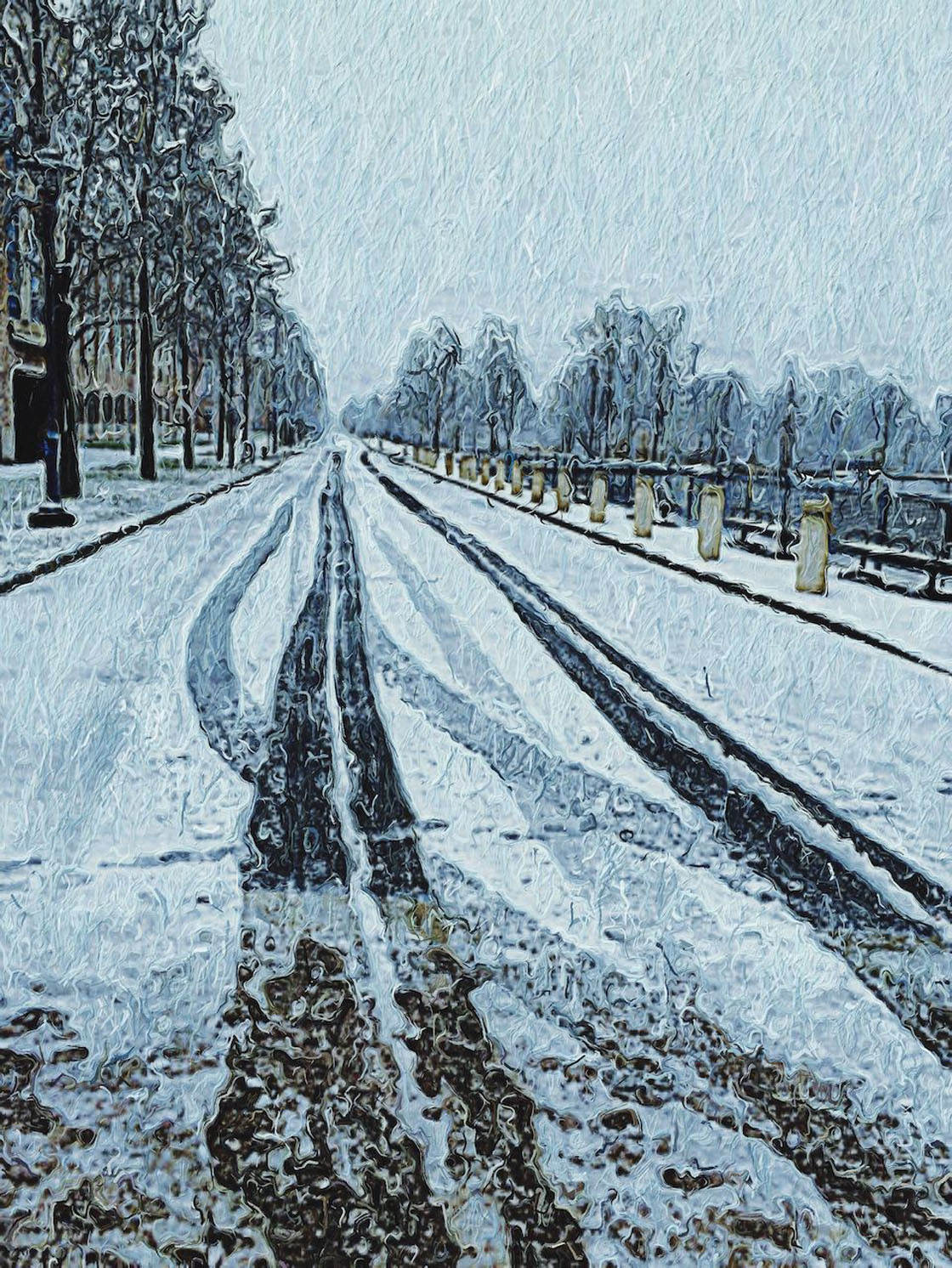
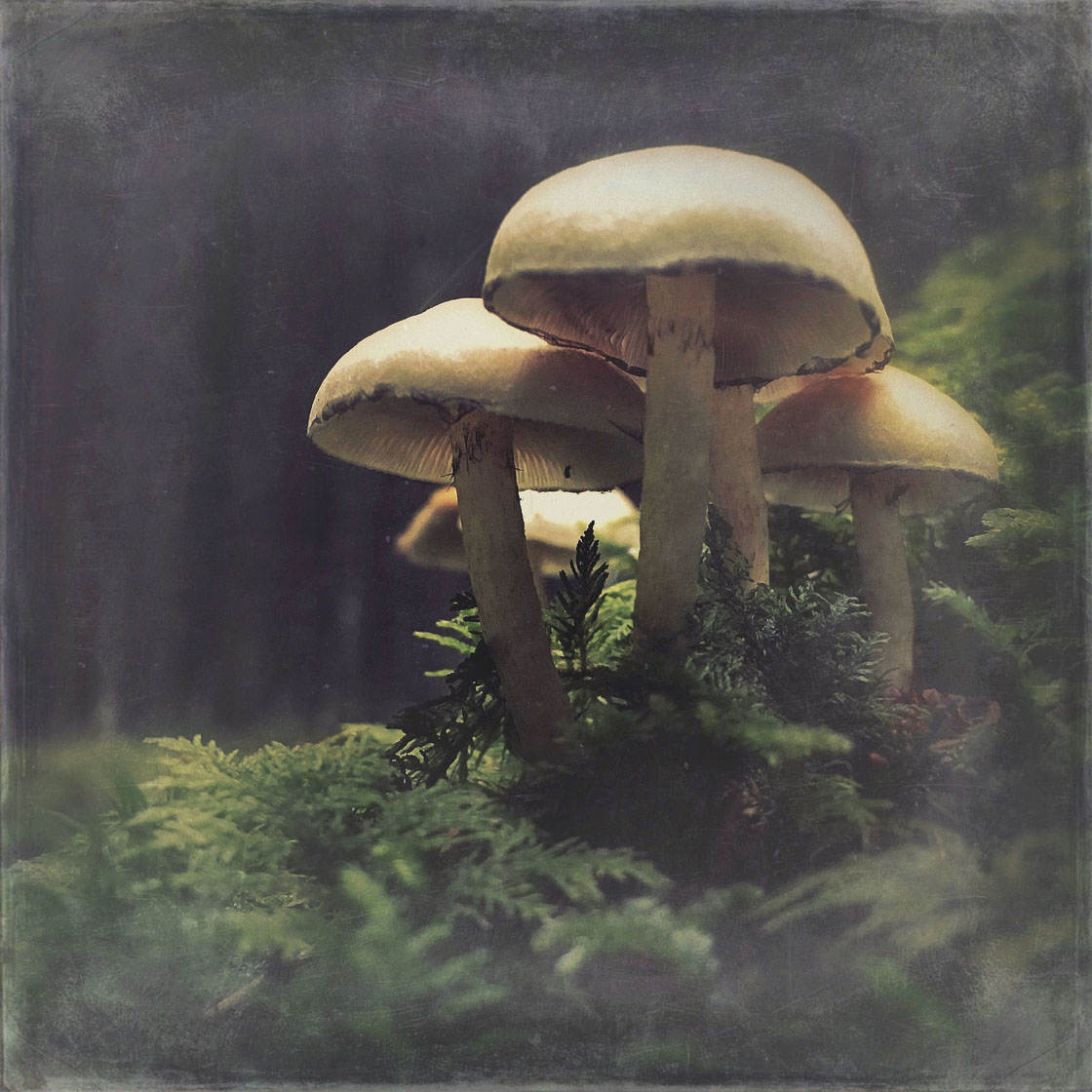
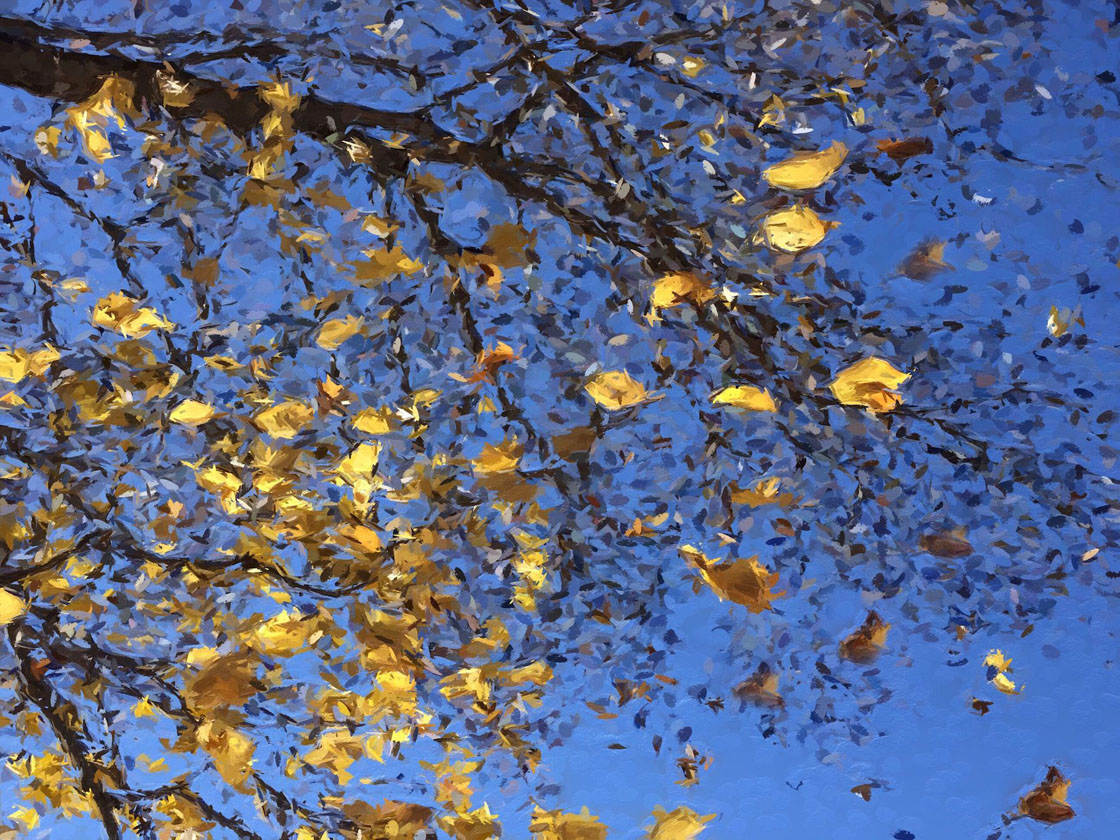
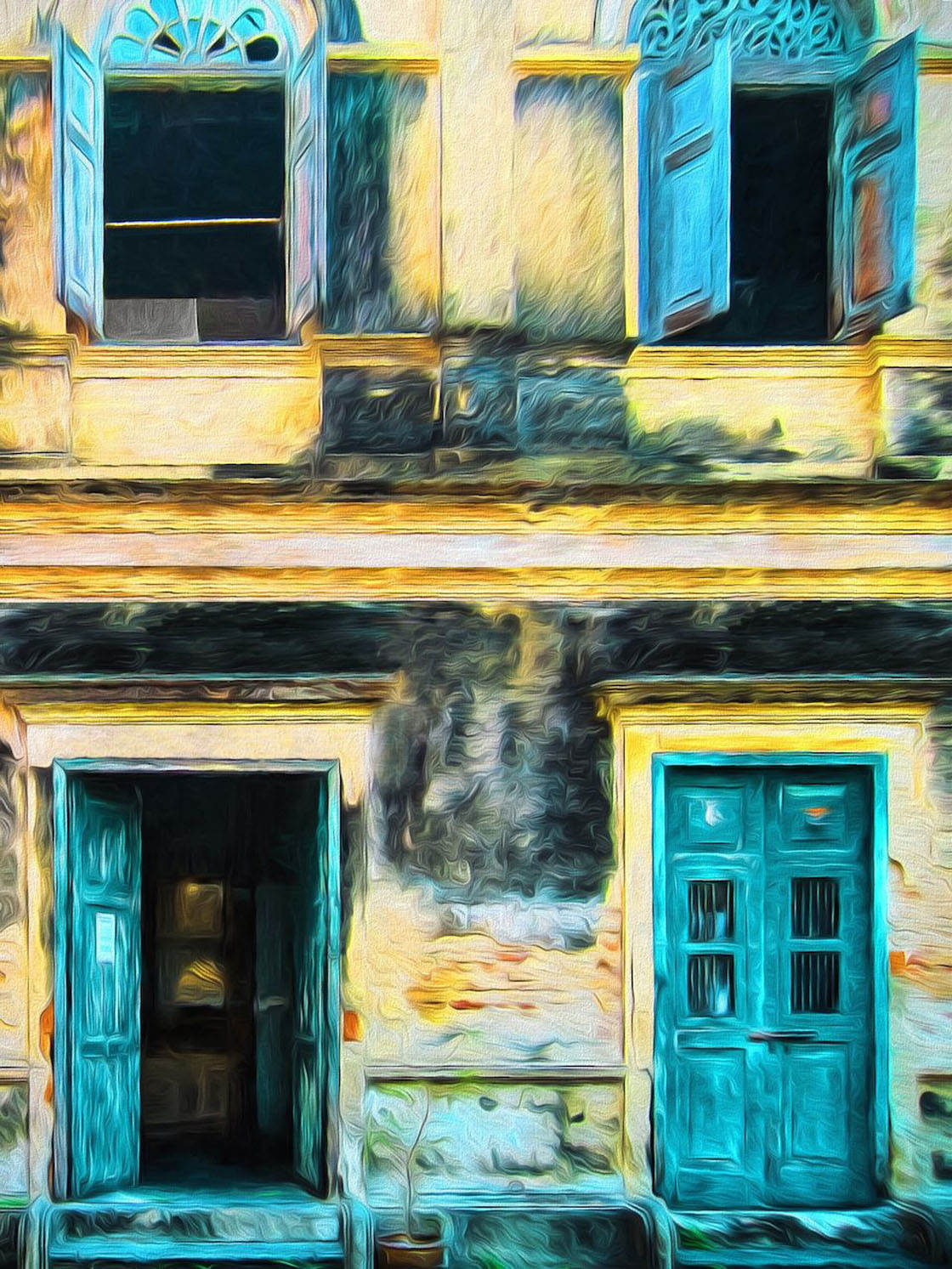
Thank you to everyone who submitted such wonderful images in our weekly iPhone photography contest. This week’s theme was “Painterly” and any iPhone photos edited using a painterly effect could be submitted. I love the way this artistic effect emphasizes elements such as color, line and shape, and it can really change the mood of a photo. With so many stunning images it was difficult to choose just 30 winners, but here’s my final selection of beautiful painterly iPhone photos.
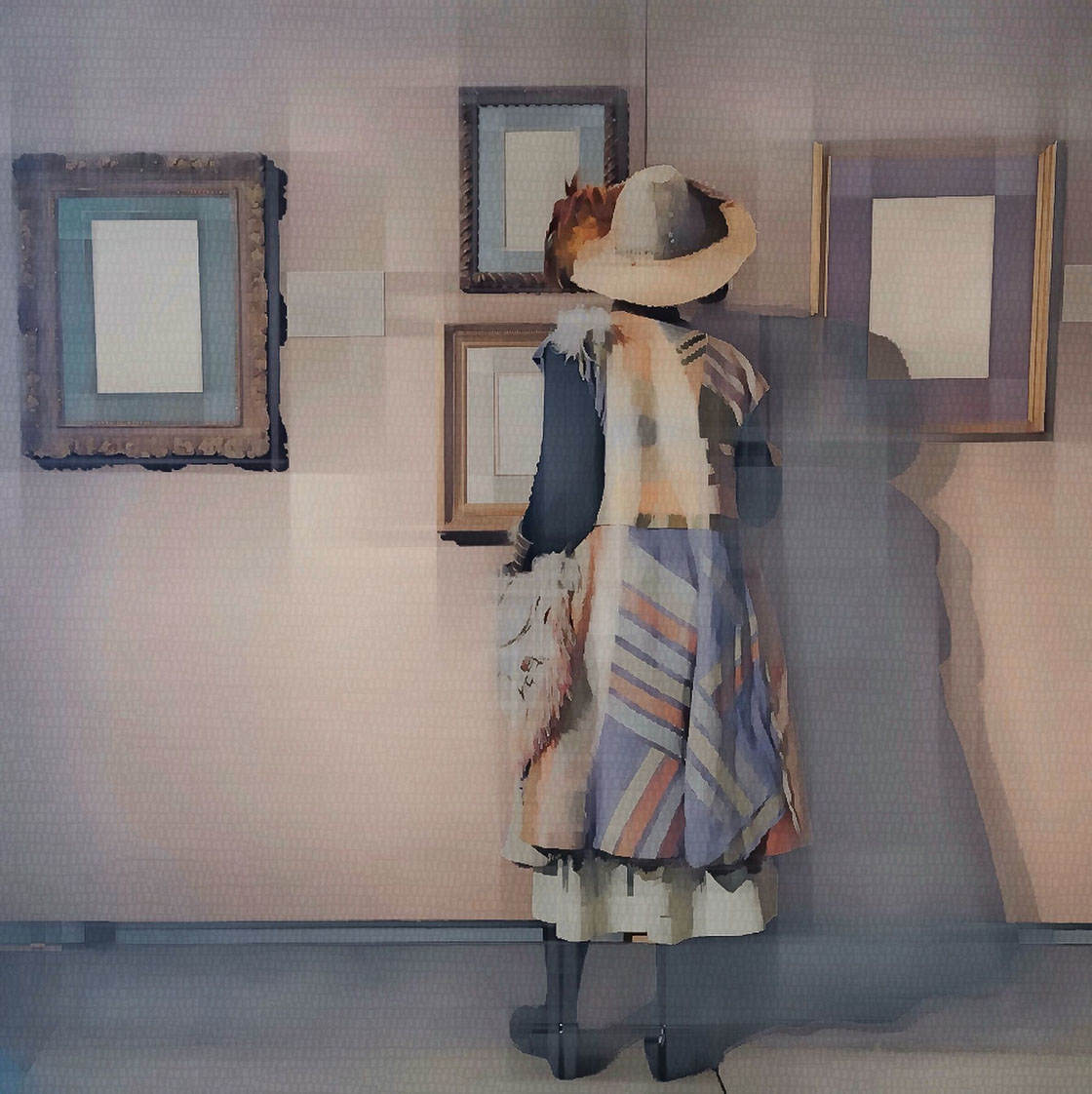
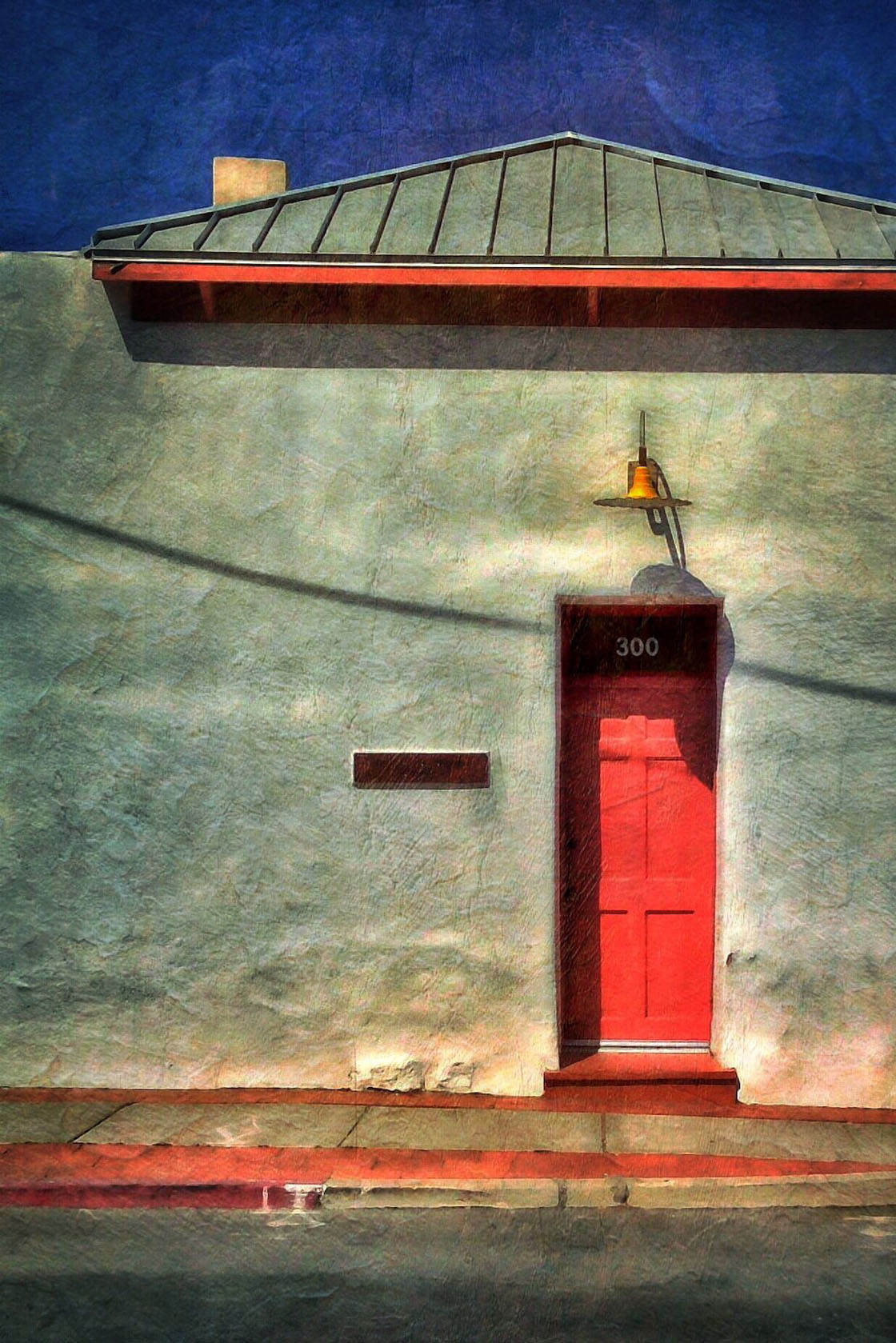
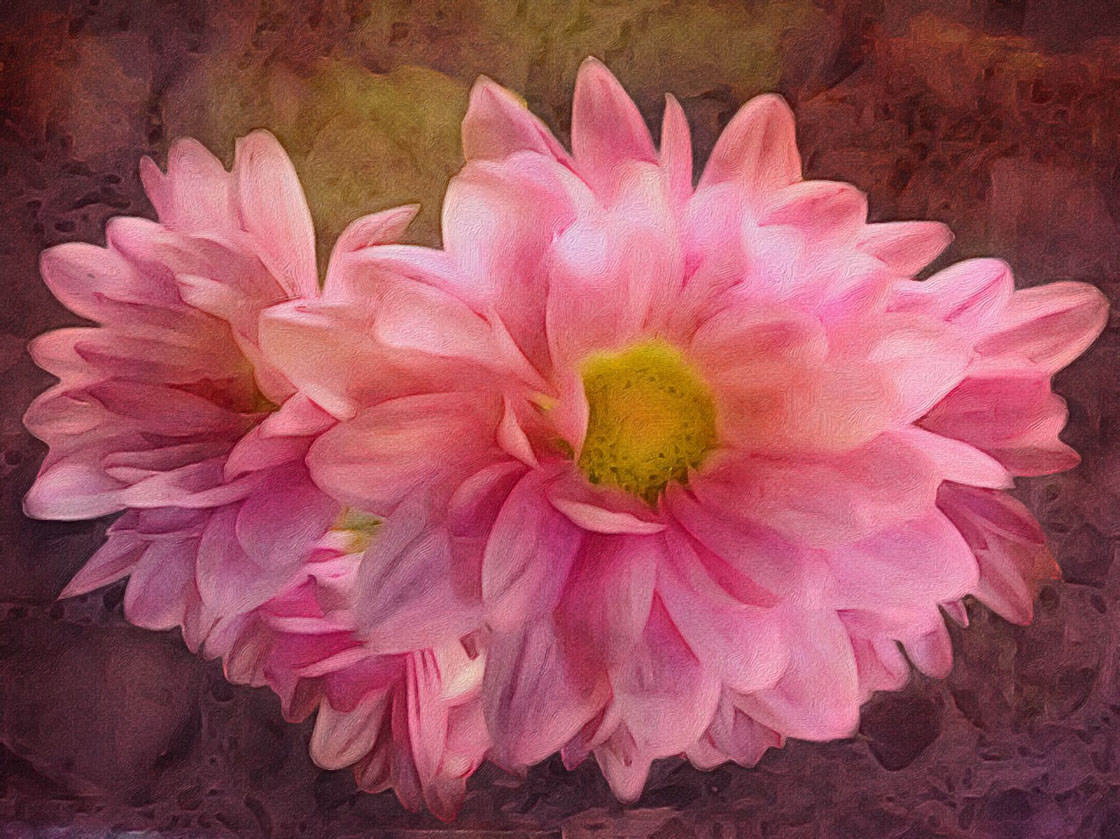
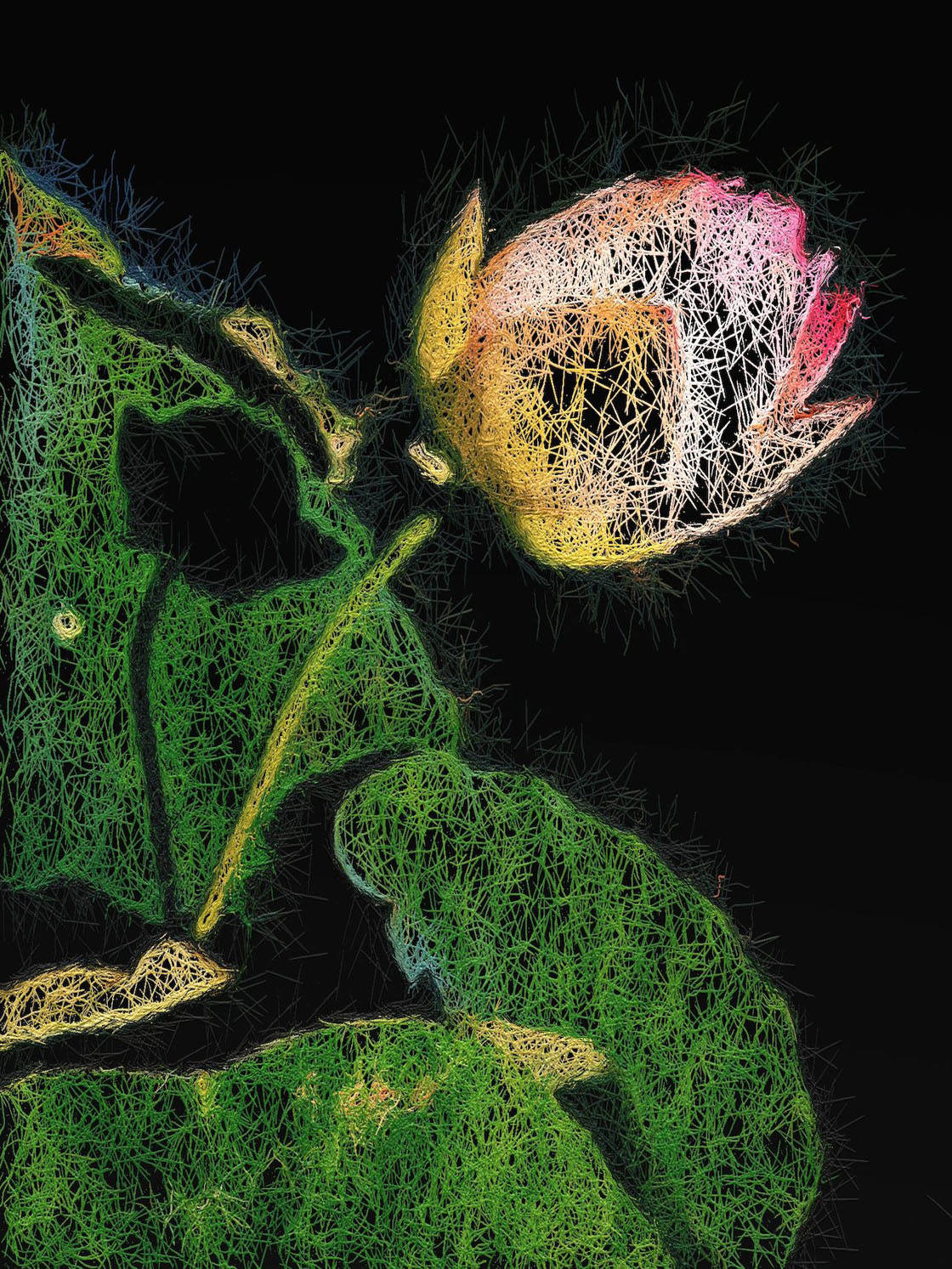
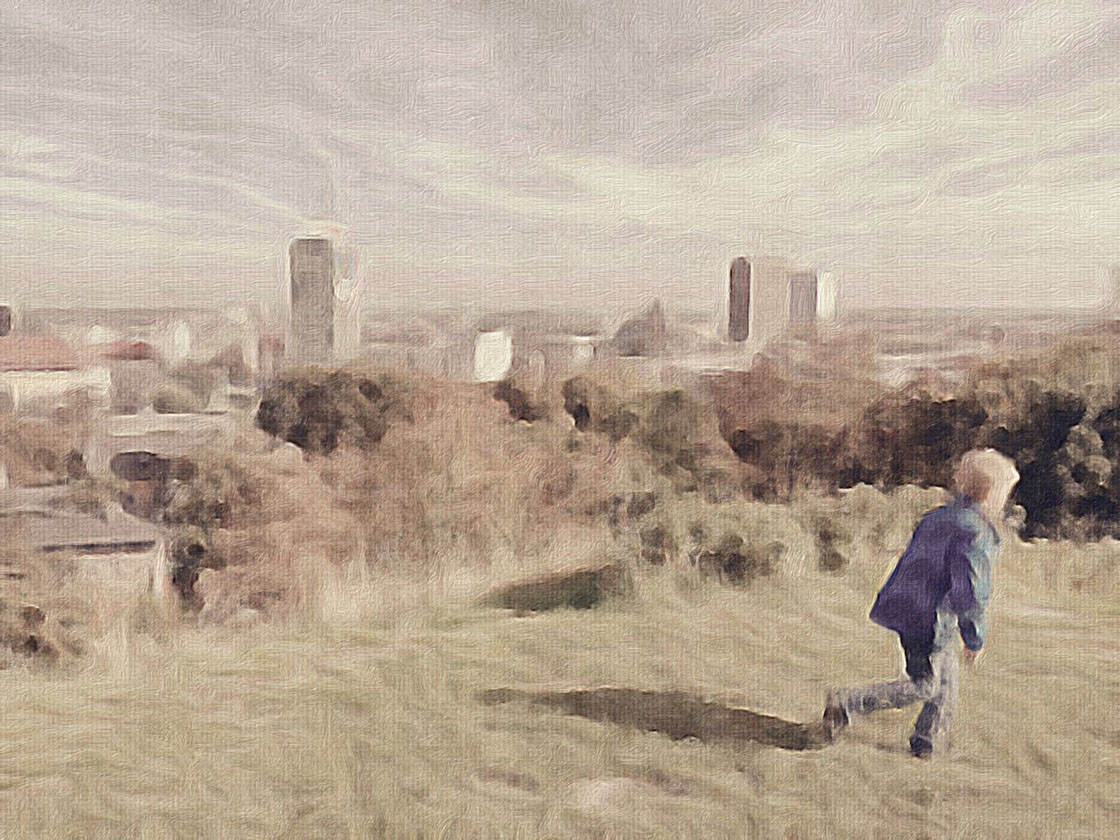
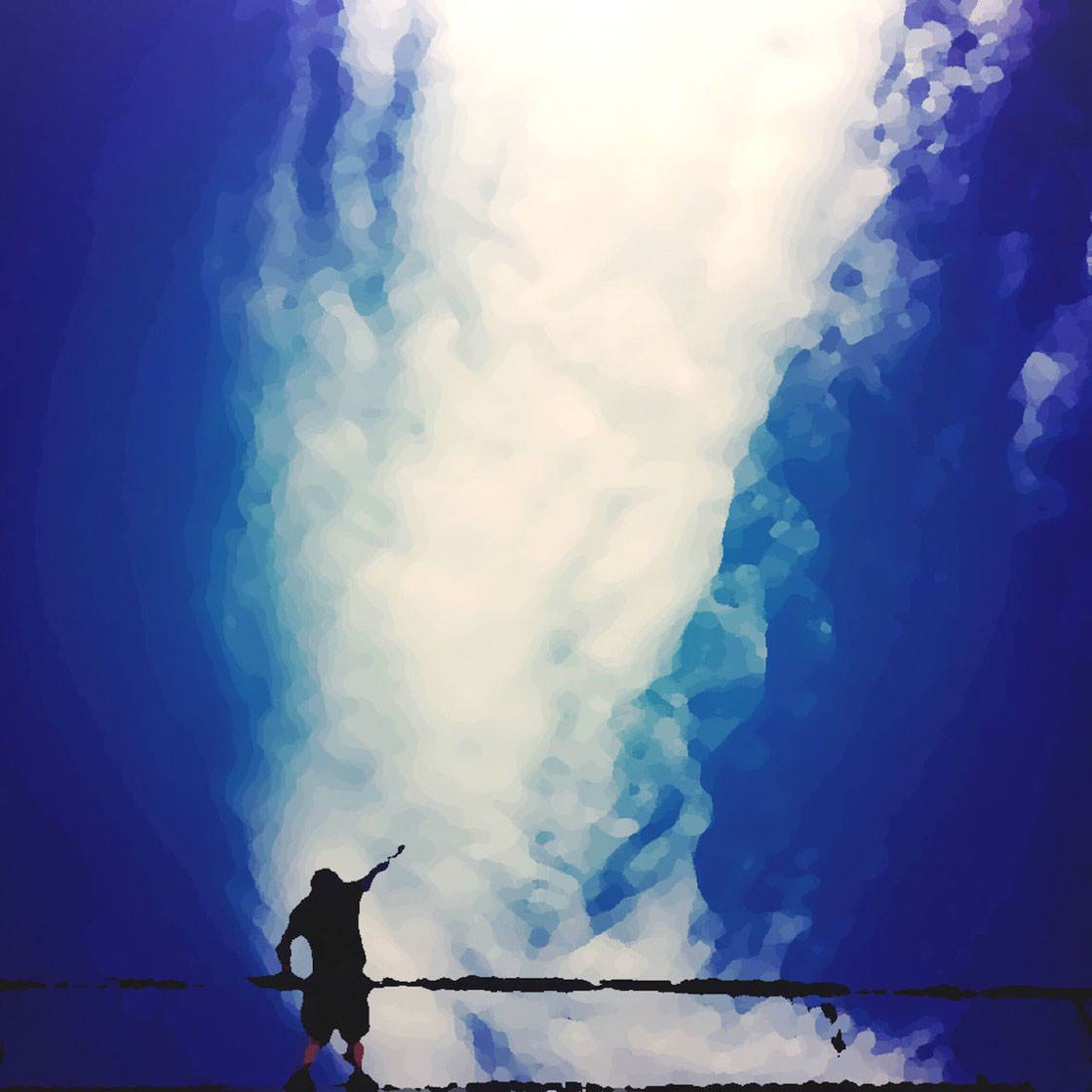


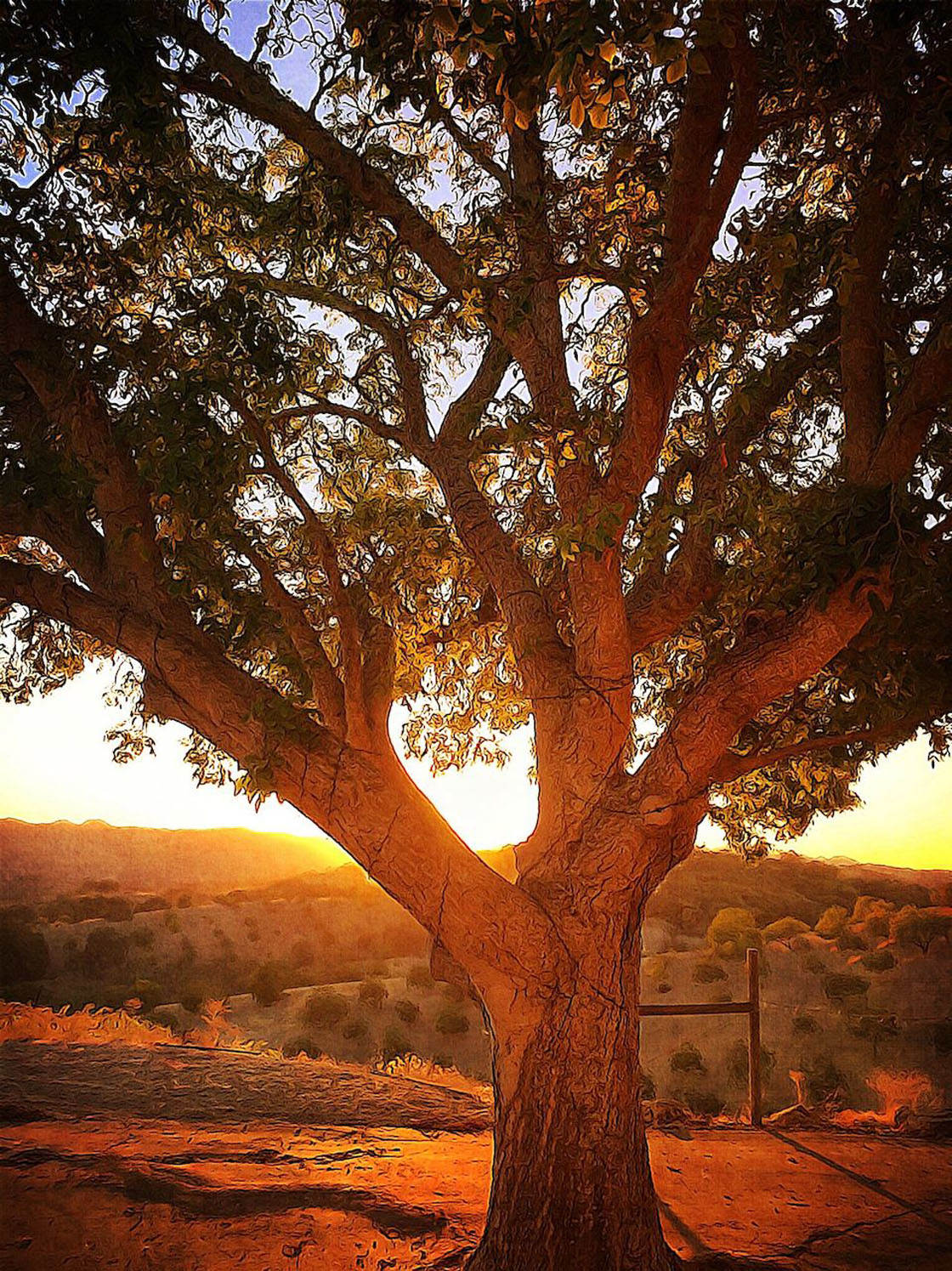
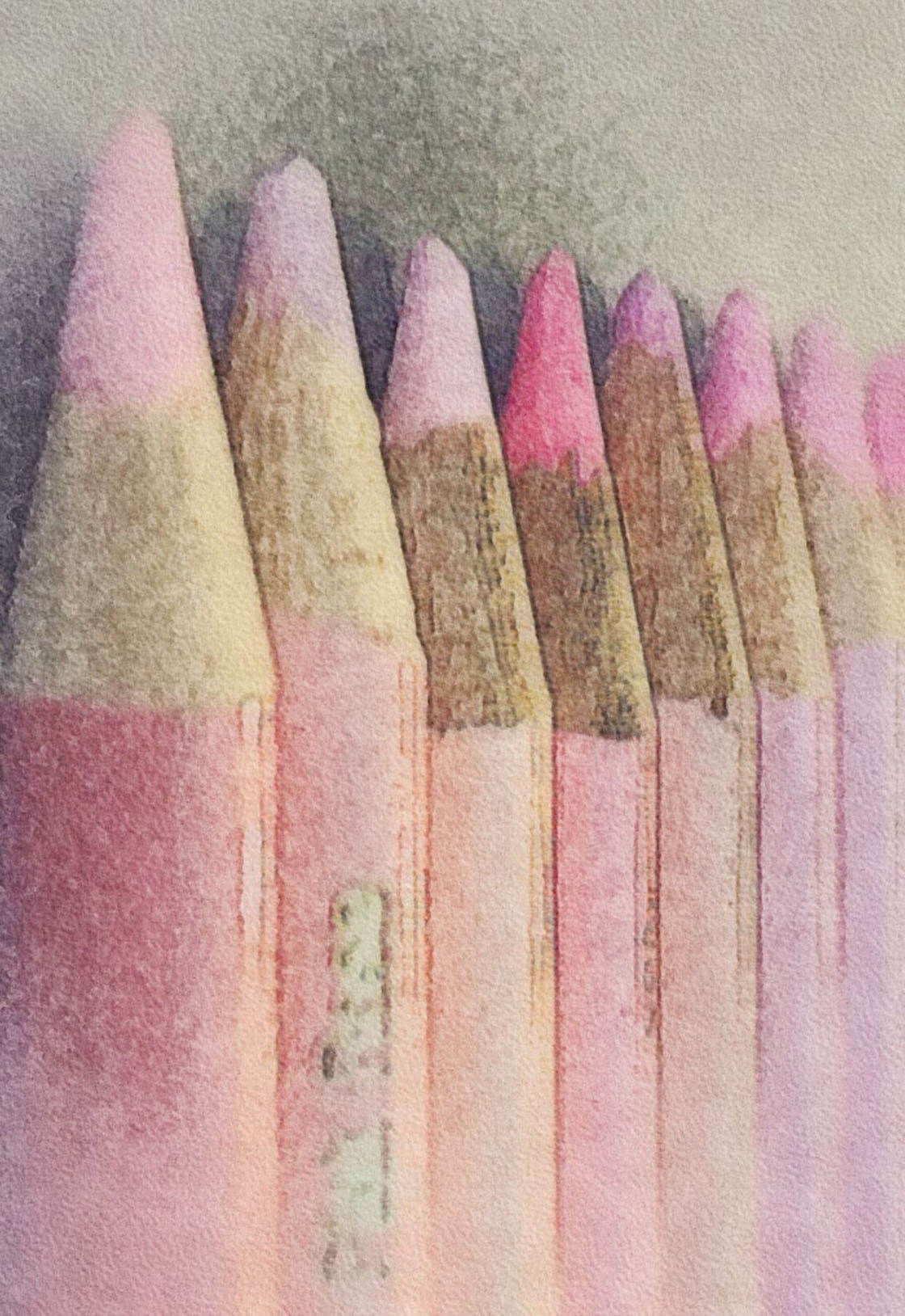
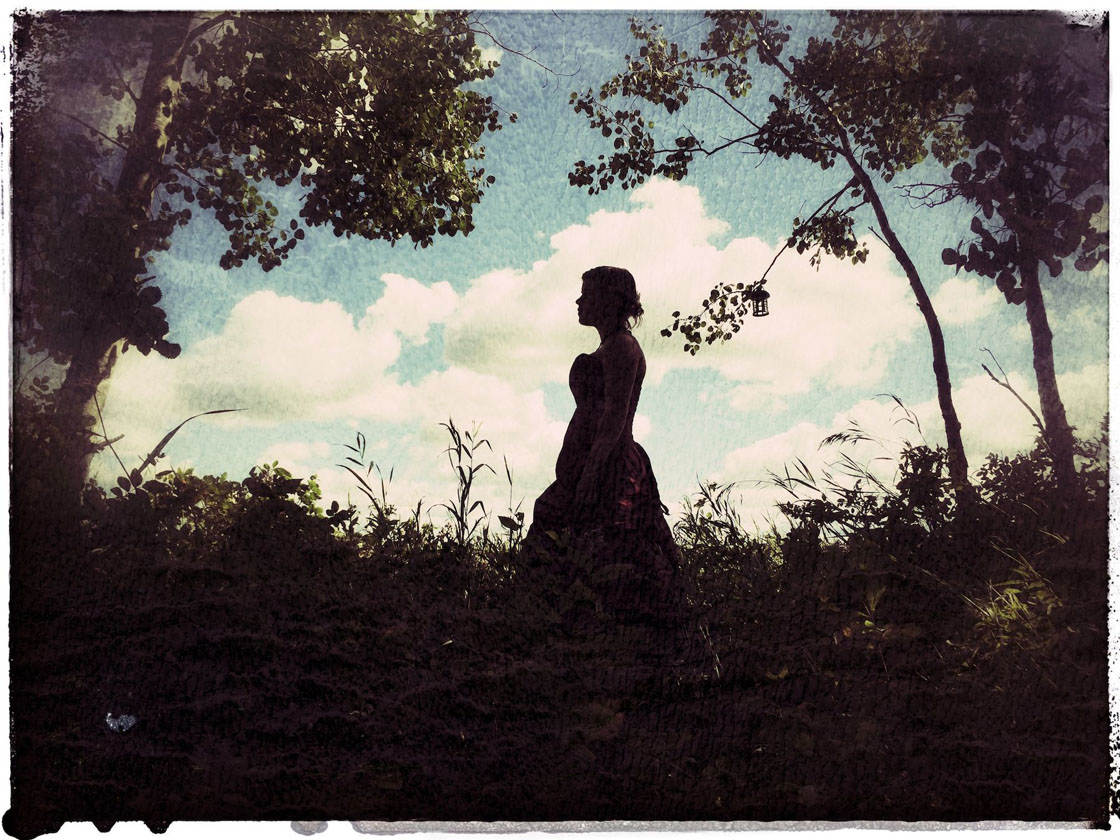
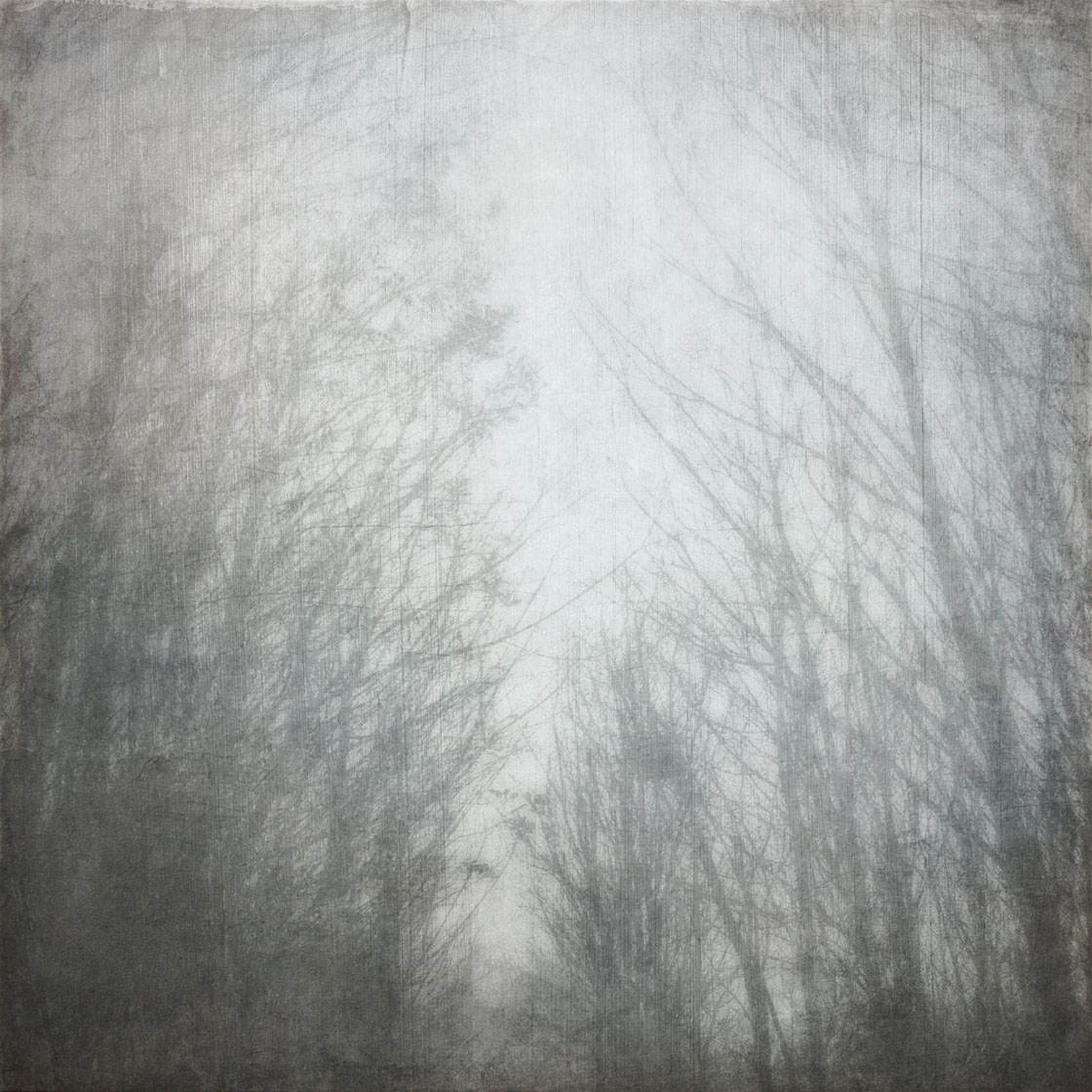

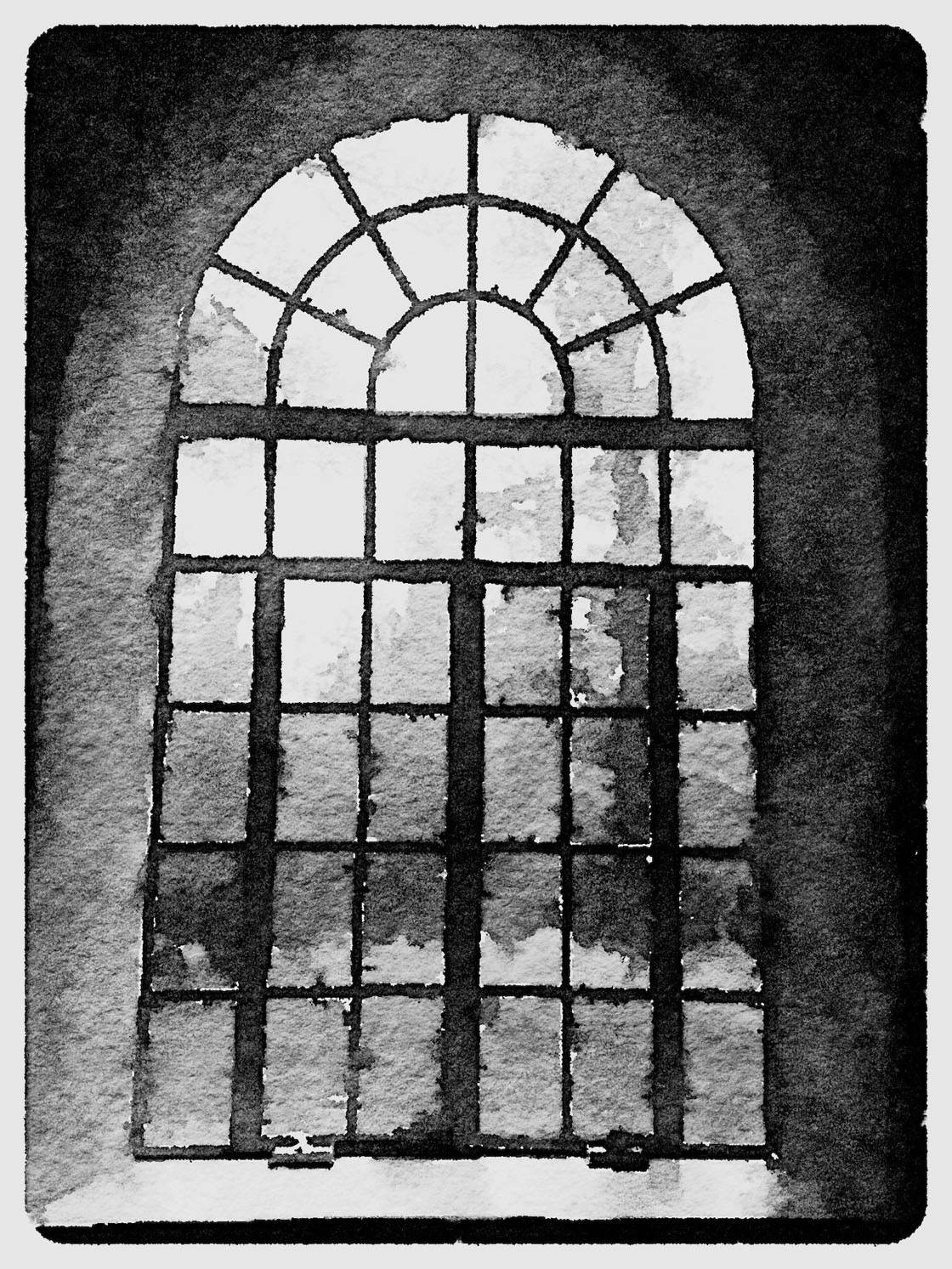

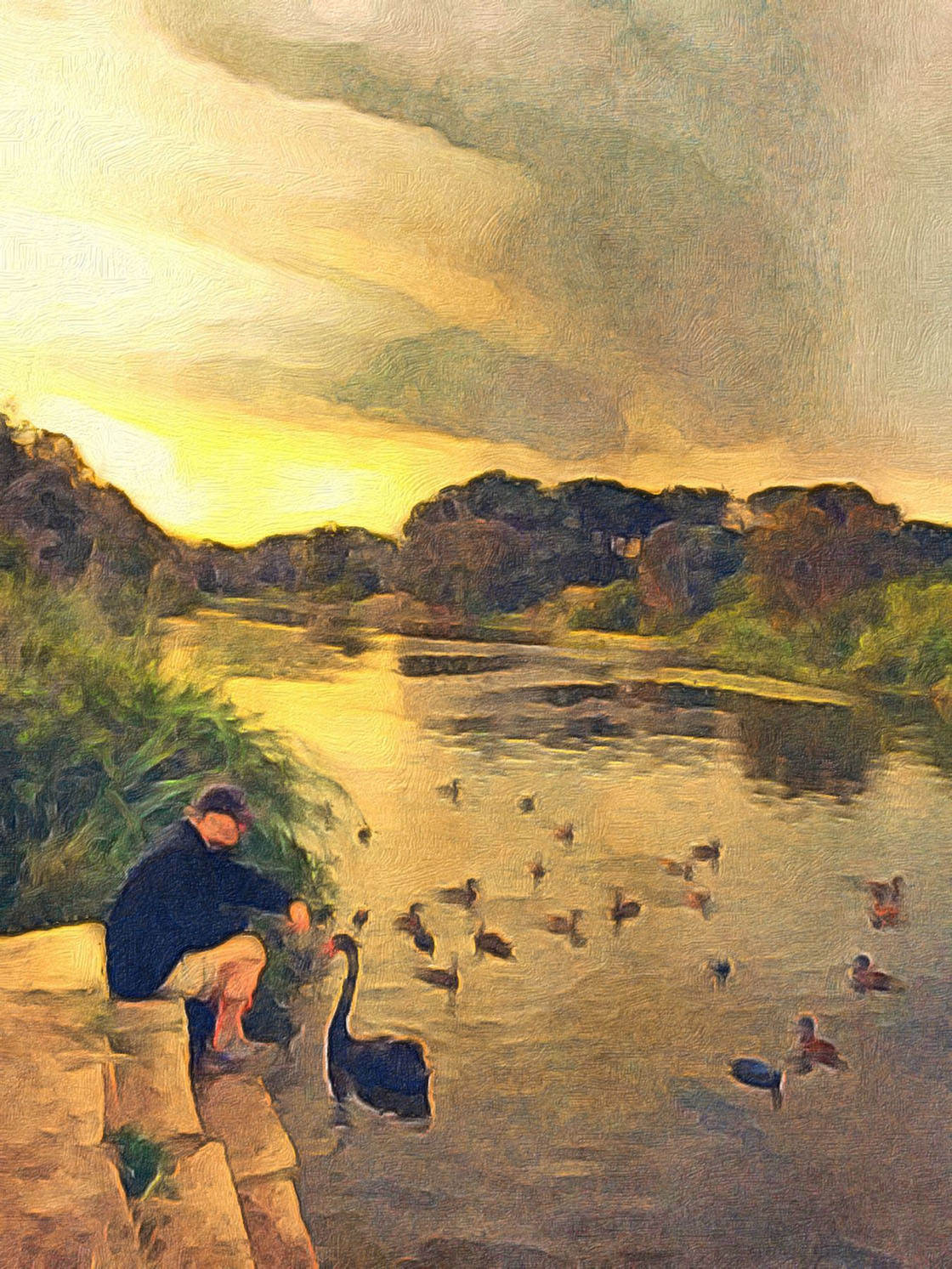
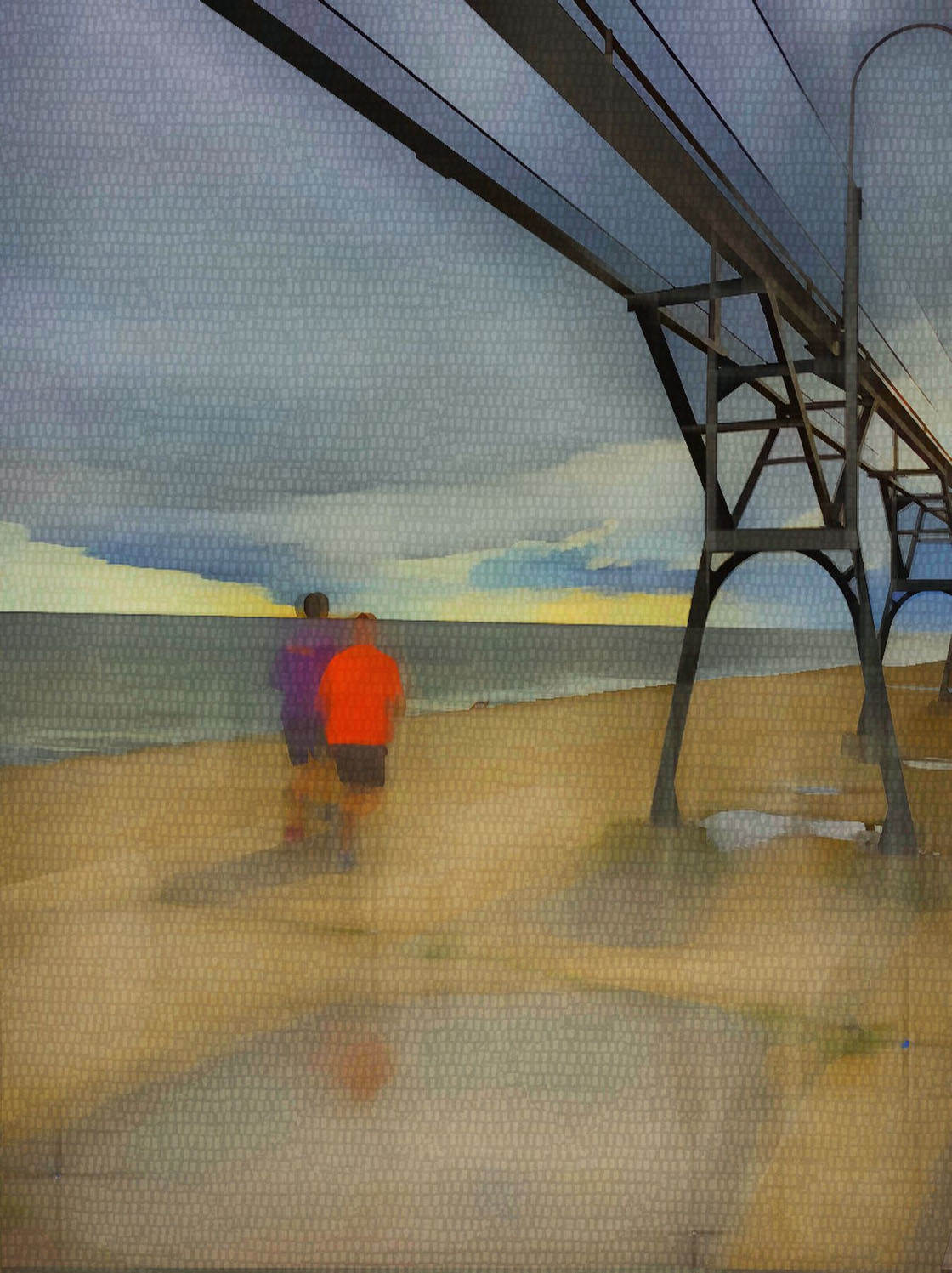
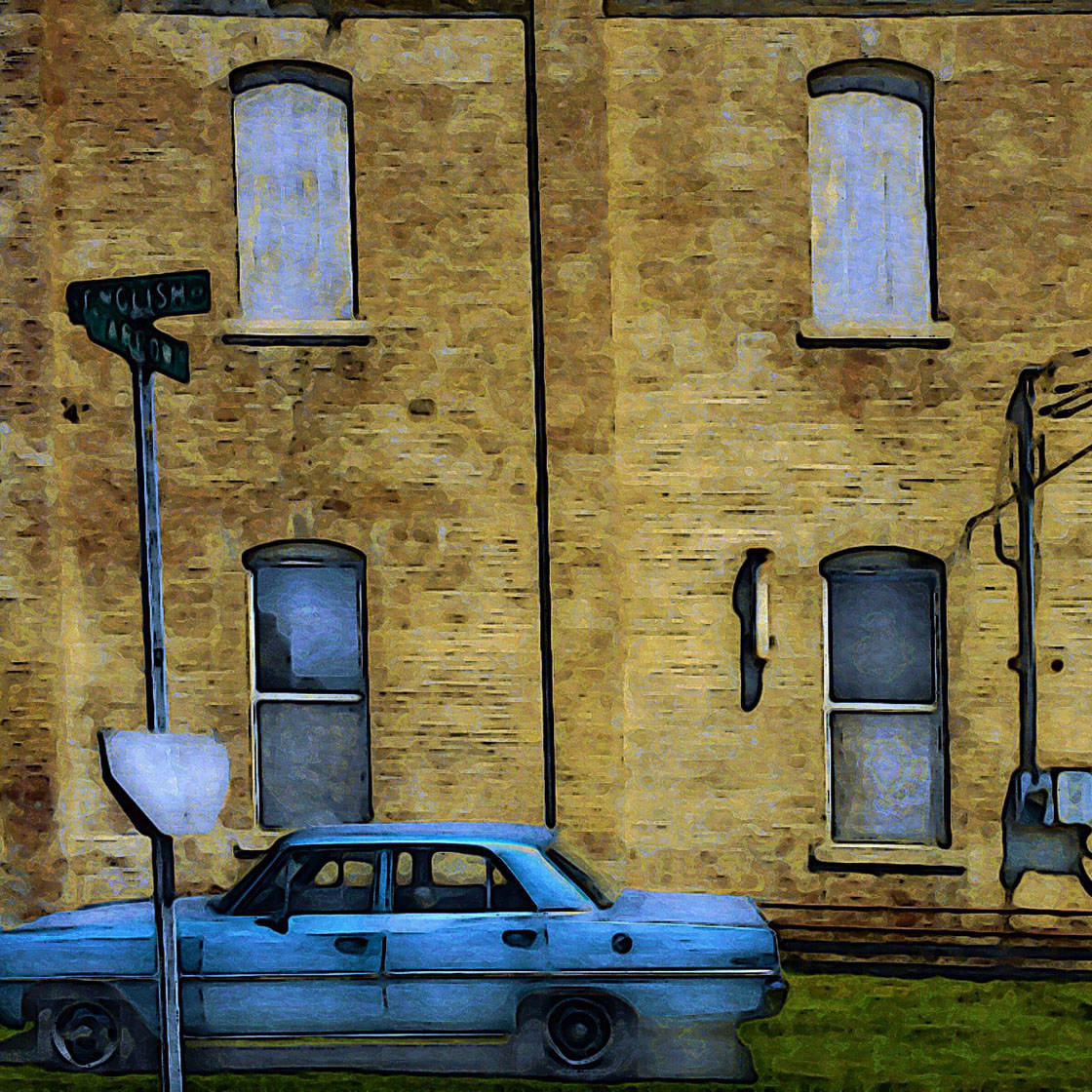

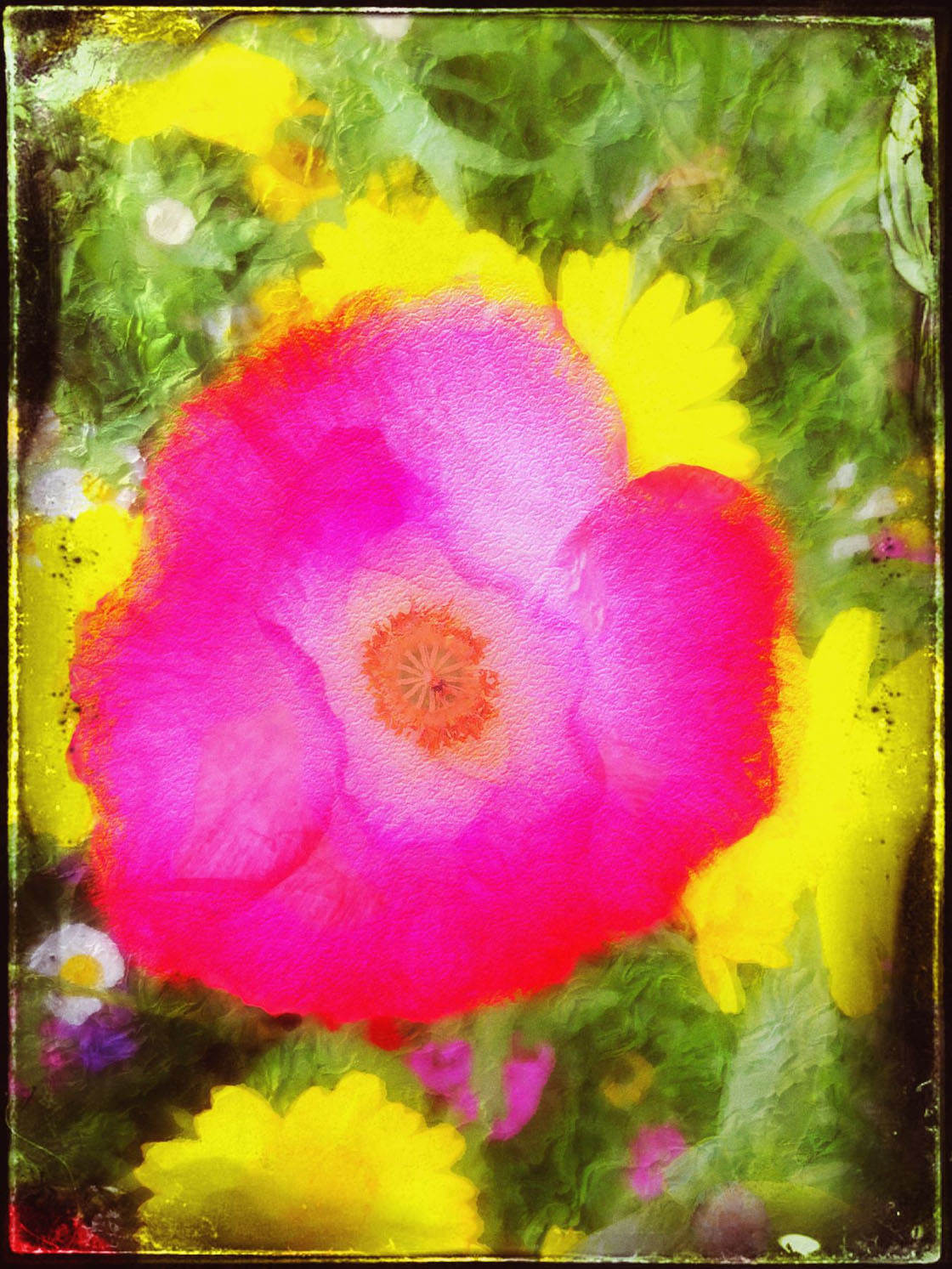




Which one of these photos is your favorite? Please let everyone know in the comments!
How to Enter the Next Photo Contest
We recently published a fantastic tutorial written by Paul Moore which covers 13 tips for enhancing your iPhone landscape photos through editing.
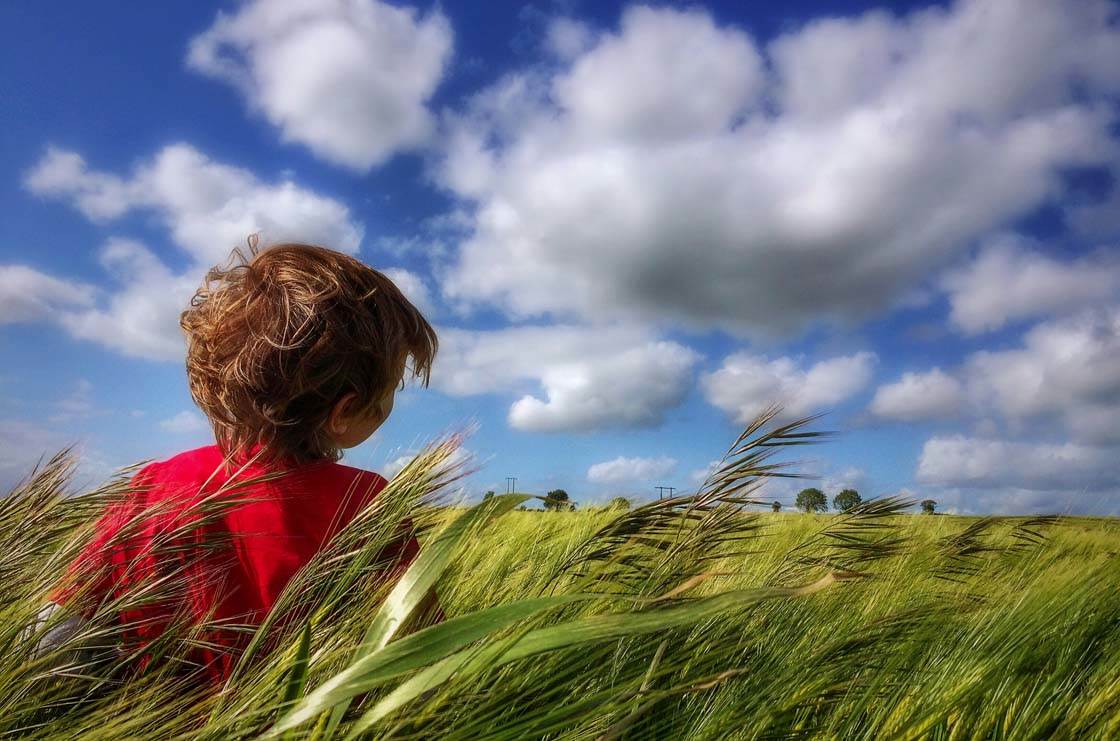
The article explores a variety of editing techniques, from subtle color and lighting adjustments, to moody filters, to black and white conversions, and even creative effects such as textures and special effects.
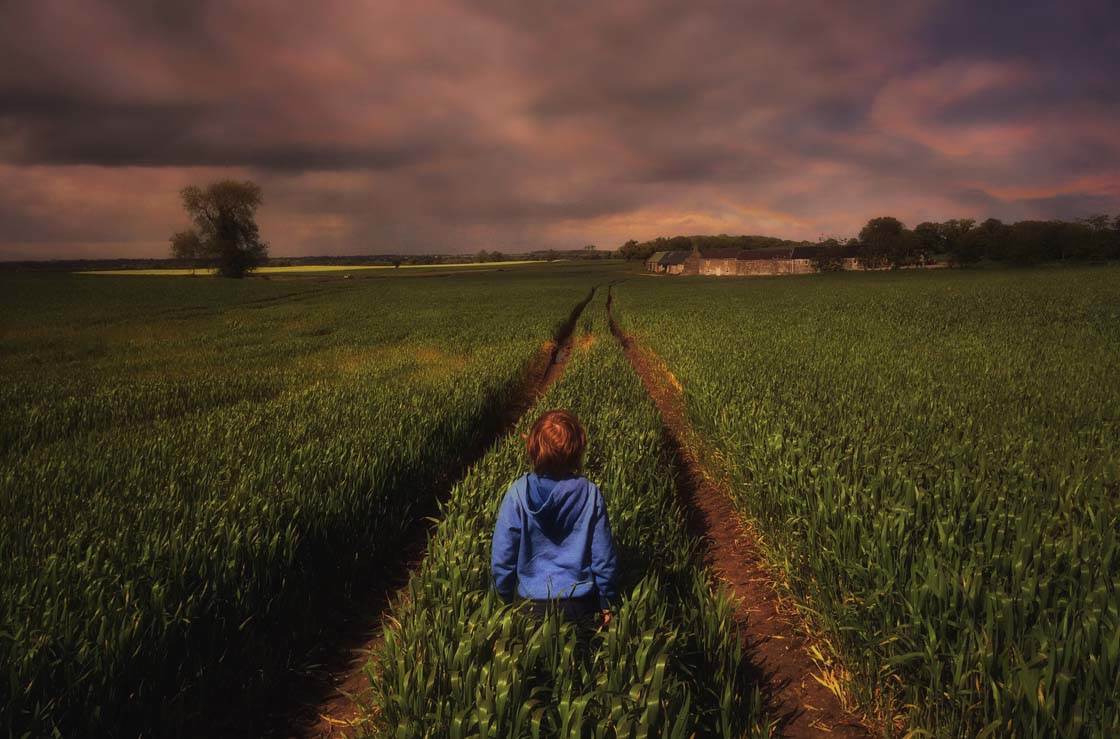
It’s amazing how much you can improve and enhance landscape scenery photos using different editing techniques and apps.
So the new contest theme is Scenery, and any landscape scenery photos taken with an iPhone can be submitted.
To participate, simply tag your Landscape Scenery iPhone photos using IPSScenery tag on EyeEm.
You can tag photos in the description field when you upload them, or when you edit the description of a photo that has already been uploaded (tap the three dots icon to edit a photo).
All photos must be shot and edited on iPhone, iPad or iPod touch. Please upload photos to EyeEm in full resolution and without any watermarks to make sure we can feature them on the website. Please do not submit more than 10 photos each week.
The submission deadline is Sunday, October 18. Winners will be announced on Monday, October 19, and the winning images will also be featured on our iPhone Photography School Facebook page.