

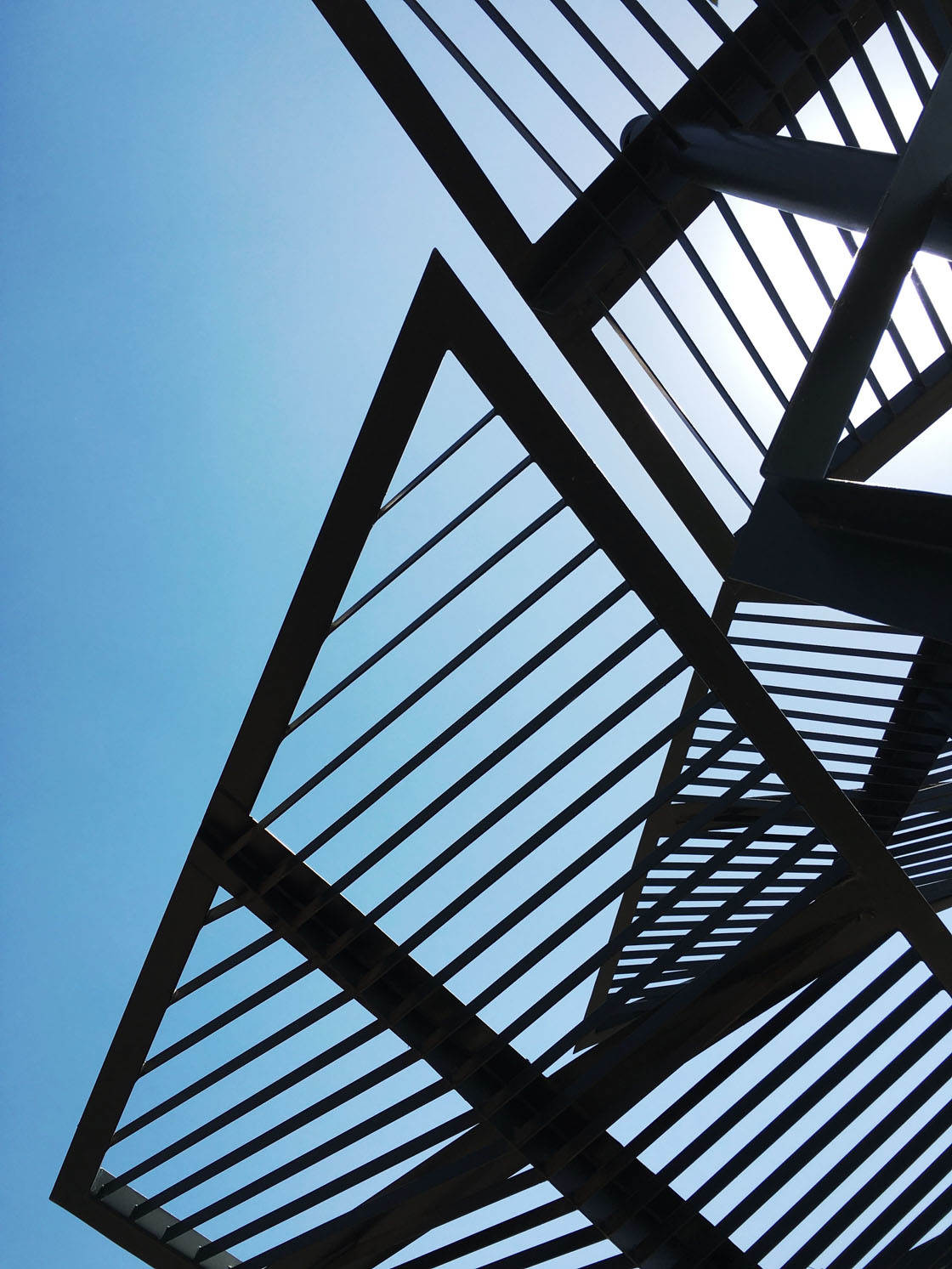
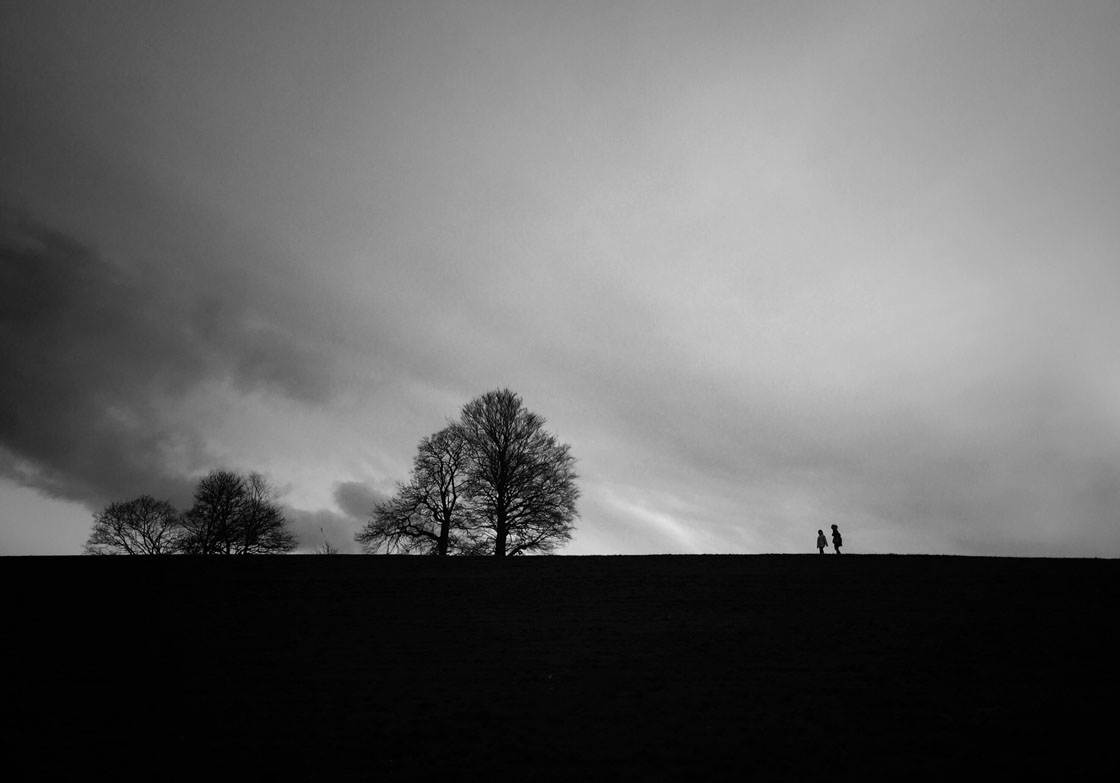
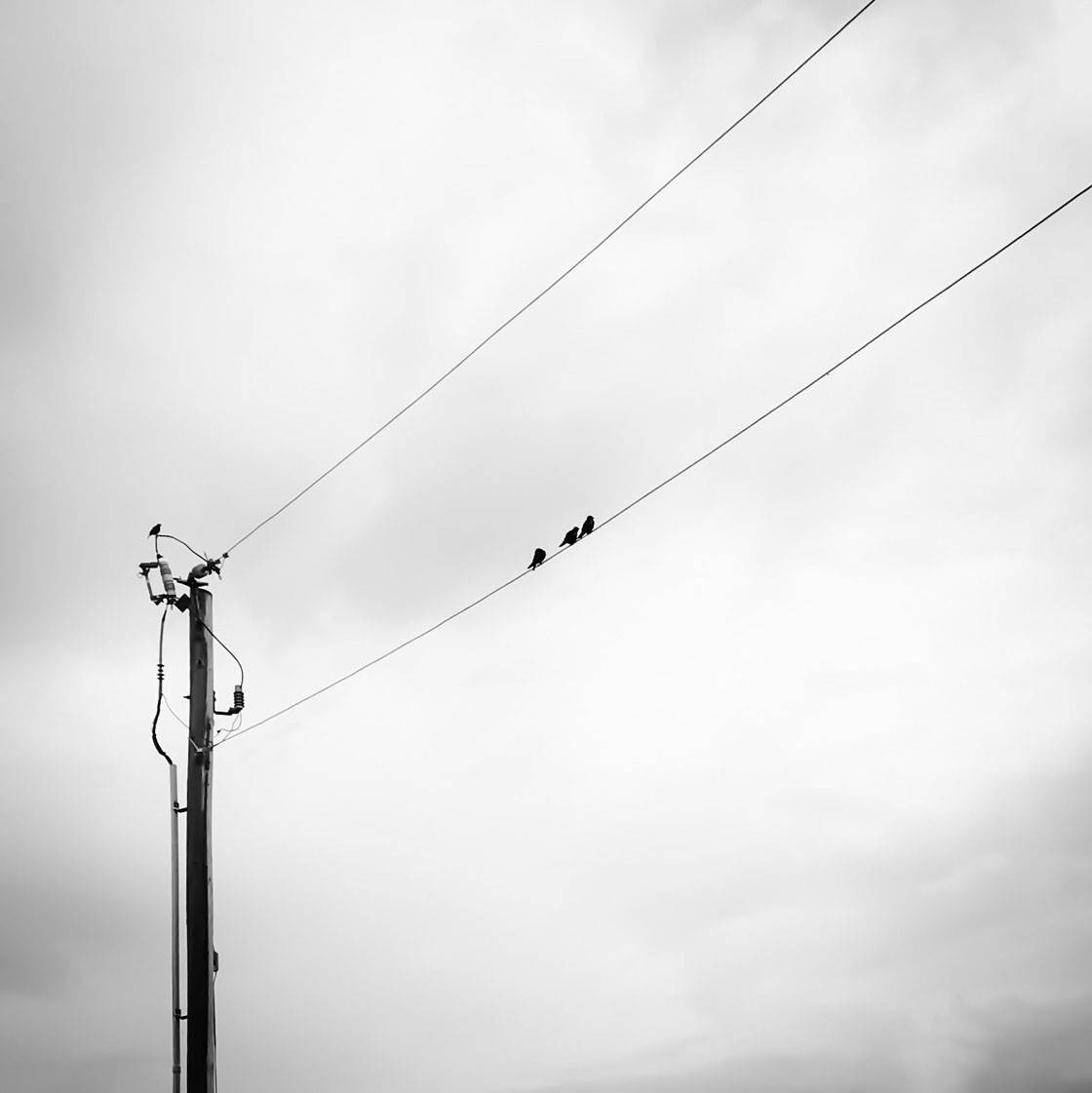
Well done to everyone who participated in our weekly iPhone photography contest. This week’s theme was “Silhouettes” and we had a fantastic selection of entries. Silhouettes are a great way to create visually powerful images with a wonderful sense of mystery and drama, and these 30 winning images are proof that the iPhone is the perfect camera for creating stunning silhouette photos. Congratulations everyone!
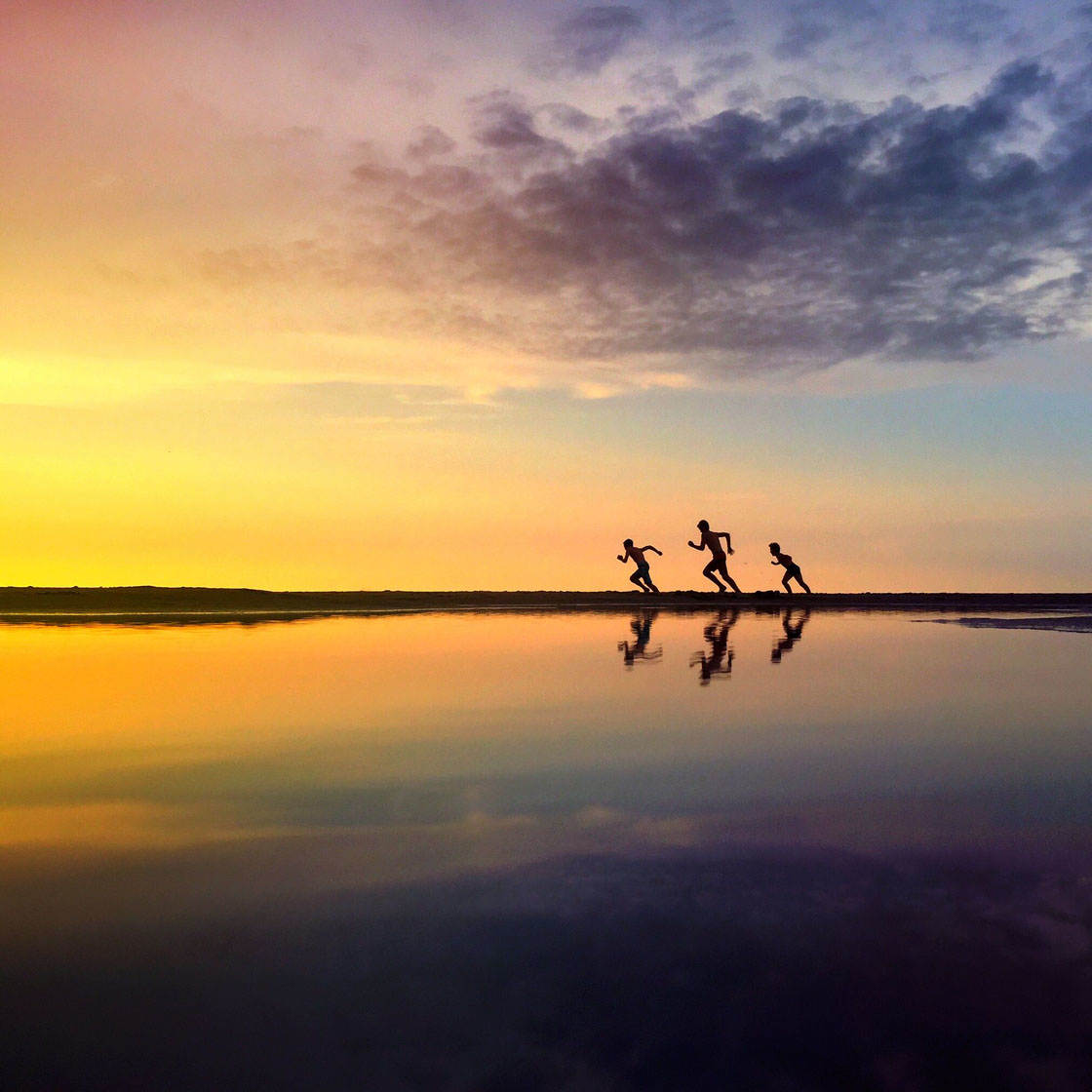


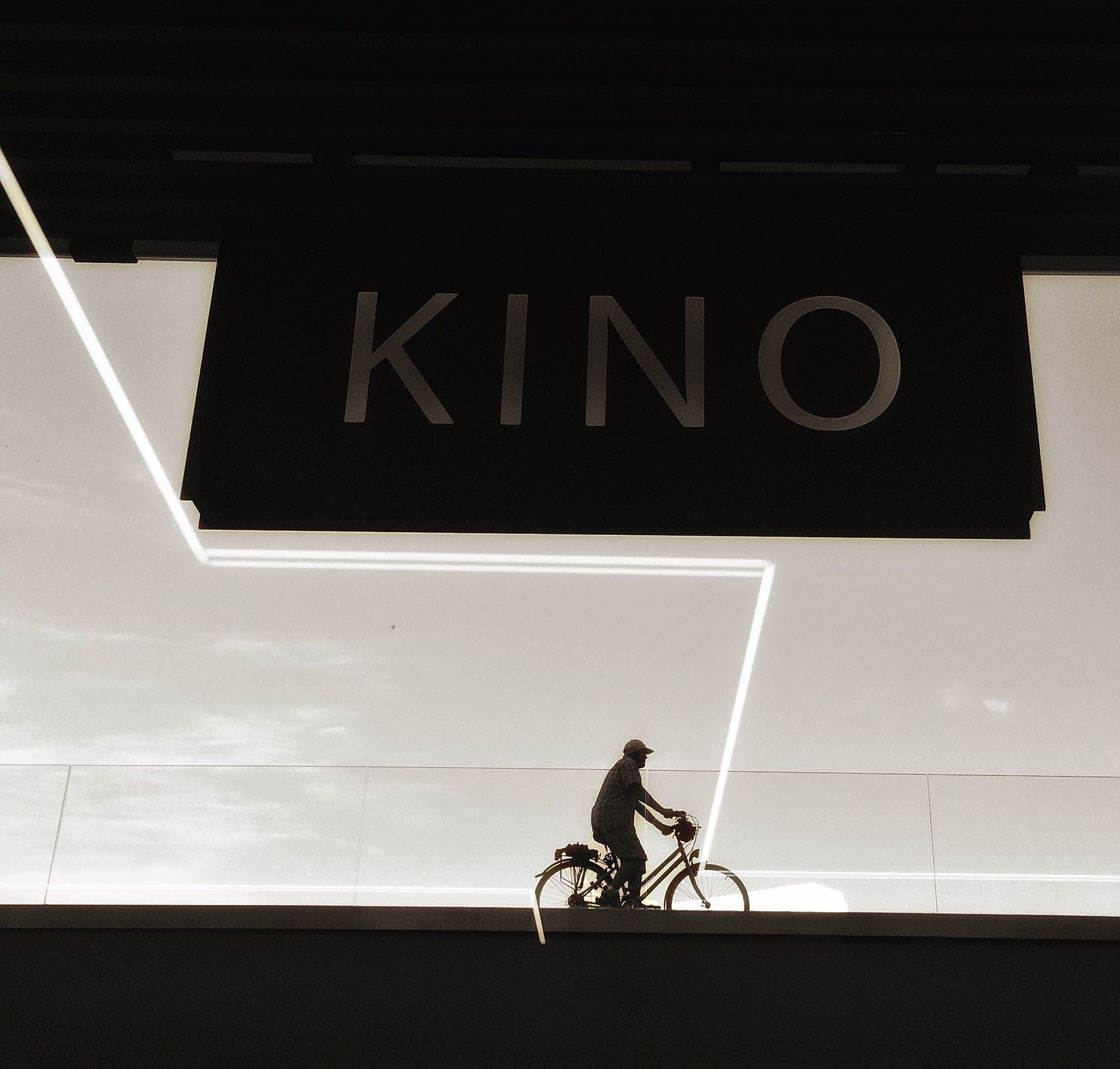

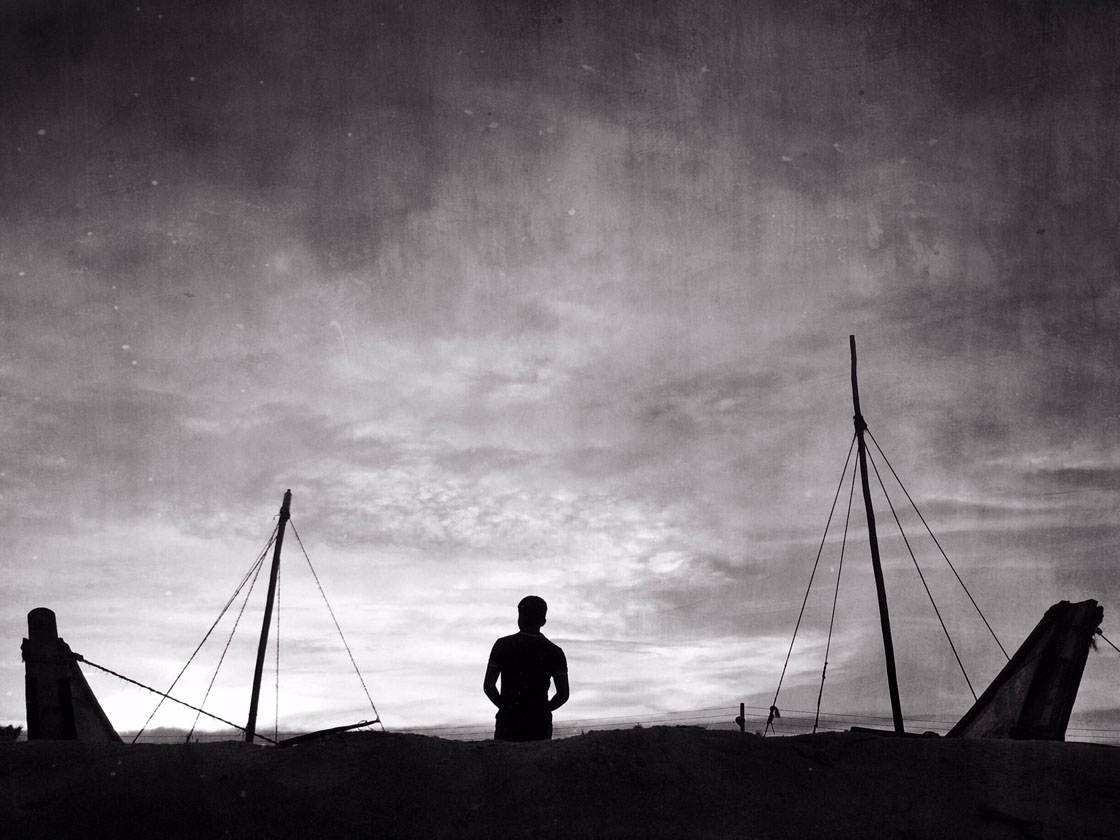
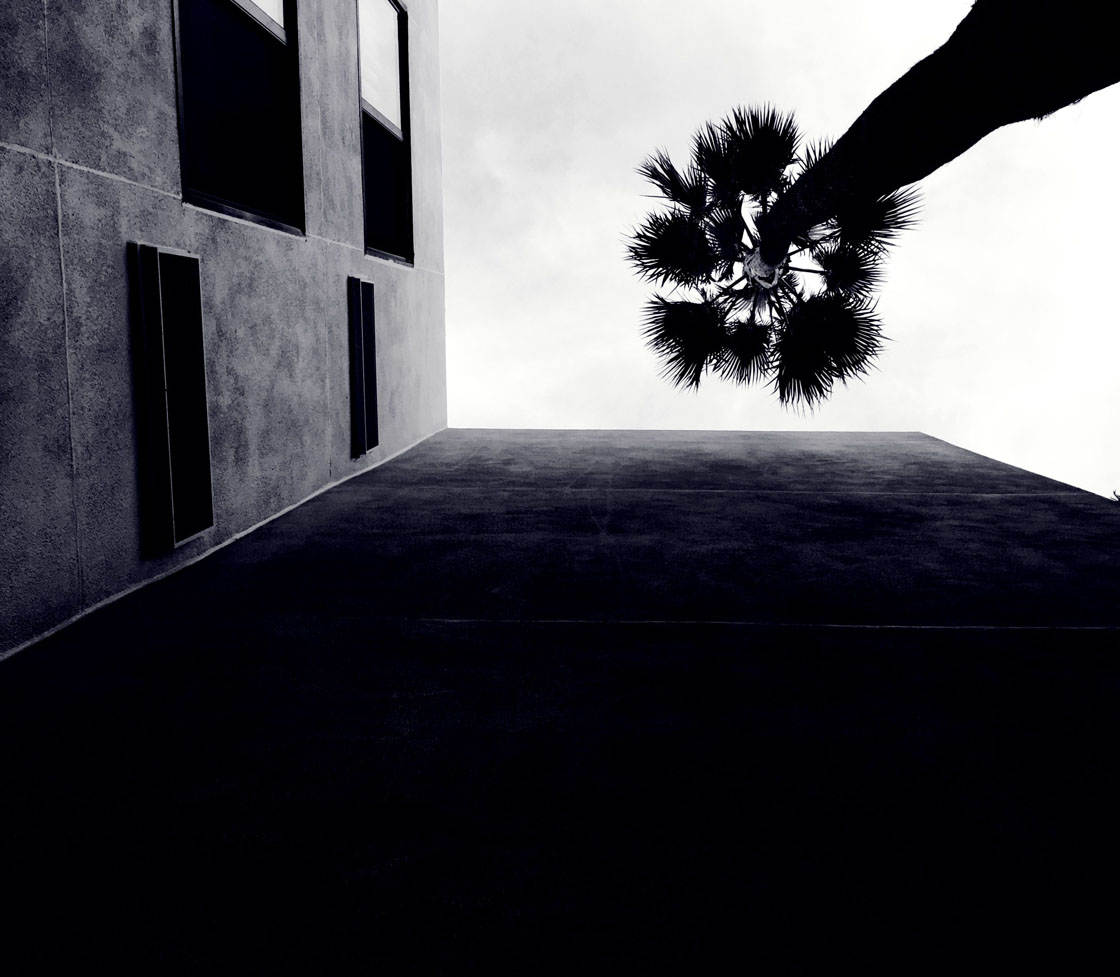
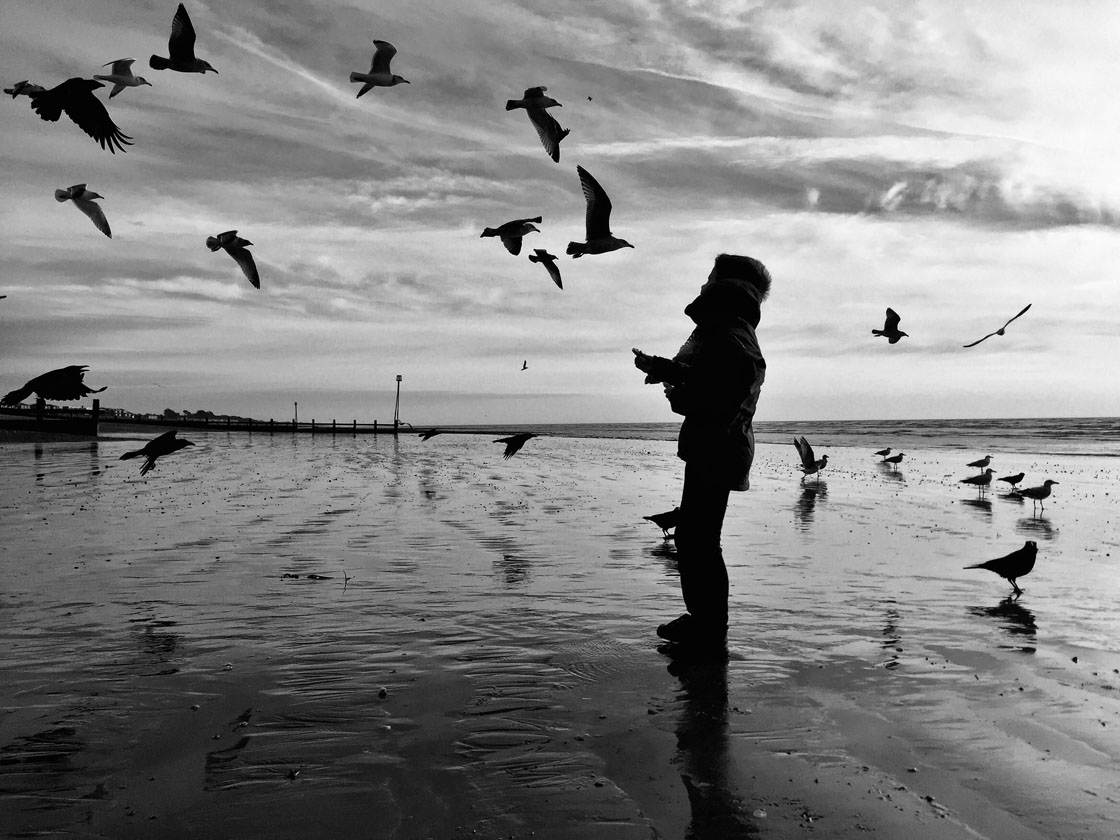

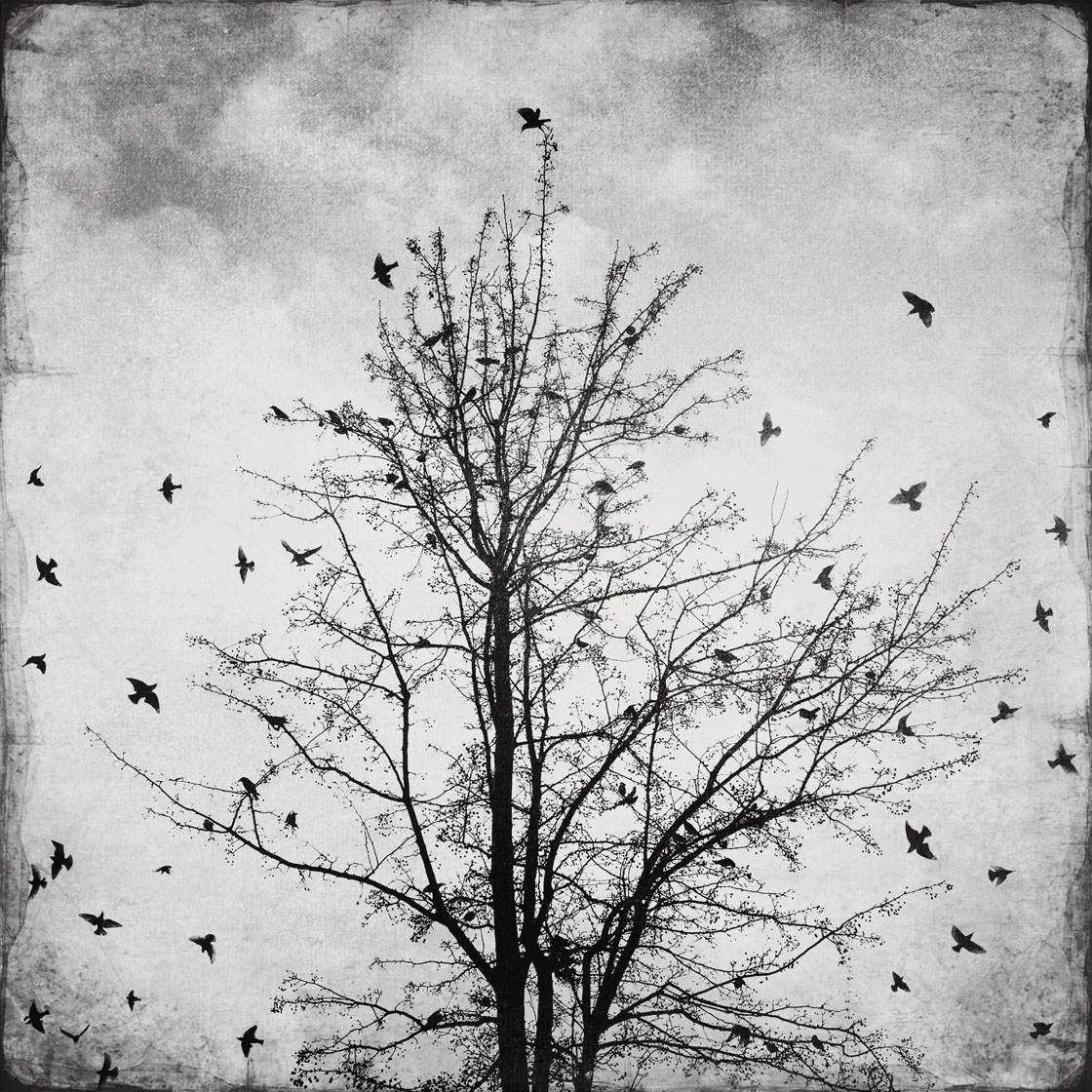
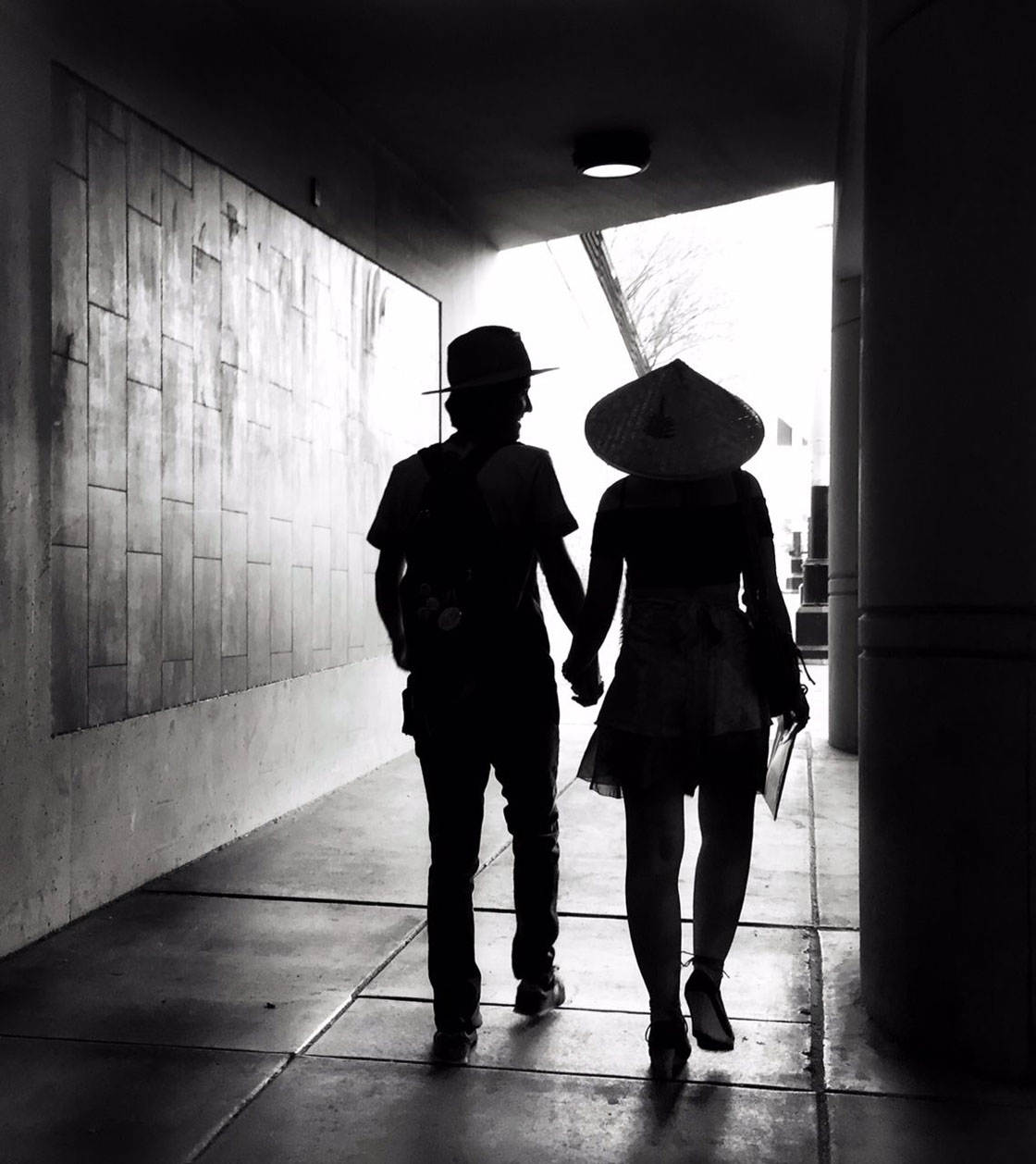

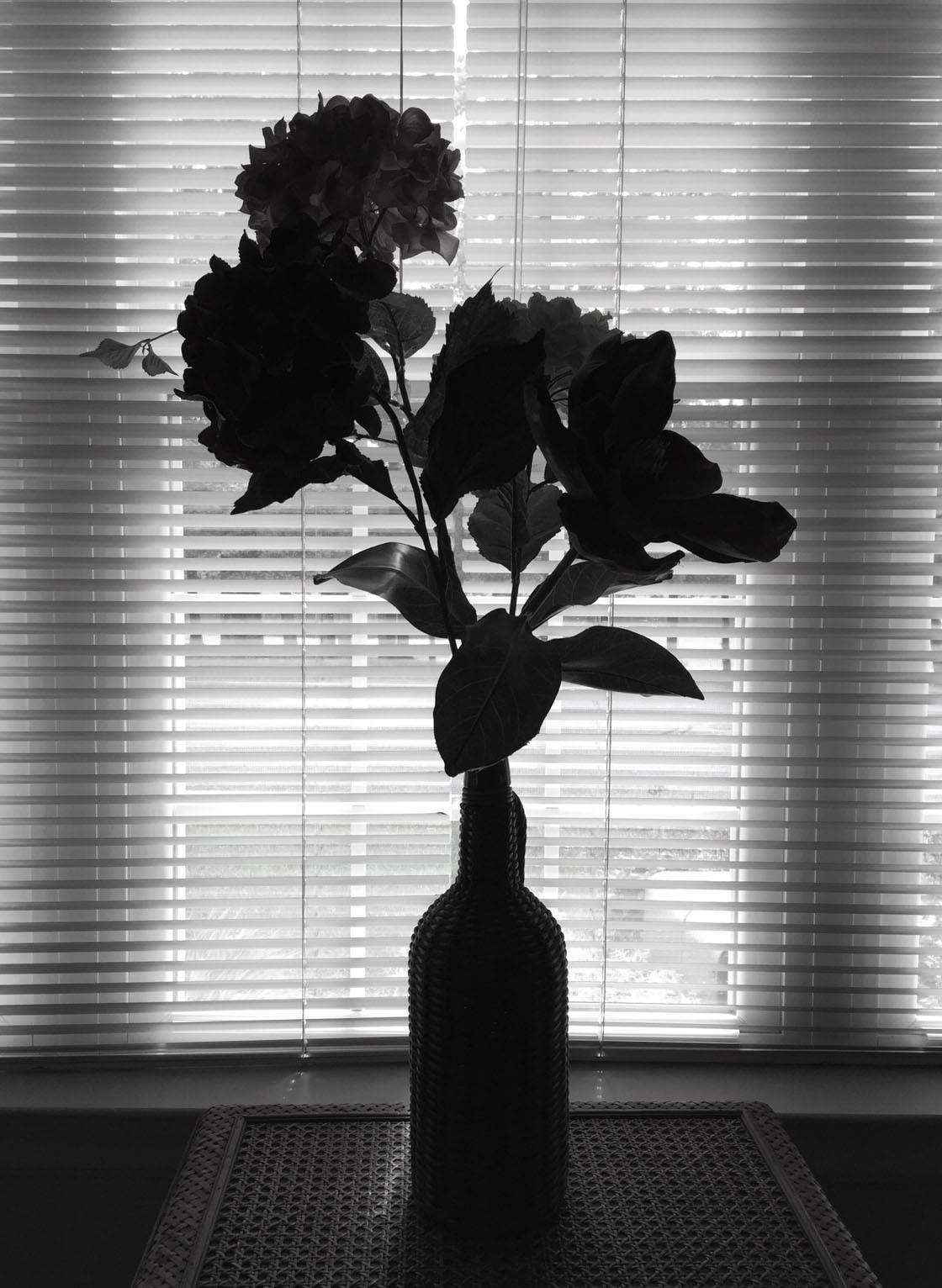




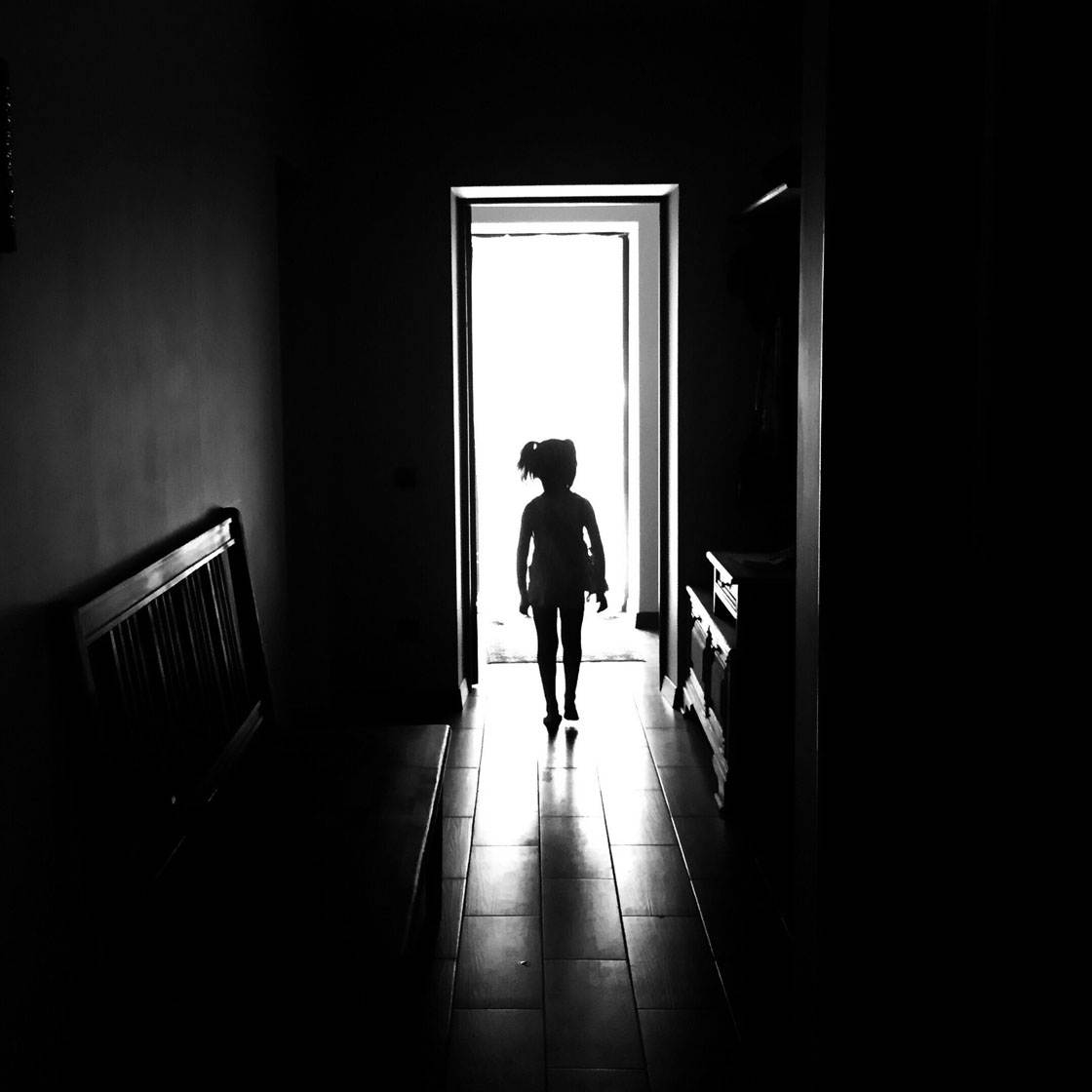


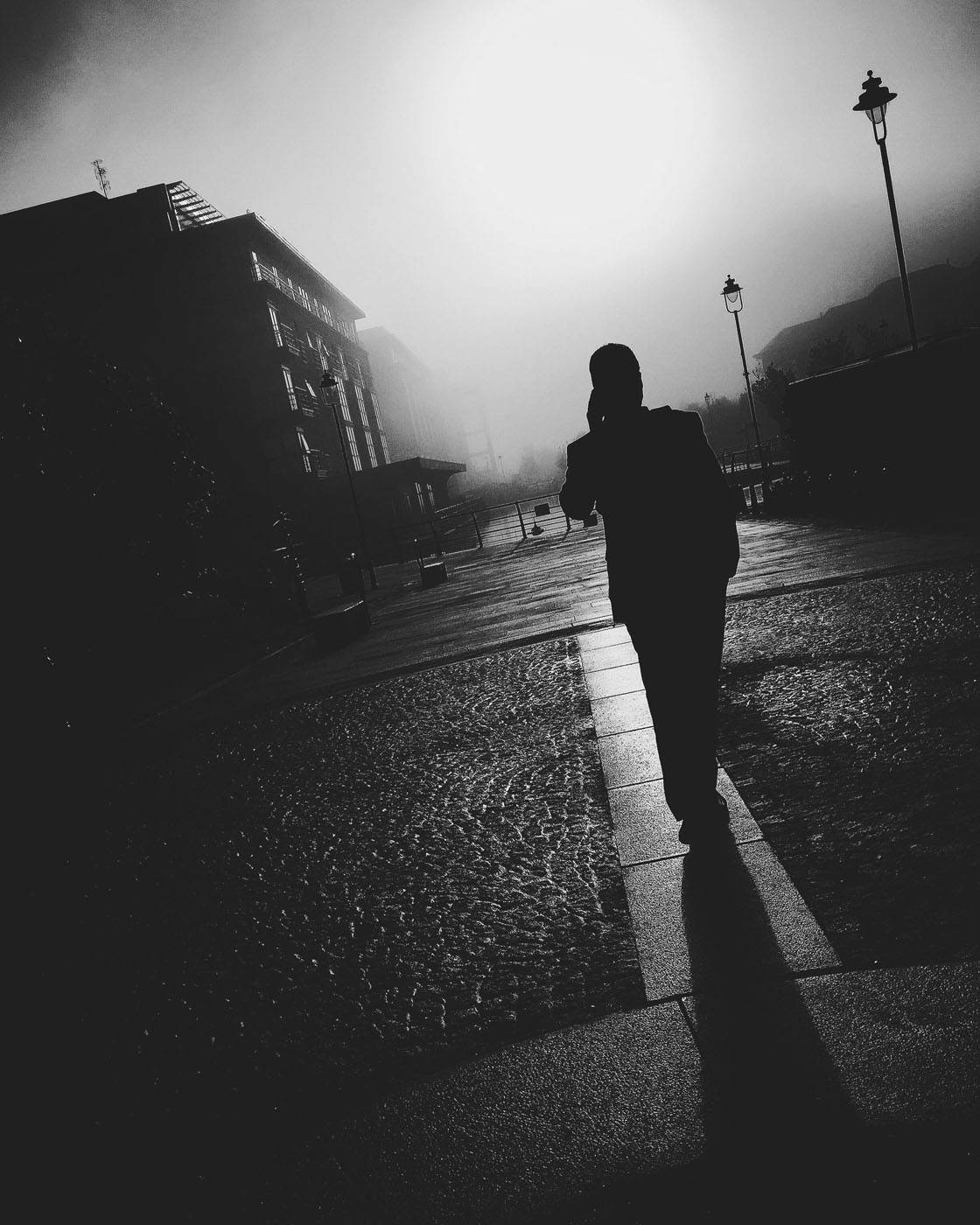
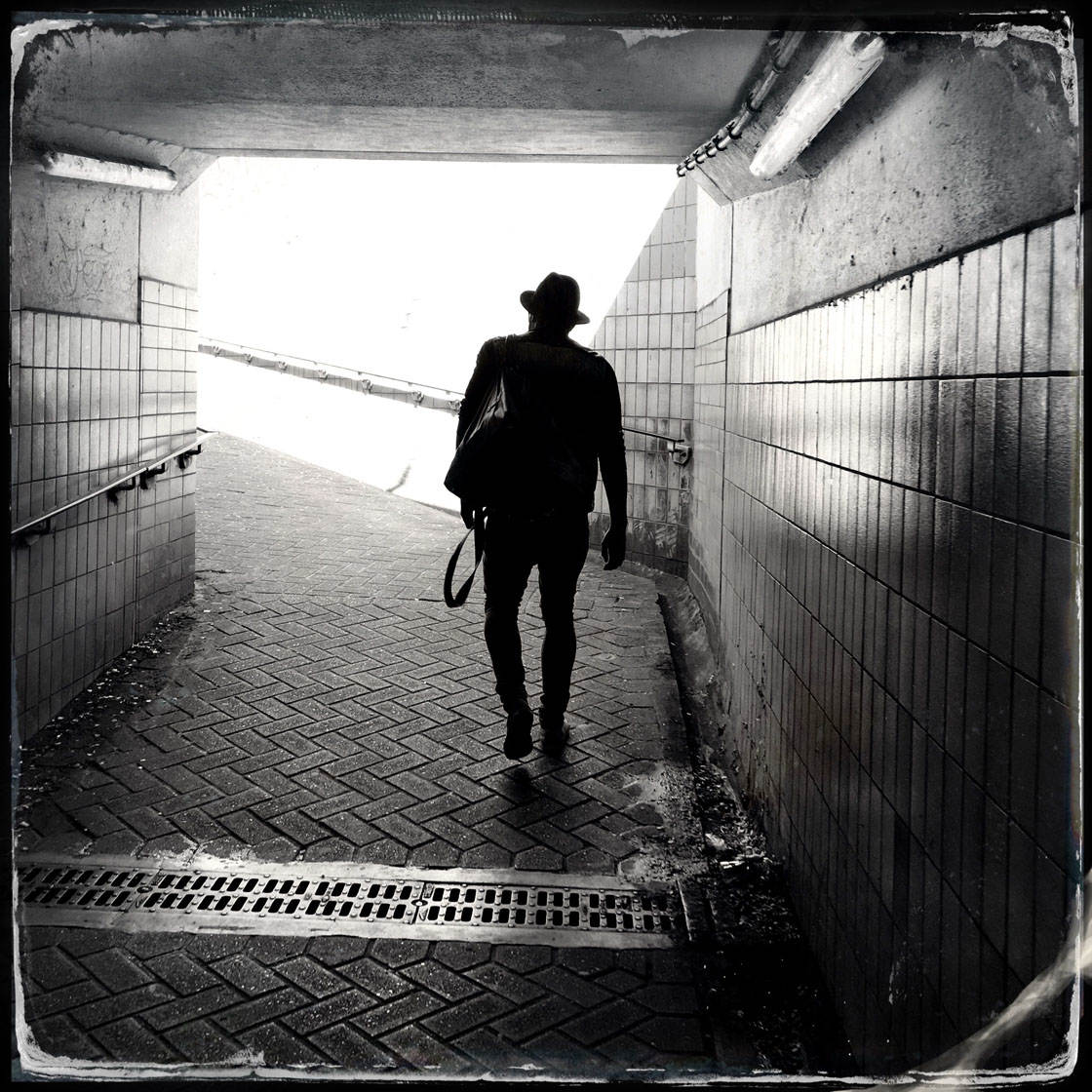
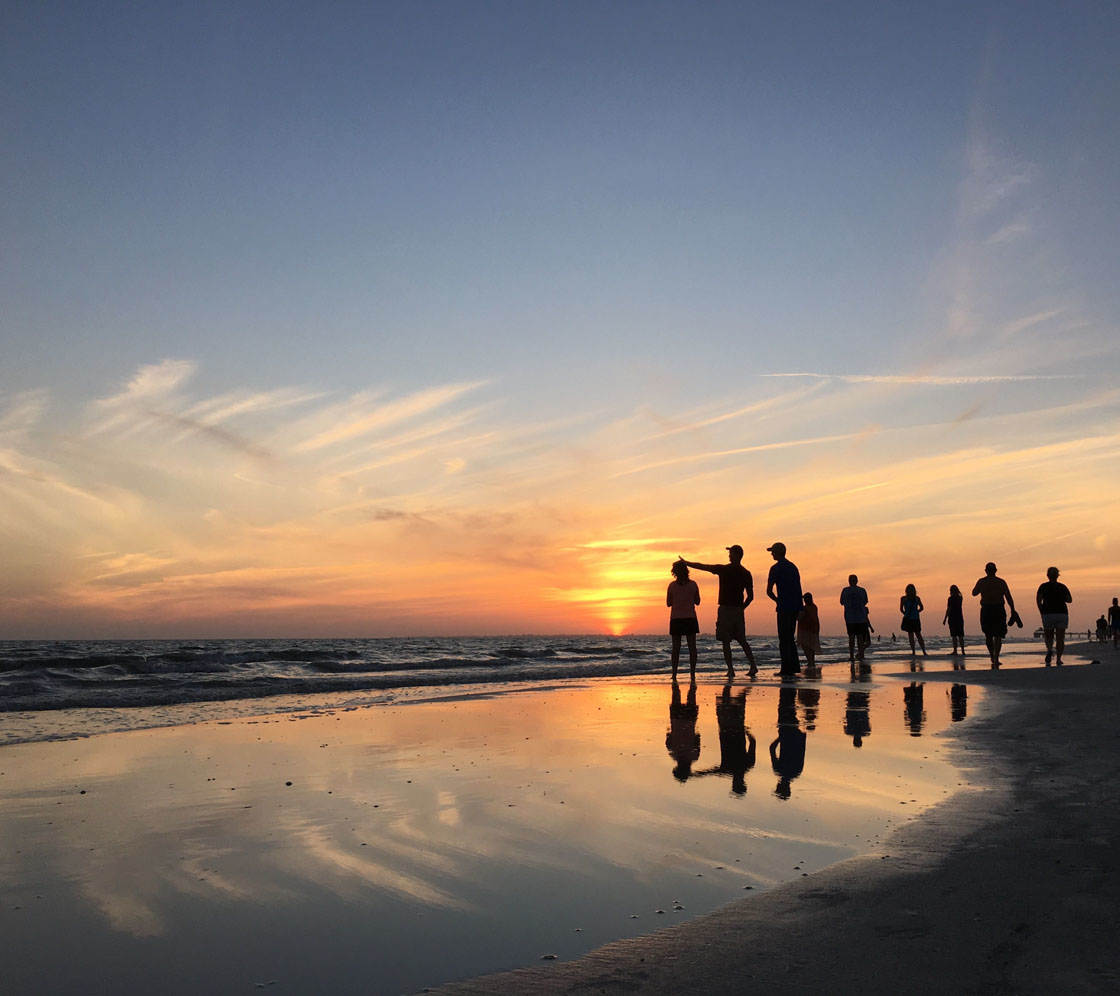




Which one of these photos is your favorite? Please let everyone know in the comments below!
How To Enter The Next Photo Contest
Last week we published an interesting tutorial on How To Use Color Temperature To Create Mood In Your iPhone Photos.
The article explored a number of ways in which you can use warm and cool colors to evoke different emotions in the viewer.
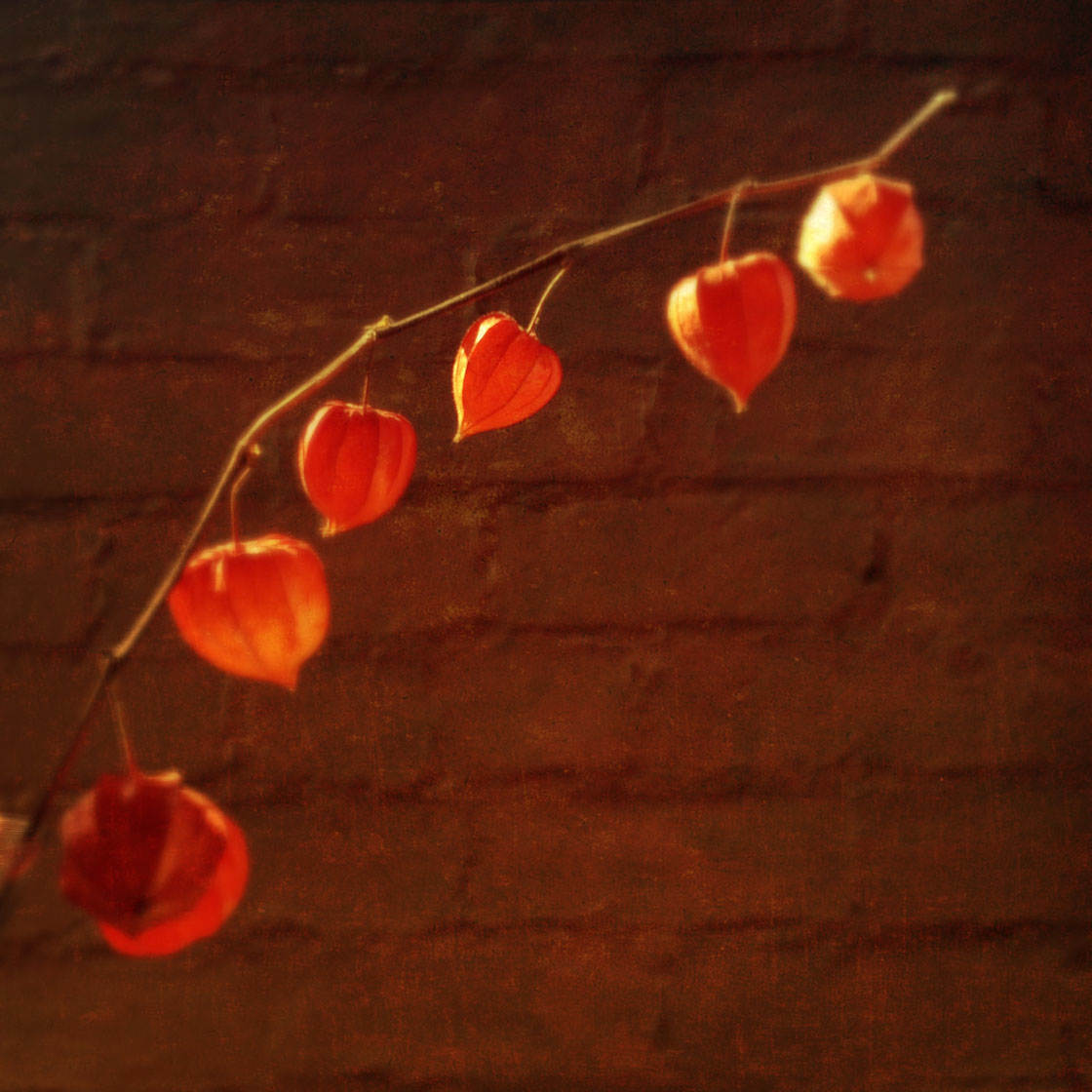
For example, warm colors like reds, oranges and yellows tend to create feelings of happiness, excitement and optimism.
Cool blue colors usually have the opposite effect, evoking feelings of calm, peace and tranquility, or maybe even melancholy and loneliness.
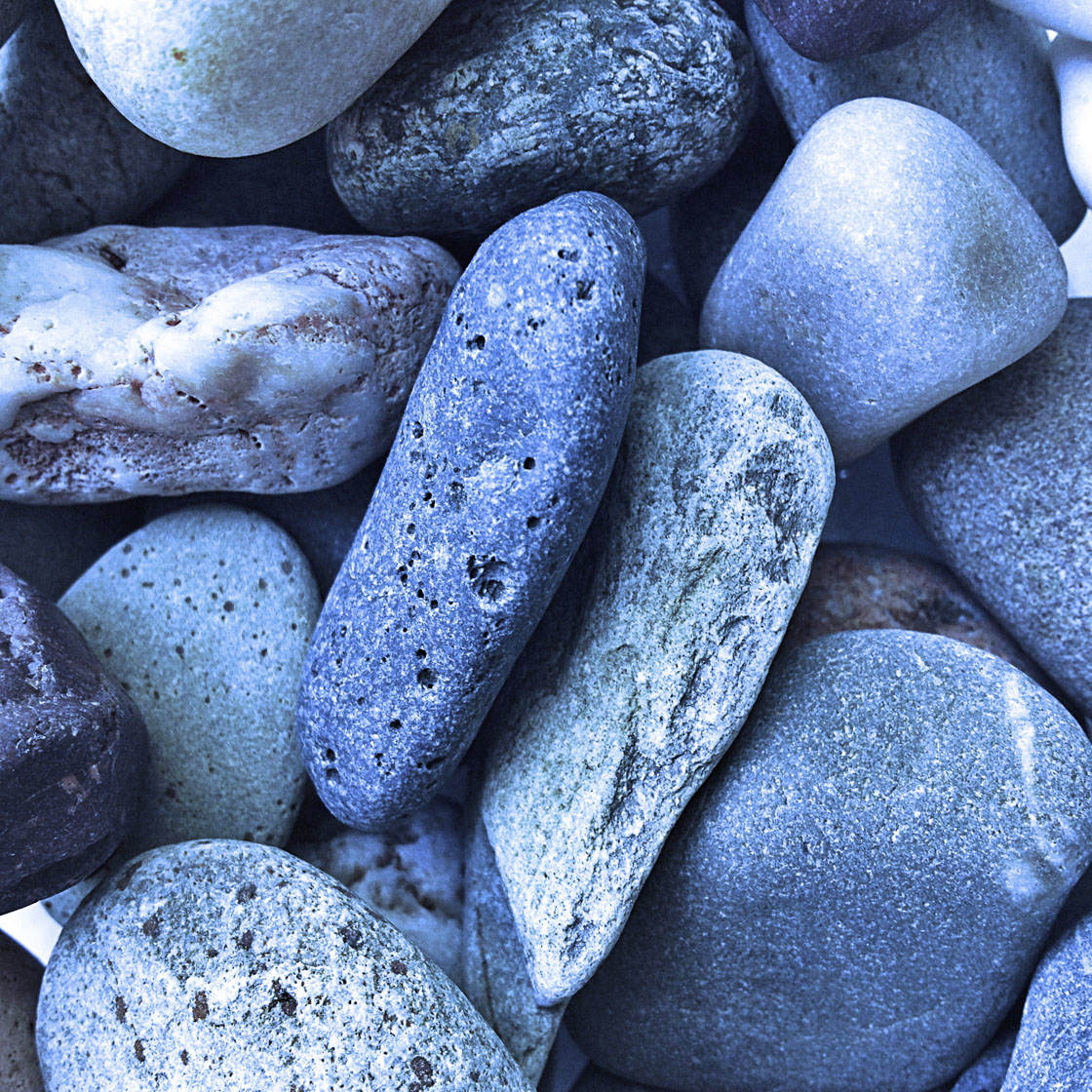
These different colors can be captured at the time of shooting – either by photographing a particular colored subject or by shooting in a particular colored light.

Alternatively, you can enhance or change the warmth of the colors in post-processing using an app such as Snapseed.
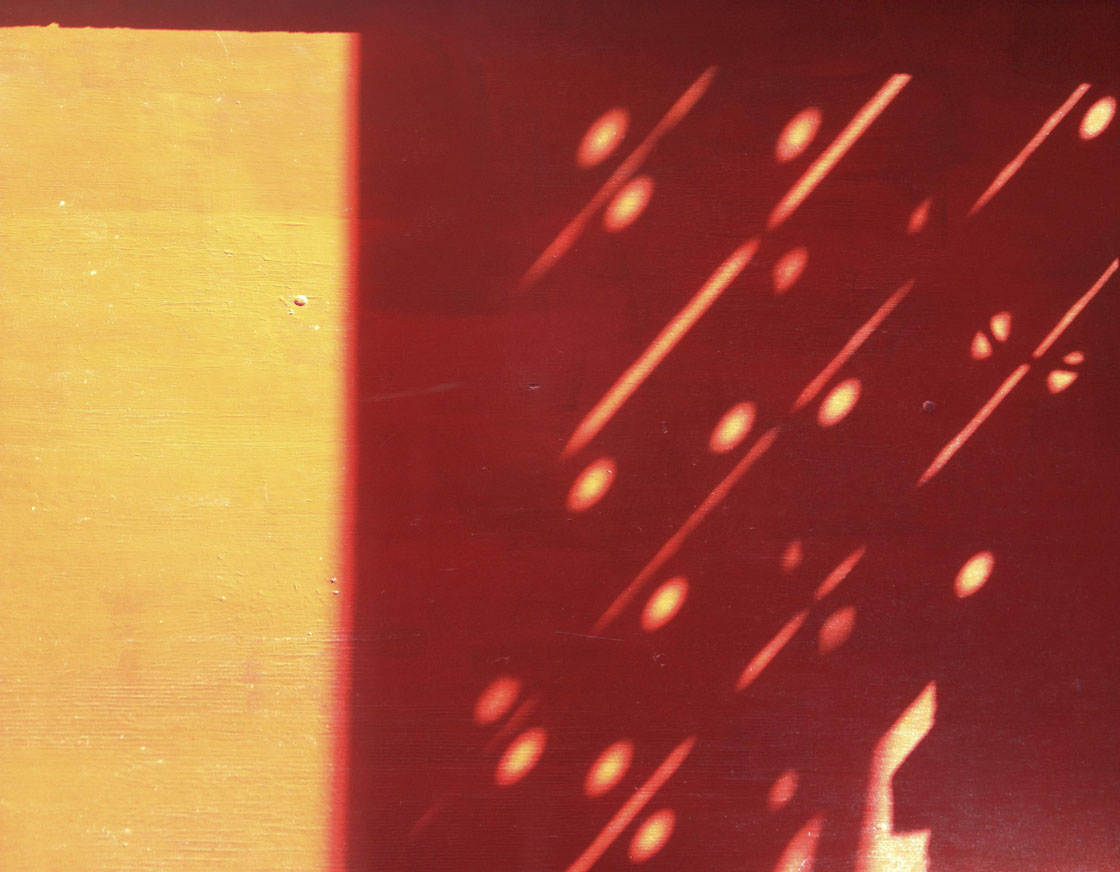
For this week’s contest theme we’re going to concentrate on capturing Warm Colors, so any iPhone photos that capture warm colors such as reds, oranges and yellows can be submitted.
To participate, go to contest.iphonephotographyschool.com in your web browser and sign up or log in.
When you’ve signed in, go to the Your Photos tab and upload your images (you can submit up to 10 photos).
All photos must be shot and edited on iPhone, iPad or iPod touch. Images should not have watermarks.
The submission deadline is Sunday, May 15. Winners will be announced on Monday, May 16. Winning images will also be featured on our iPhone Photography School Facebook page.