

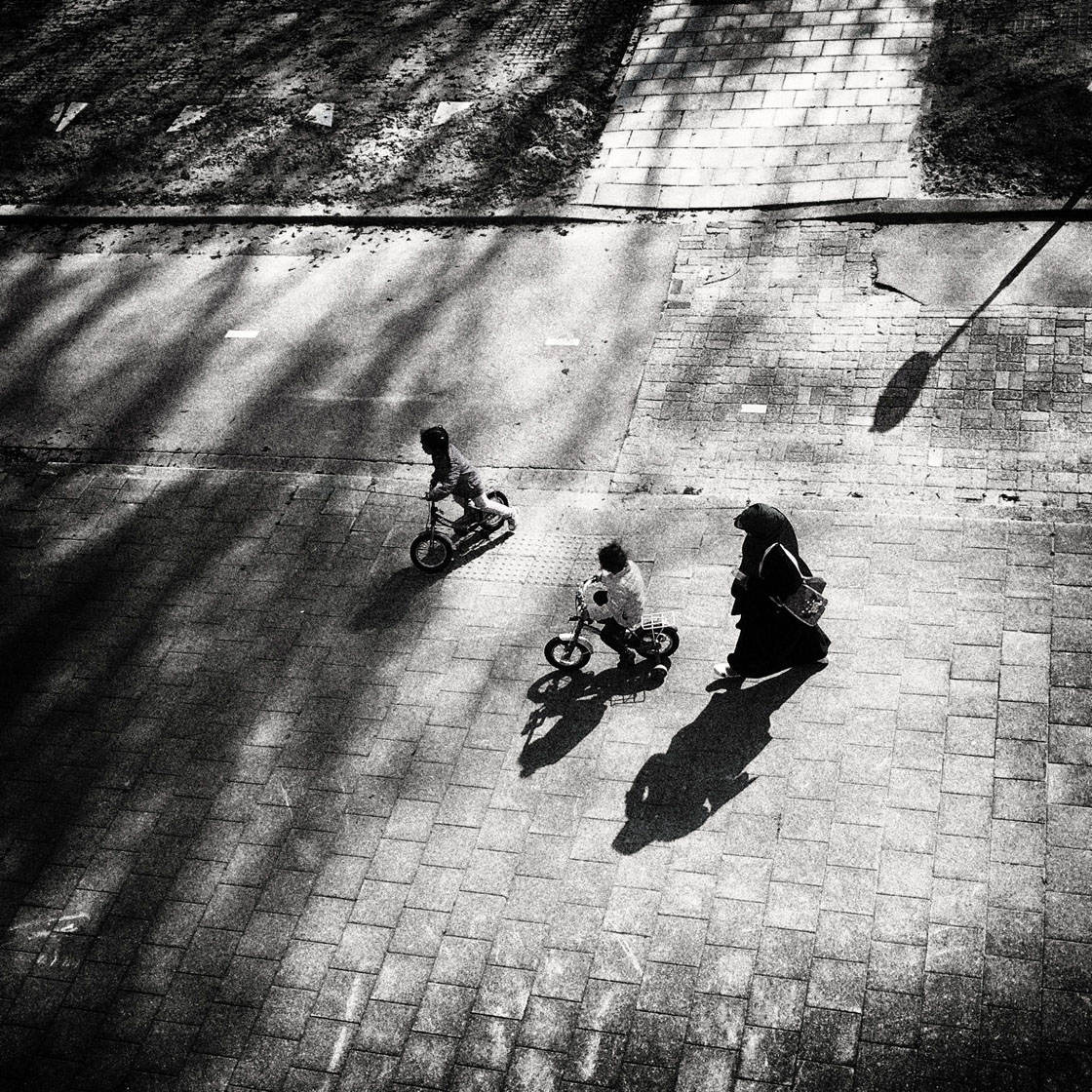
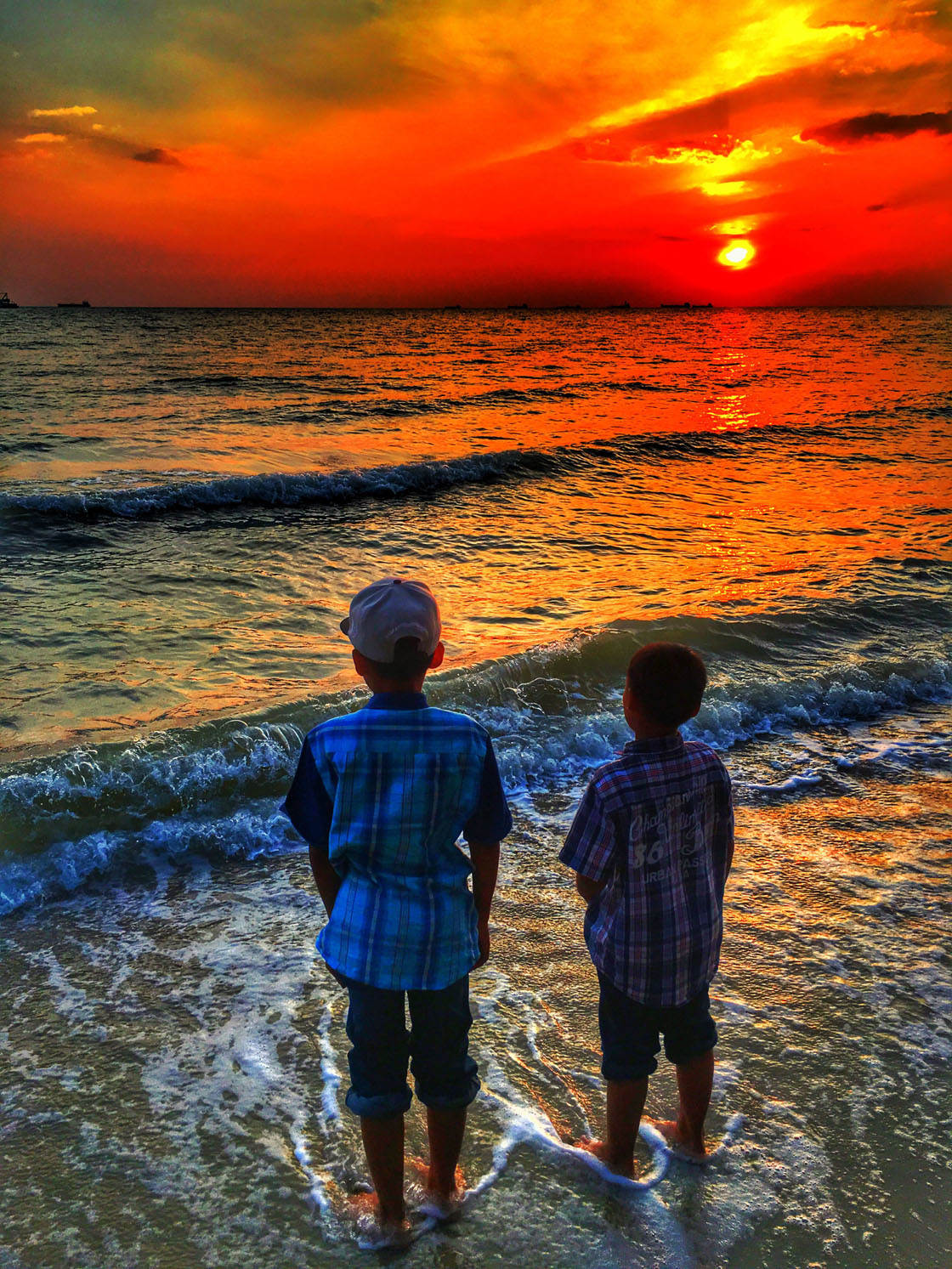
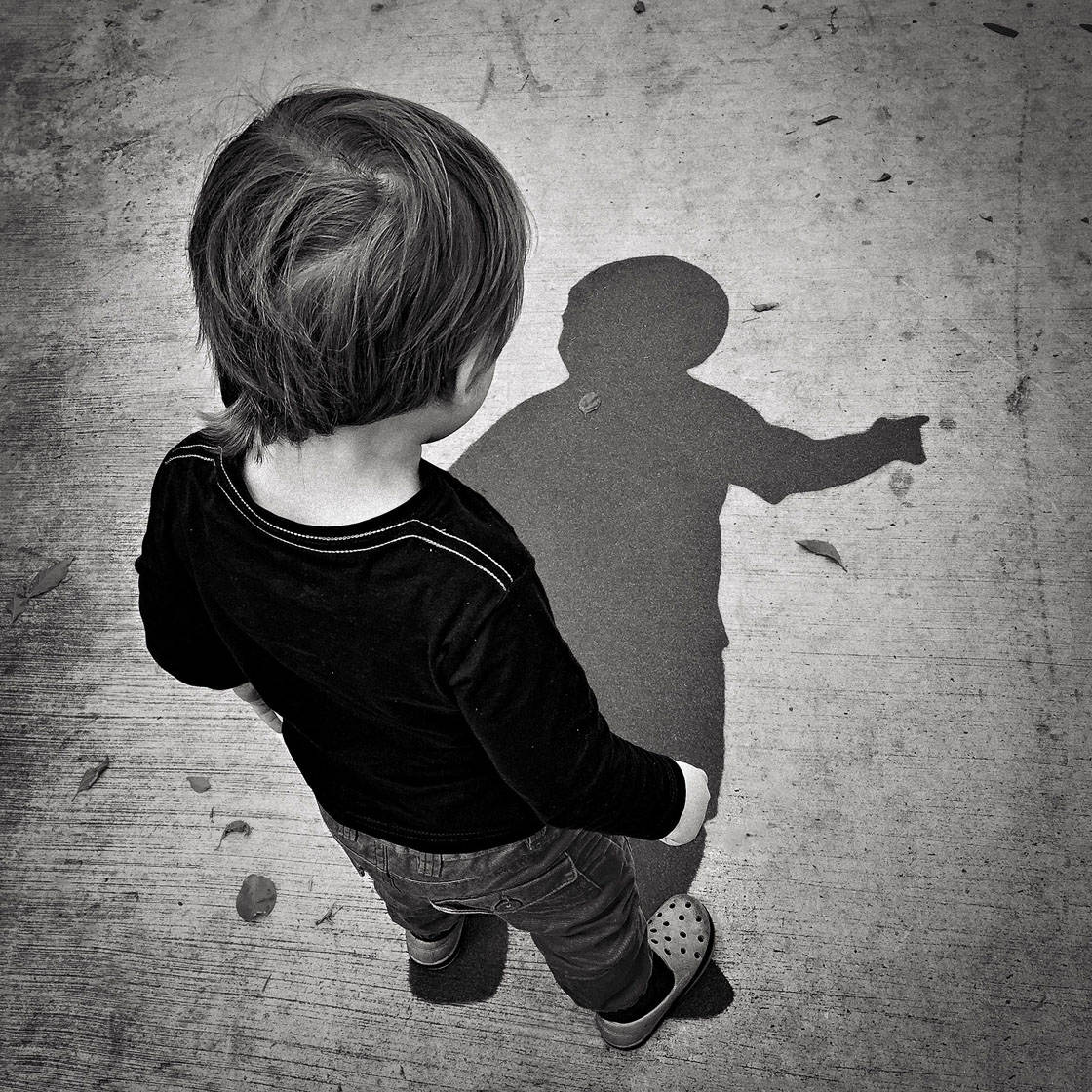
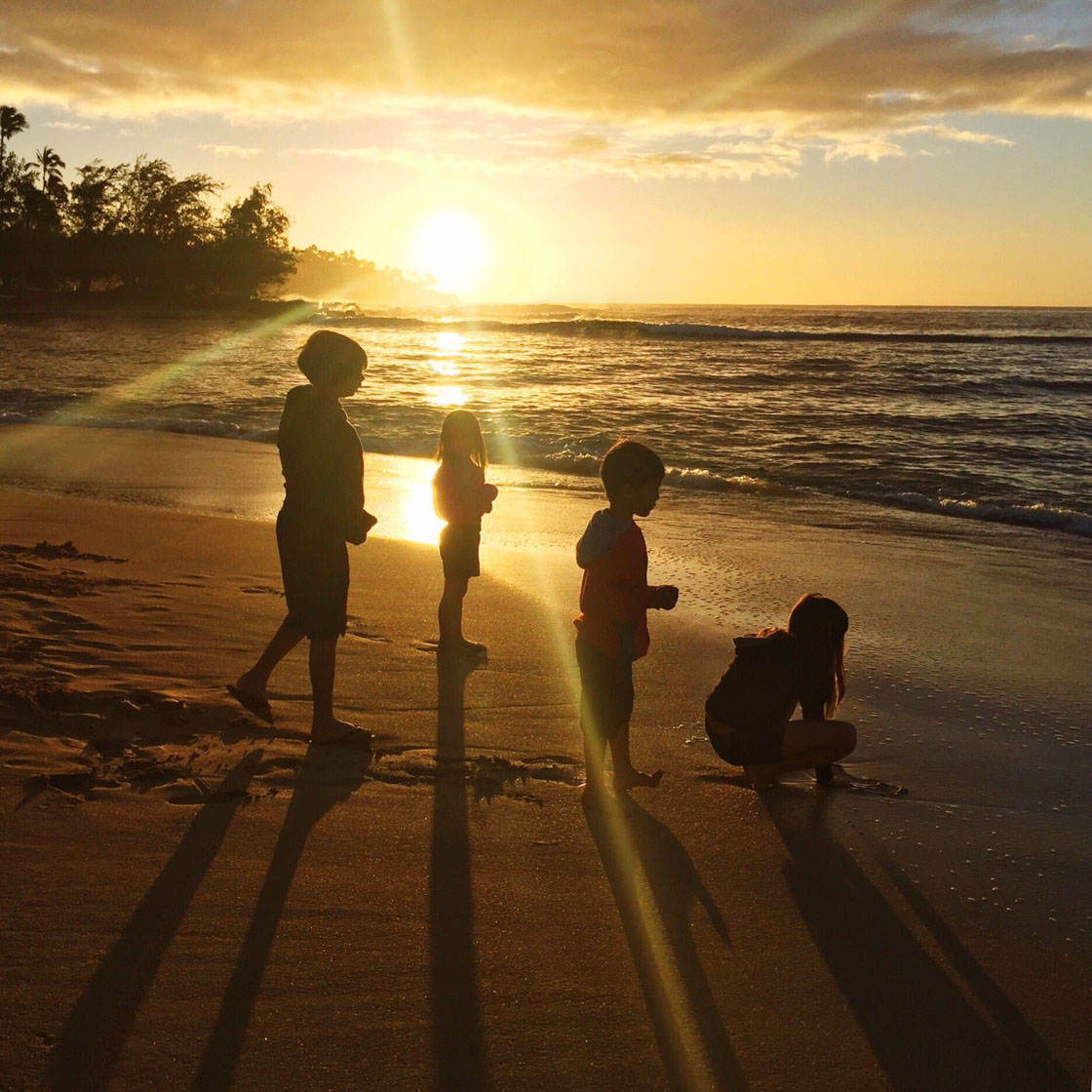
Thank you to all of the talented photographers who participated in our weekly iPhone photography contest. This week’s theme was “Children” and we had a fantastic selection of images submitted. Photographing children can be challenging, but these 30 magical photos that show the power of the iPhone in capturing wonderful childhood memories.
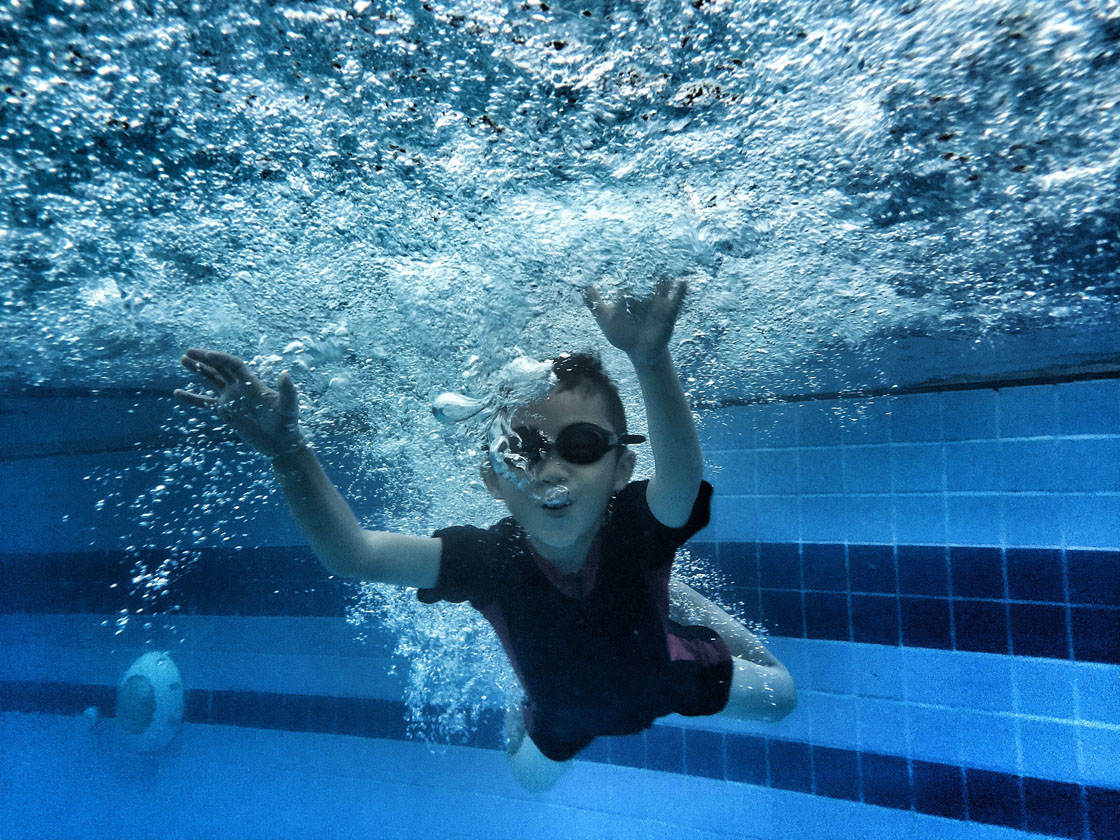

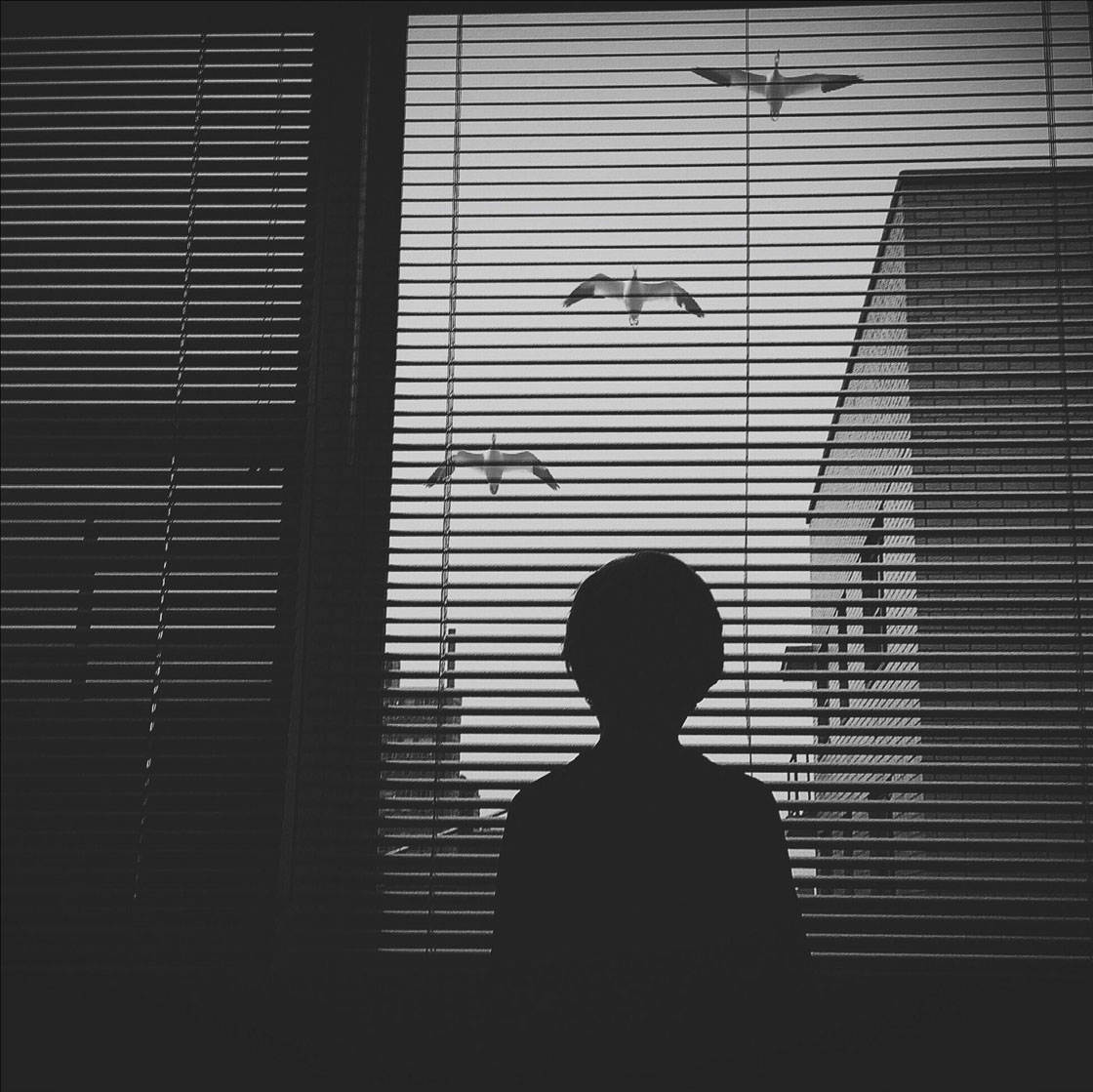
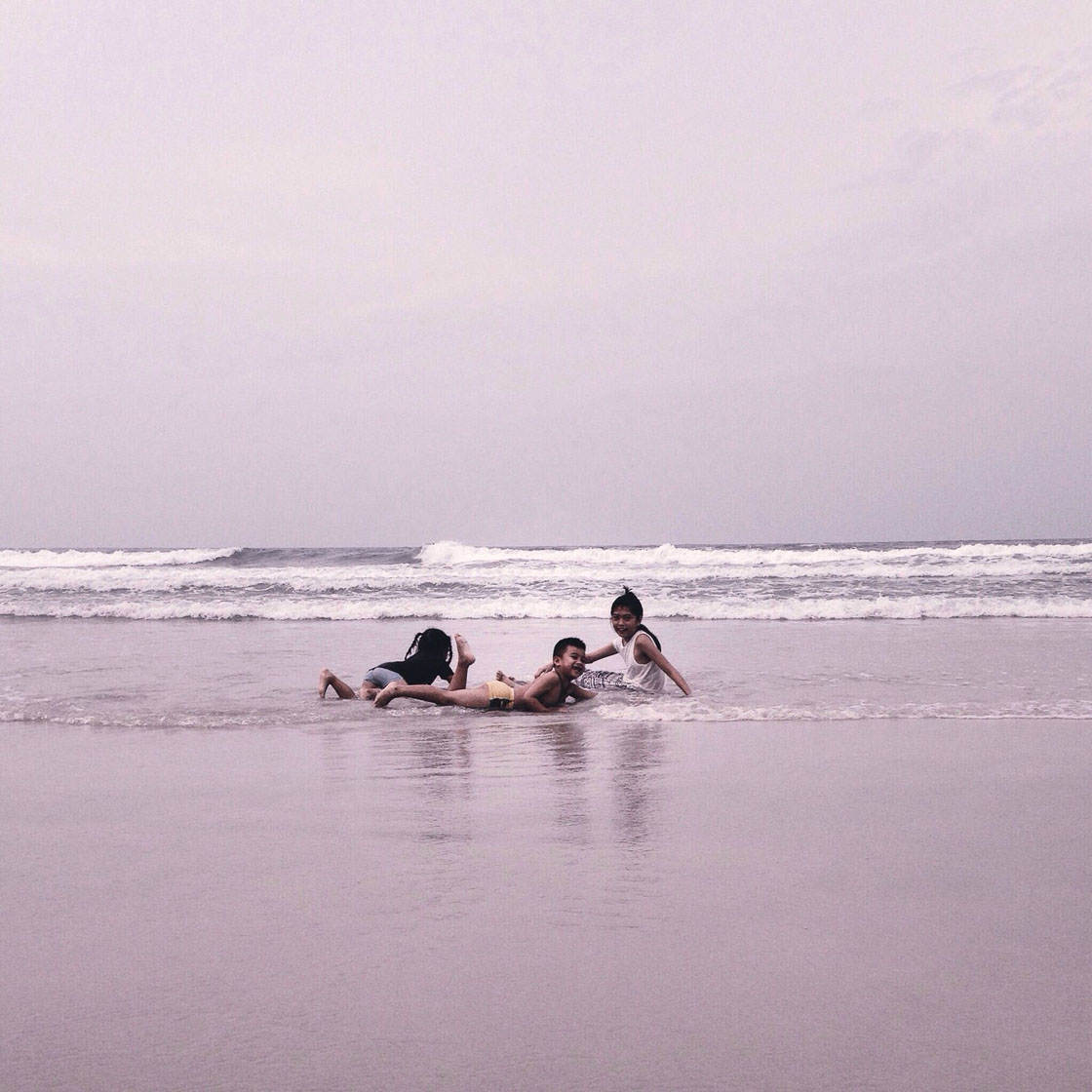



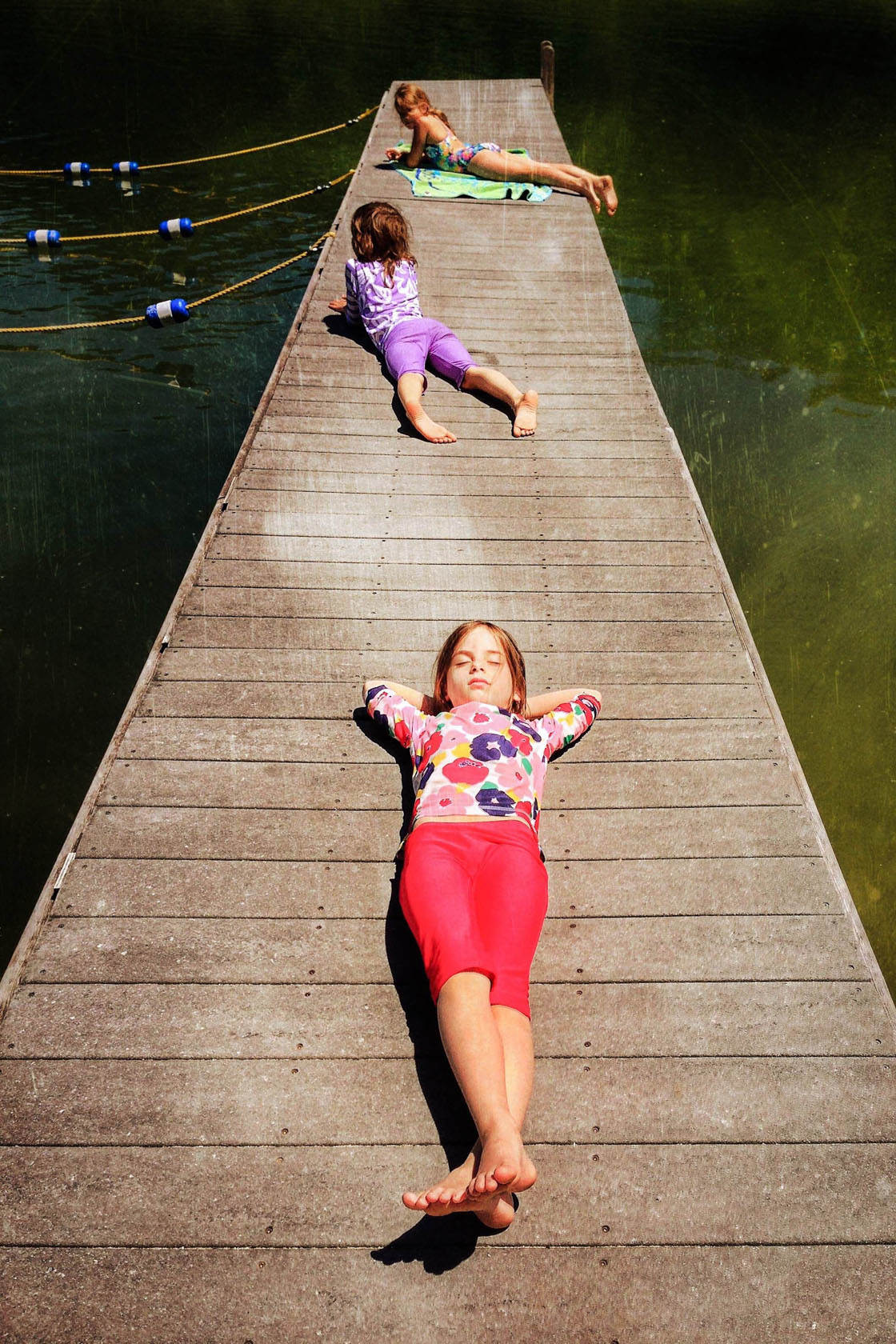


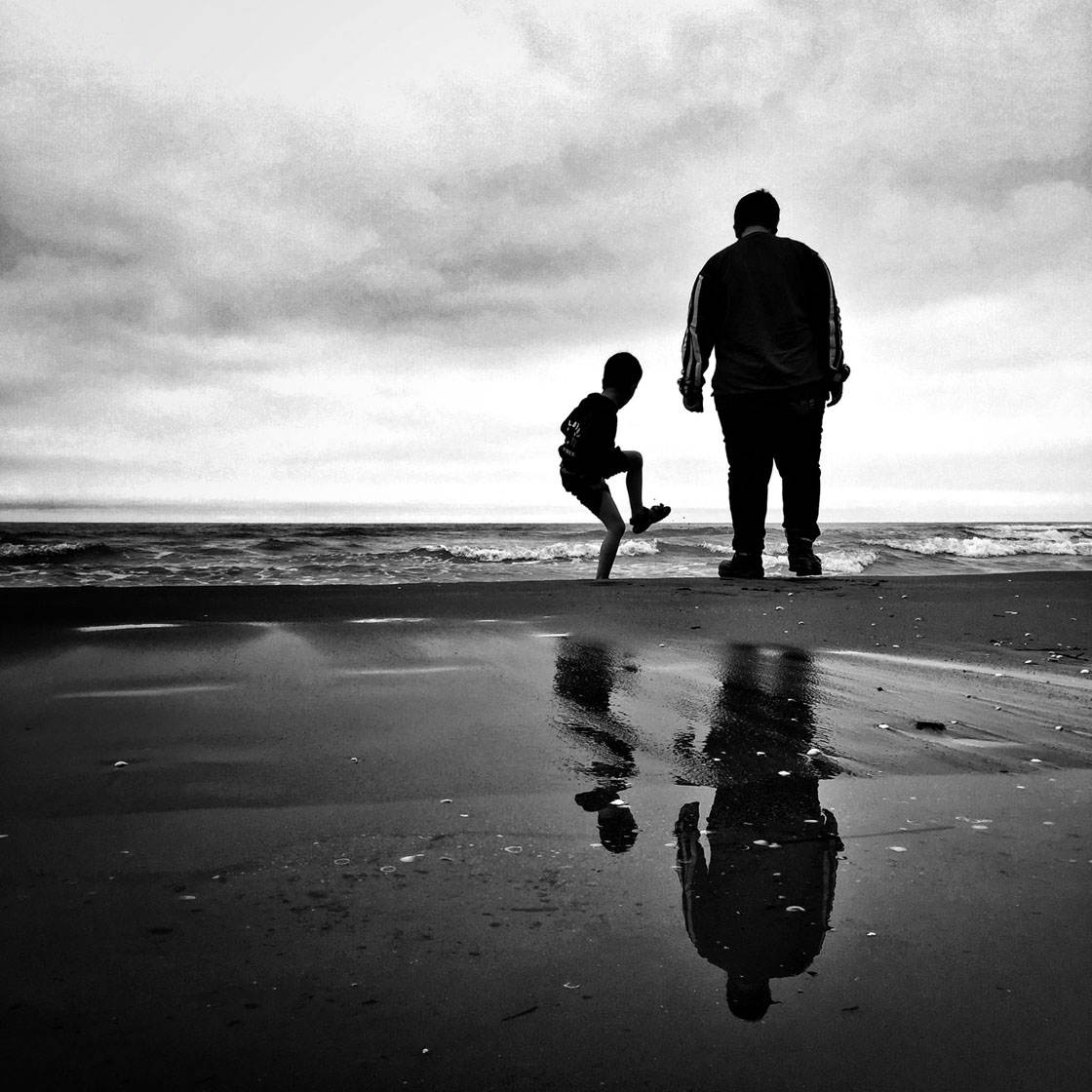

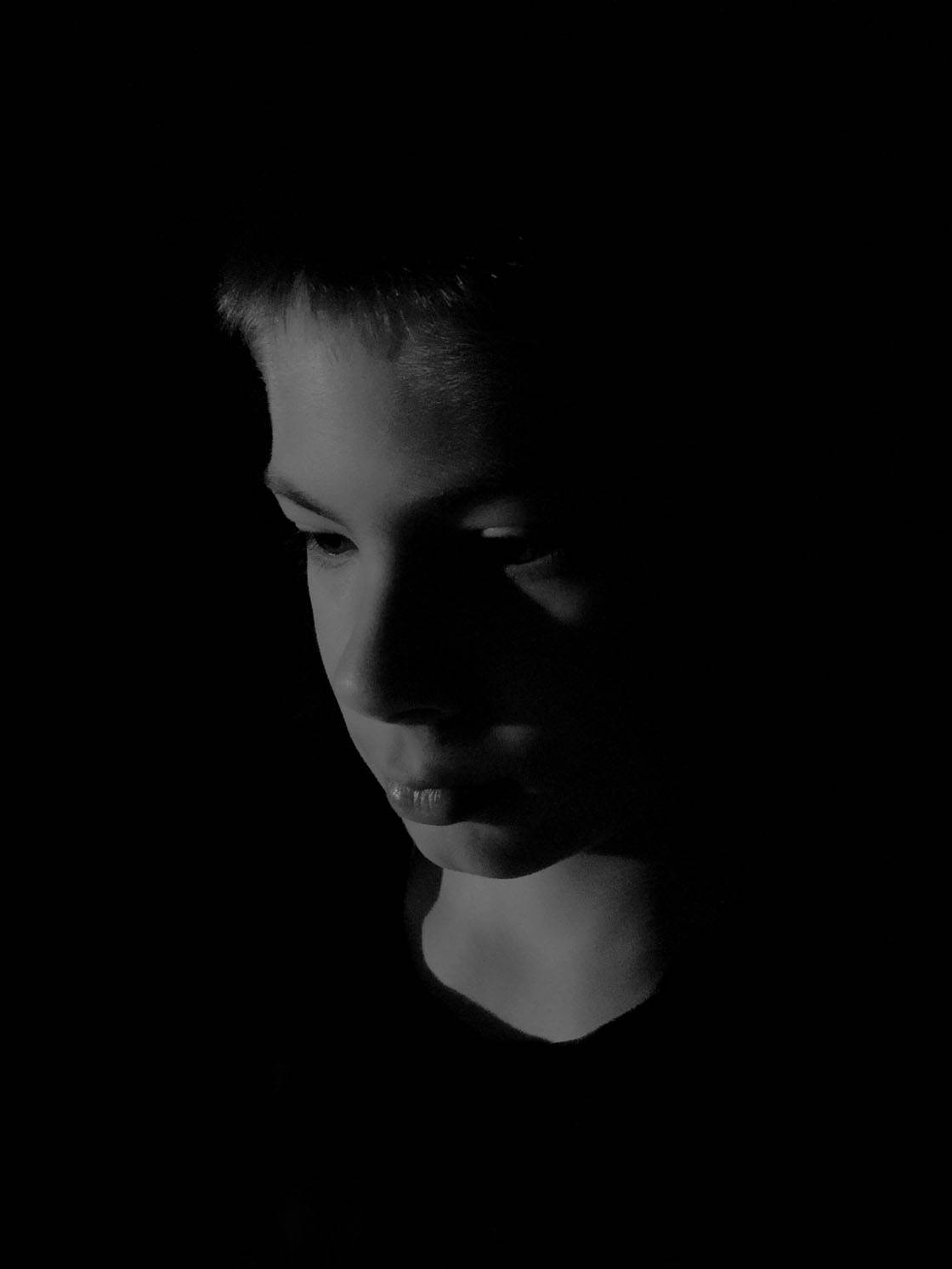
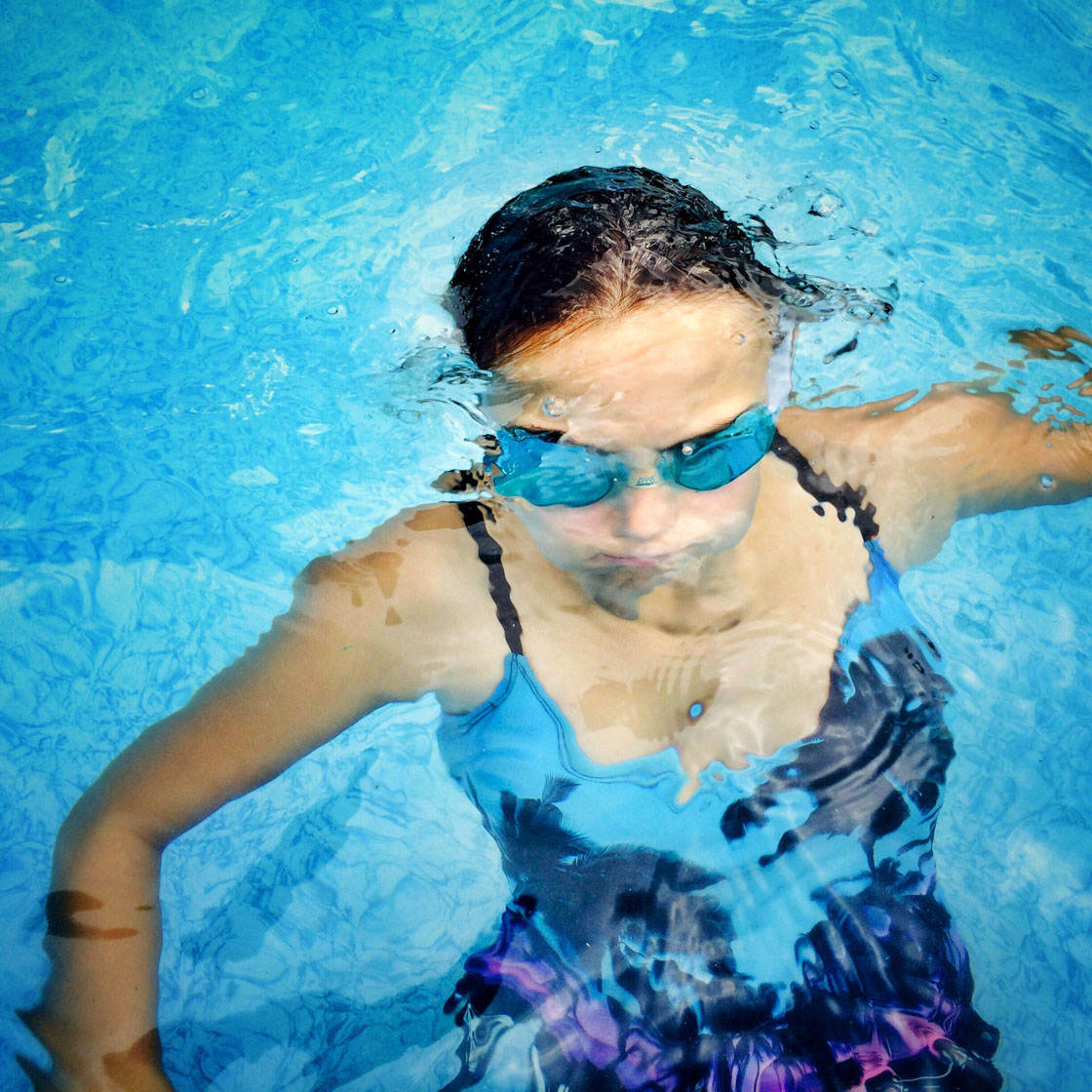

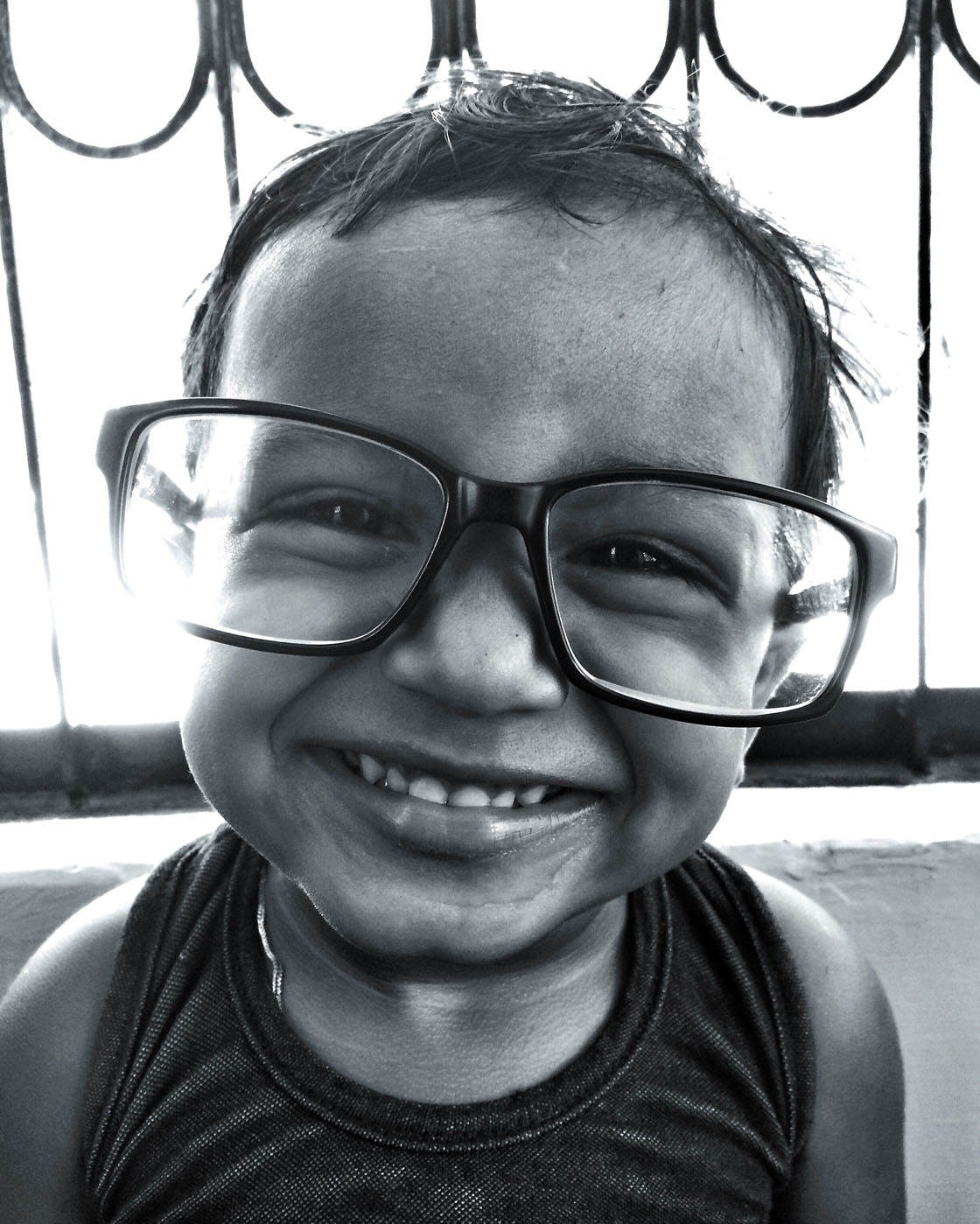

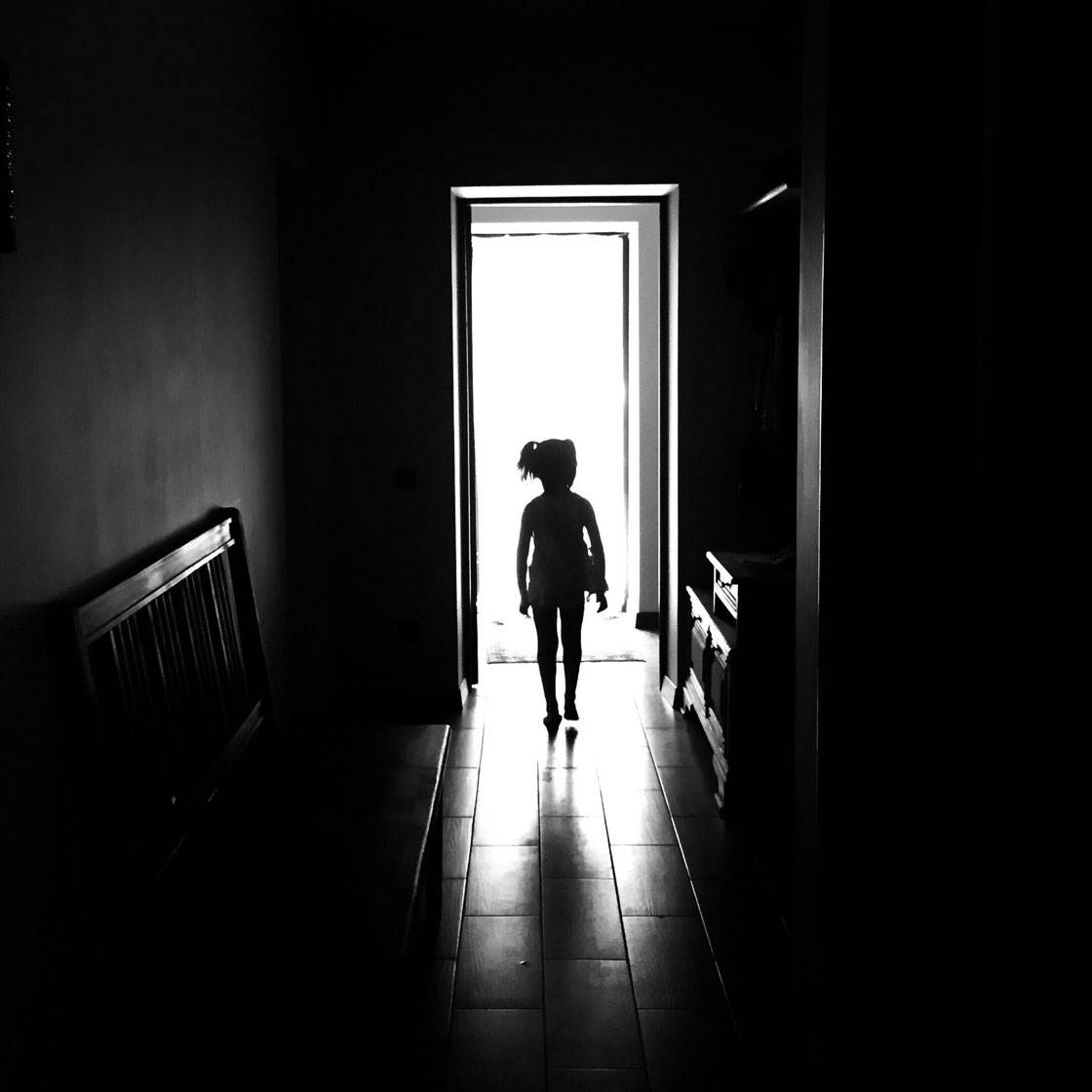
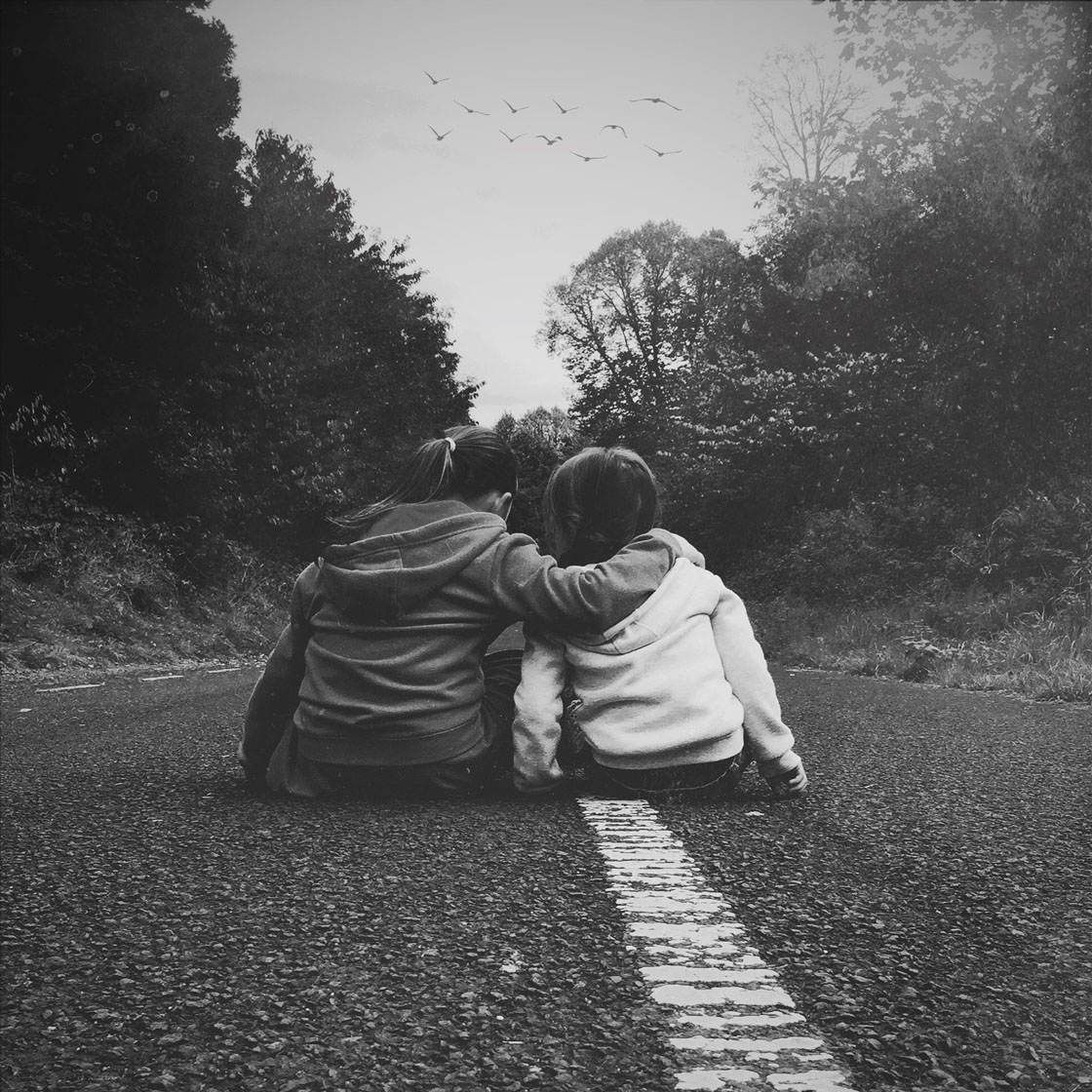
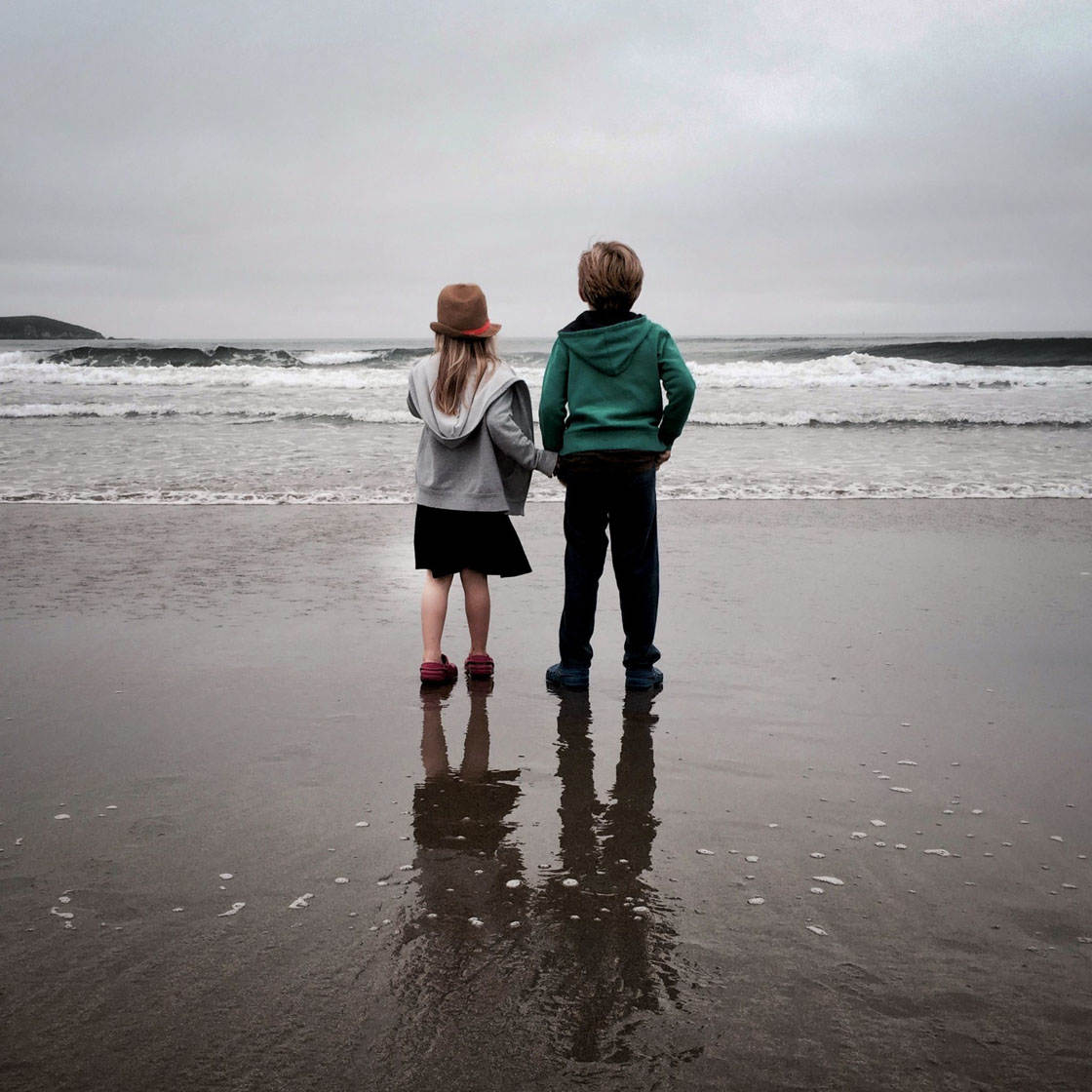
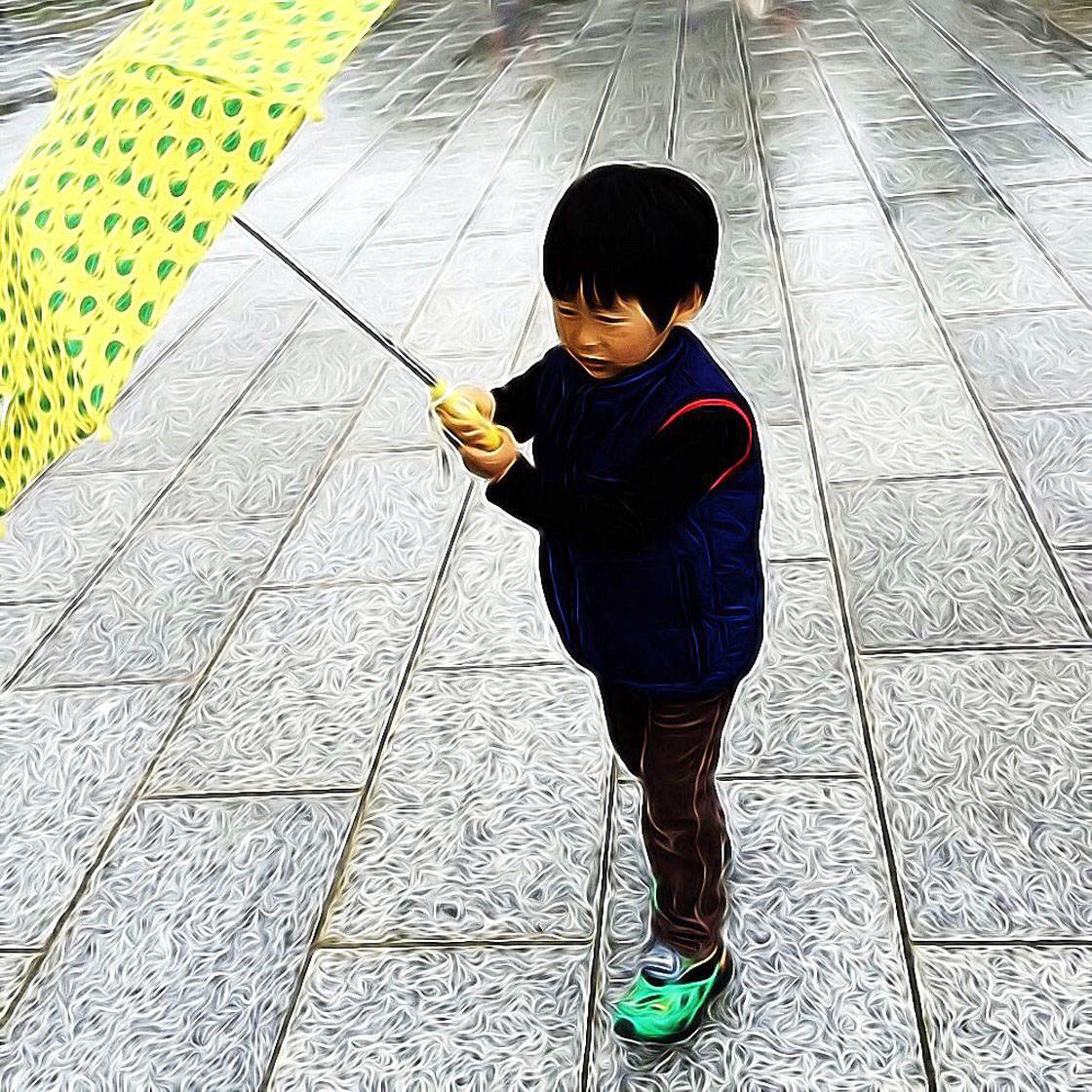


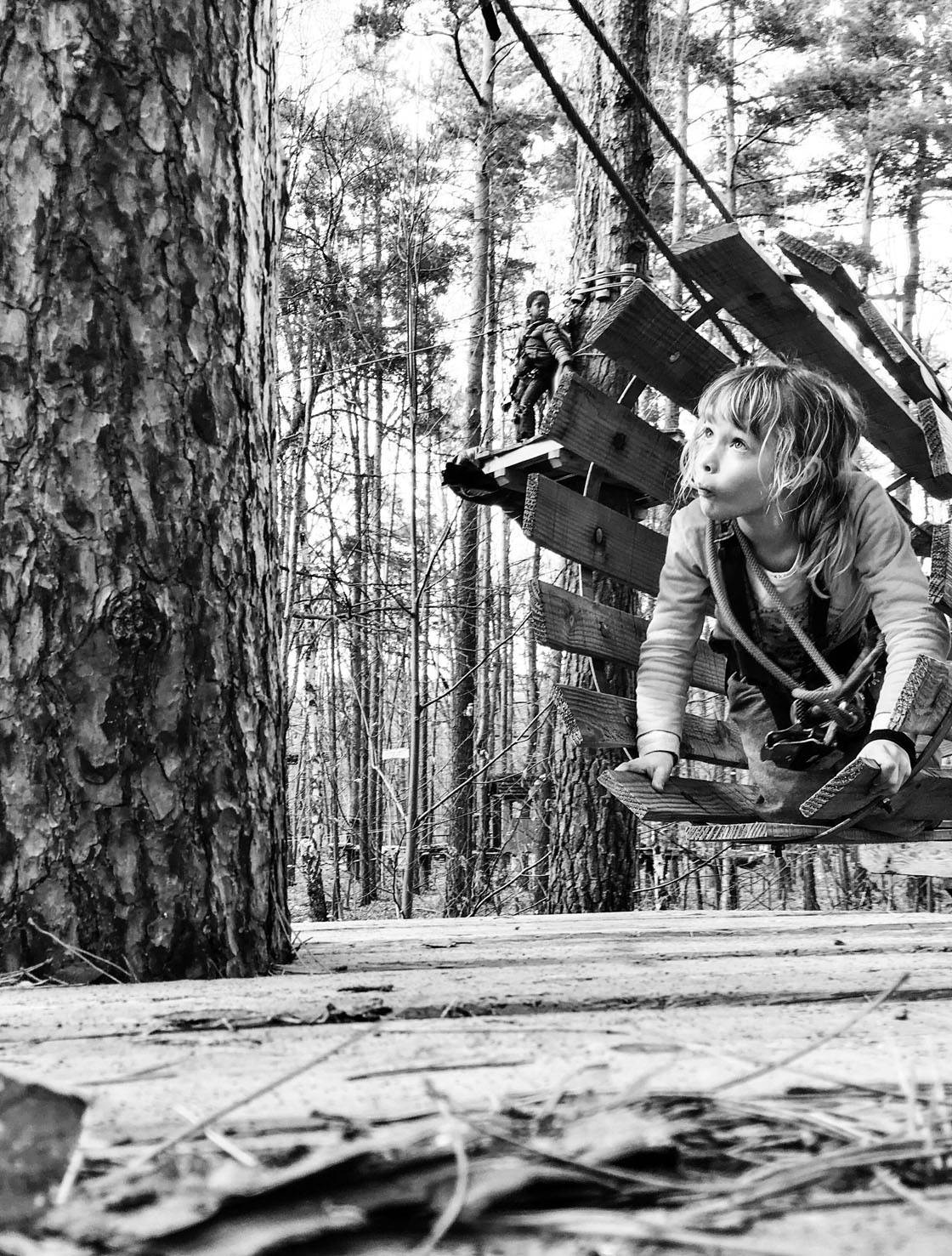
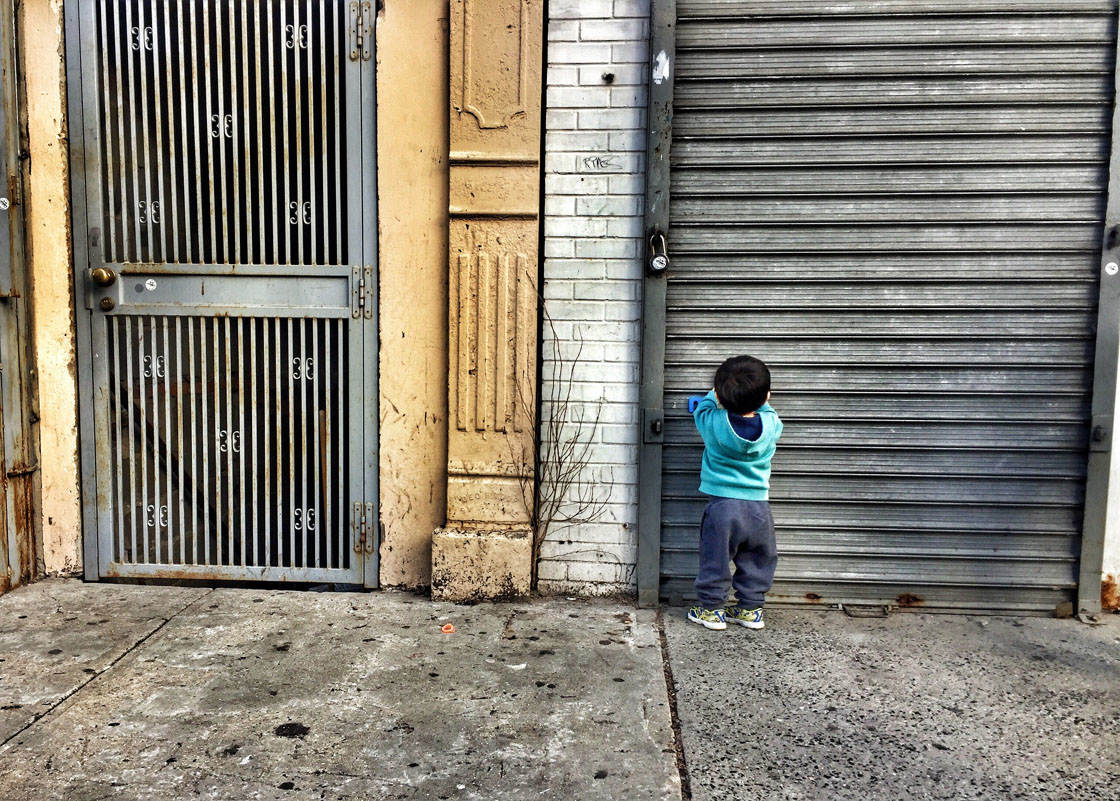
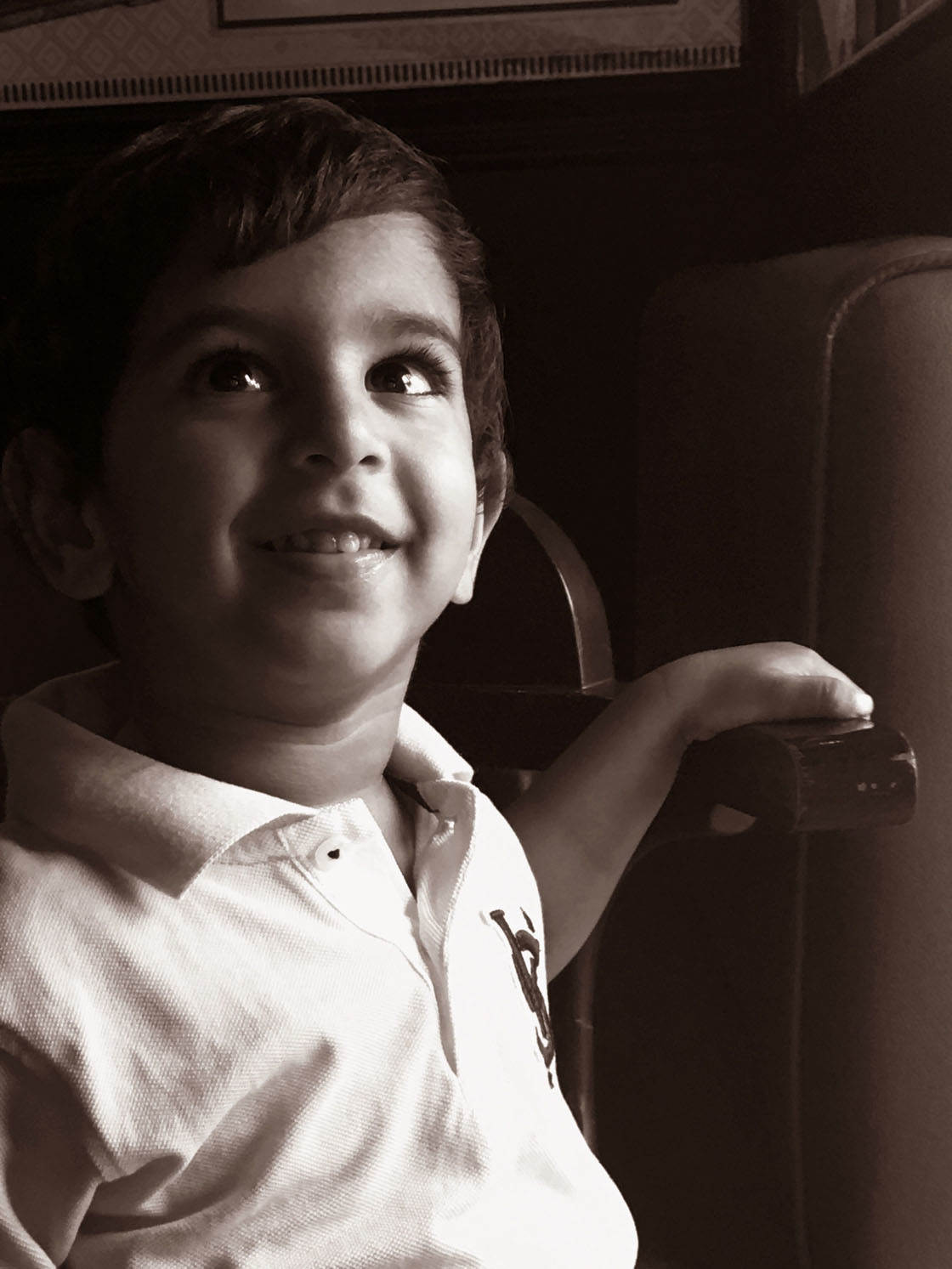
Which one of these photos is your favorite? Please let everyone know in the comments below!
How to Enter the Next Photo Contest
Last week we published a tutorial on how to create dramatic black & white iPhone portrait photos.

The article covers both shooting and editing techniques. It shows you how to use both natural and artificial light to add drama to your images by creating contrast and shadows.

The tutorial also covers some great insider tips for creating stunning black and white edits using iPhone photo editing apps.

So the new contest theme is Black & White, and any black and white photos can be submitted.
To participate, go to contest.iphonephotographyschool.com in your web browser and sign up or log in.
When you’ve signed in, tap Submit Photos then select the photo you want to upload.
Repeat to upload more photos (you can submit up to 10 images). If you change your mind, you can delete a photo by tapping Delete beneath the image.
All photos must be shot and edited on iPhone, iPad or iPod touch. Images should not have watermarks.
The submission deadline is Sunday, April 24. Winners will be announced on Monday, April 25, and the winning images will also be featured on our iPhone Photography School Facebook page.