

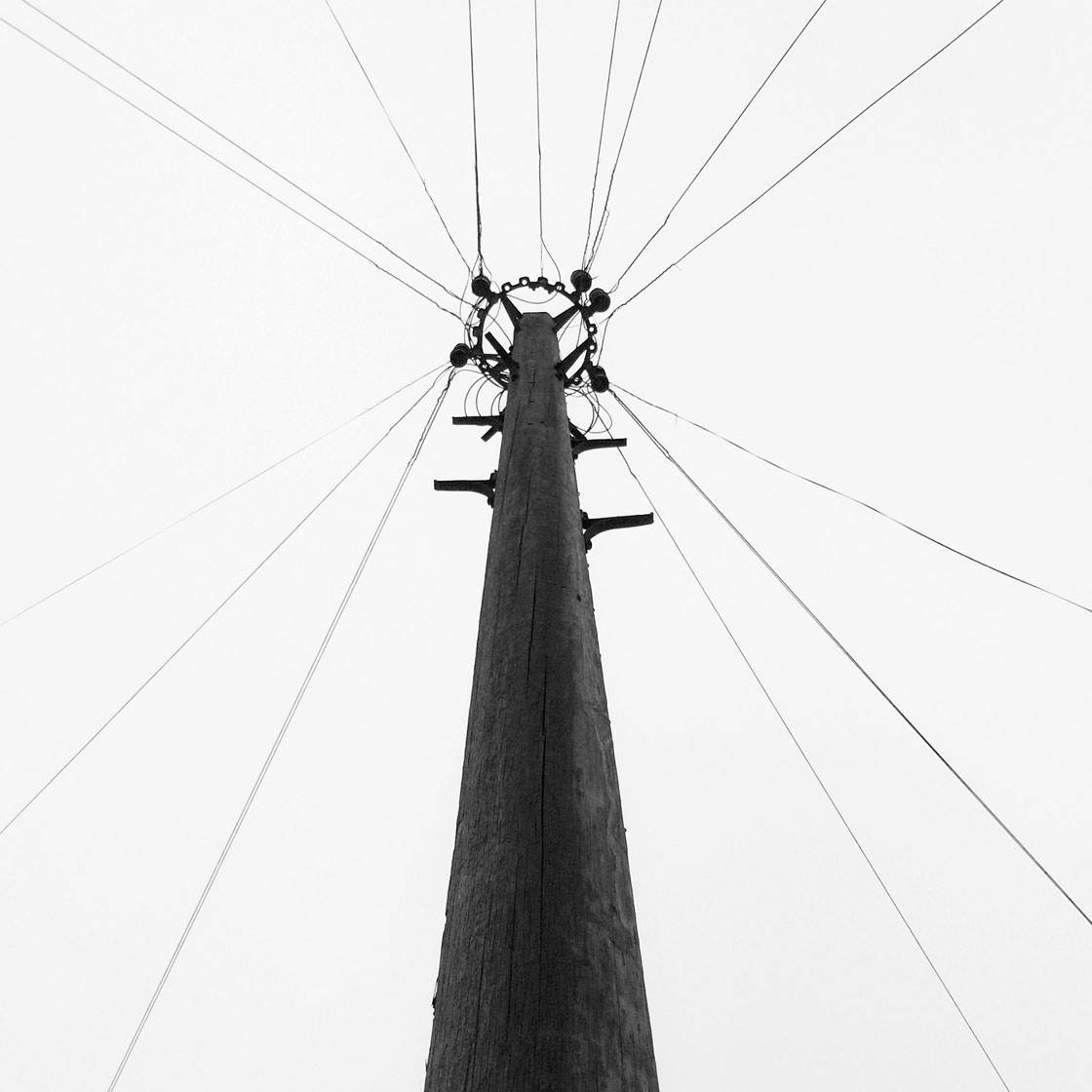
Thank you to all of you who submitted images in our weekly iPhone photography contest. This week’s theme was “Leading Lines” and we had almost 1200 entries. Leading lines can be used to create powerful compositions, drawing the eye into and around the image. Here are 30 incredible examples of the many ways that you can use leading lines in your iPhone photos. Well done to all of our participants, and congratulations to the winners!




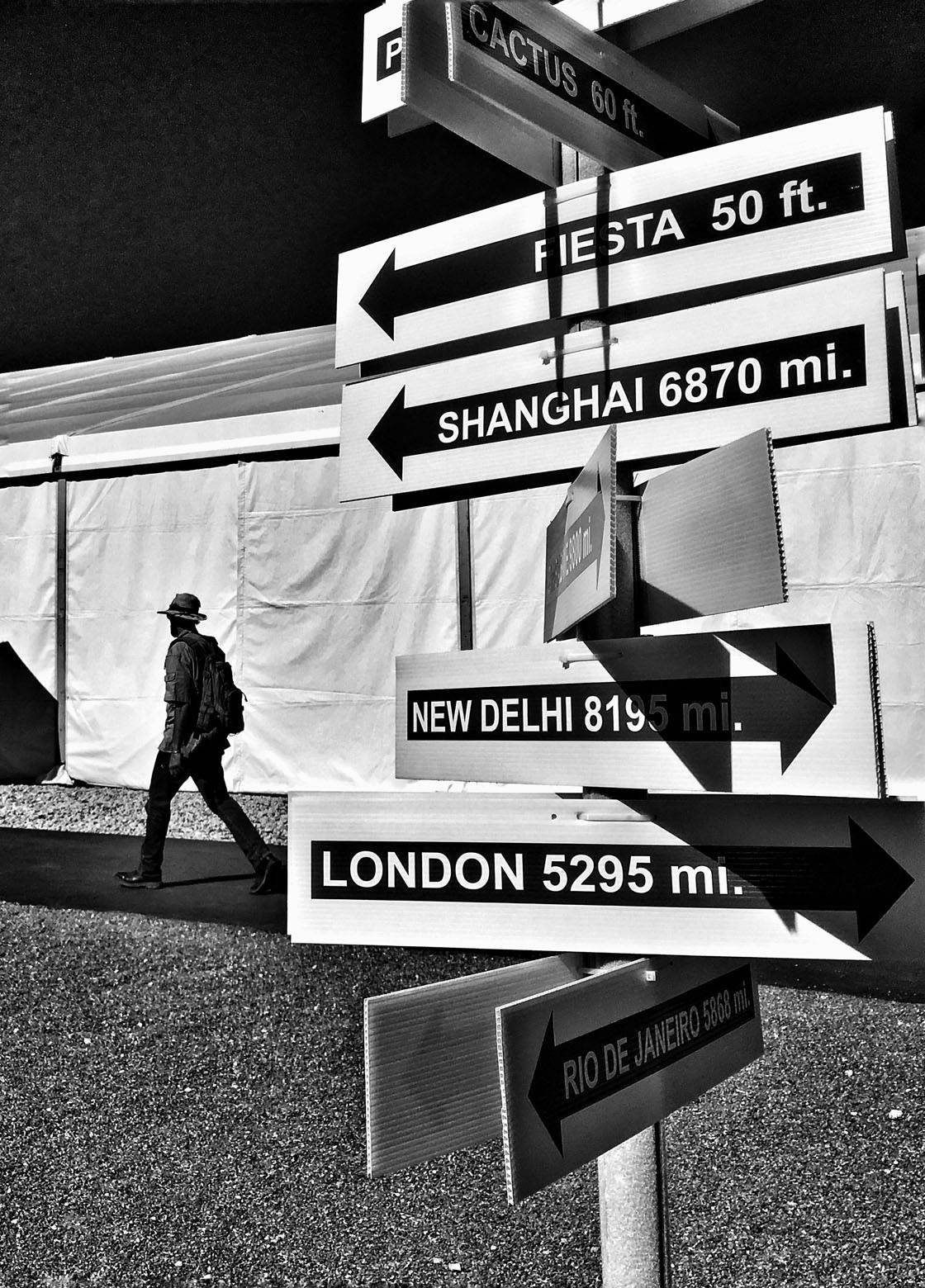










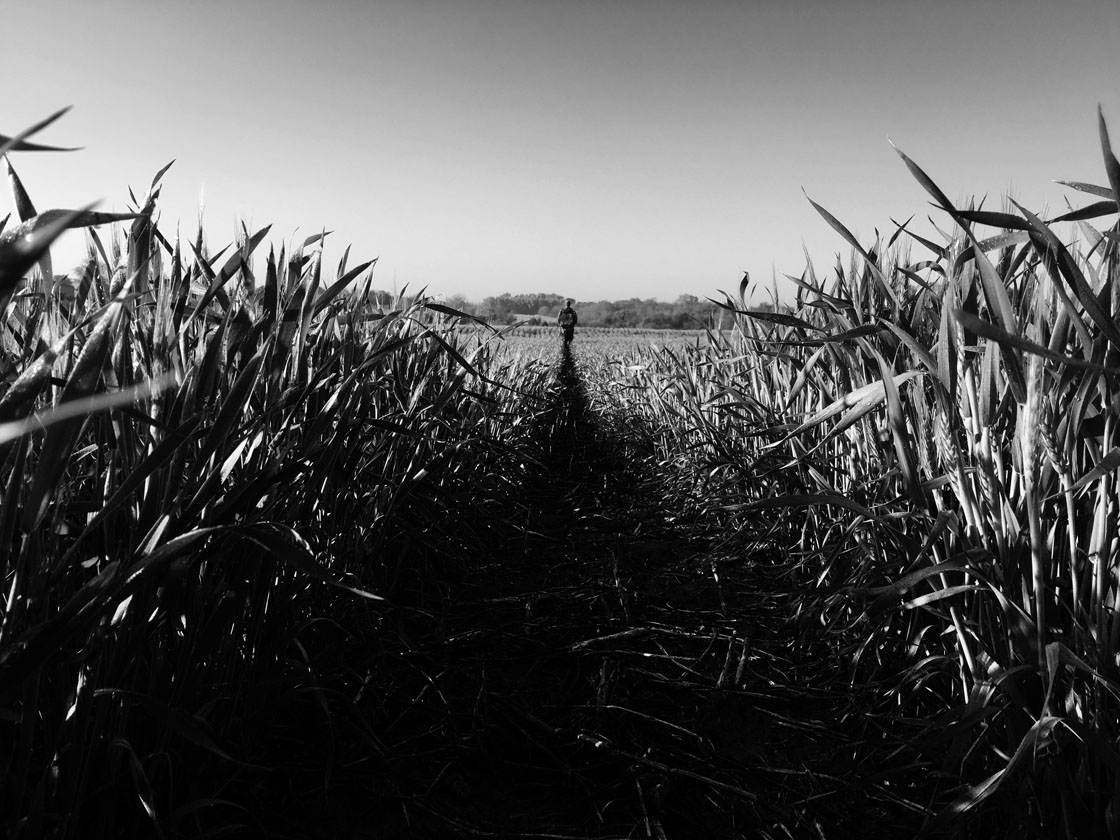



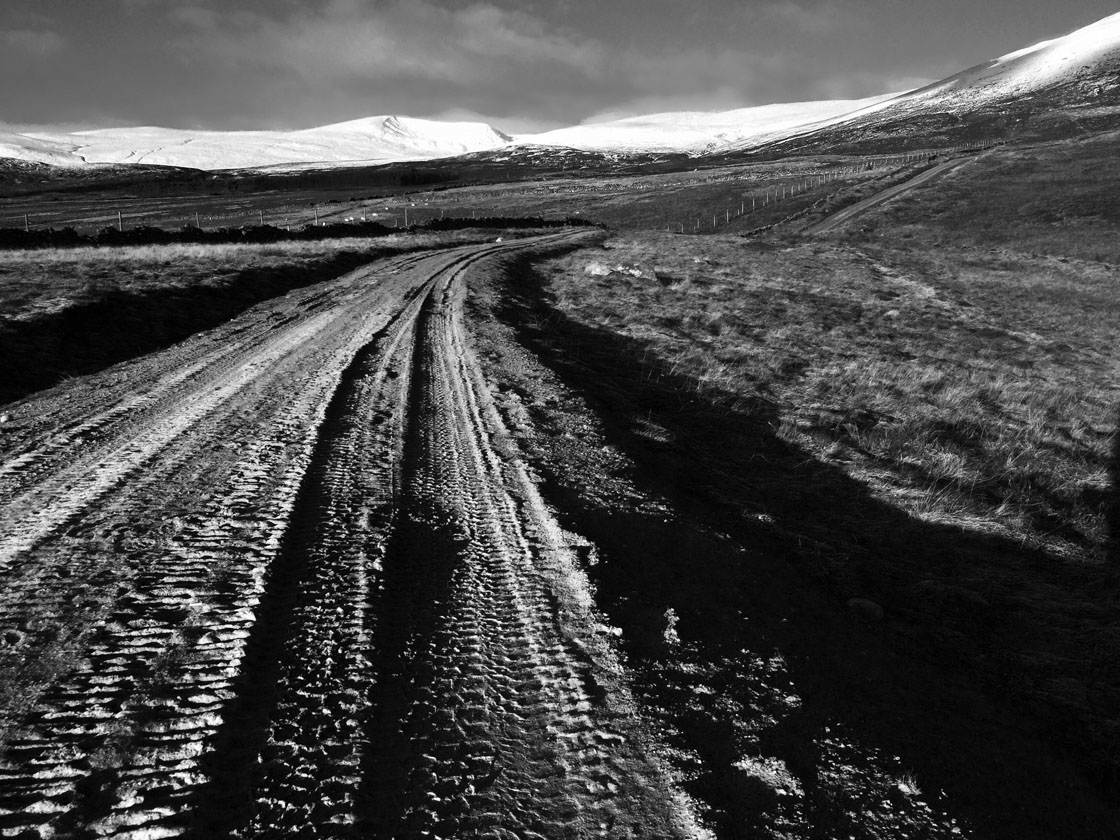








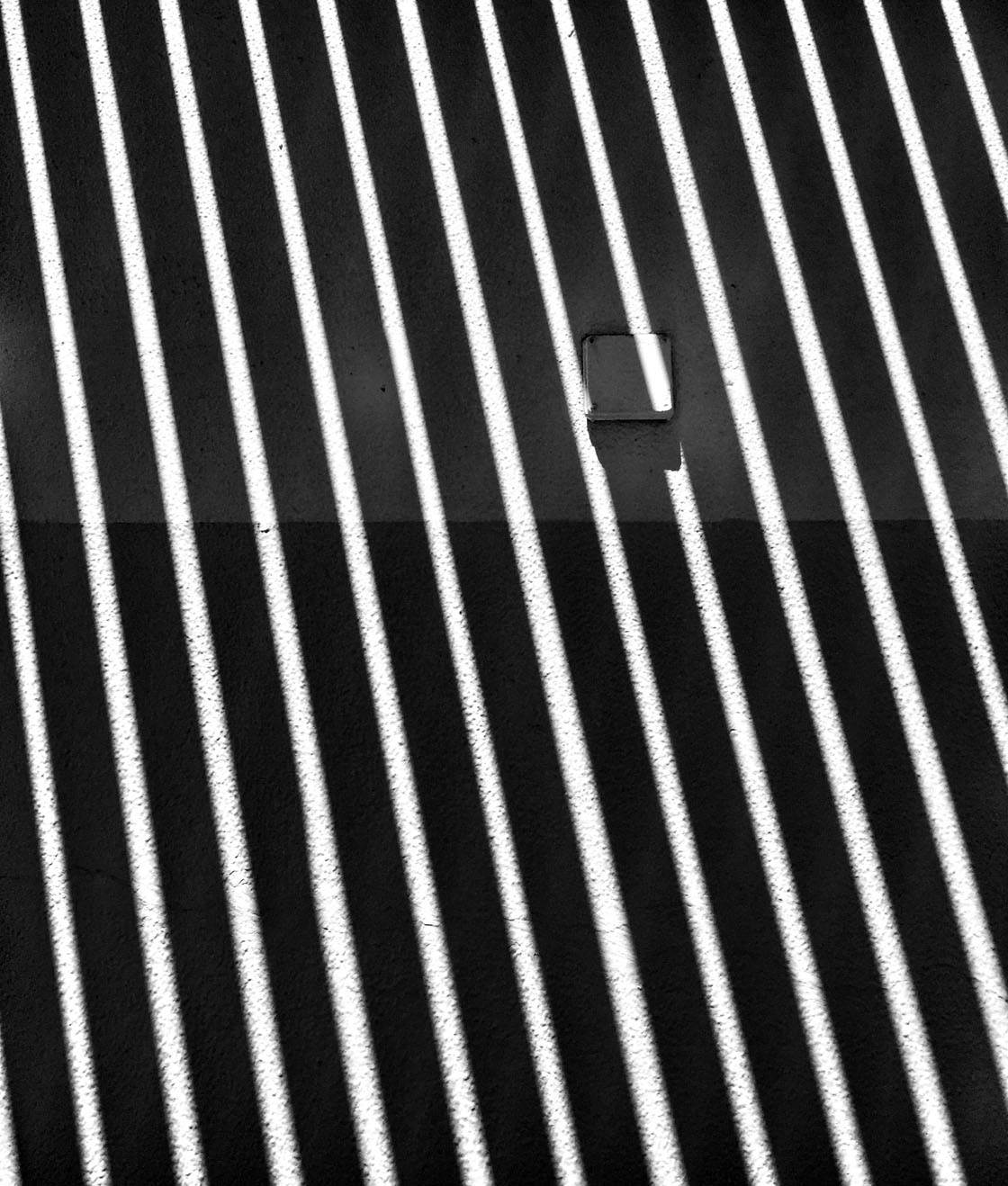
Which one of these photos is your favorite? Please let everyone know in the comments below!
How To Enter The Next Photo Contest
Shooting silhouette photos is a great way to create striking images with your iPhone.
Silhouettes add drama, mystery and interest to a photo, emphasizing the shape of the subject and creating a strong focal point in the composition.

While they look extremely impressive, silhouette photos are surprisingly easy to capture with your iPhone.

Simply shoot towards the sun or a strong light source, tap to set focus, then swipe down to reduce the exposure until your subject appears as a dark shape against the brighter background.

So the new contest theme is Silhouettes, and any iPhone photos that capture a silhouetted subject can be submitted.
To participate, go to contest.iphonephotographyschool.com in your web browser and sign up or log in.
When you’ve signed in, go to the Your Photos tab and upload your images (you can submit up to 10 photos).
All photos must be shot and edited on iPhone, iPad or iPod touch. Images should not have watermarks.
The submission deadline is Sunday, May 8. Winners will be announced on Monday, May 9. Winning images will also be featured on our iPhone Photography School Facebook page.