

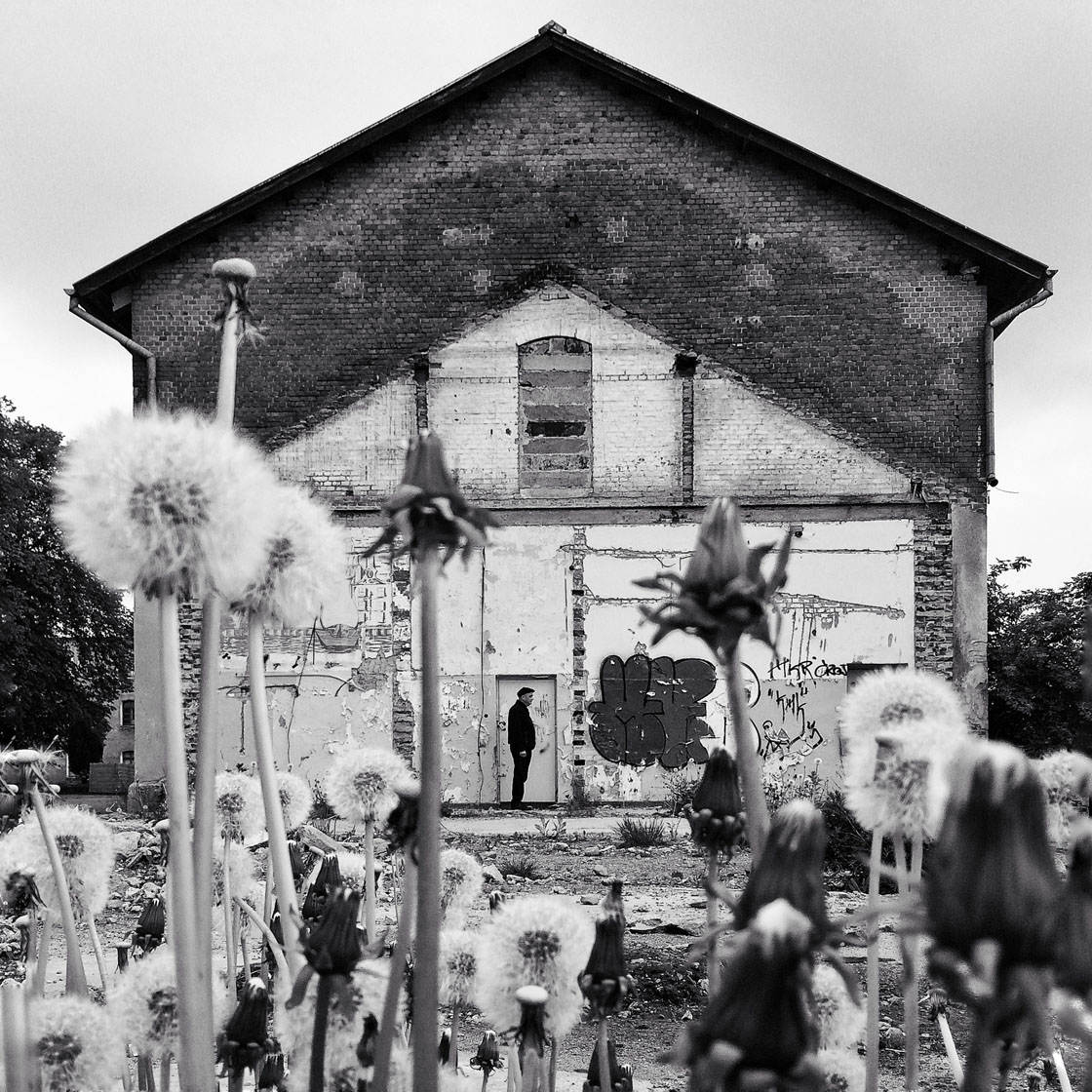
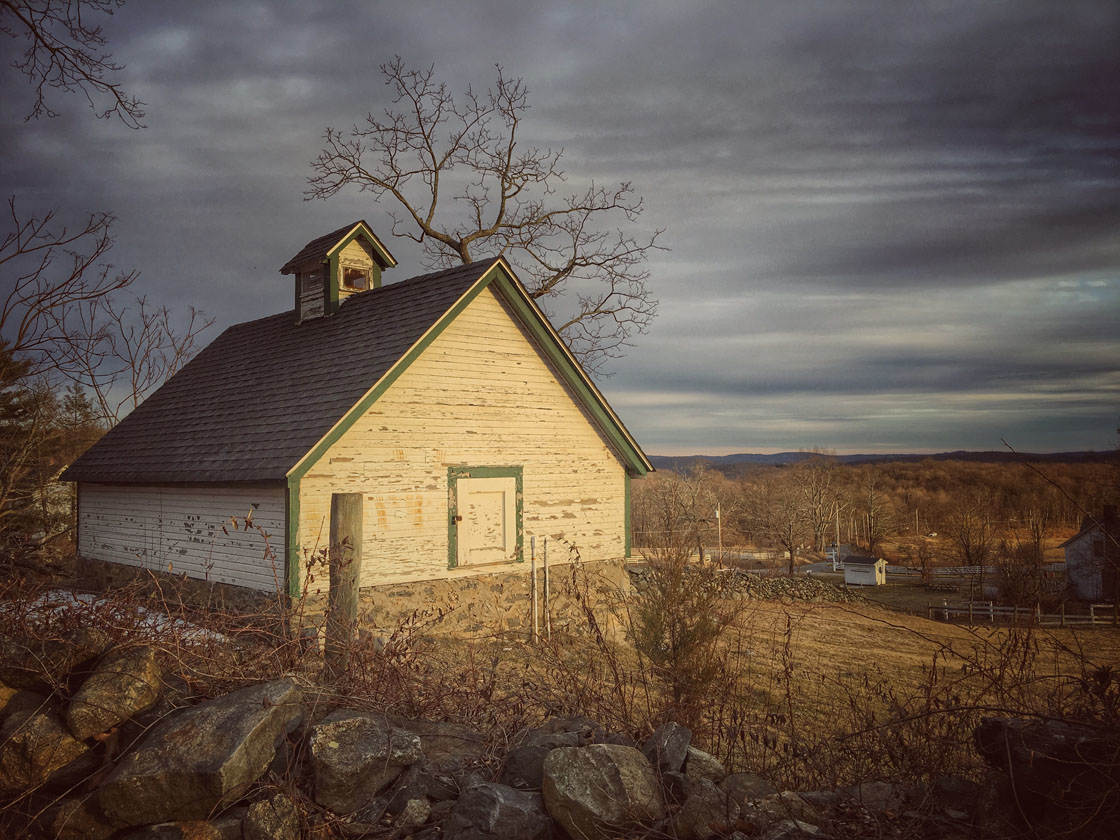
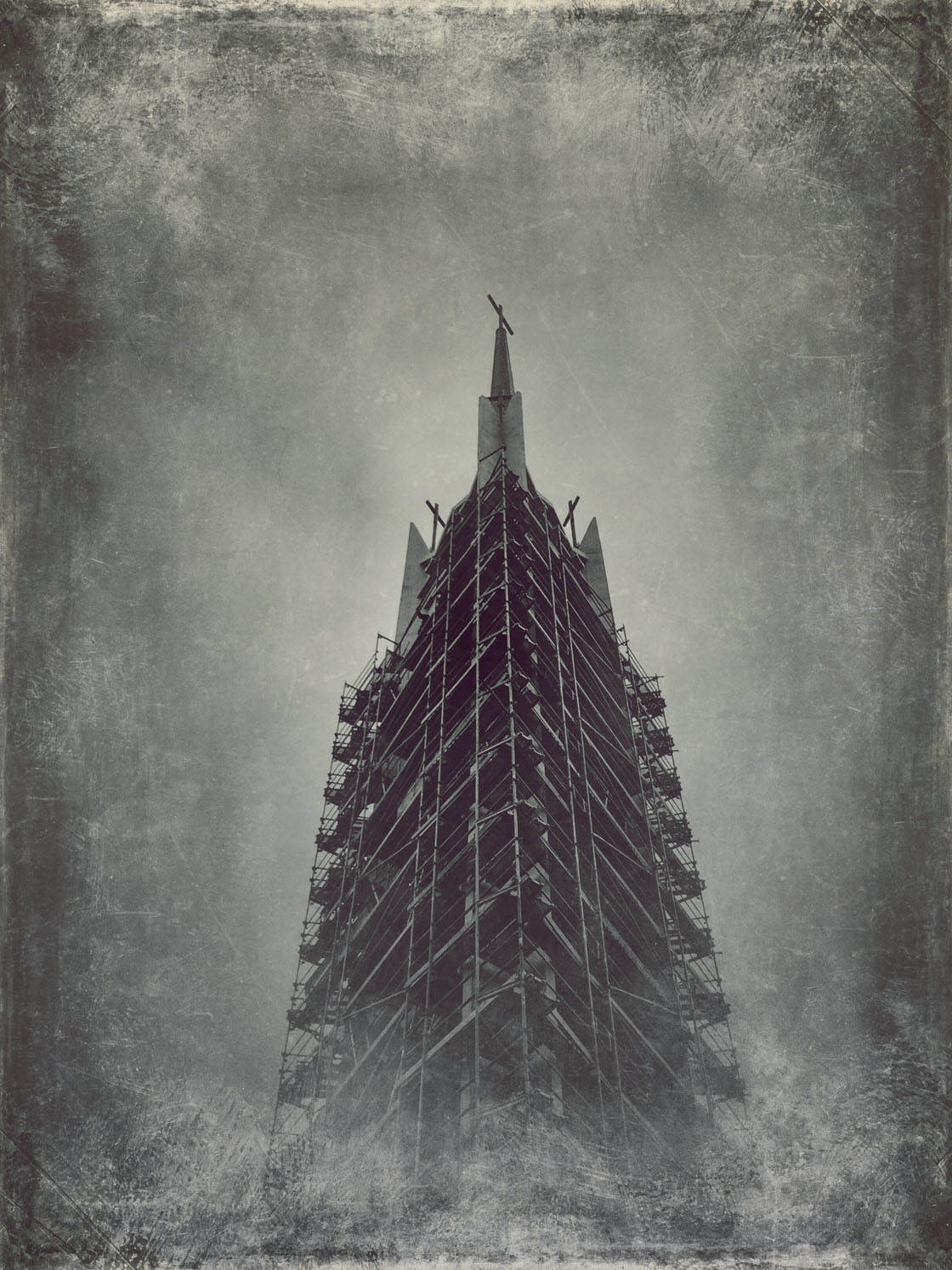
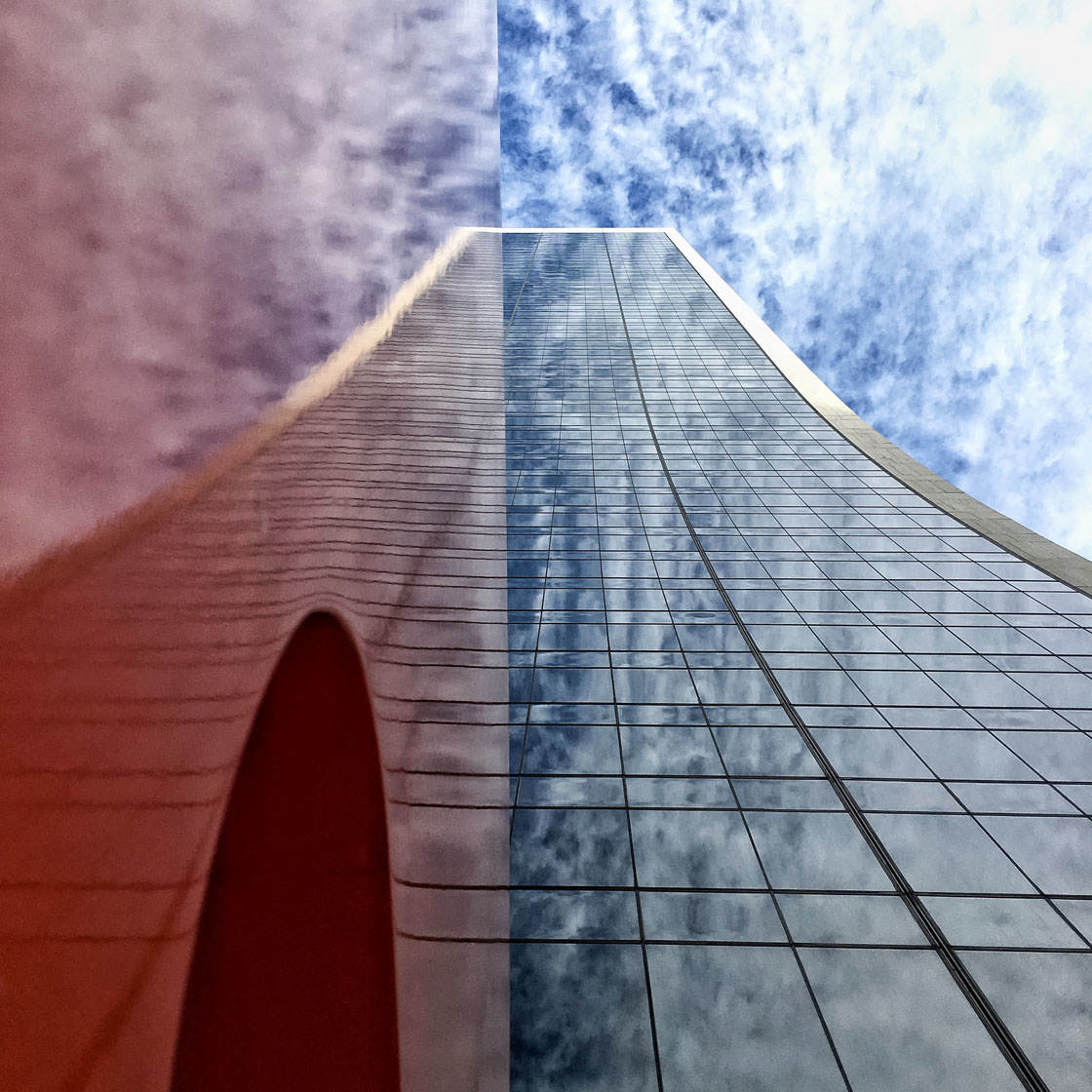
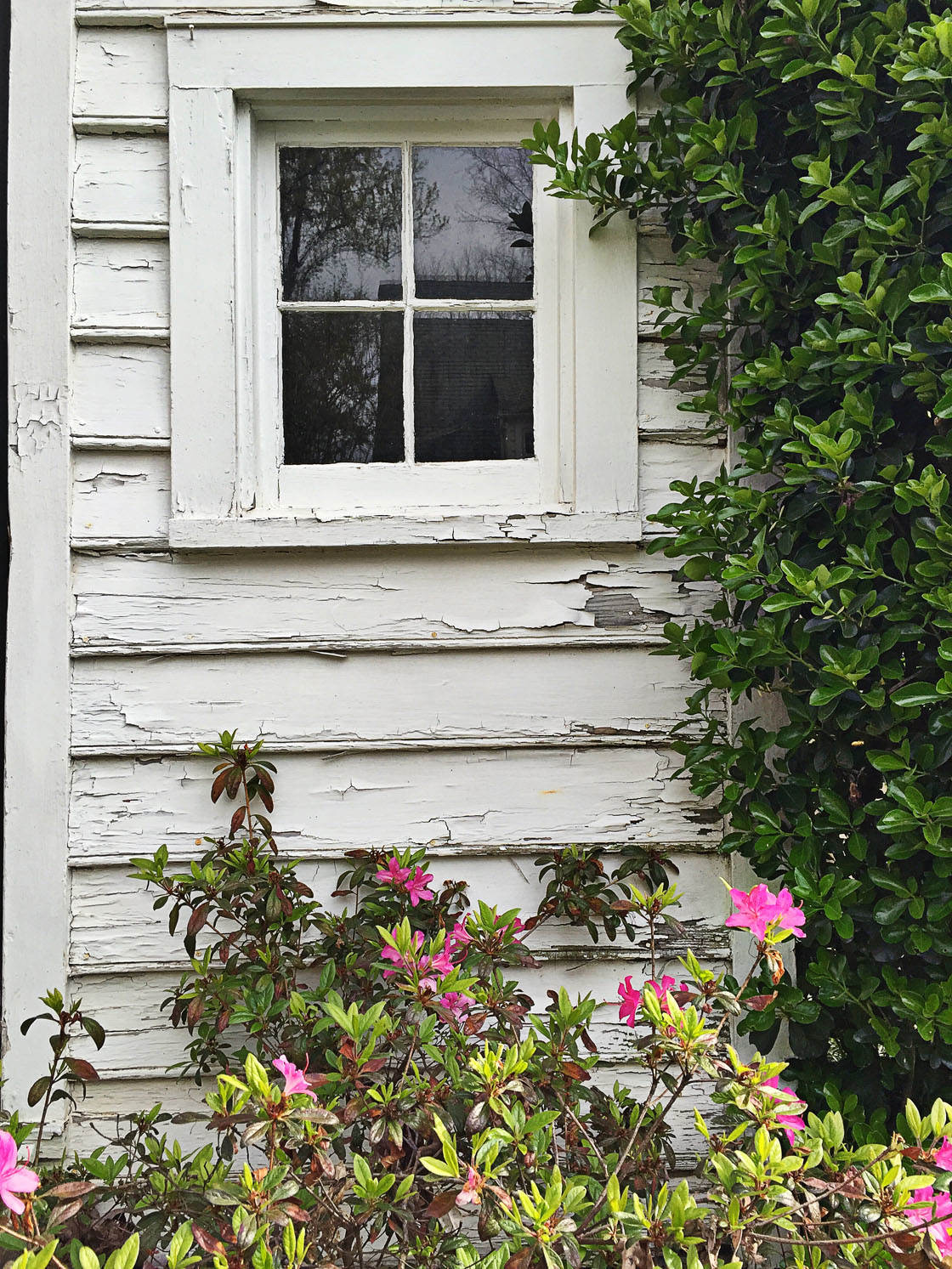
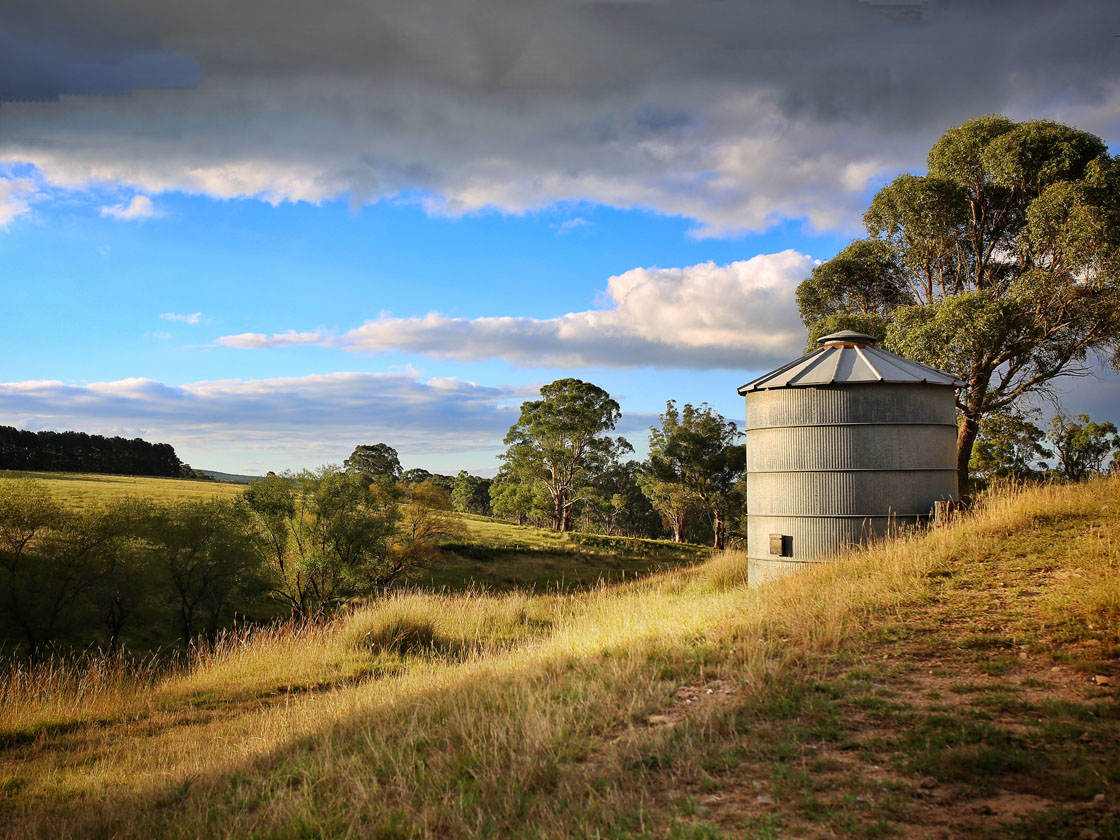
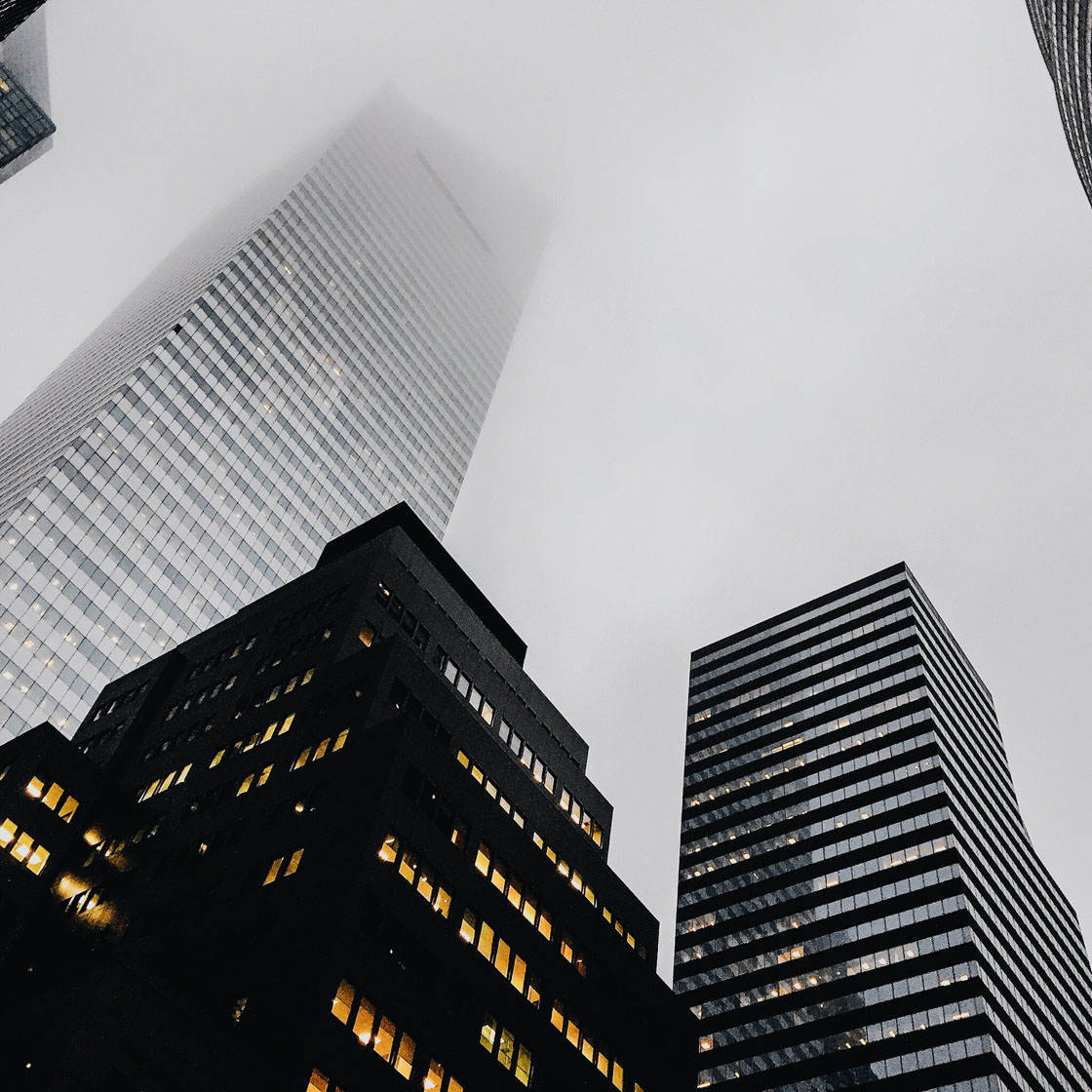
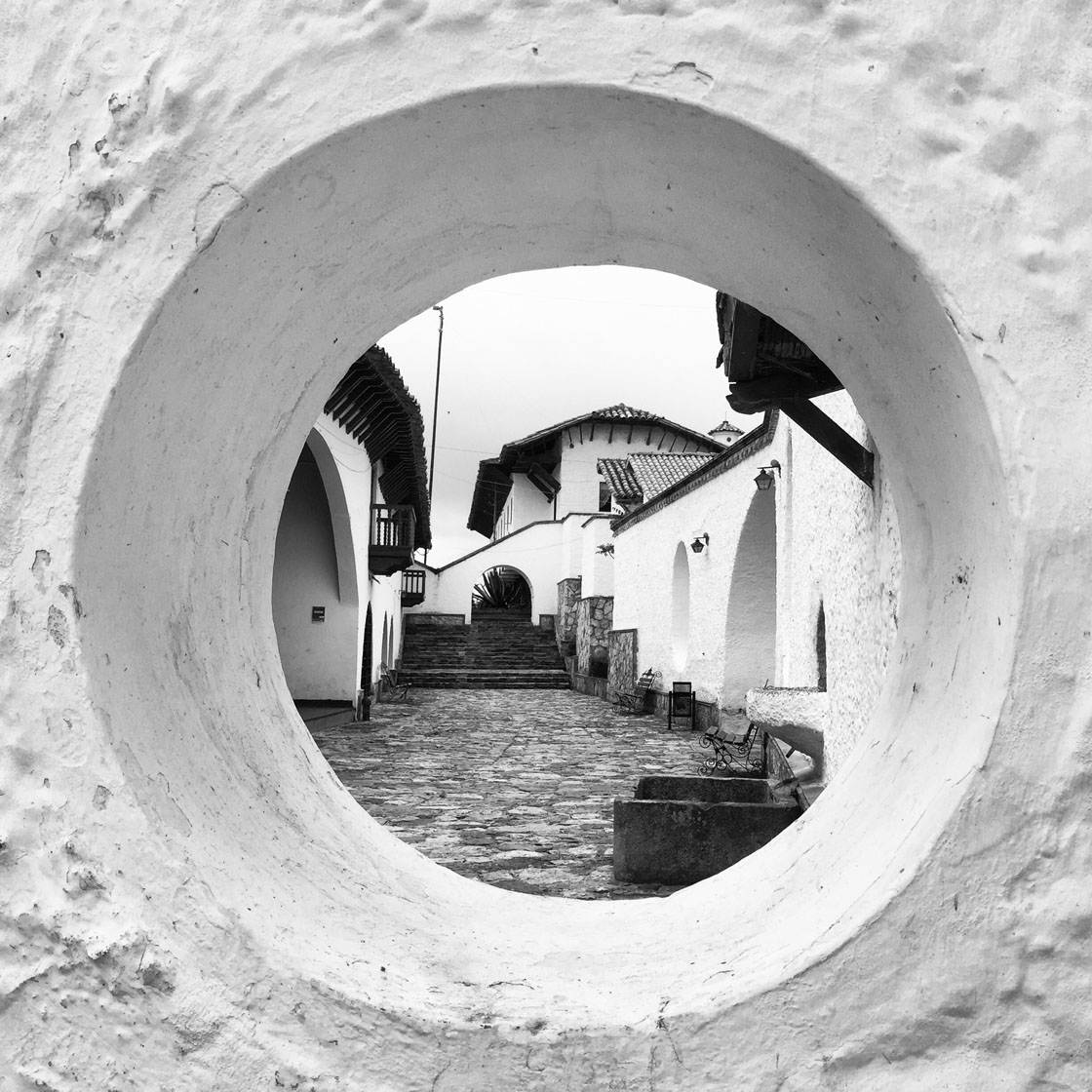
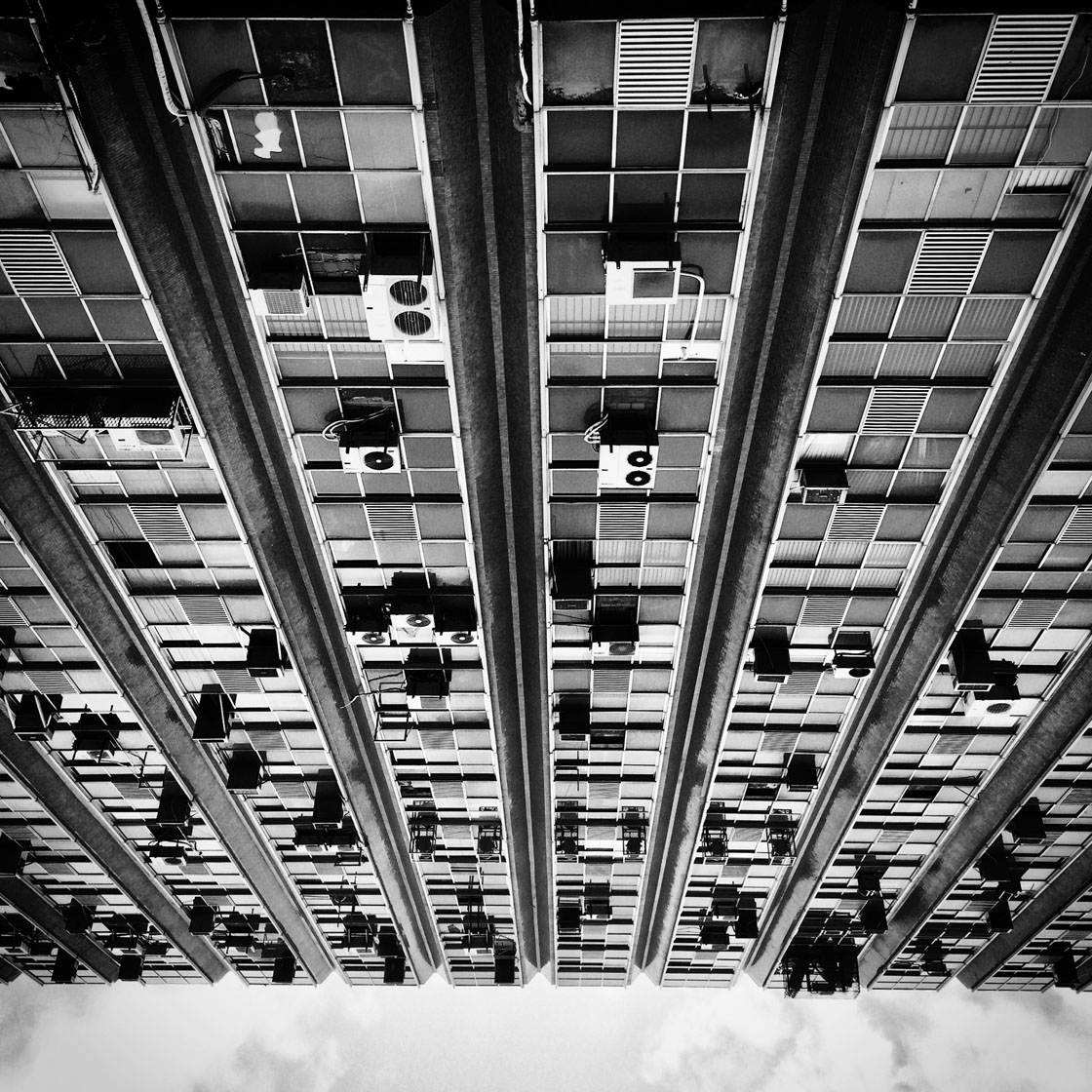
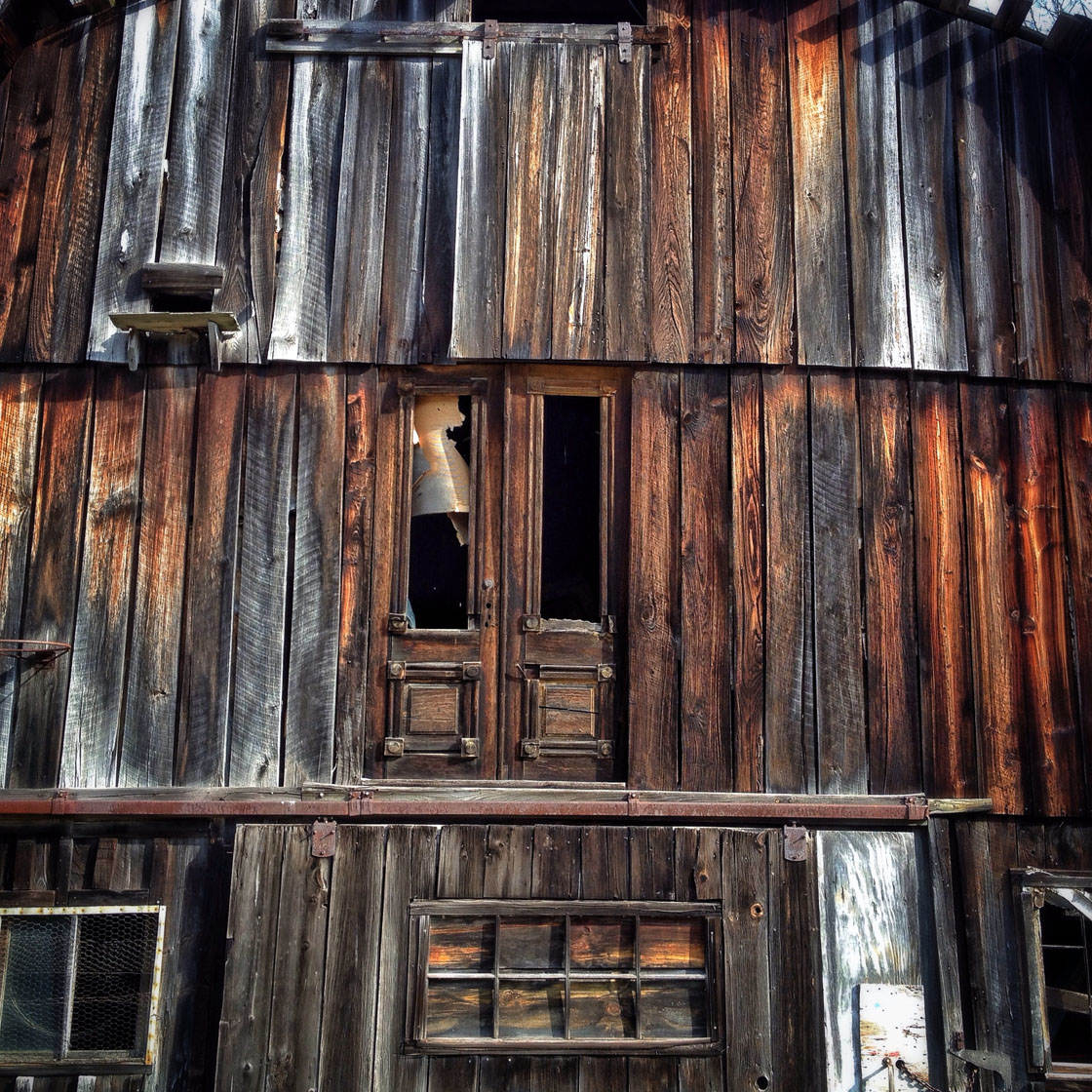
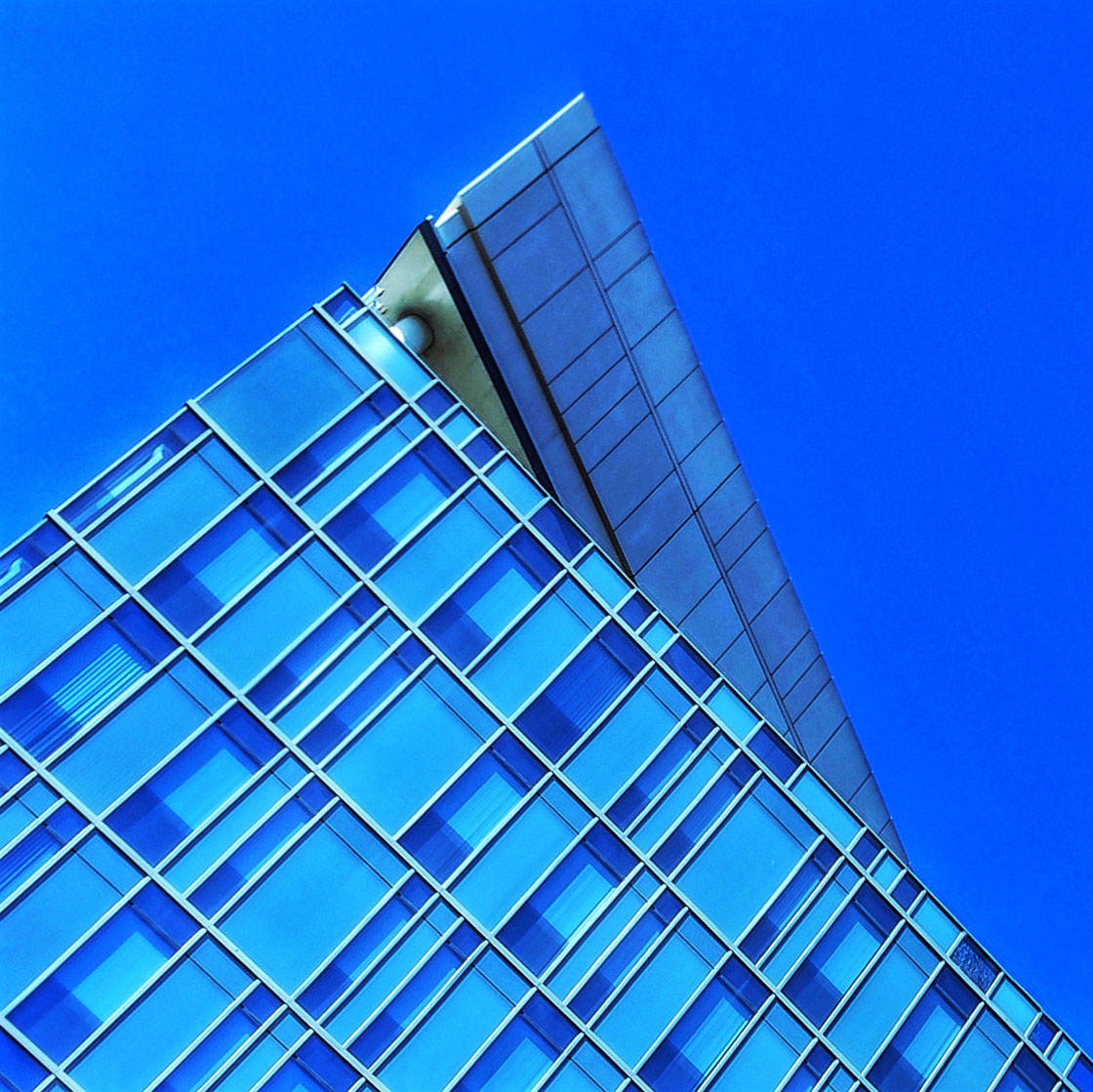
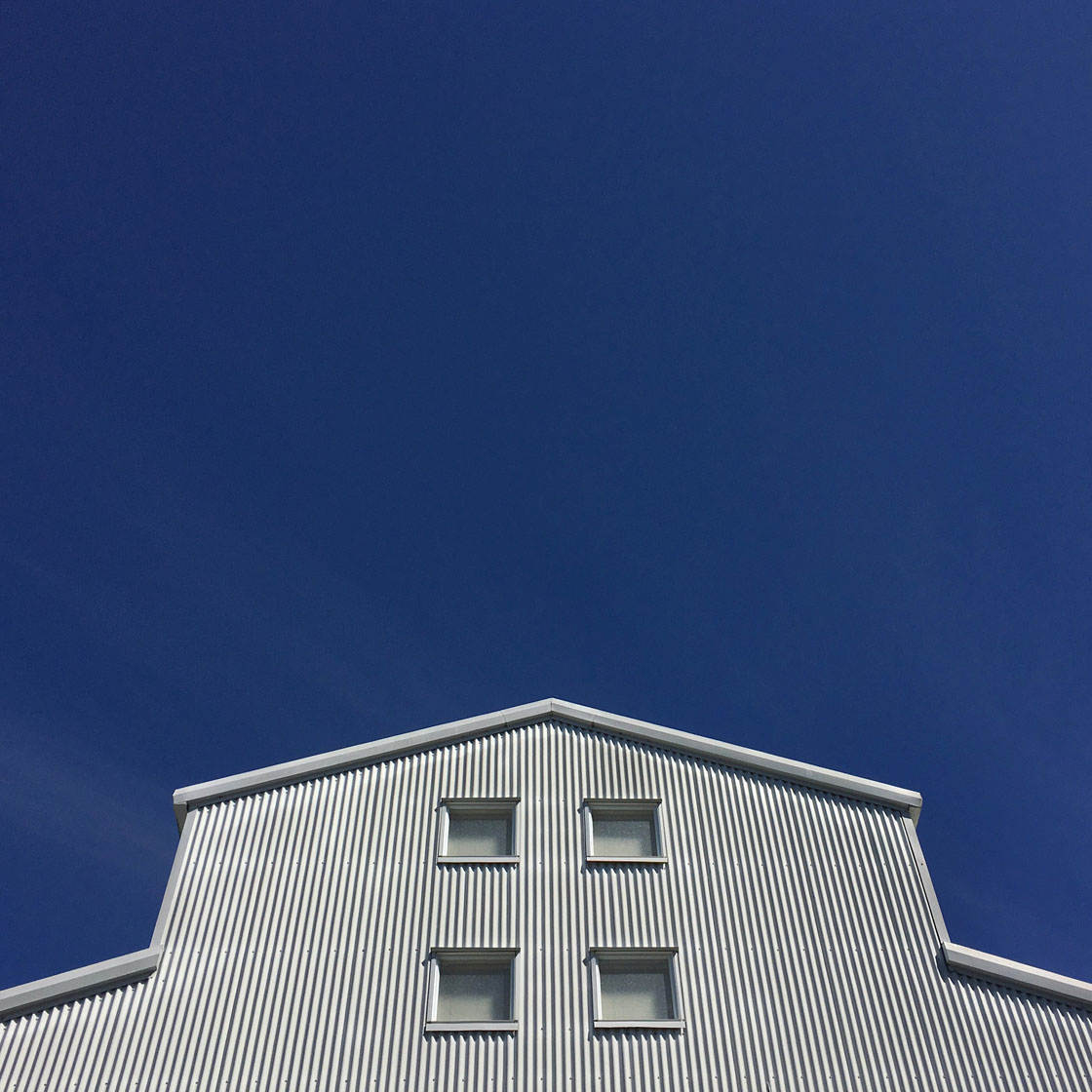
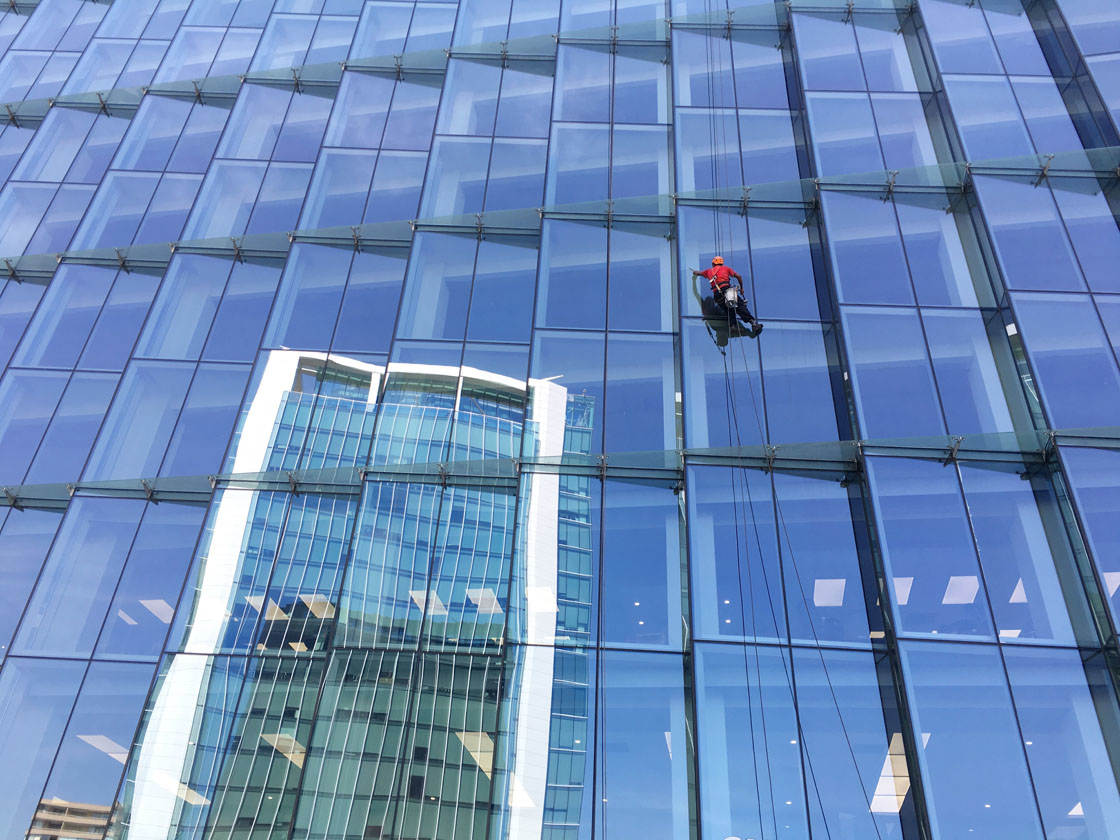
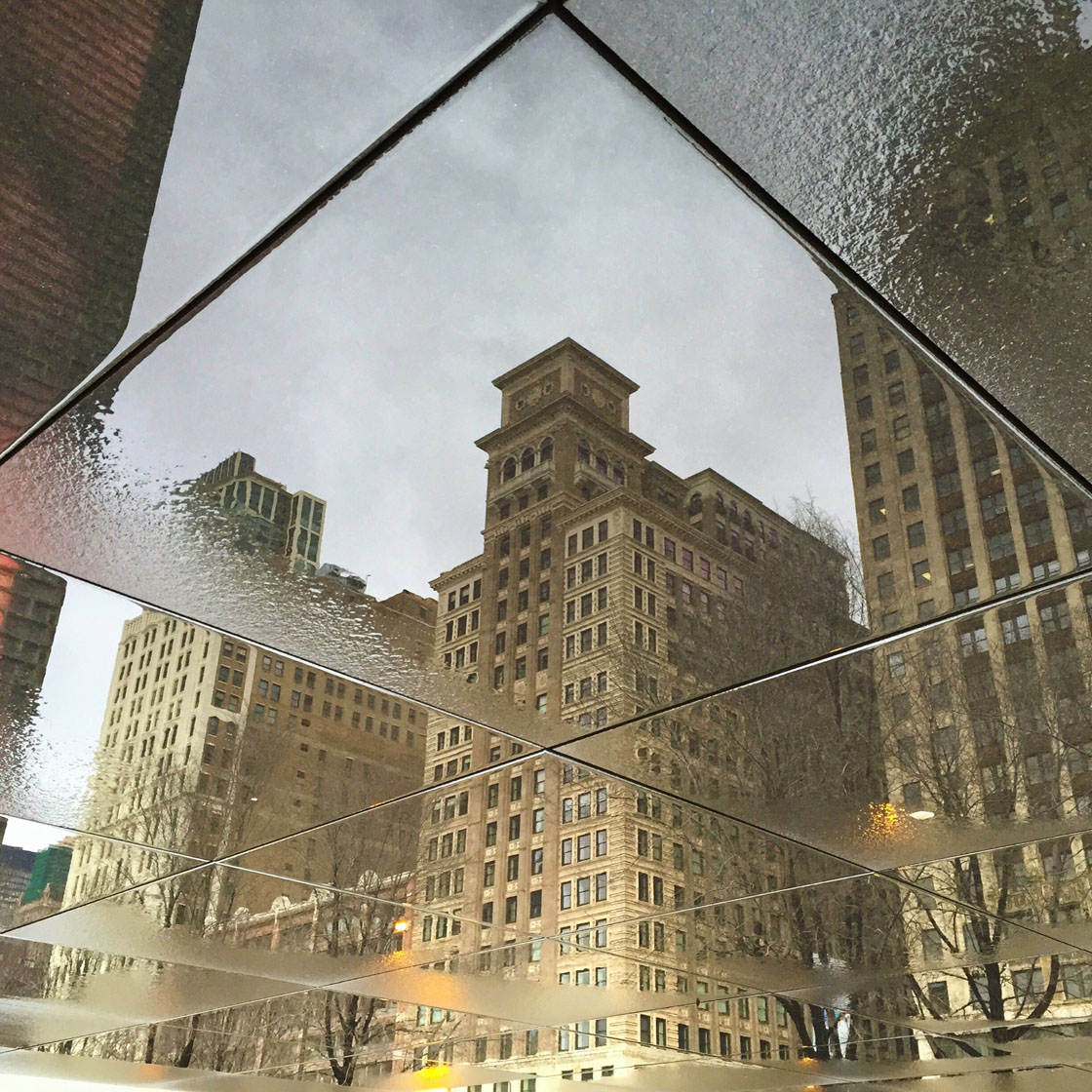
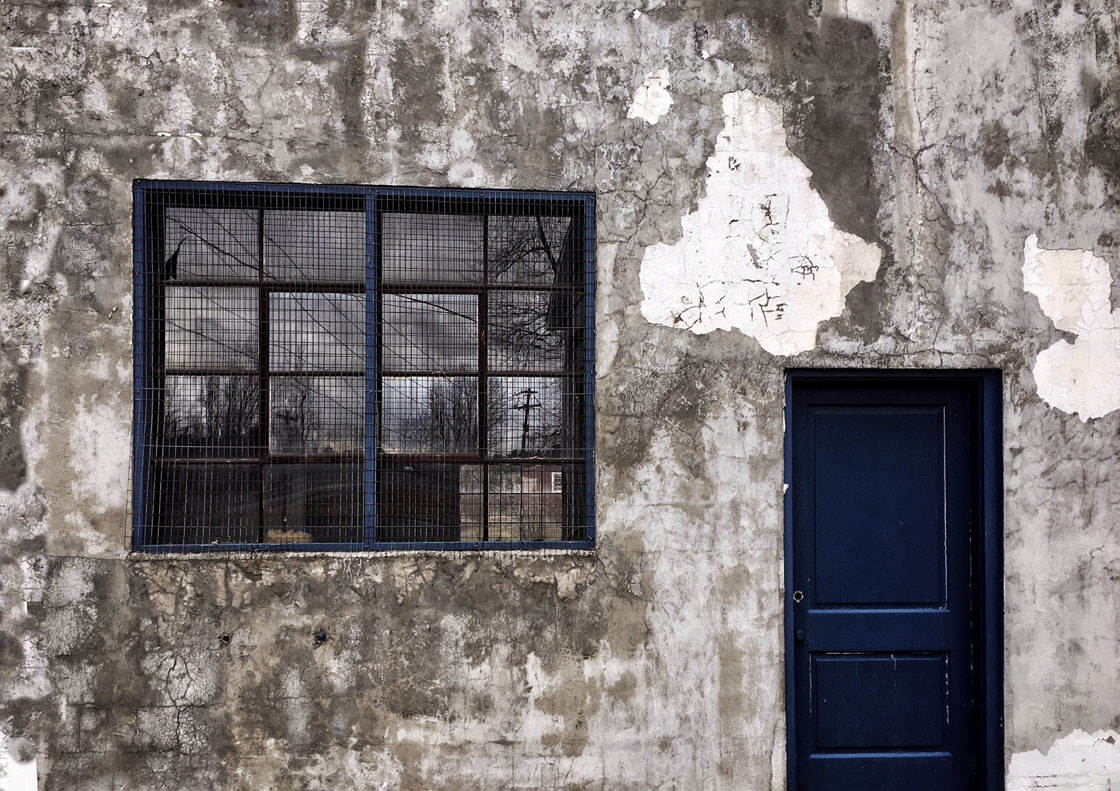
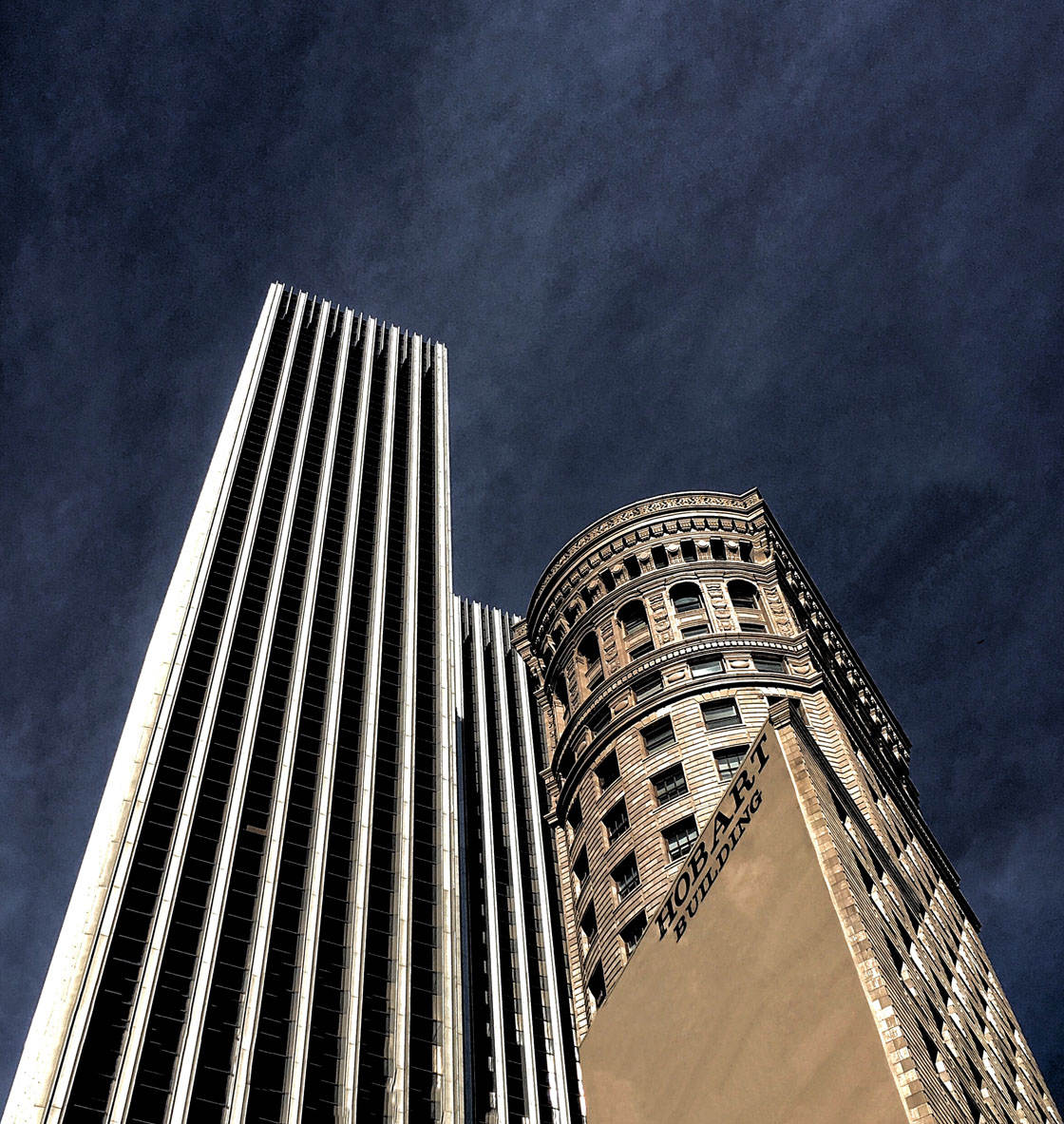
Thank you to all of the talented photographers who entered their pictures in our weekly iPhone photography contest. This week’s theme was “Buildings” and we had a fantastic selection of images submitted, from modern architecture to abandoned buildings in landscapes. As always, it was very difficult to choose just 30 winners, but here are the final winning iPhone photos of buildings and architecture.






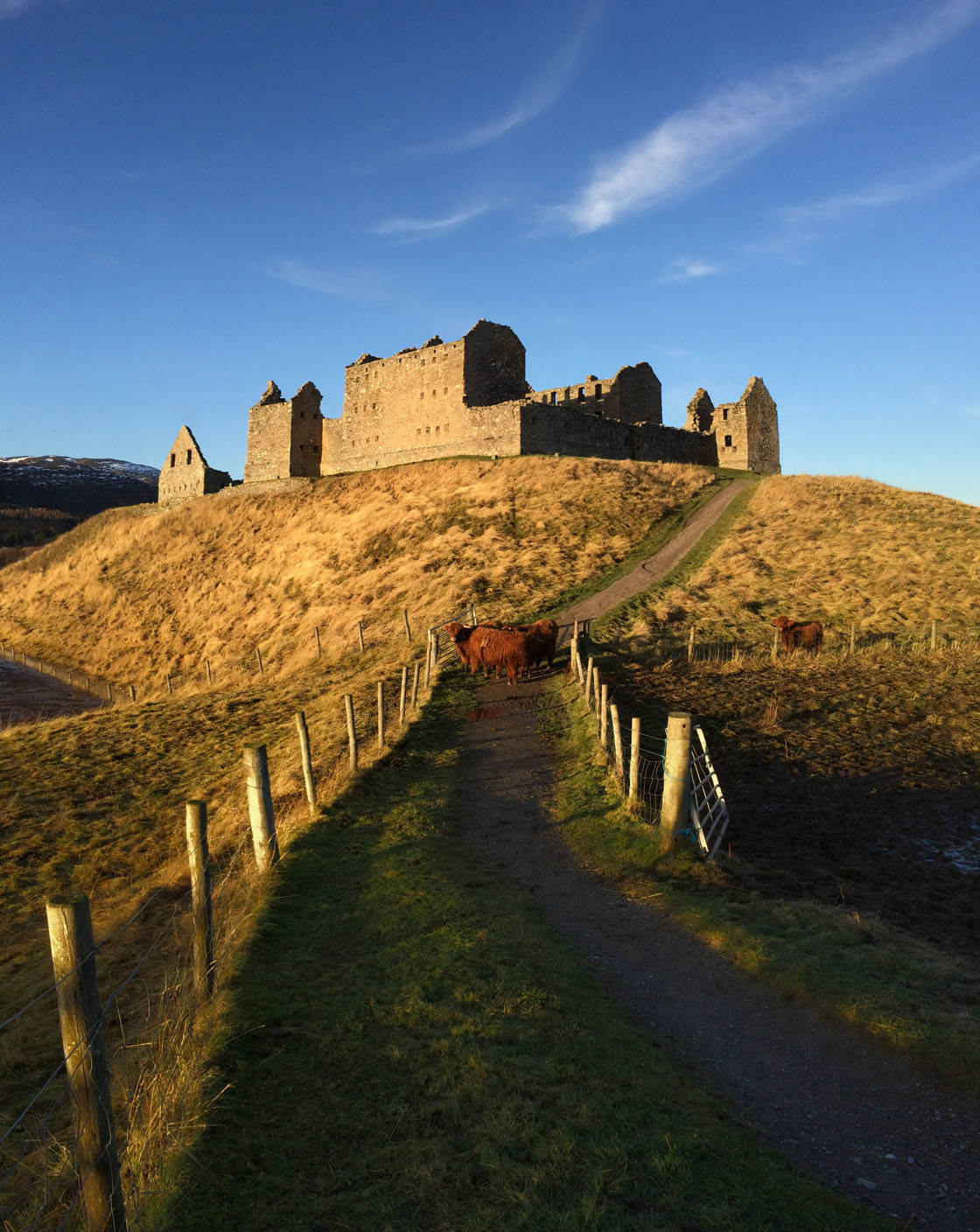
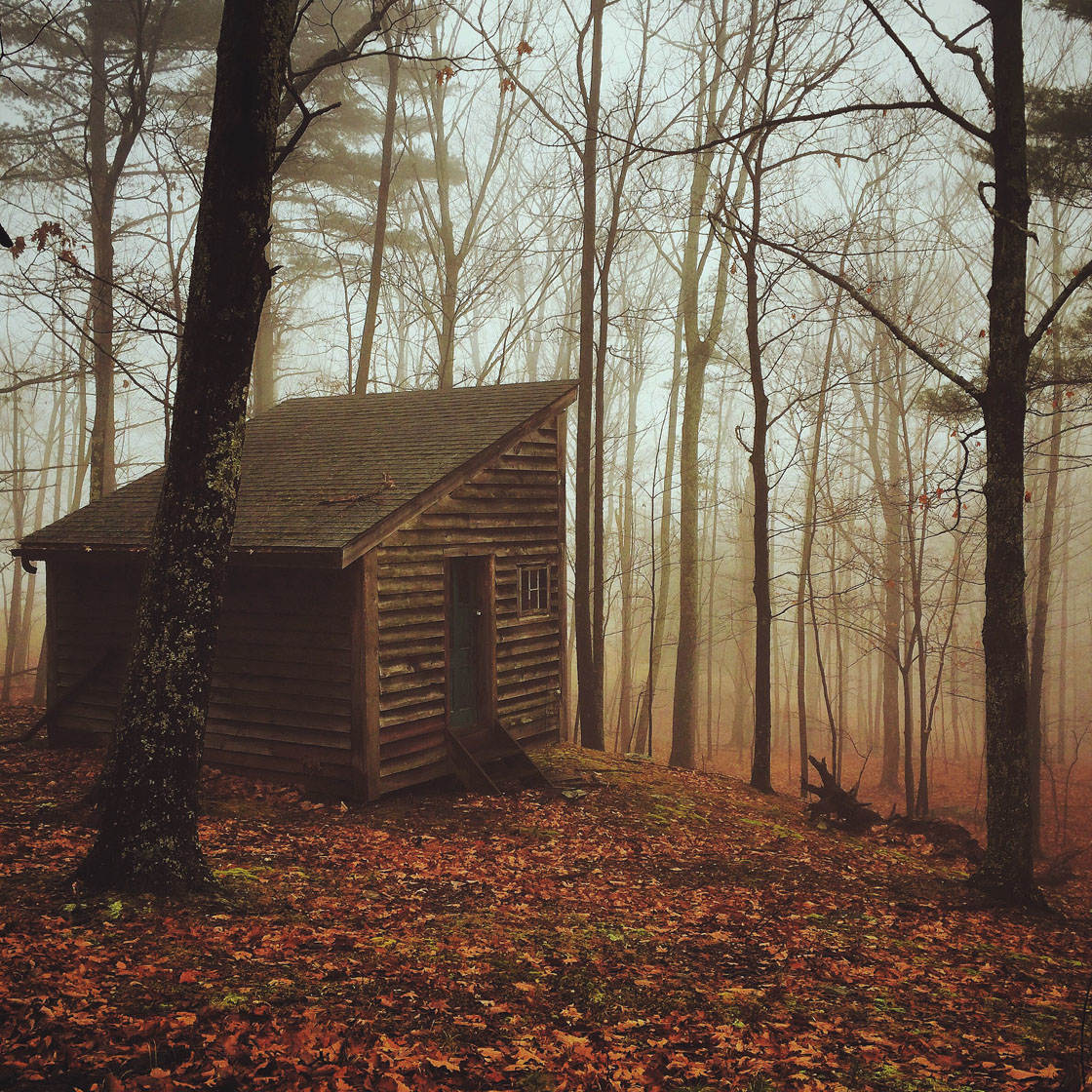
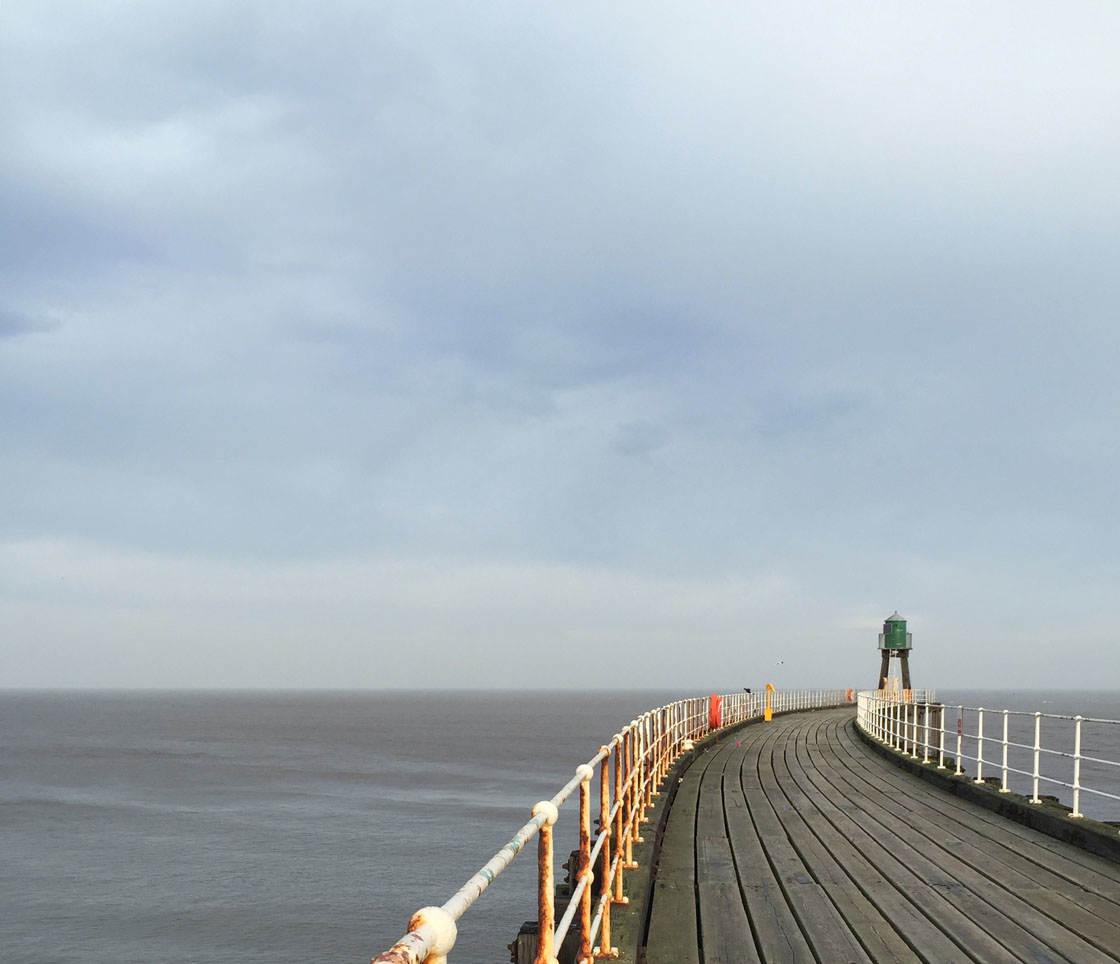
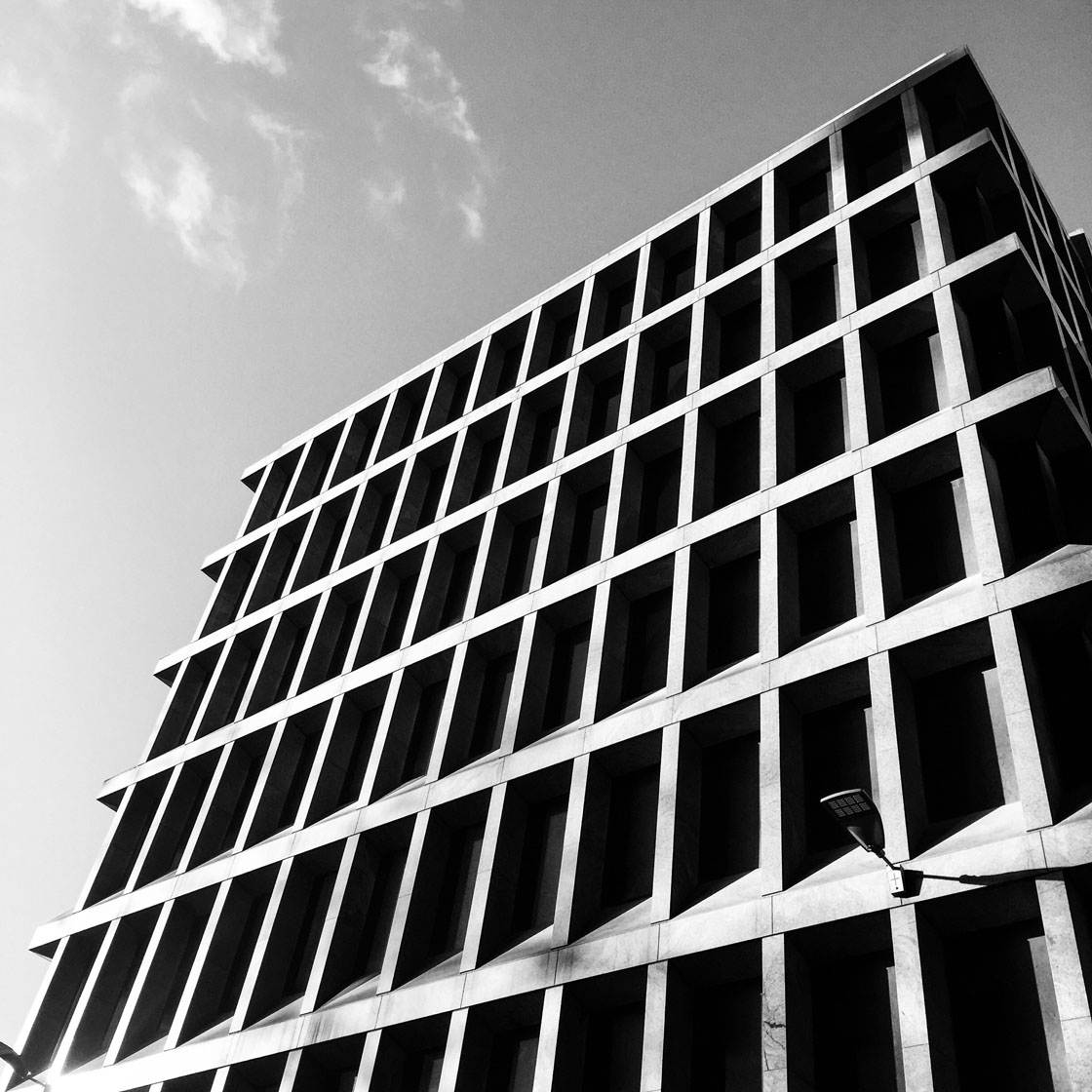

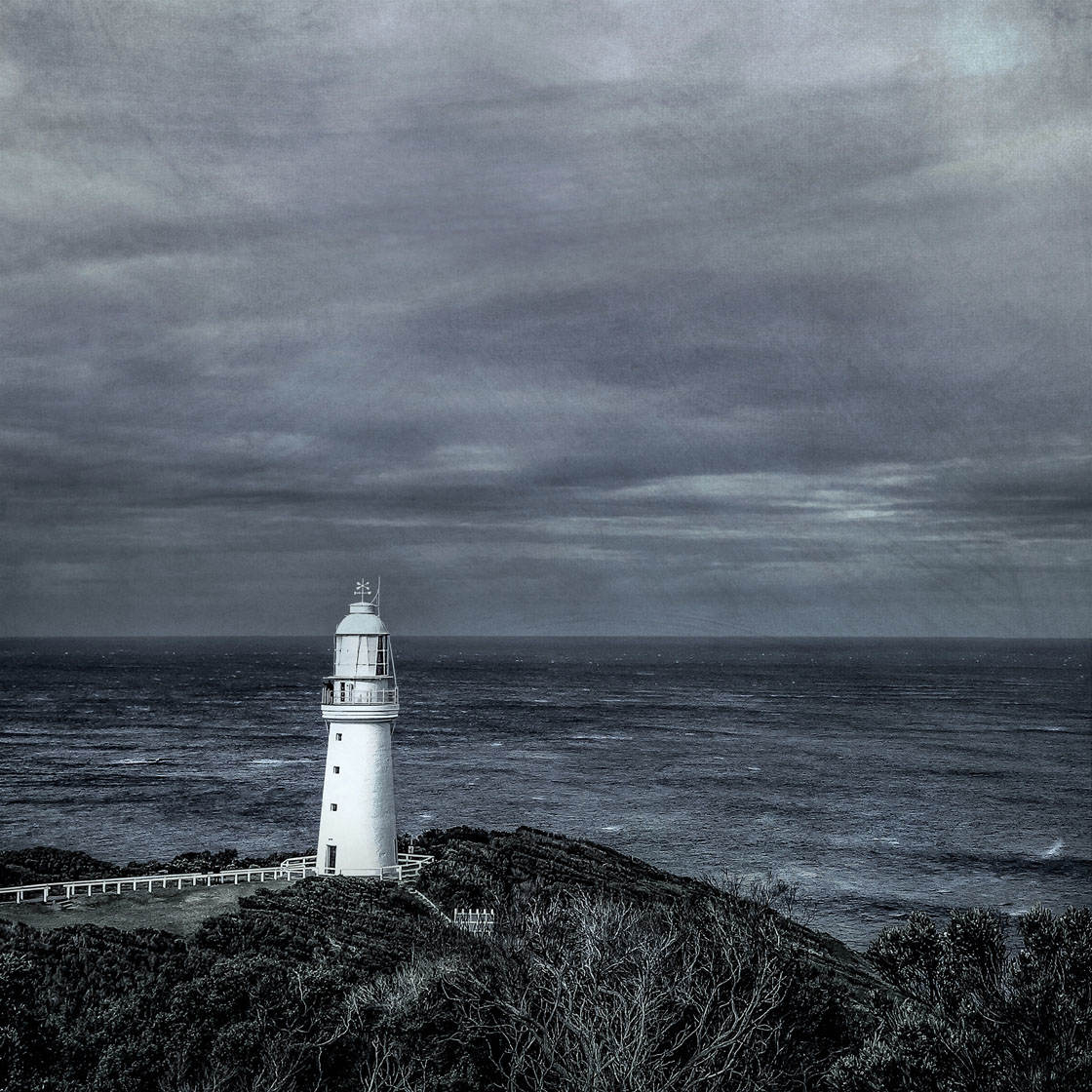

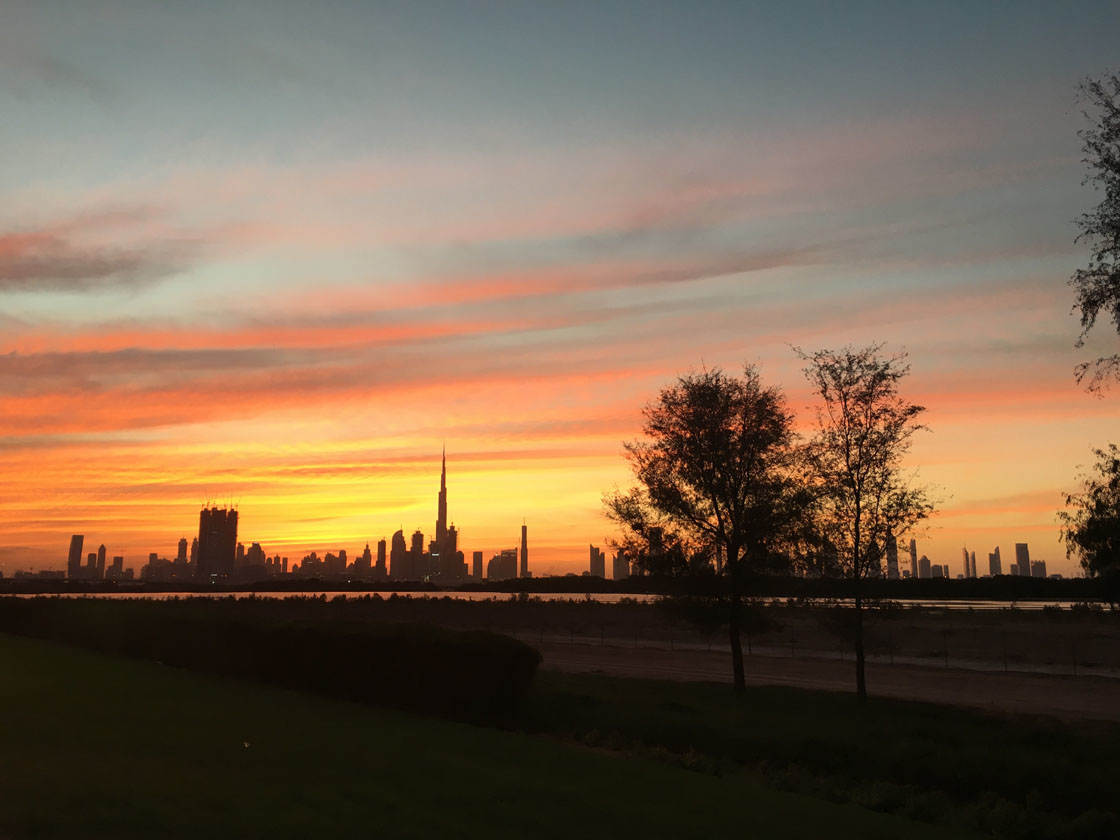
Which one of these photos is your favorite? Please let everyone know in the comments below!
How to Enter the Next Photo Contest
Last week we published a really great tutorial covering 7 Tips For Taking Amazing iPhone Street Photos Of Strangers.
The article is full of useful tips on building your confidence, remaining discreet, and preserving the anonymity of the people you photograph.
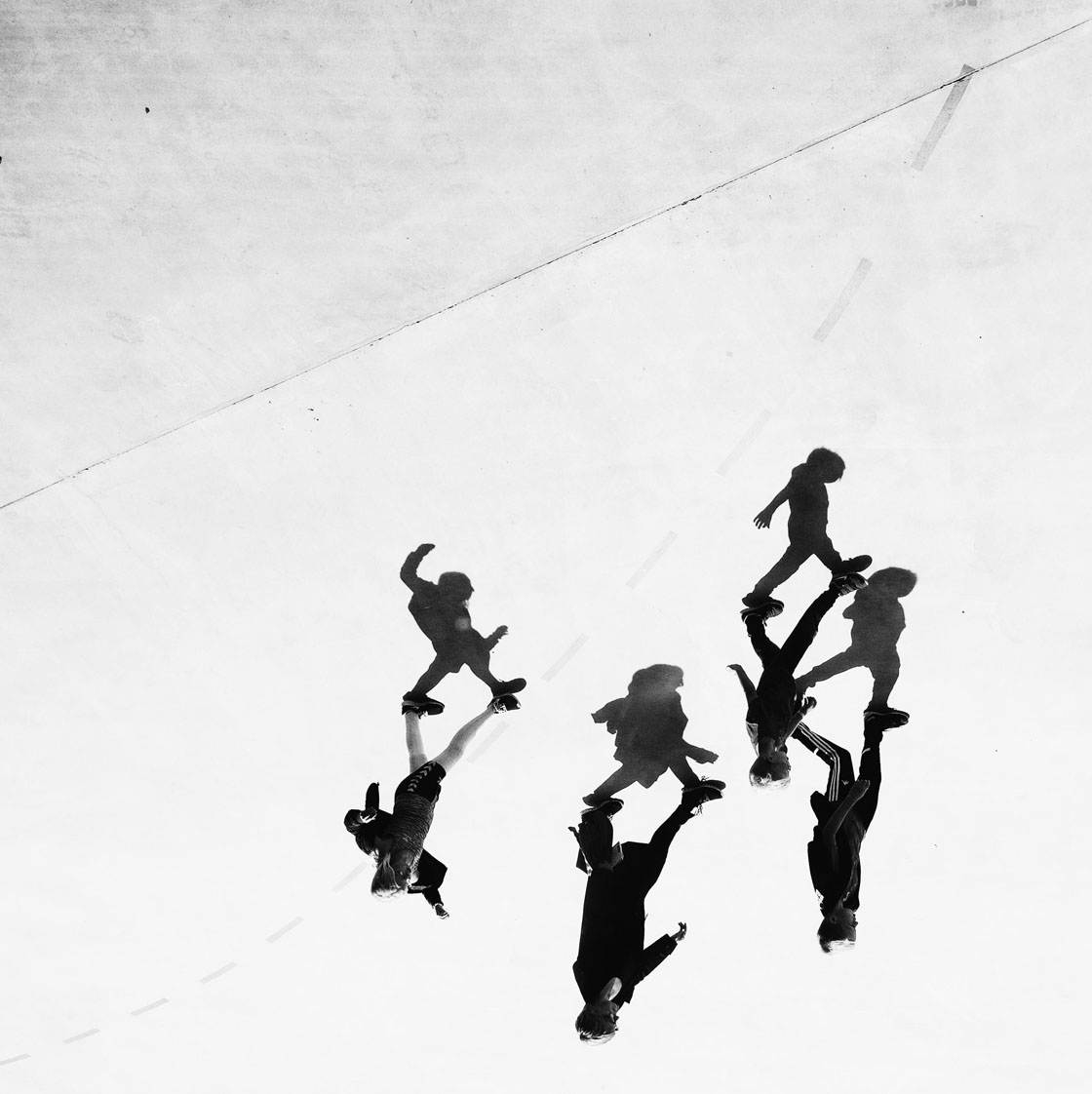
Practical tips for remaining discreet include shooting from a distance, blending in with your surroundings, photographing from behind or above, and capturing reflections, shadows or silhouettes.
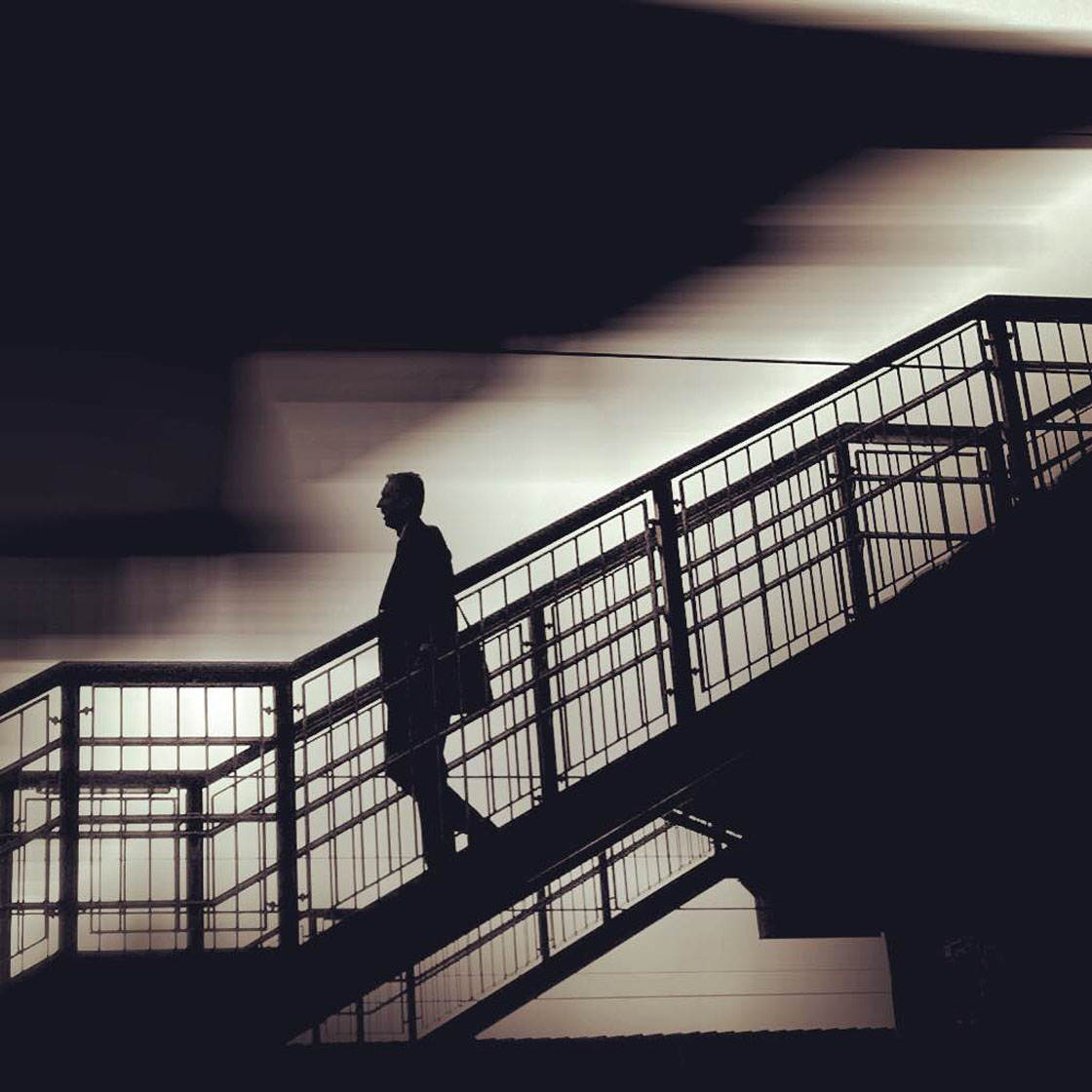
Once you’ve become more confident, you can then try shooting from a closer distance so that you can capture the facial expressions and emotions of your subjects.

So the new contest theme is Street Photography, and any iPhone street photos can be submitted.
To participate, go to contest.iphonephotographyschool.com in your web browser and sign up or log in.
When you’ve signed in, tap Submit Photos then select the photo you want to upload.
Repeat to upload more photos (you can submit up to 10 images). If you change your mind, you can delete a photo by tapping Delete beneath the image.
All photos must be shot and edited on iPhone, iPad or iPod touch. Images should not have watermarks.
The submission deadline is Sunday, April 10. Winners will be announced on Monday, April 11, and the winning images will also be featured on our iPhone Photography School Facebook page.