

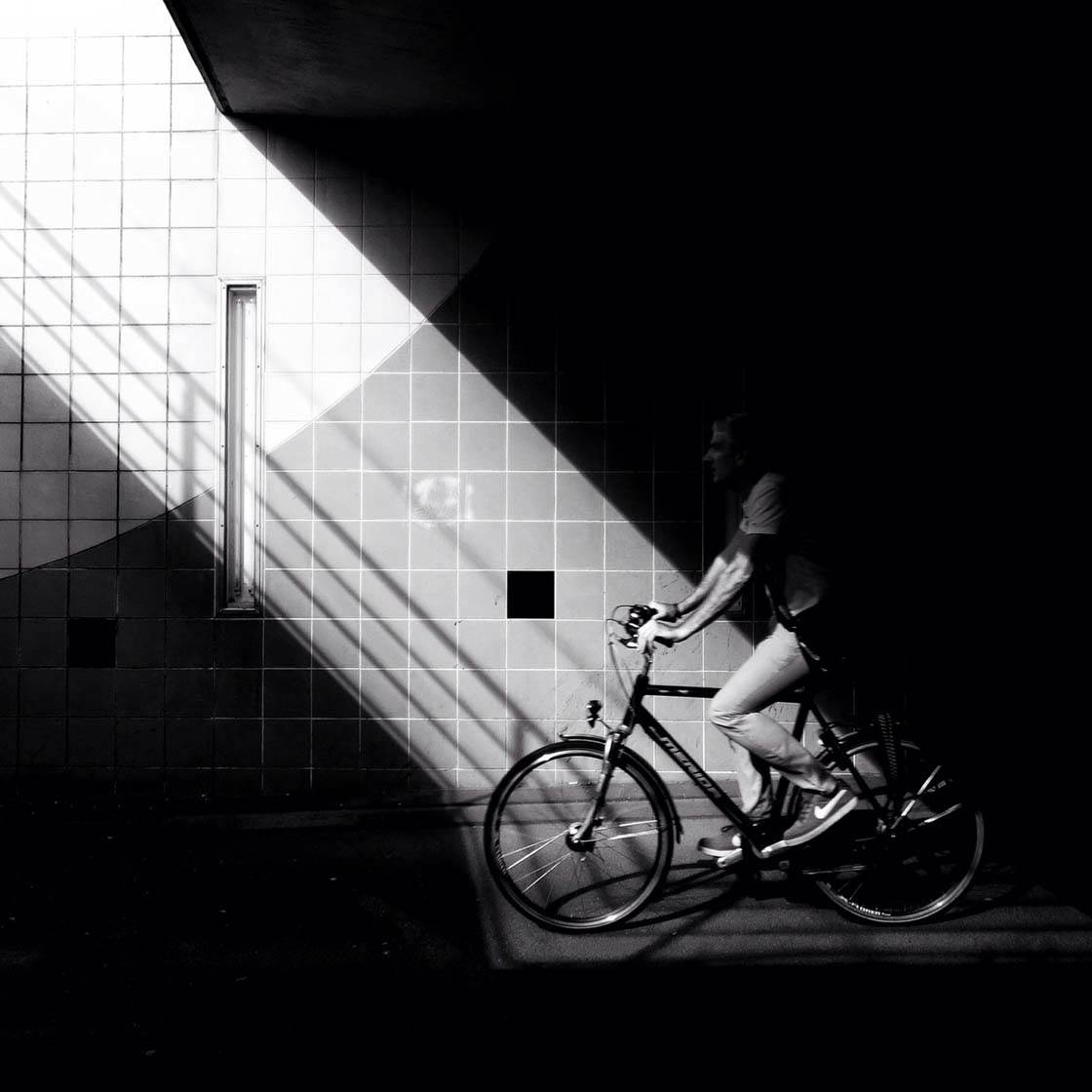
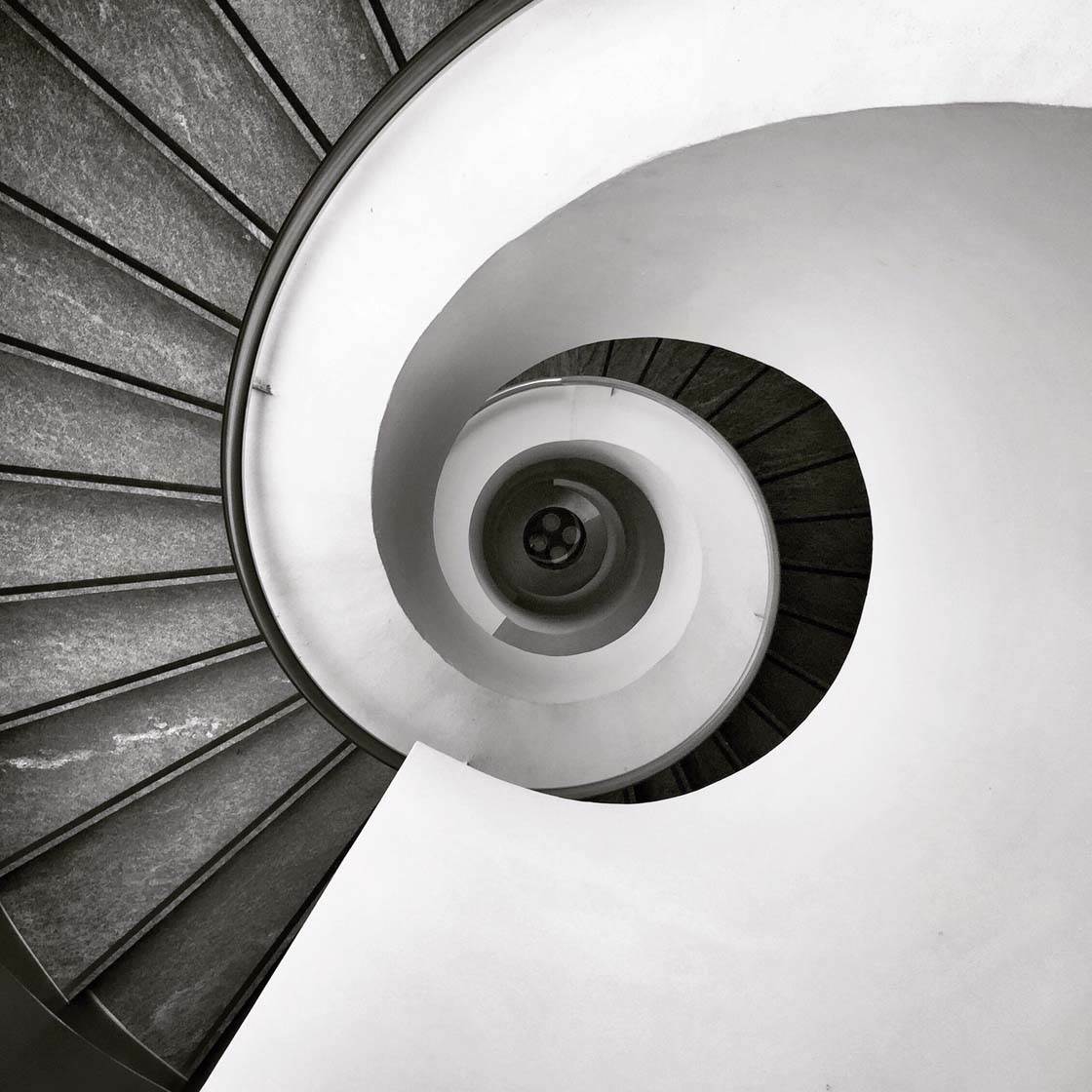
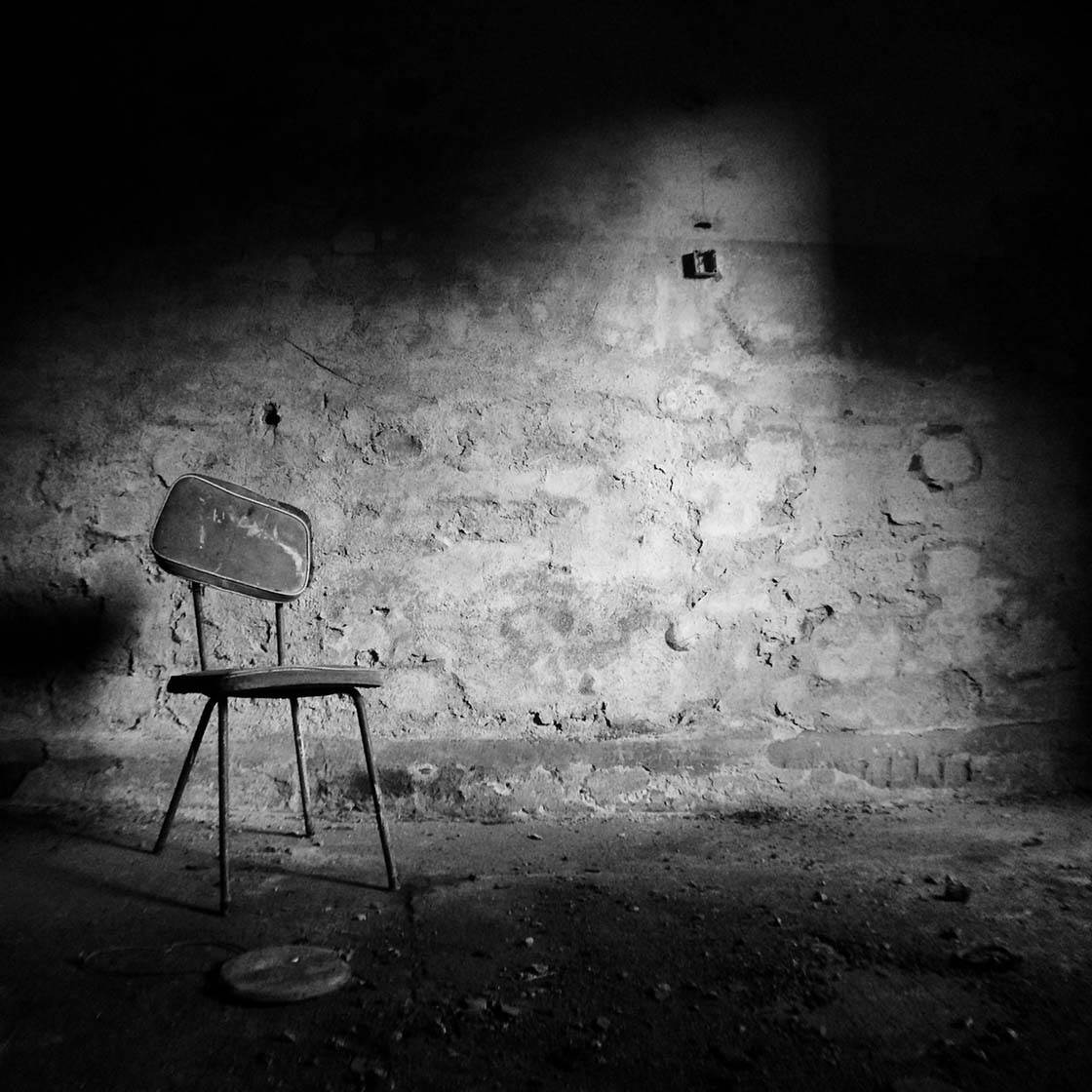
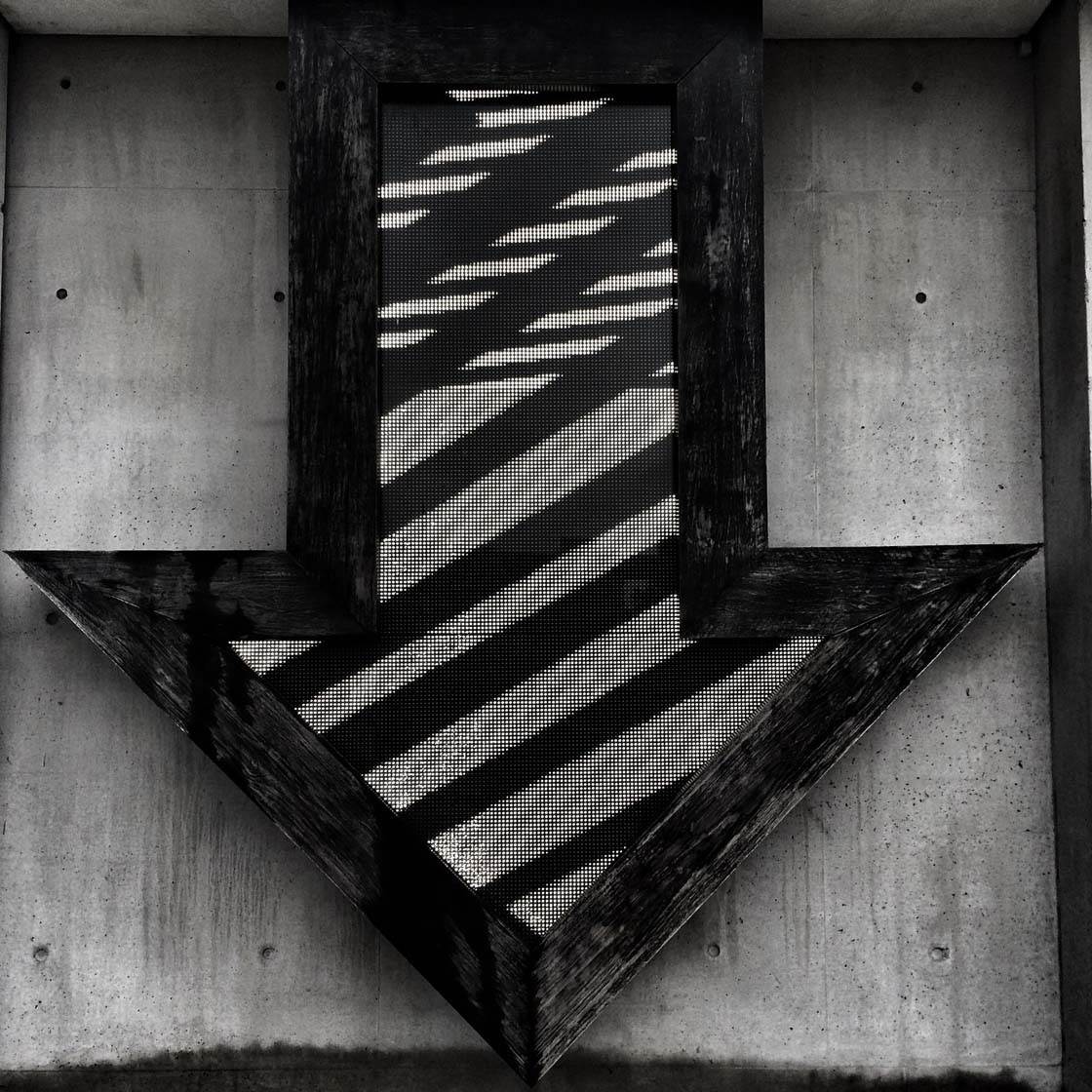
Thank you for the amazing photos submitted to our weekly iPhone photography contest. This week’s theme was “Black and White” and we had almost 750 fantastic entries. With so many great images it was very difficult to select just 30 winners, but here are my favorite black and white iPhone photos that really stood out to me this week.


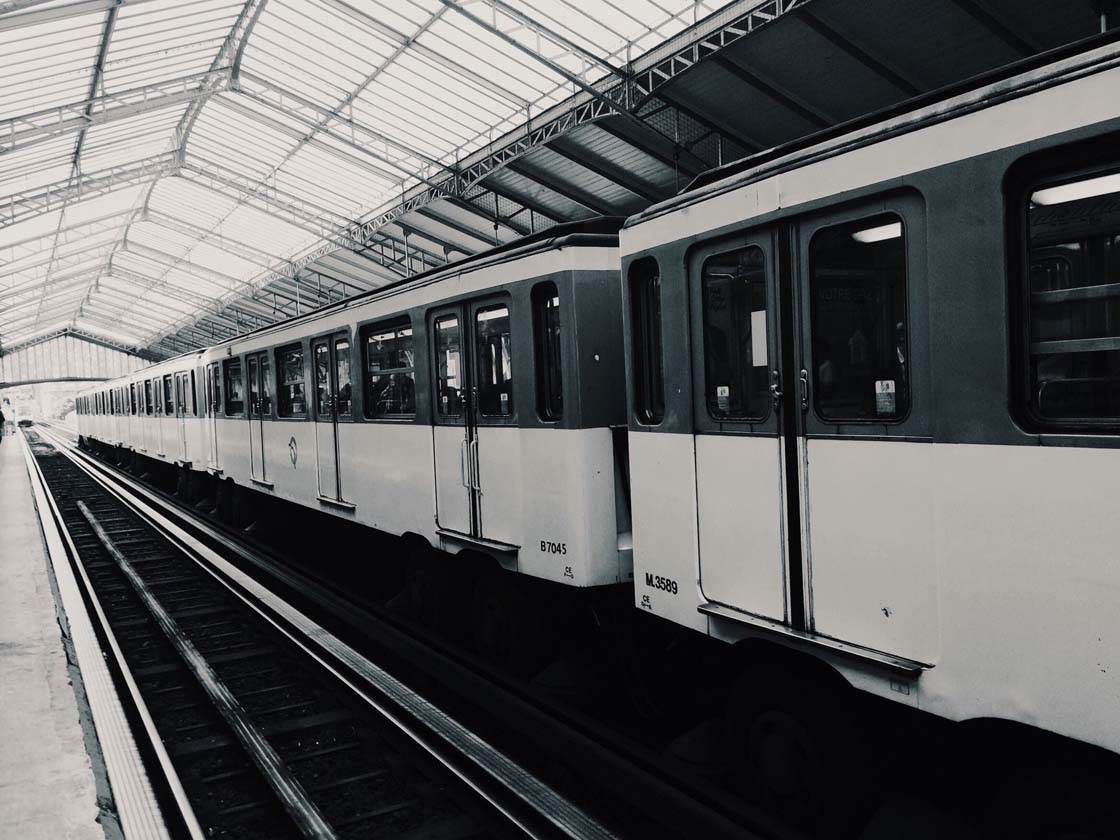
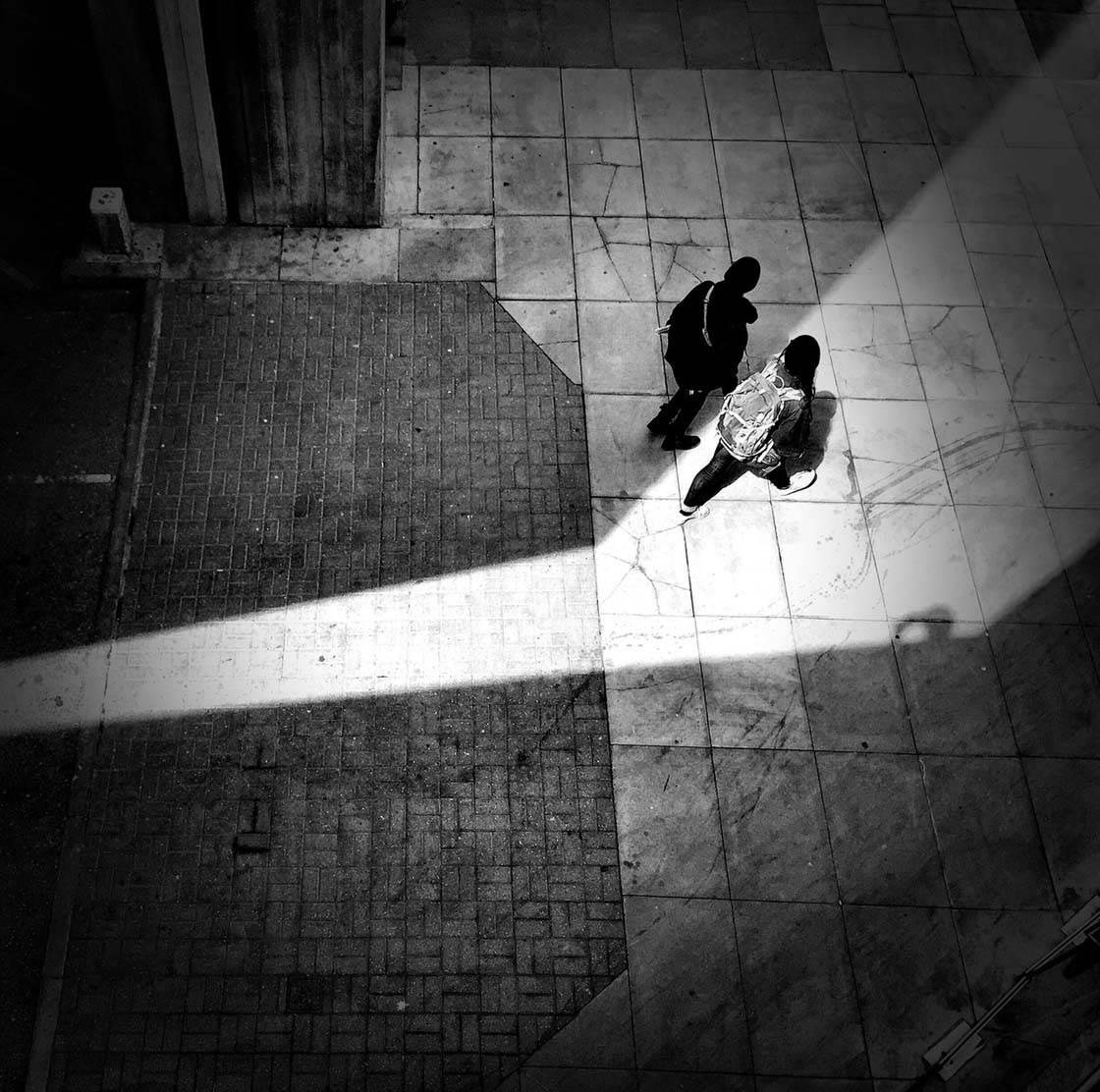
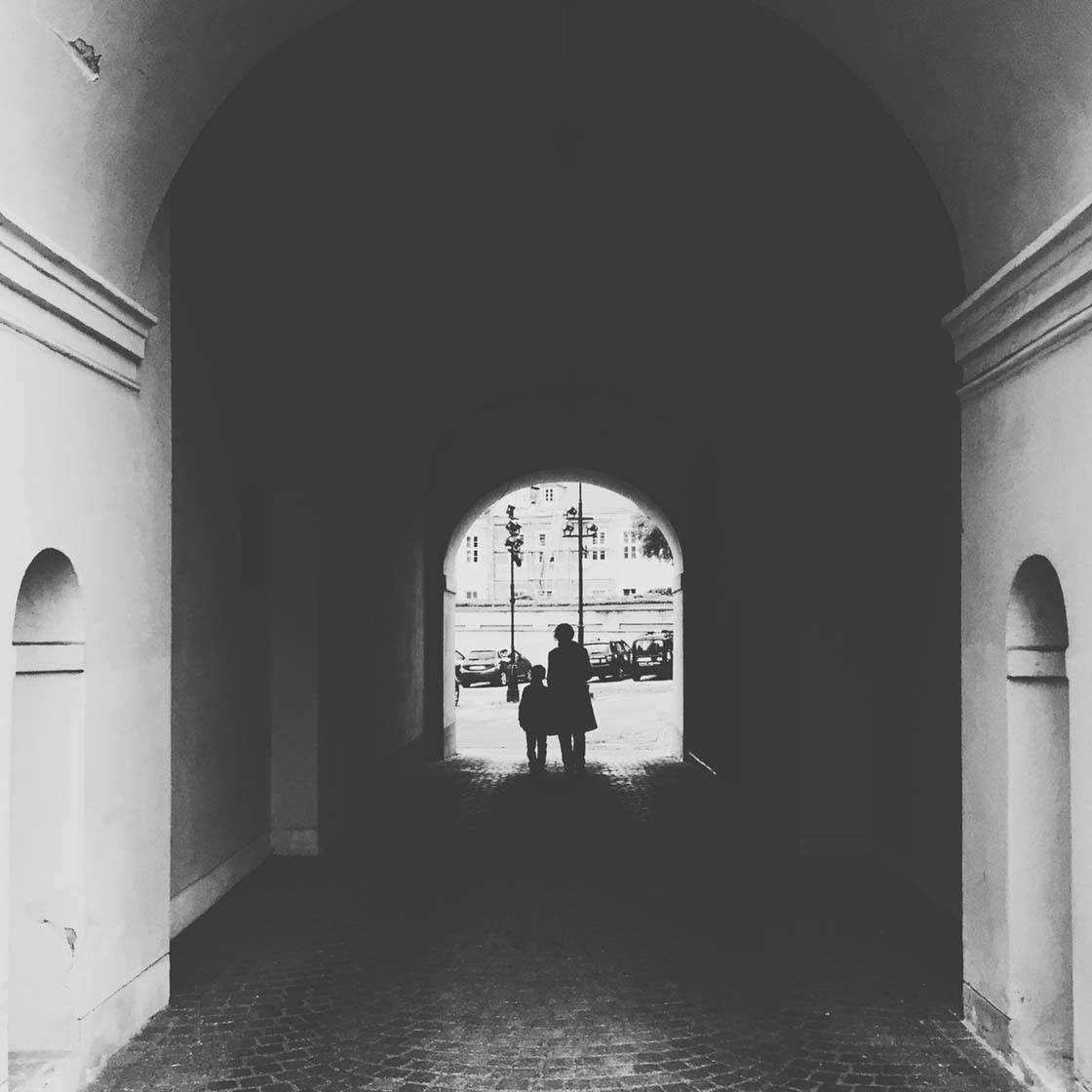

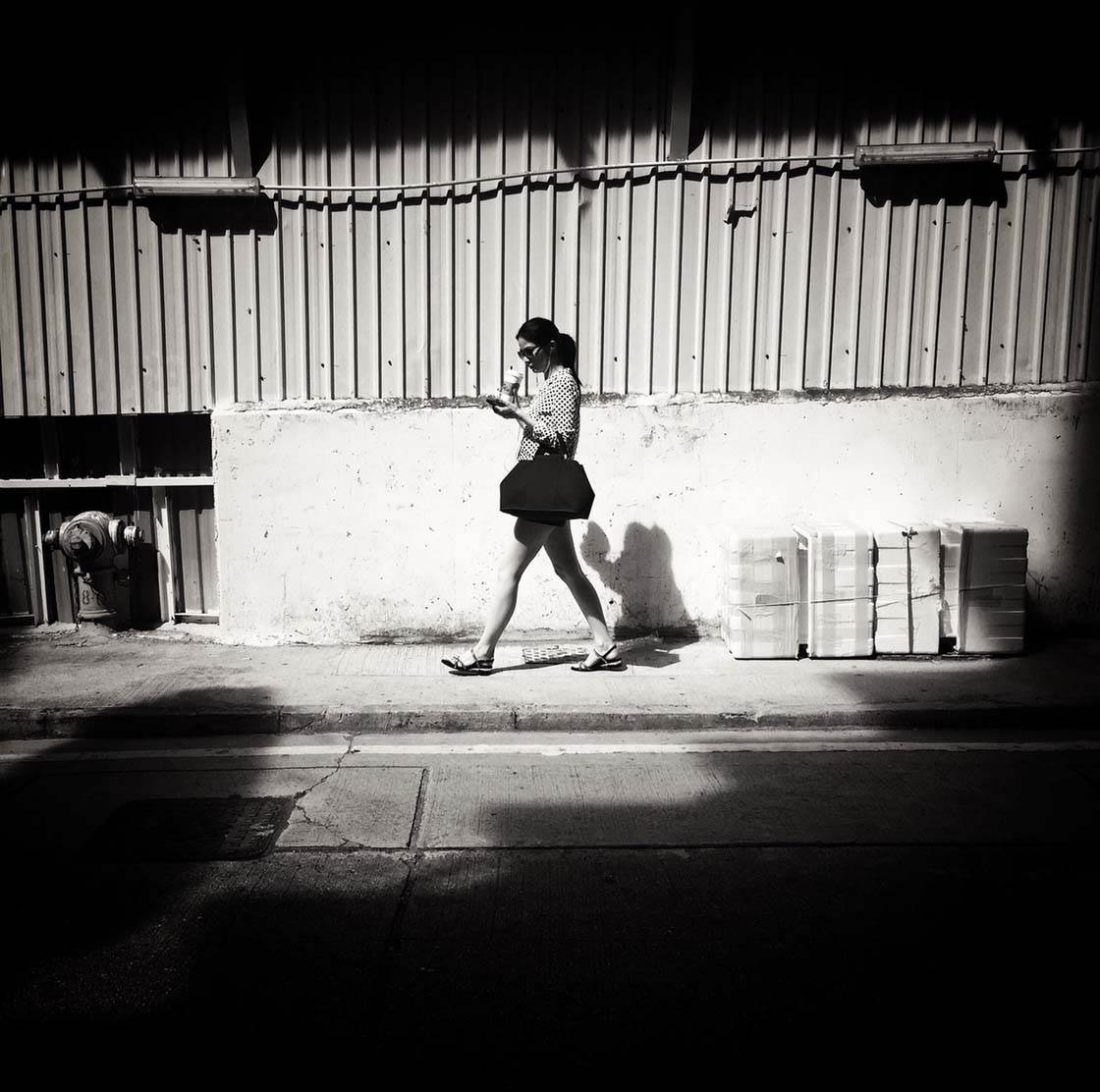

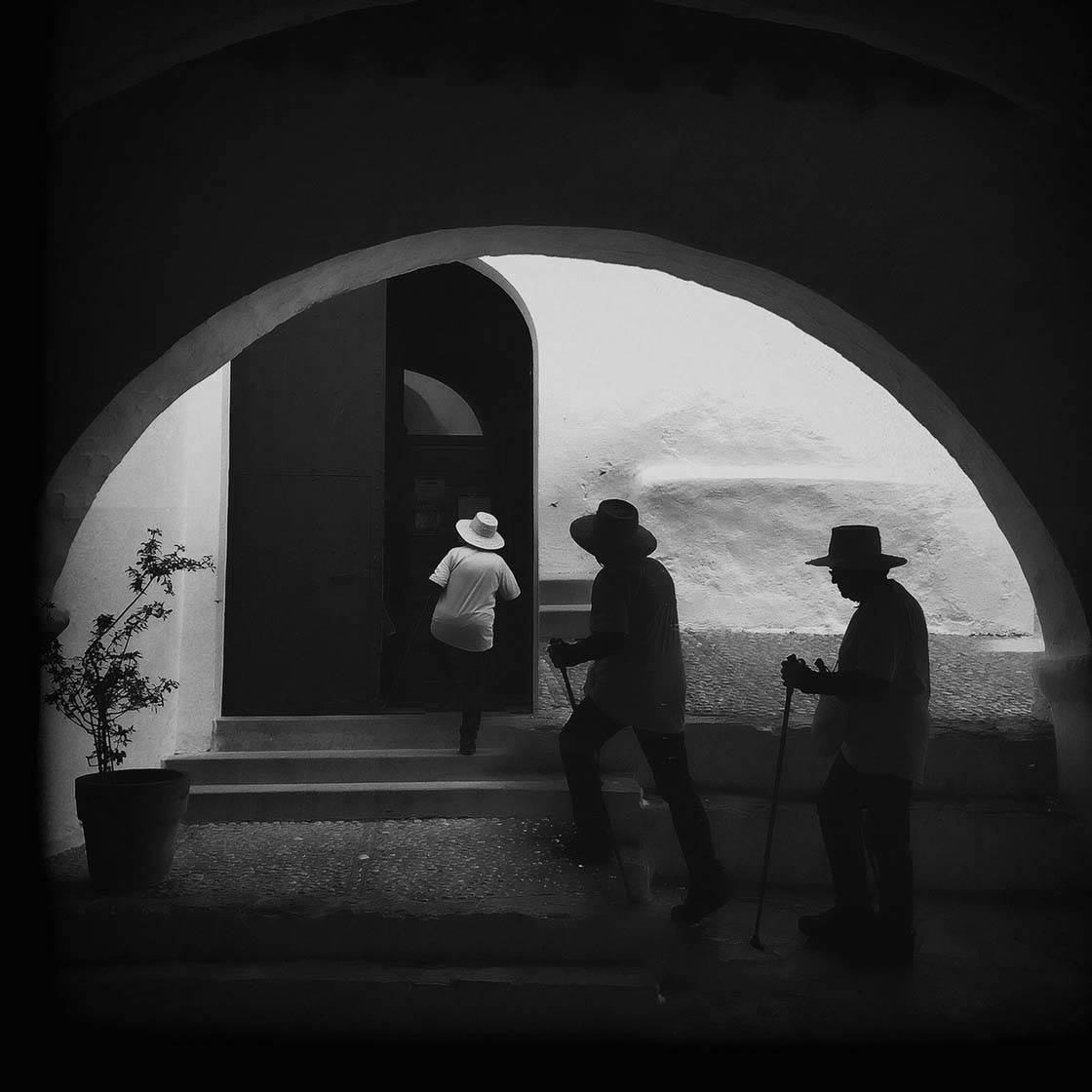

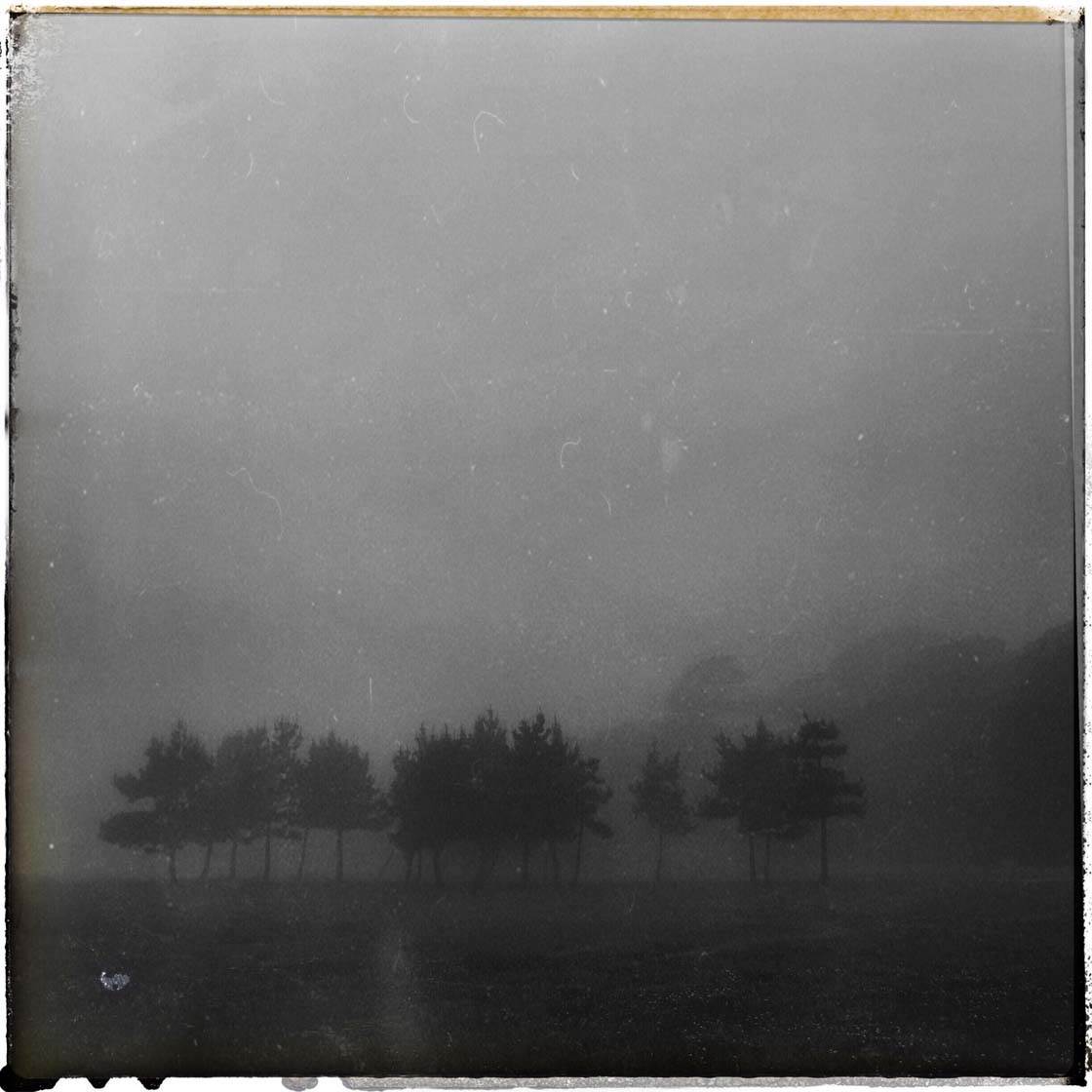



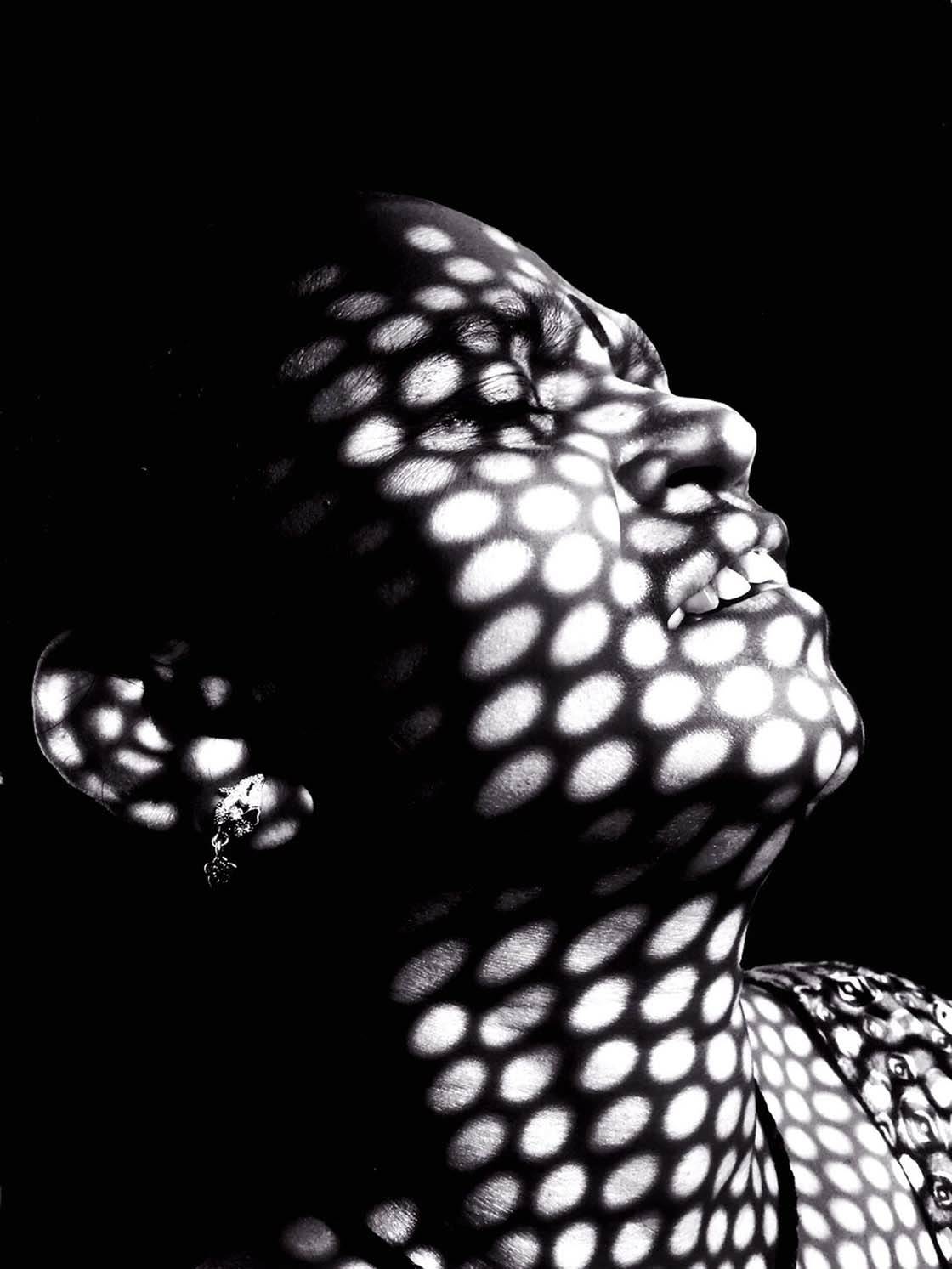

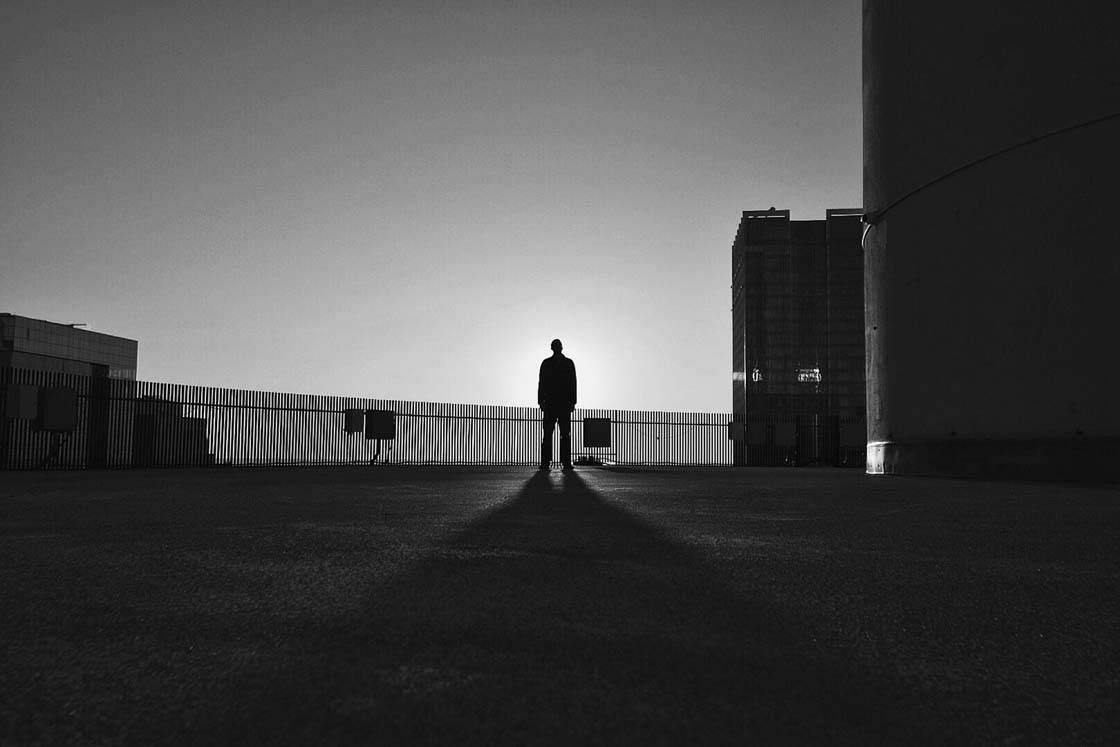






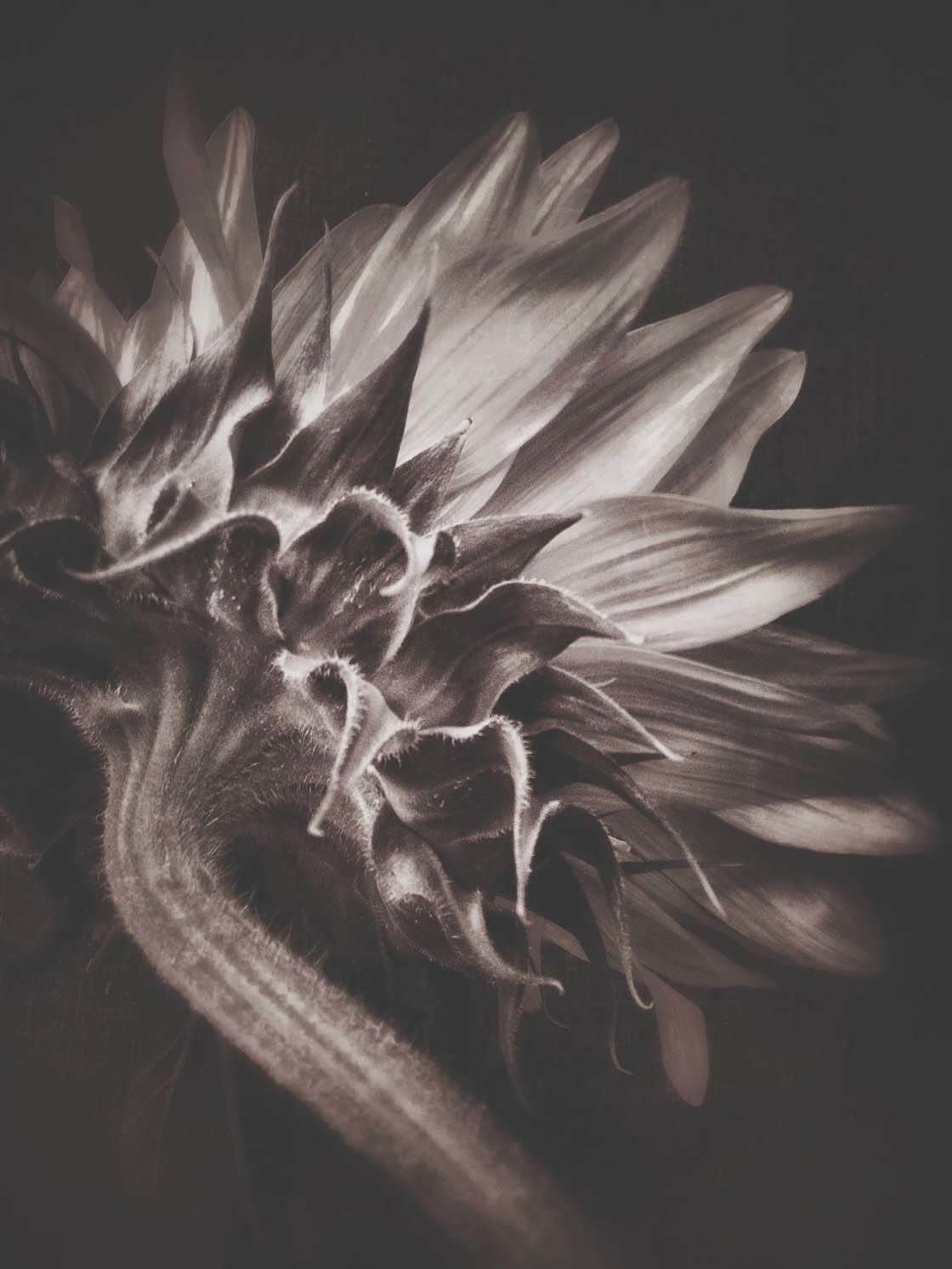
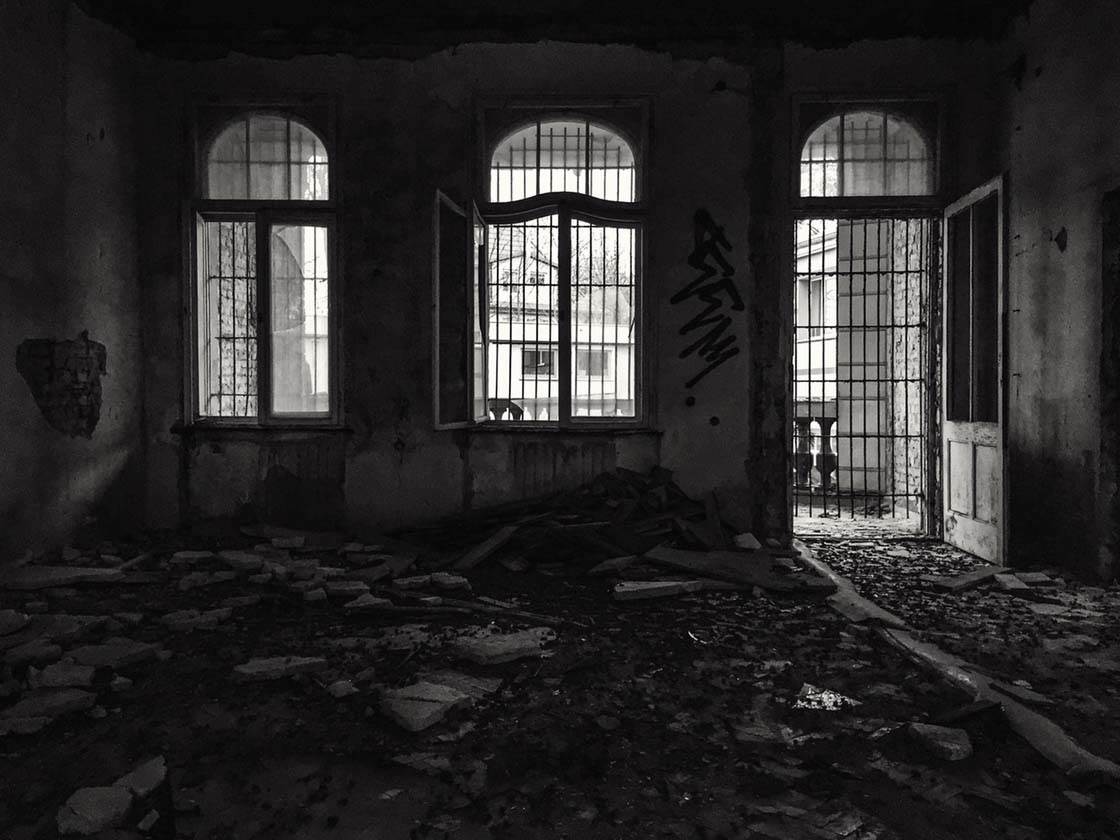
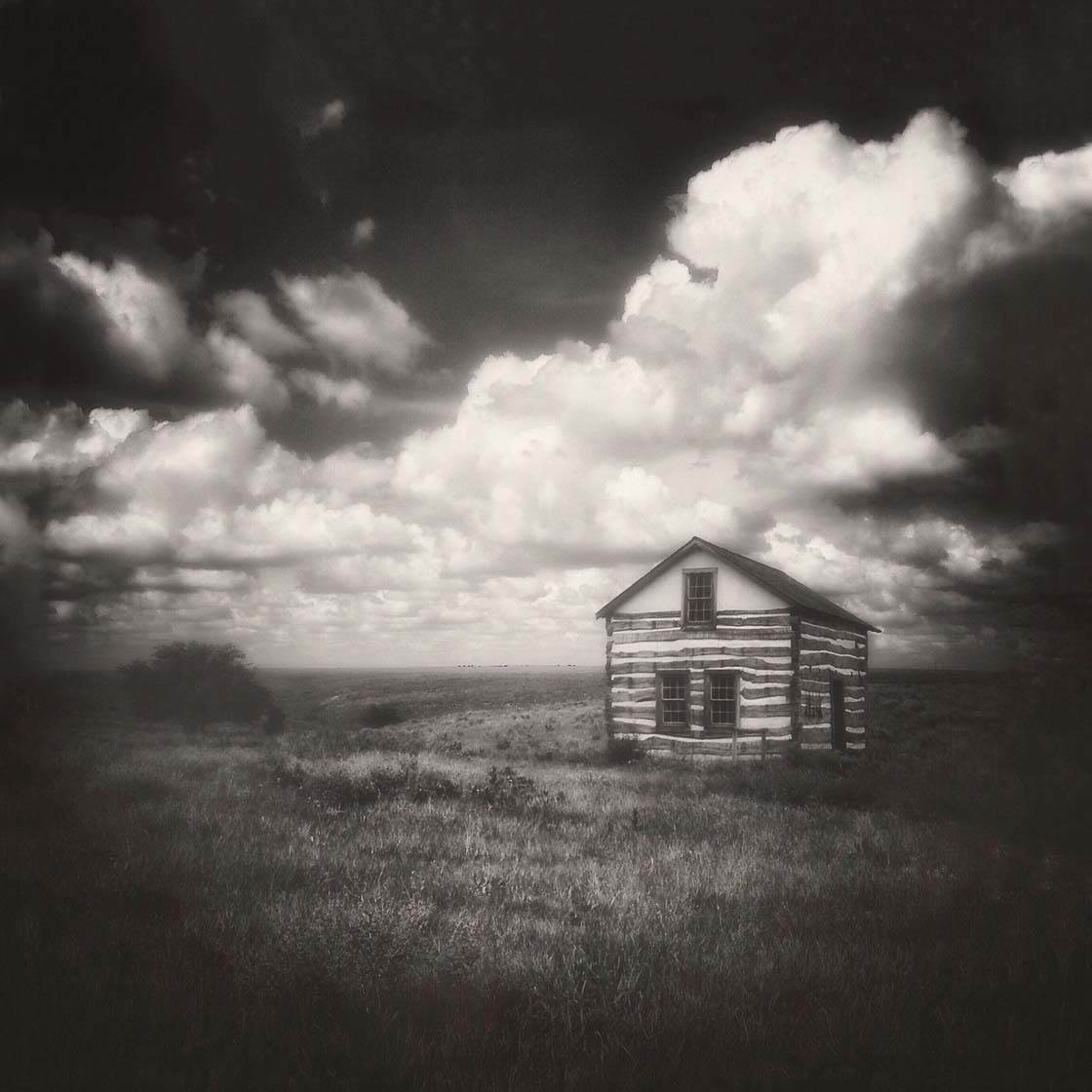
Which one of these photos is your favorite? Please let everyone know in the comments!
How to Enter the Next Photo Contest
Last week we published two tutorials covering a huge range of tips and techniques for taking better iPhone photos of symmetry:
How To Find & Create Amazing Symmetry In Your iPhone Photography
8 Ways To Create Perfectly Symmetrical iPhone Photos
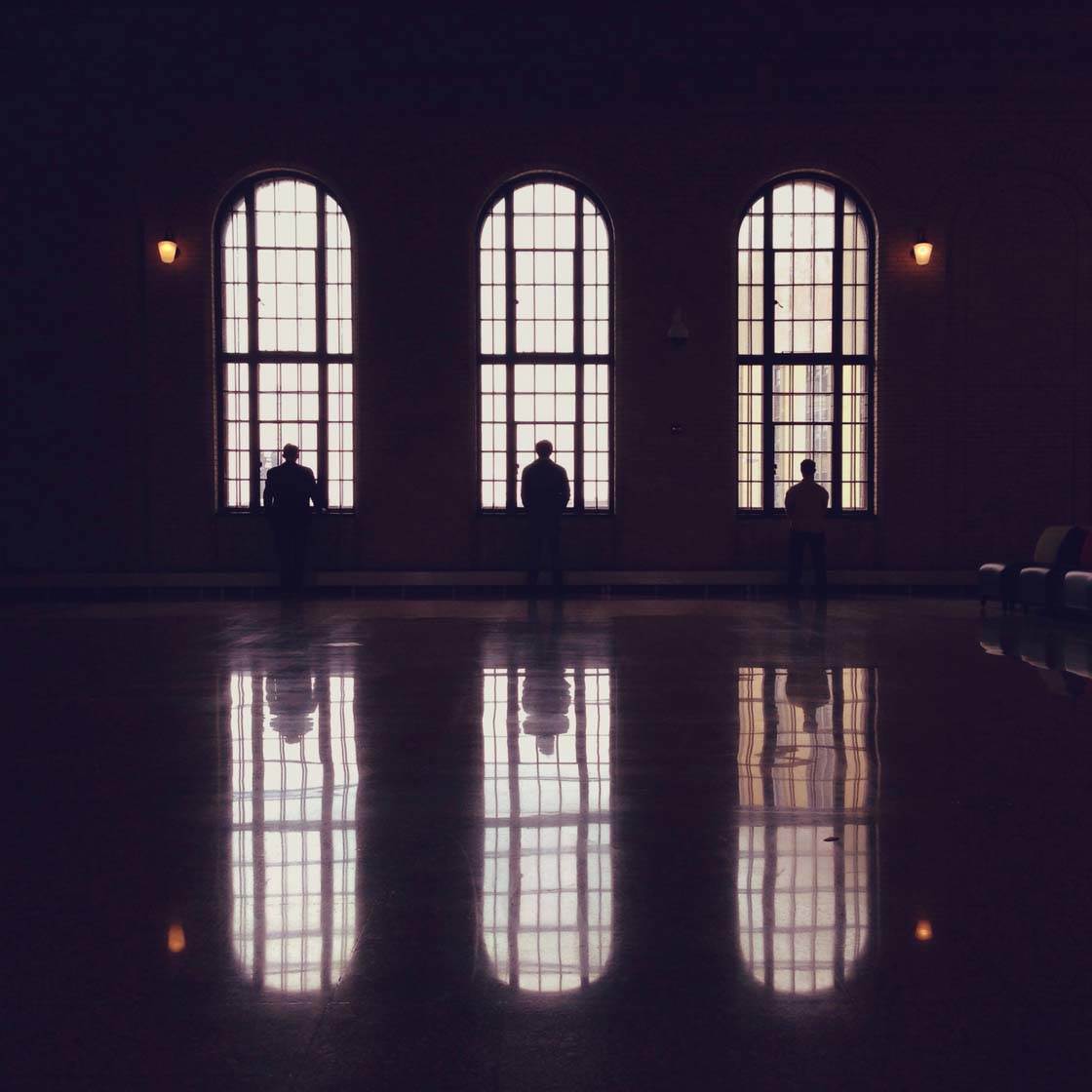
Symmetry is one of the most powerful ways to create a striking image that is guaranteed to grab the viewer’s attention, but it’s not always east to capture perfect symmetry.
The above articles show you how to find great symmetrical scenes and subjects, and how to compose your images to make the most of the symmetry.
They also cover the use of apps to ensure you get the shot perfectly symmetrical, to help you fix problems with symmetry after shooting, and even to create symmetry from a non-symmetrical scene using mirroring apps.
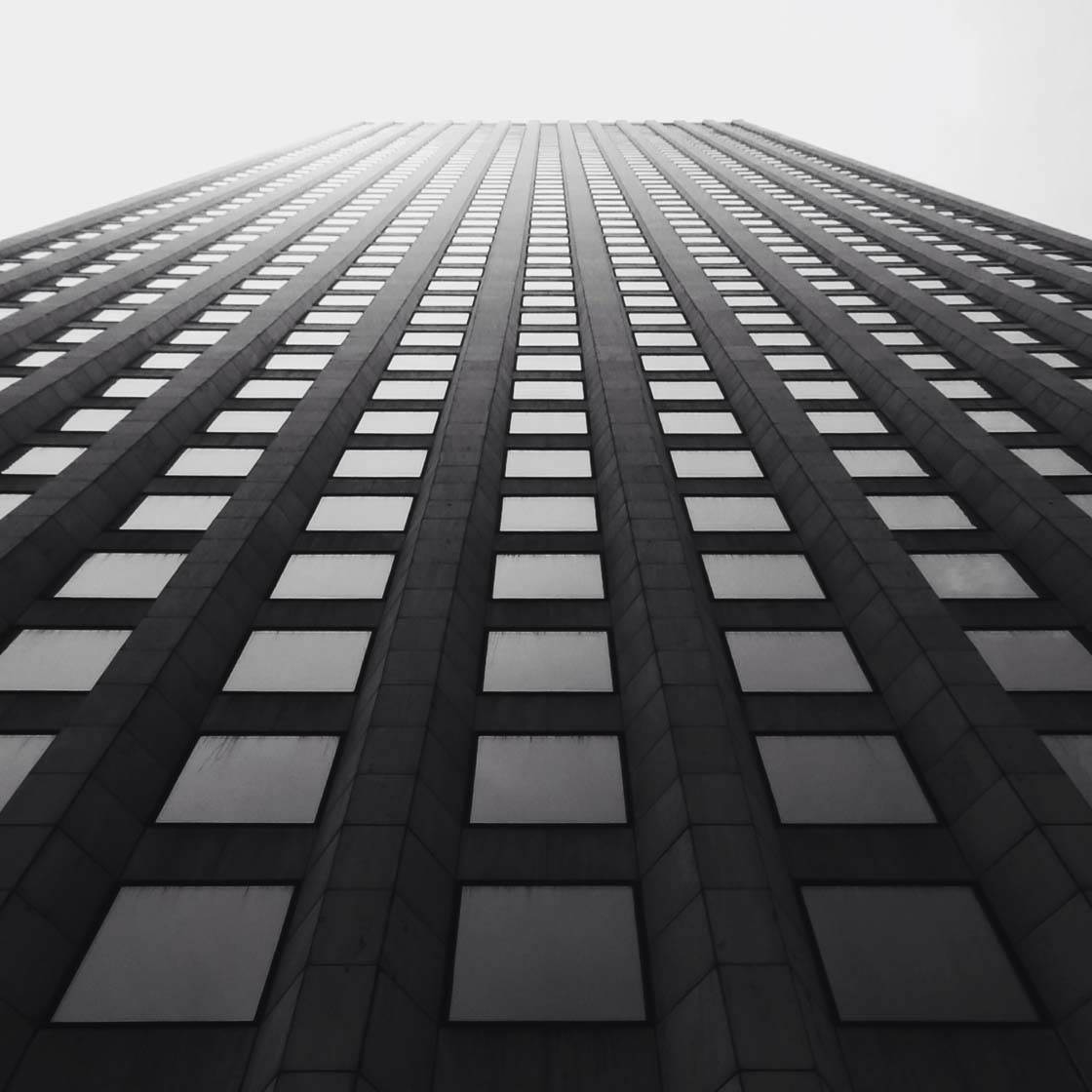
So the new contest theme is Symmetry, and any iPhone photos with a symmetrical, or near symmetrical, composition can be submitted. To participate, simply tag your iPhone photos using IPS2015Symmetry tag on EyeEm.
You can tag photos in the description field when you upload them, or when you edit the description of a photo that has already been uploaded (tap the three dots icon to edit a photo).
All photos must be shot and edited on iPhone, iPad or iPod touch. Please upload photos to EyeEm in full resolution and without any watermarks to make sure we can feature them on the website. Please do not submit more than 10 photos each week.
The submission deadline is Sunday, June 21.